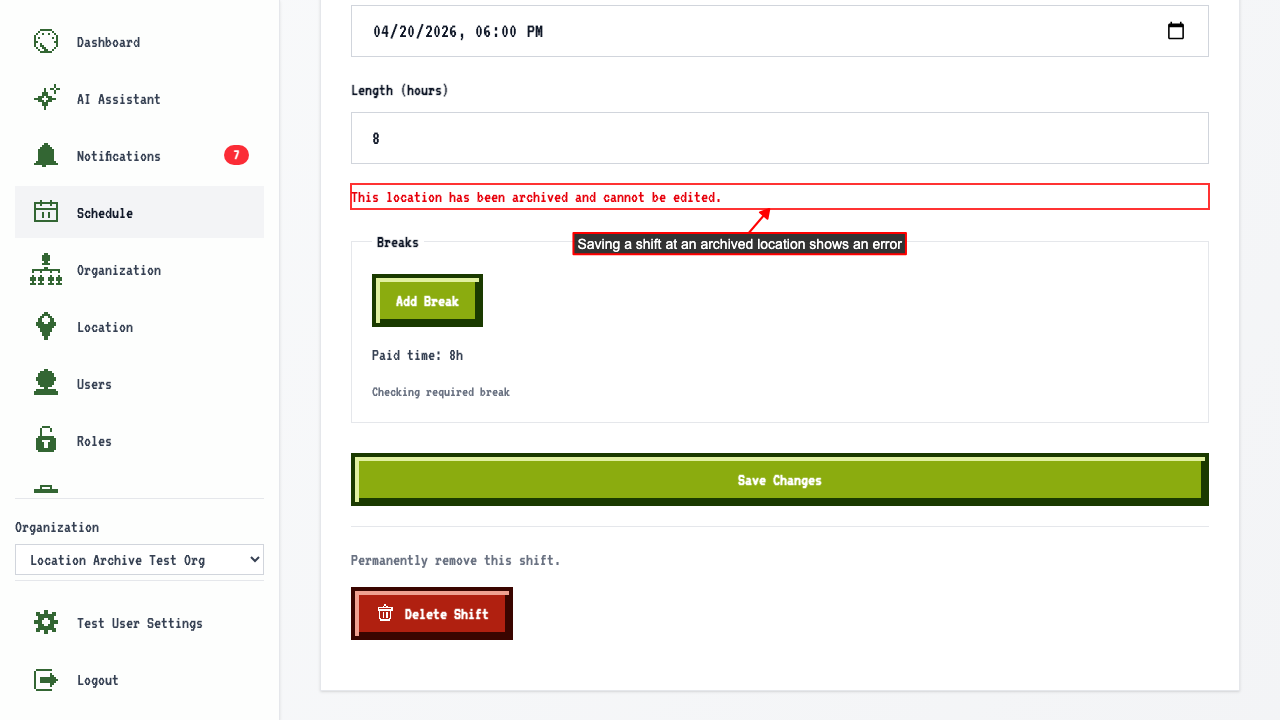
Archiving a Location
How to archive a location
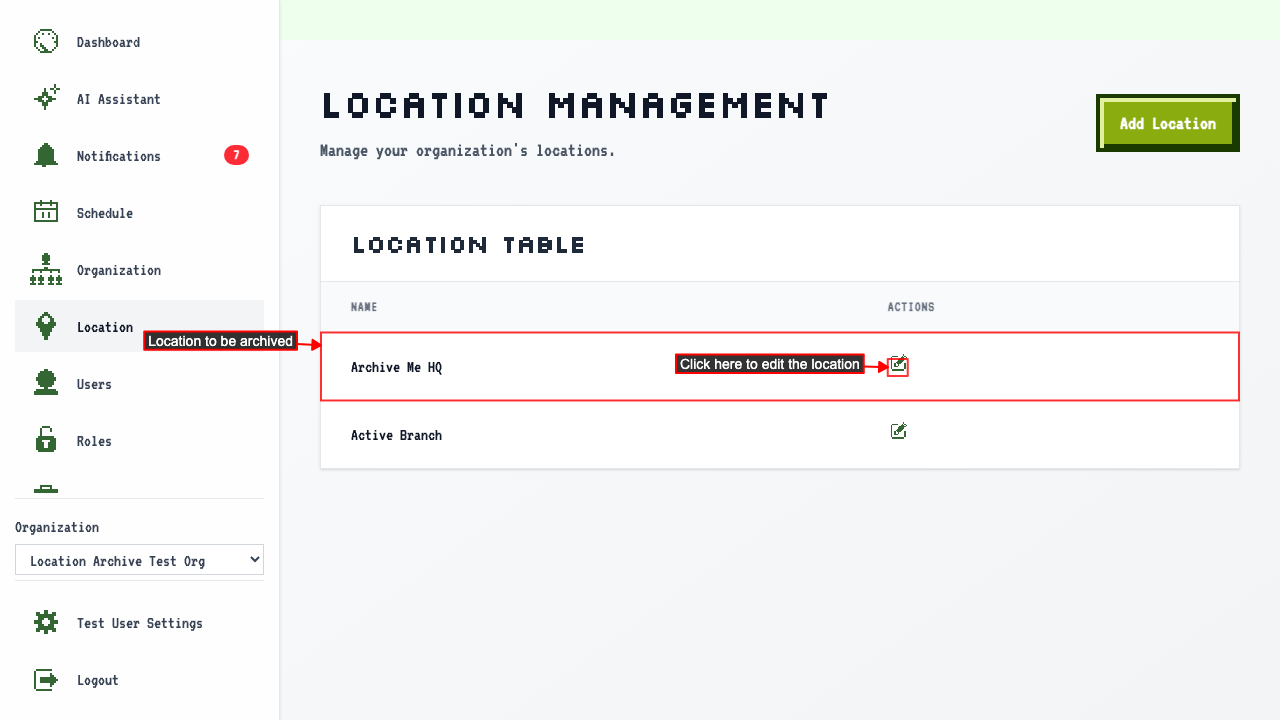
Start on the Locations page.
Click 'Edit Location' on the location you want to archive.
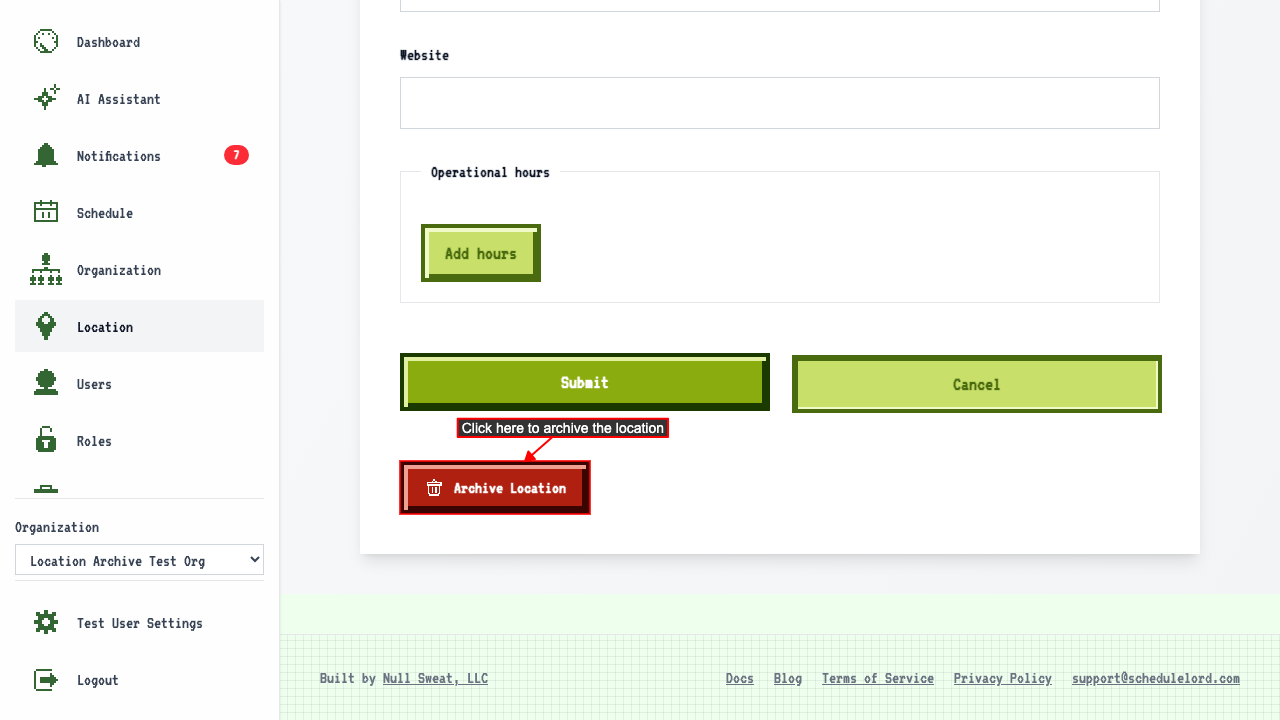
 Then click Archive Location to remove it from active use.
 The location moves from the active table to the Archived Locations table.
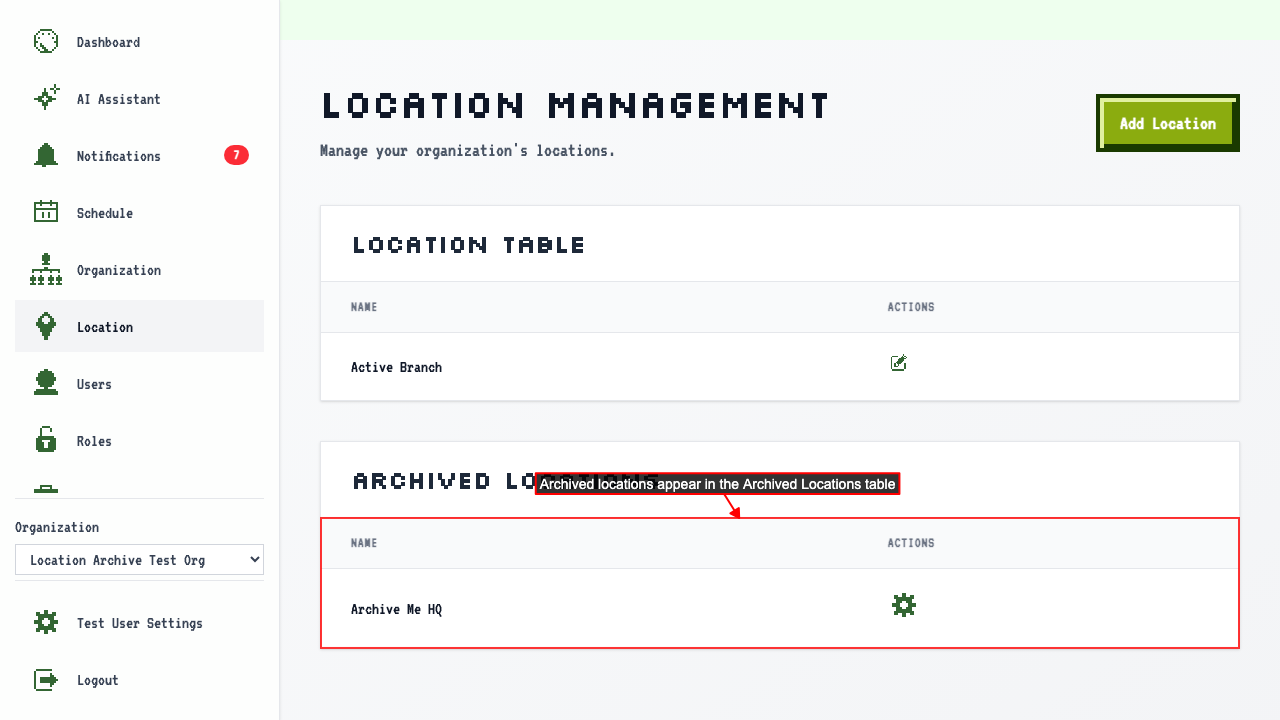 Archived locations have a Manage link instead of an Edit button.
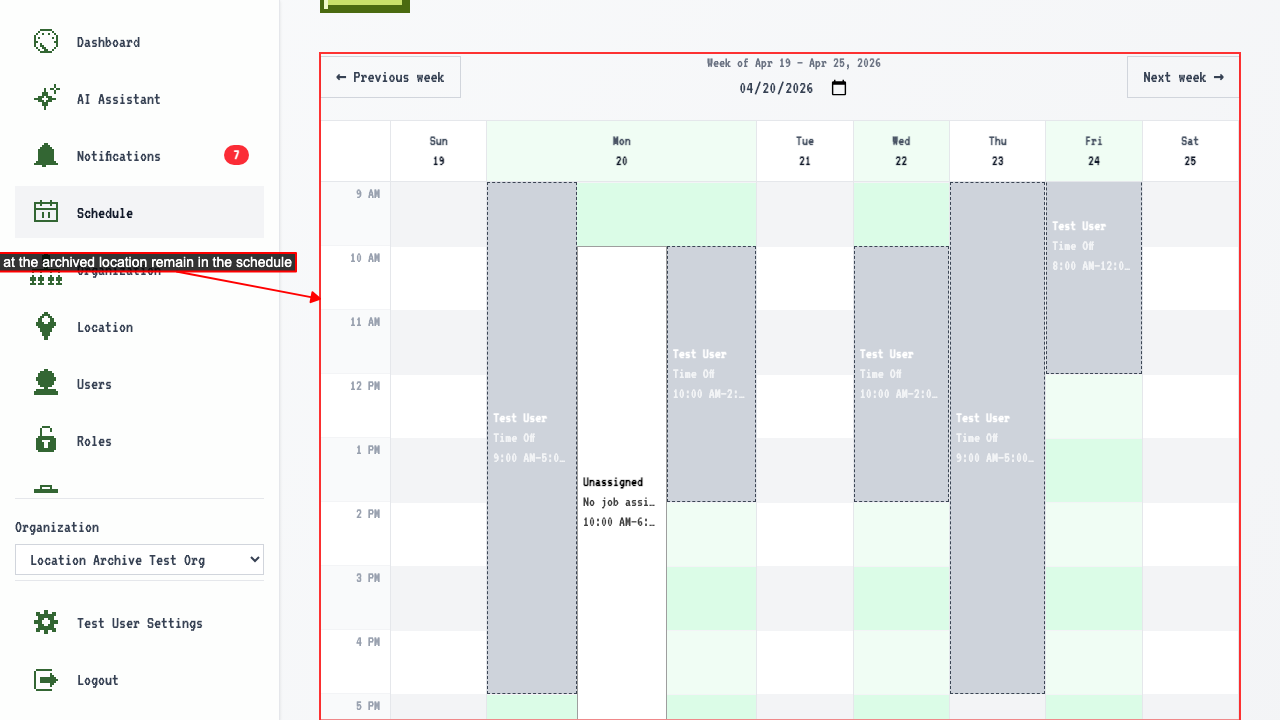
Existing shifts at the archived location are still visible in the schedule.
Archived locations have a Manage link instead of an Edit button.
Existing shifts at the archived location are still visible in the schedule.
info
Archived locations are also removed from the location options when adding a new shift.
But trying to save an edit to a shift at an archived location shows an error.