The Notification Center
What a shift notification looks like
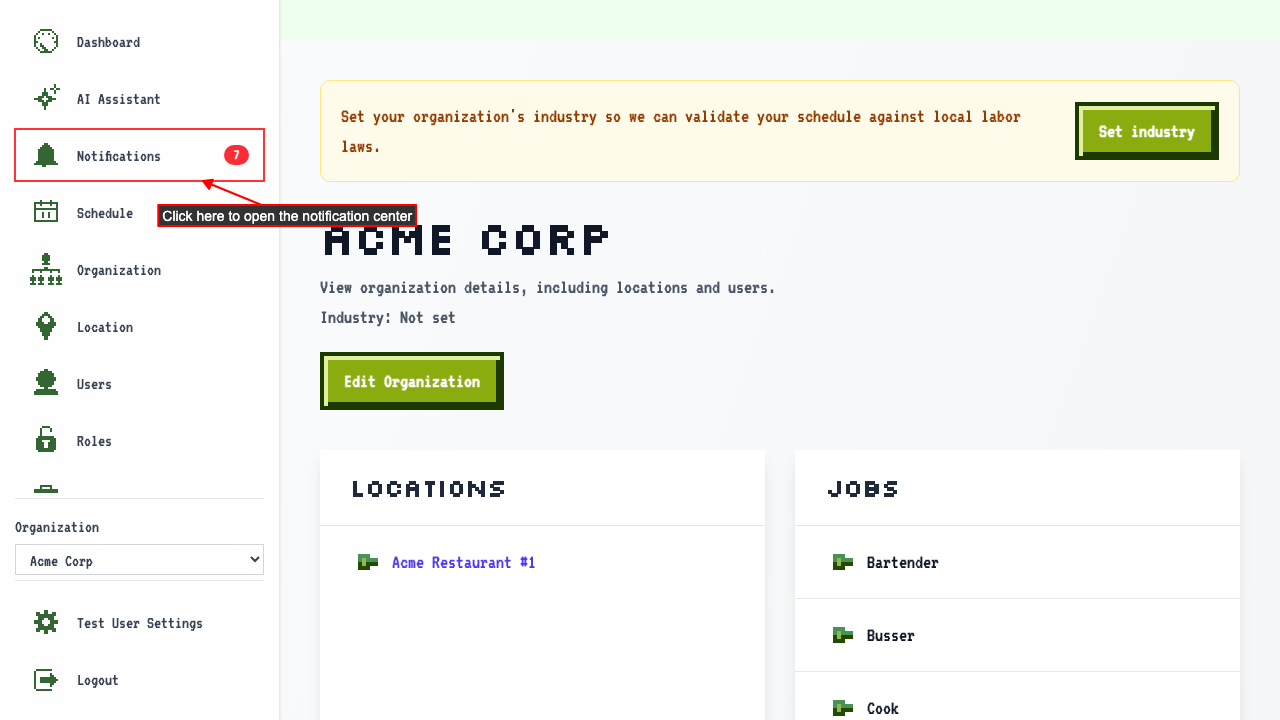
The notification center is accessible from the sidebar.
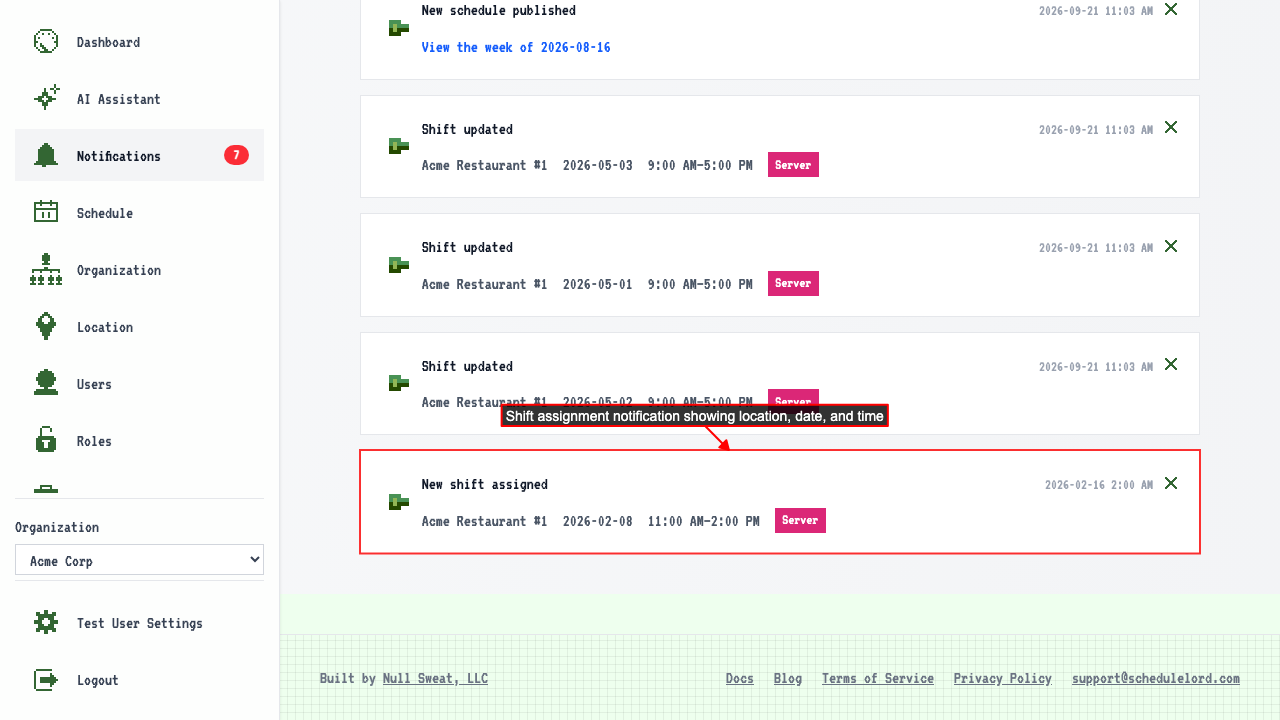
 When you have a shift assignment notification, it appears in the notification center.
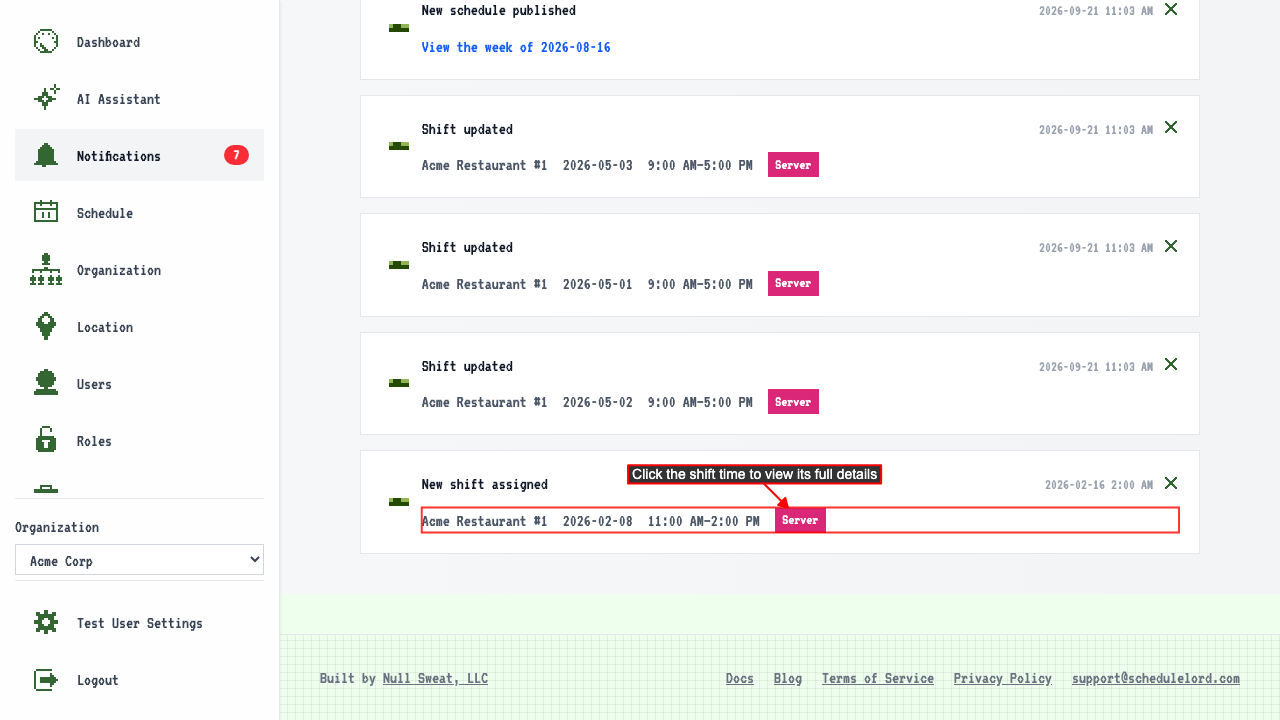
 Clicking the shift time takes you to the shift detail page.
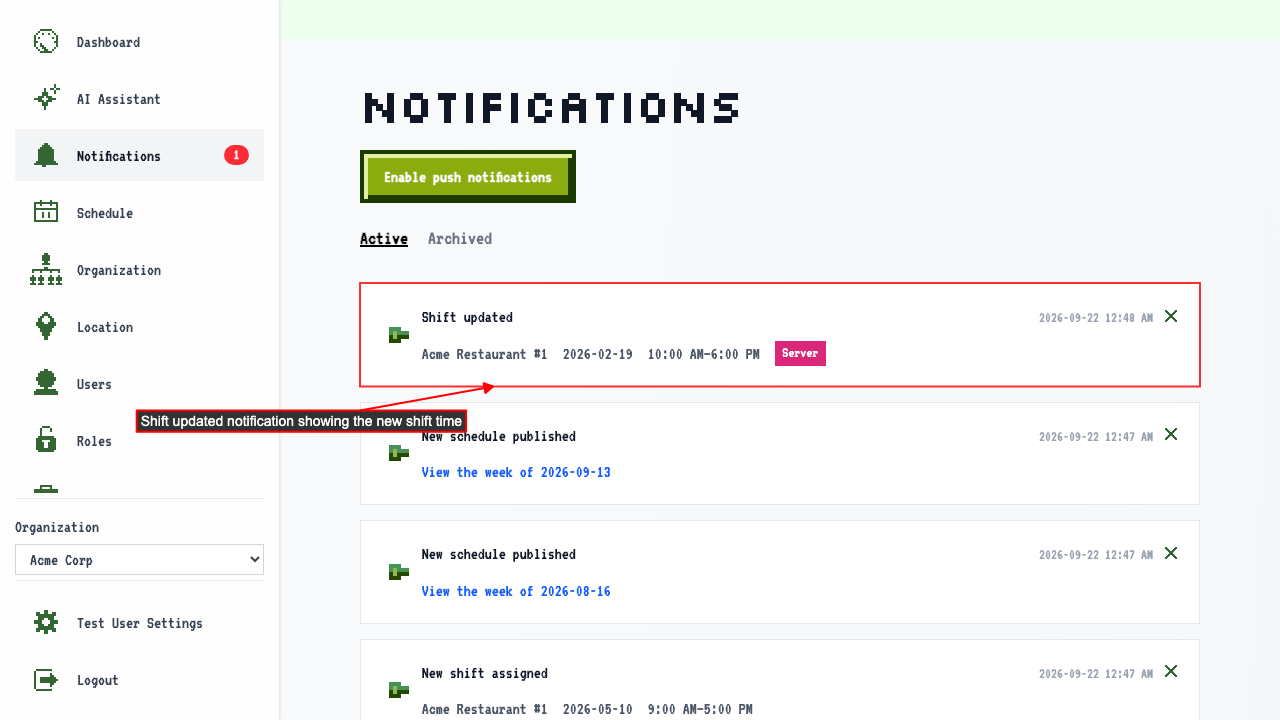
When one of your shifts changes
Someone edits a shift you're assigned to.
The notification center tells you the shift changed.
When a shift is handed to someone else
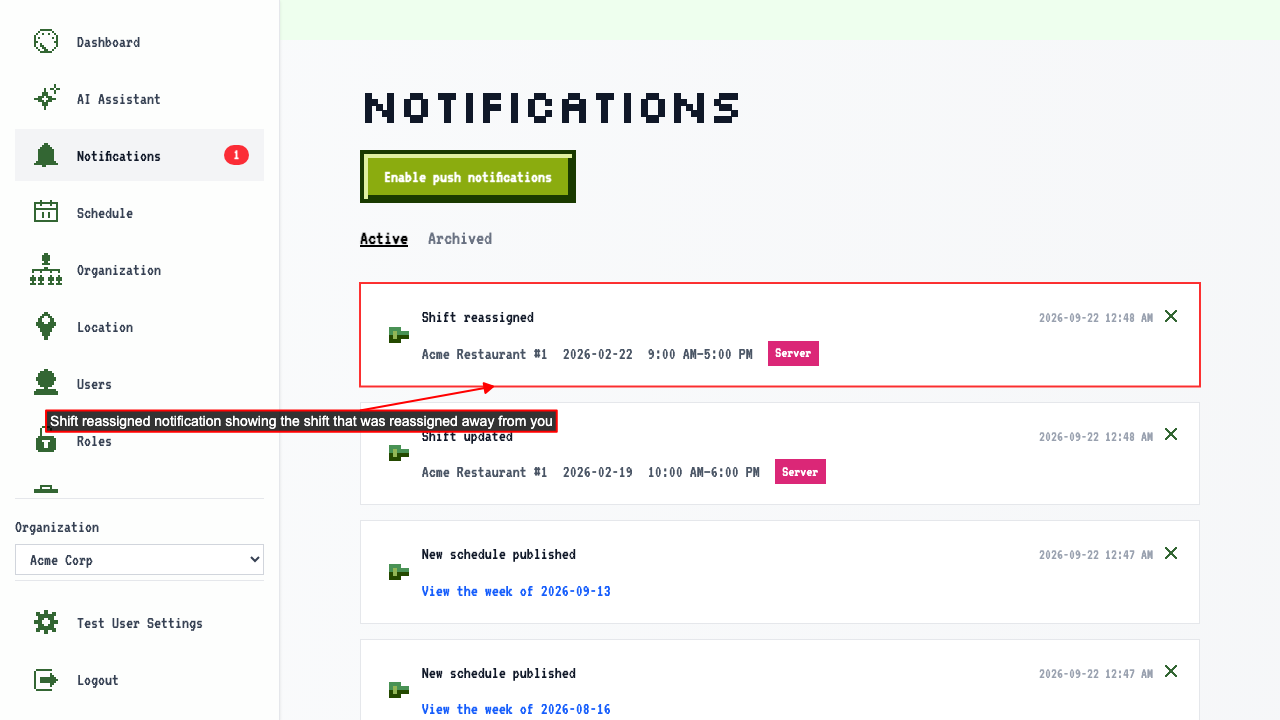
If a shift is reassigned, notify the original assignee.
The notification center shows the shift was reassigned away from you.
When one of your shifts is cancelled
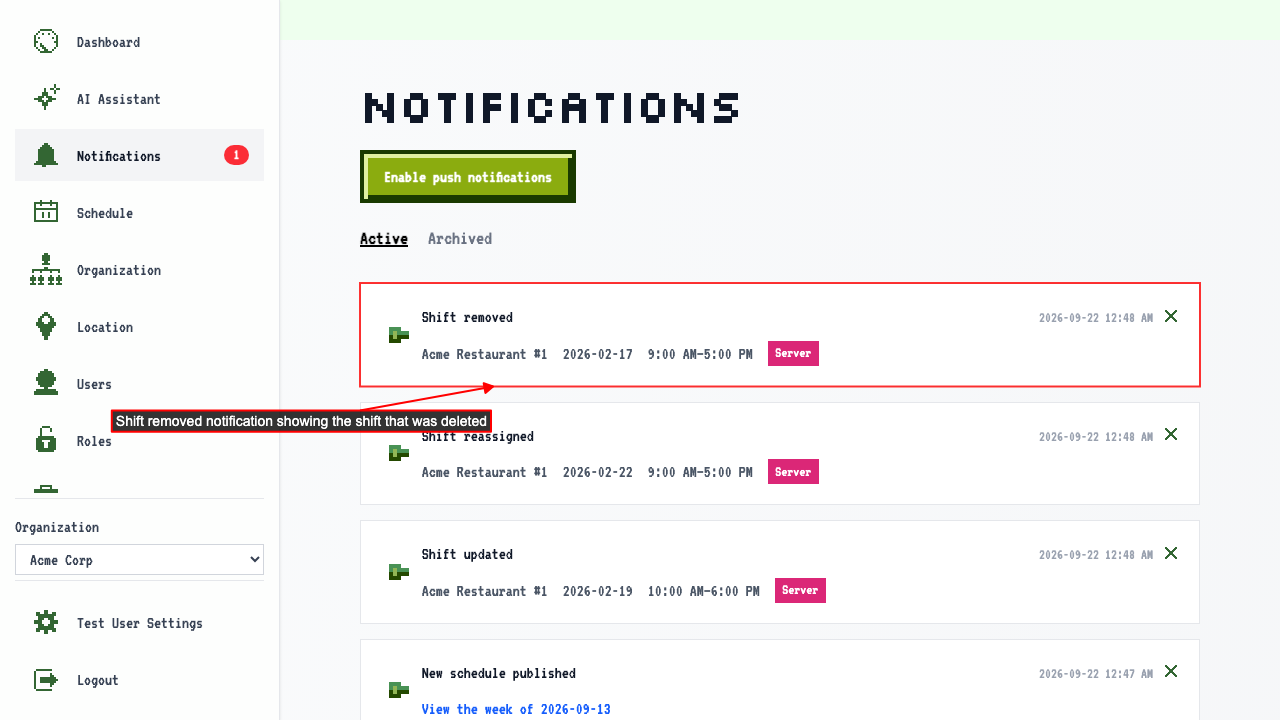
If a shift assigned to you is deleted, you are notified.
The notification center shows the shift was removed.
Being assigned a new shift
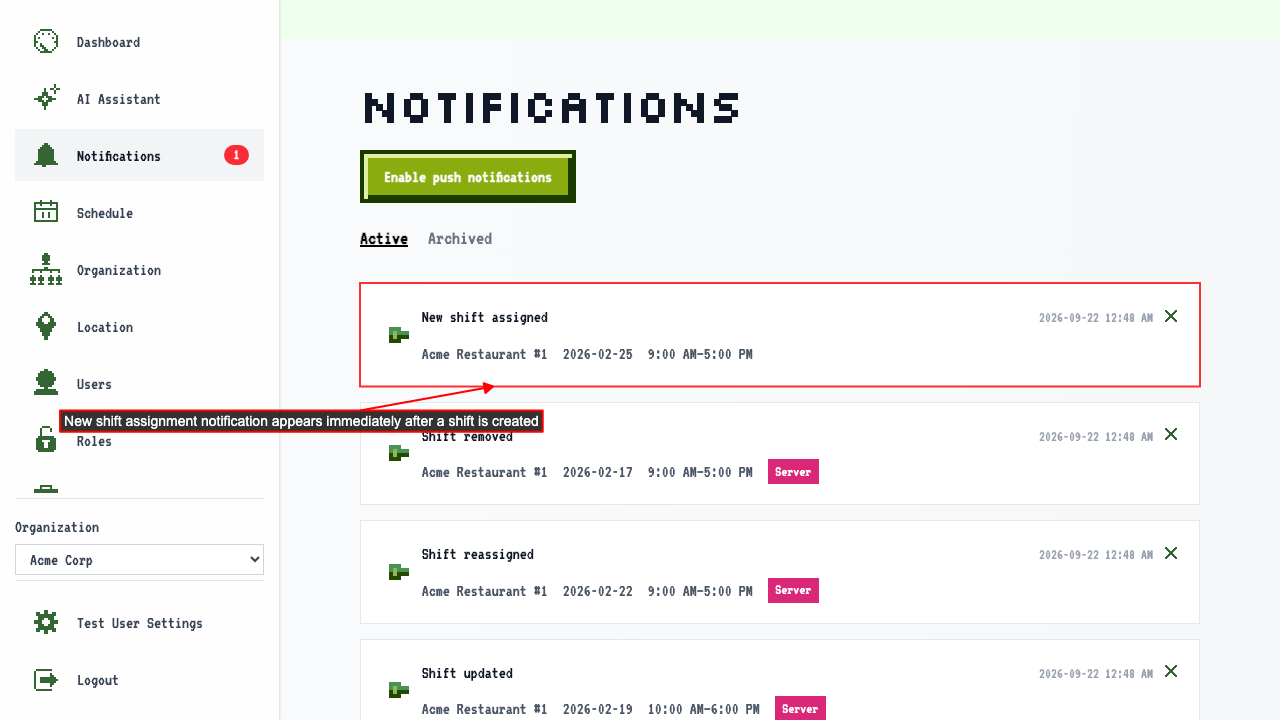
Someone creates a shift and assigns it to you.
The notification center tells you about the new shift.
How to dismiss a notification
Start on the notification center.
Clicking Dismiss takes the notification off the list.
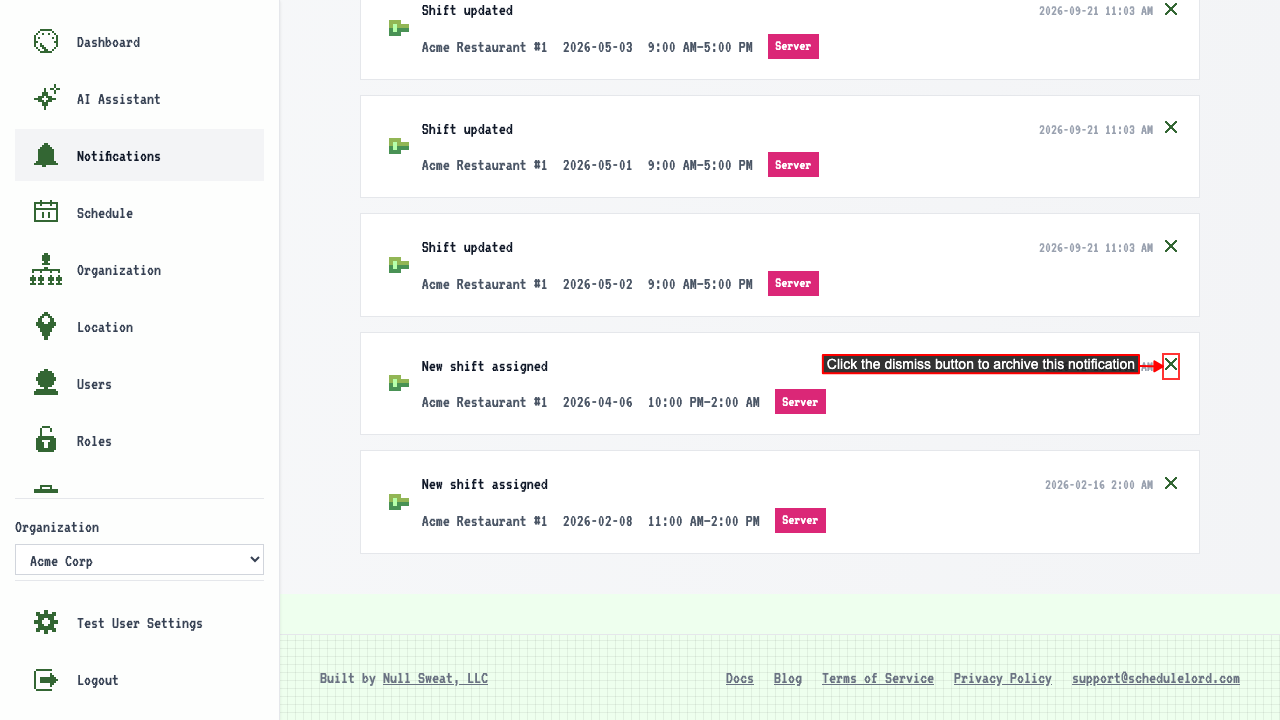 The notification stays dismissed after navigating away and back.
When a whole week is published
After a draft week schedule is created. After the schedule is published, each user with a shift that week gets a single notification about the new schedule. Clicking the notification opens that week's schedule.