Edit Shift
How to edit a shift
On the schedule page with an existing shift
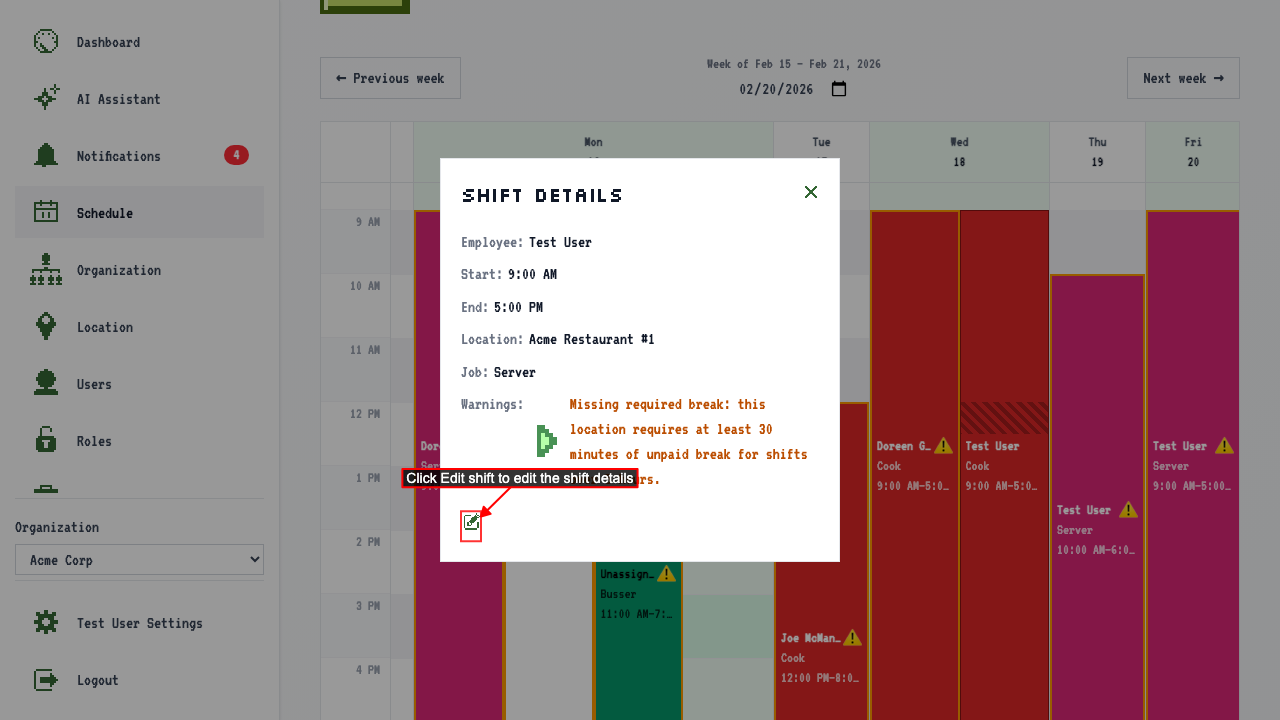
click a shift button to open its detail popover.
click the Edit shift link to navigate to the edit page. (If you have permission)
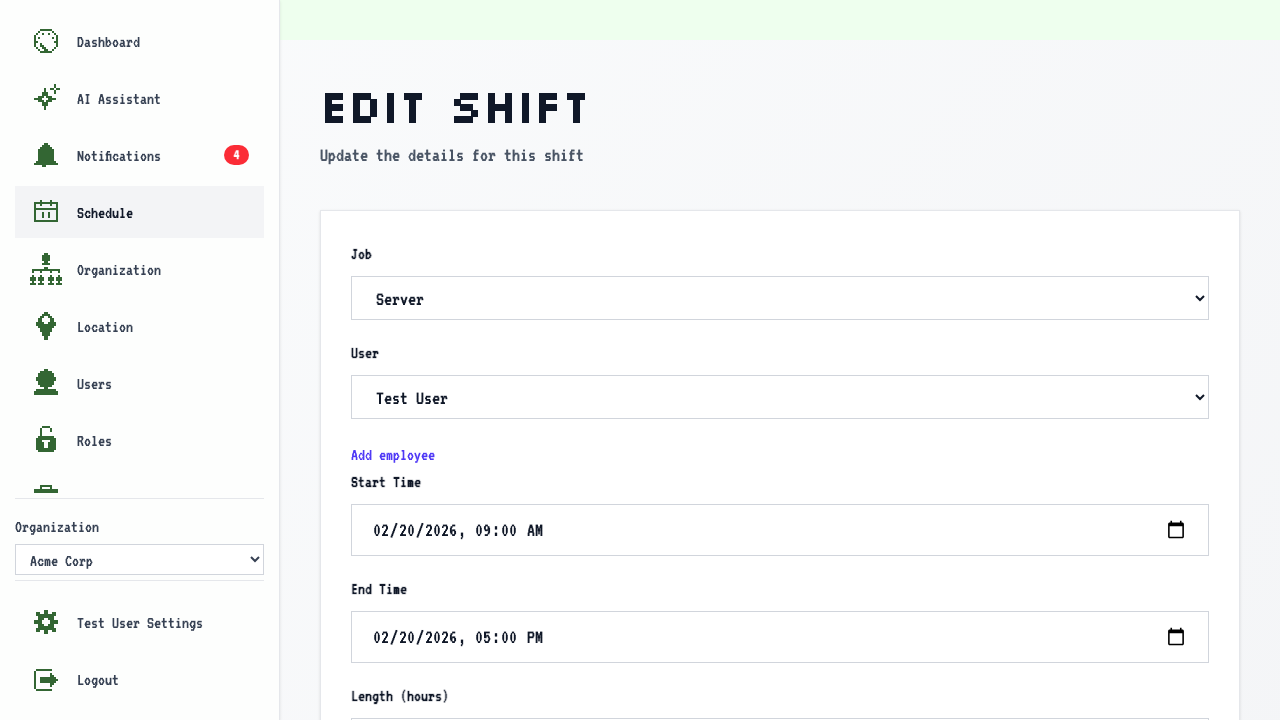 Here you can edit:
-
User
-
Start Time
-
End Time
-
Job Don't see the employee you're looking for? Click 'Add employee' to go add them, then come back to finish this form.
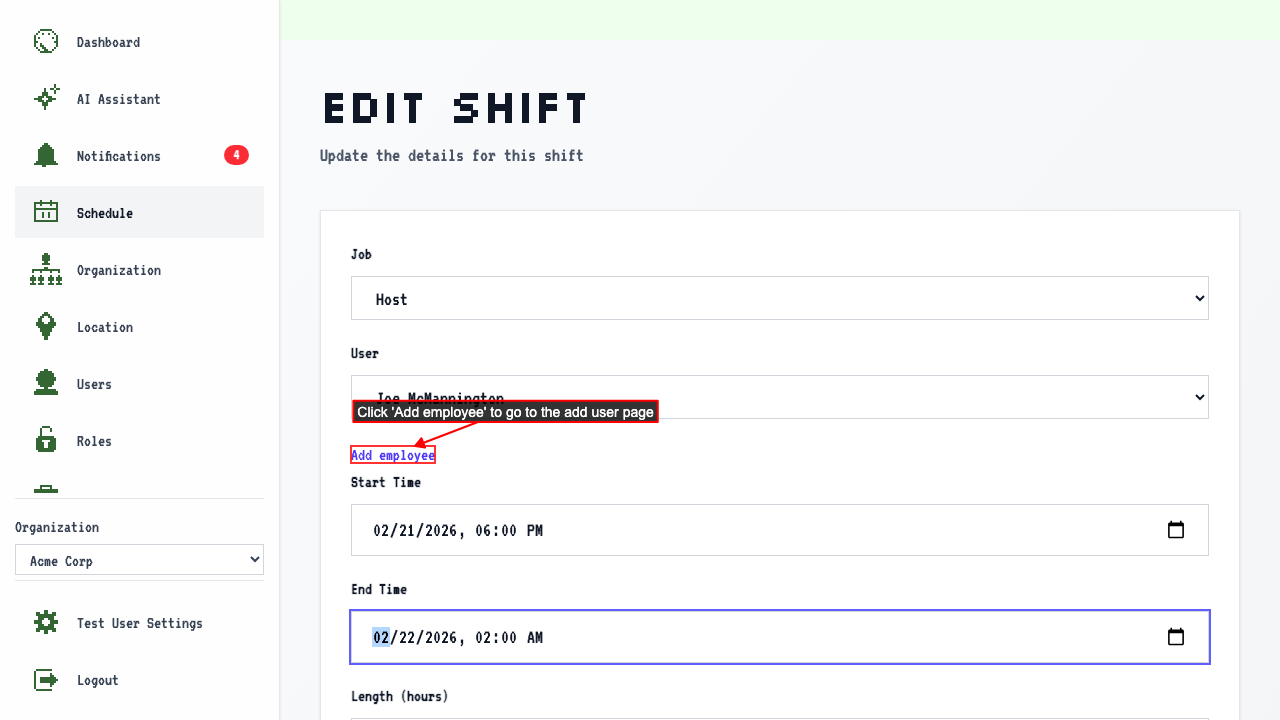
You won't be able to edit the location. You'll need to make a new shift for that.
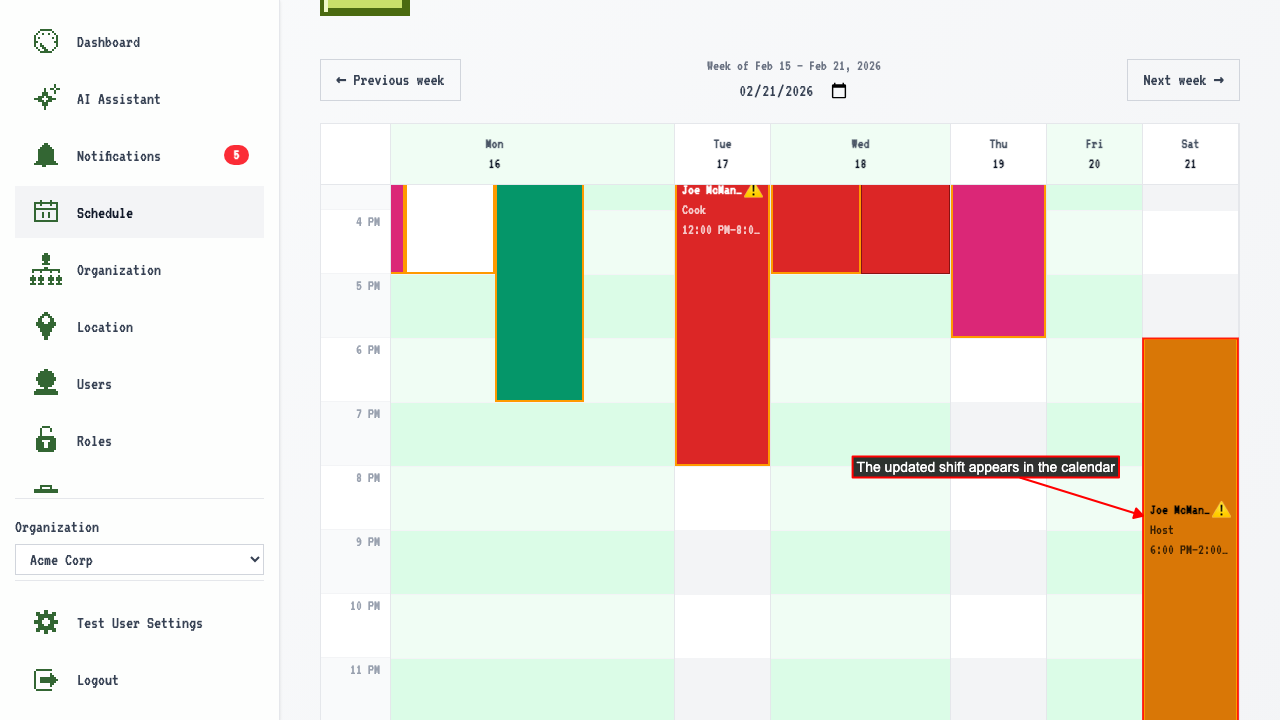
After making changes, submit the form. This will redirect to the schedule calendar showing the updated shift.