Remove User
How to remove a user from the organization
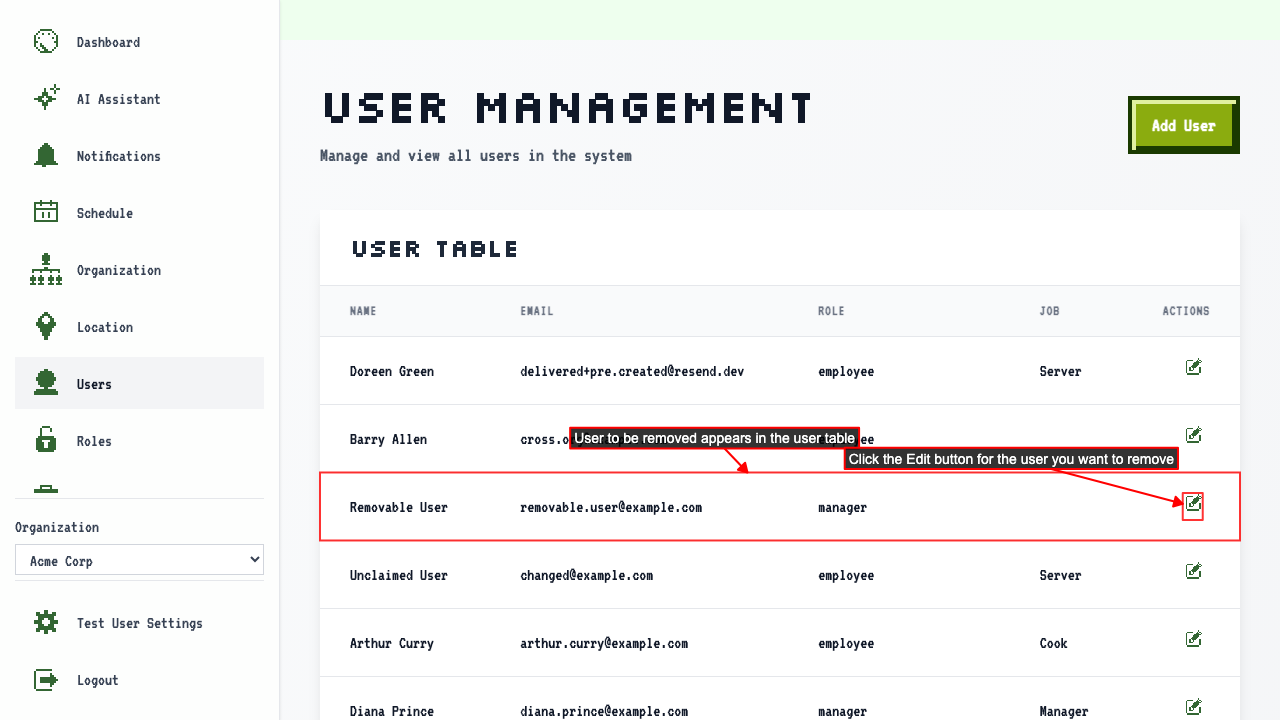
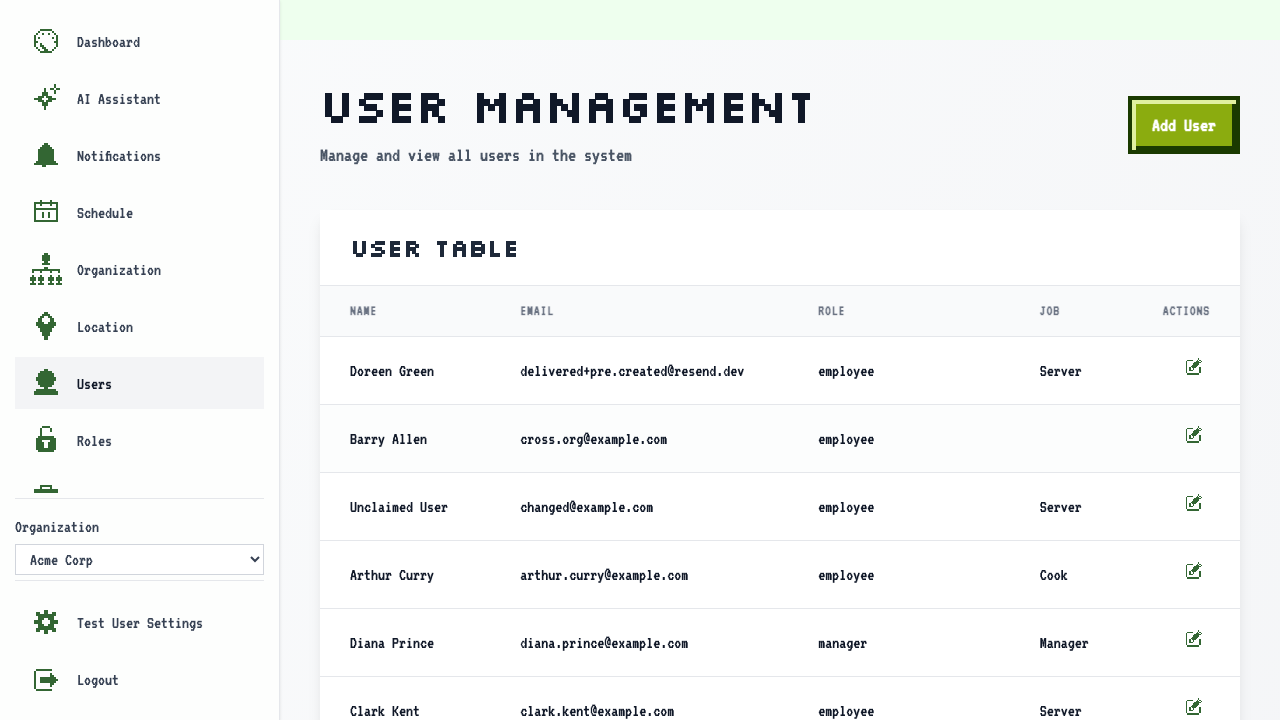
On the user management page
click the edit button for a user to navigate to the edit user page.
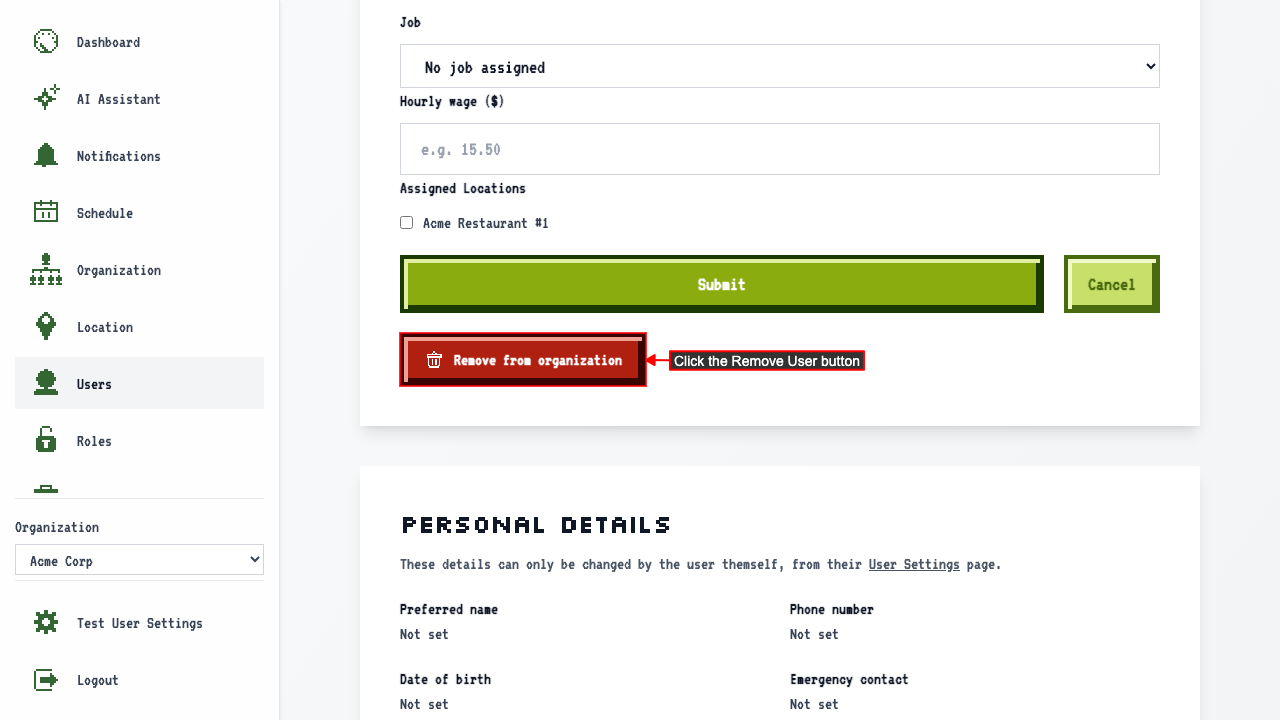
 Click the Remove User button.
 A confirmation modal appears. Click confirm to remove the user from the organization.
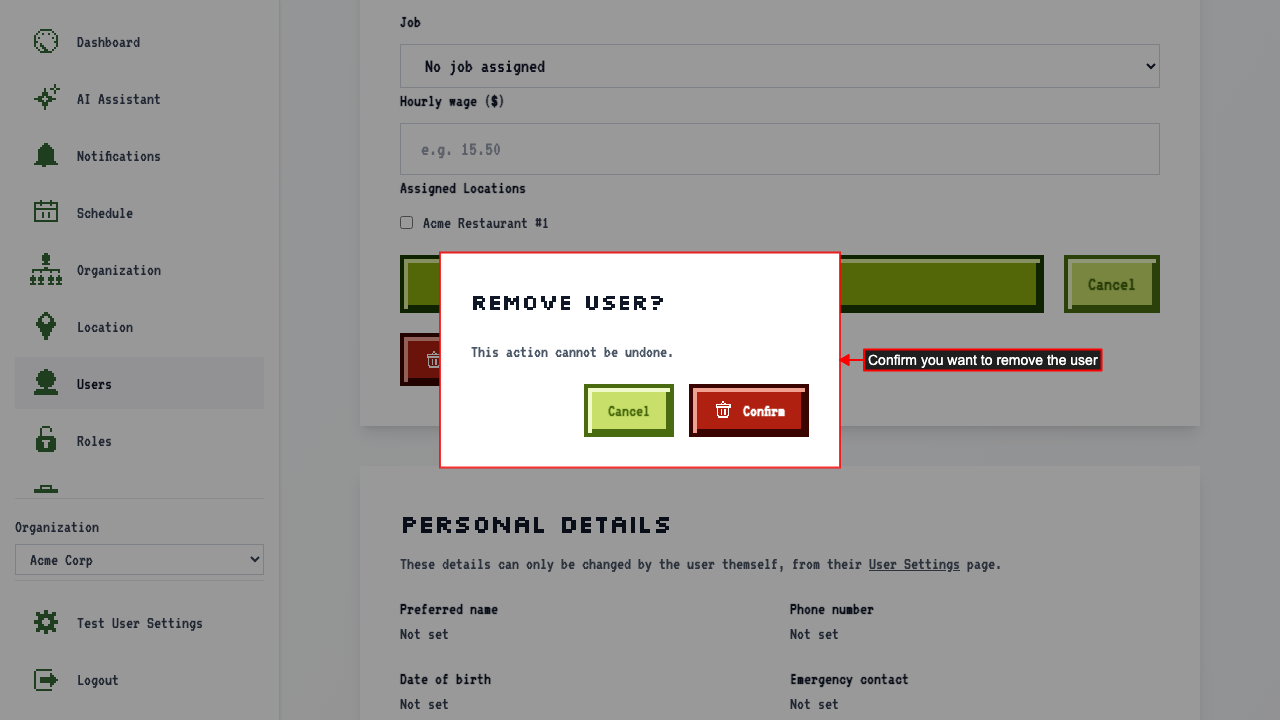 This will remove the user from the organization and redirect to the user management page where the user will no longer be listed.
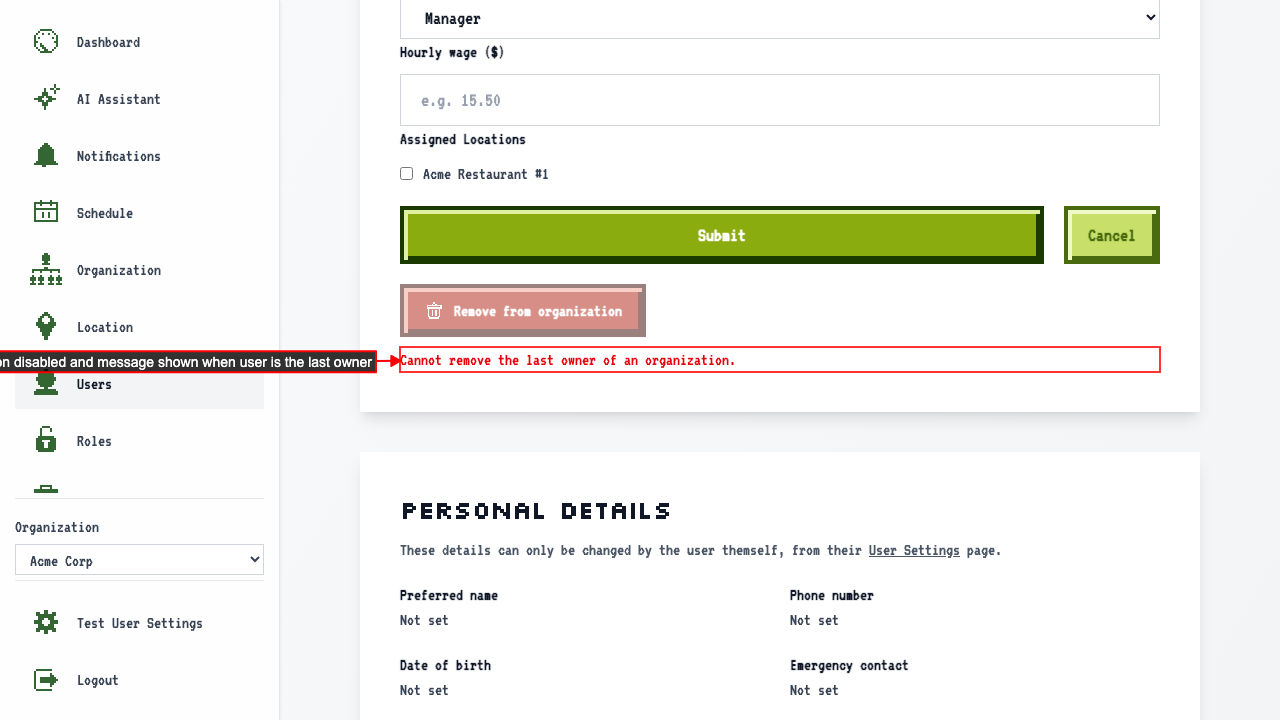
Unable to remove the last owner of an organization
On the edit page for the only owner of an organization,
The Remove from organization button is disabled and a message explains the last owner cannot be removed.