Connected AI Agents
User settings page shows connected AI agents
When on the user settings page
the Connected AI Agents section is visible.
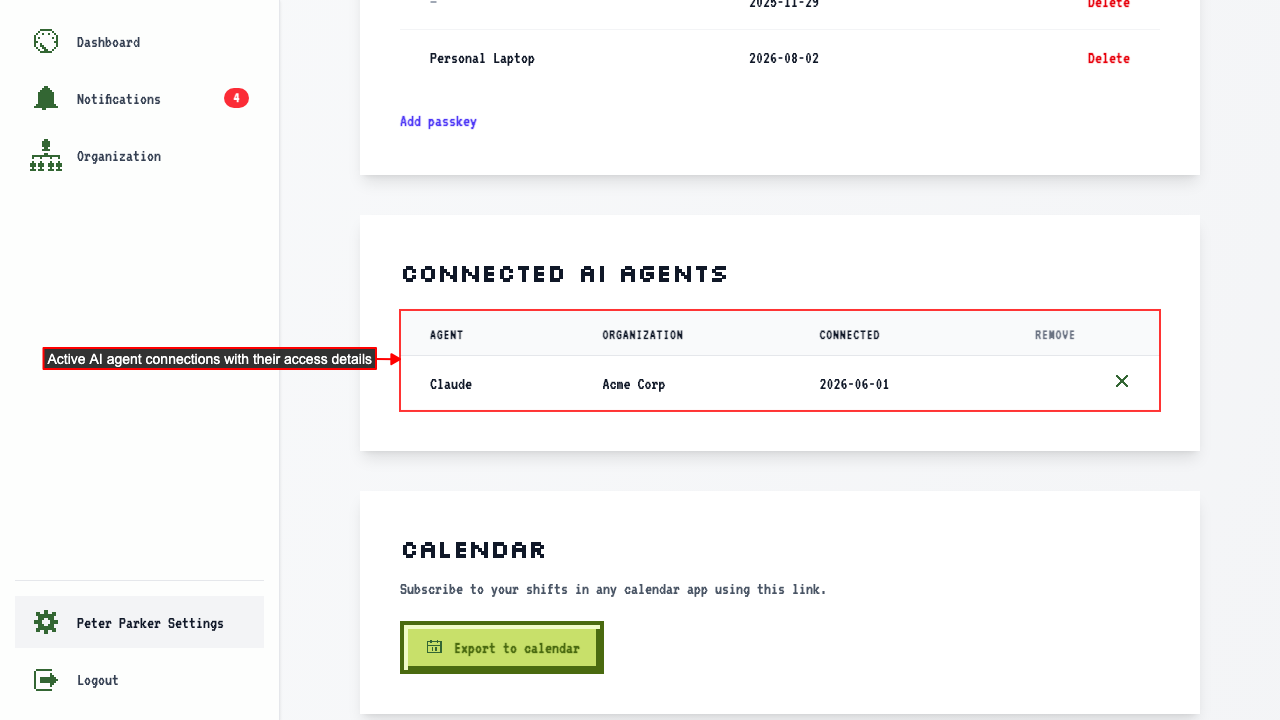 Each row shows the agent name, org, and when access was granted.
How to revoke an AI agent's access
When on the user settings page
each row in the Connected AI Agents table has a Revoke button.
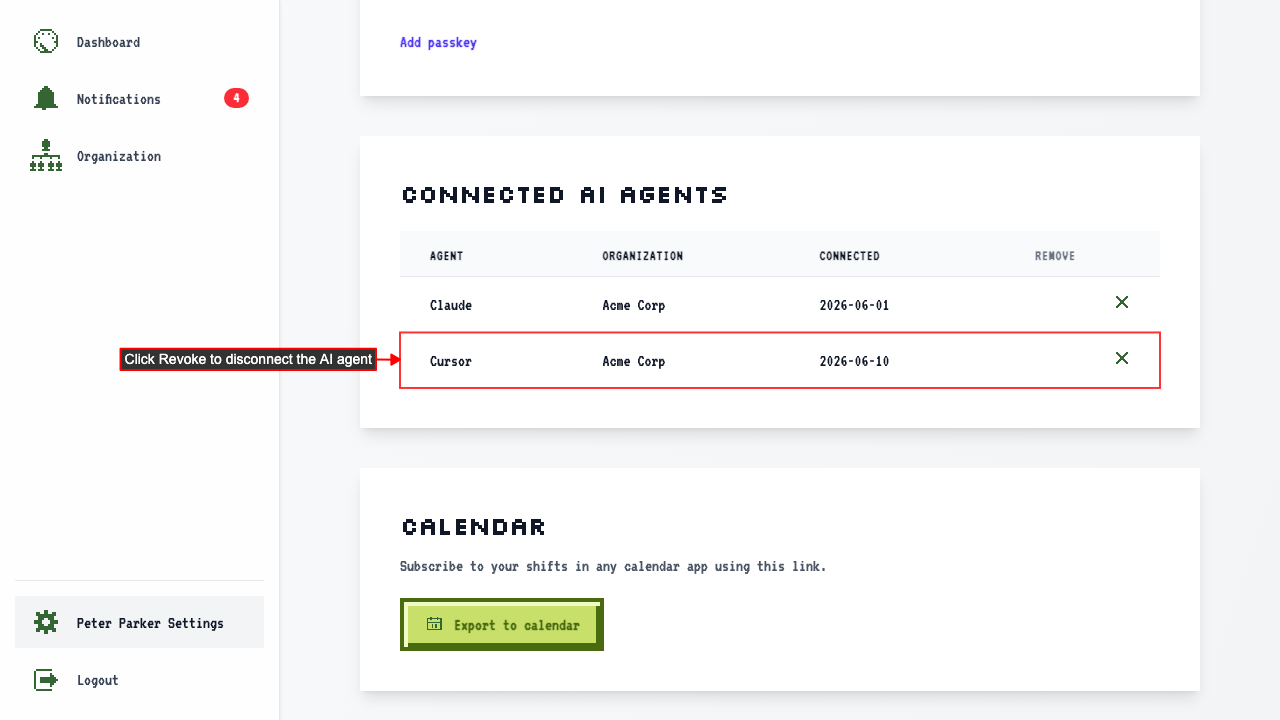 Clicking Revoke removes the agent row from the table.