Adding a Break as You Create a Shift
How to add a break before the shift is saved
Start on the new shift form.
Fill in the location, the employee, and the times.
Click Add Break to add a blank break row, before ever submitting the form.
Fill in the break's start and end time, within the shift's time range.
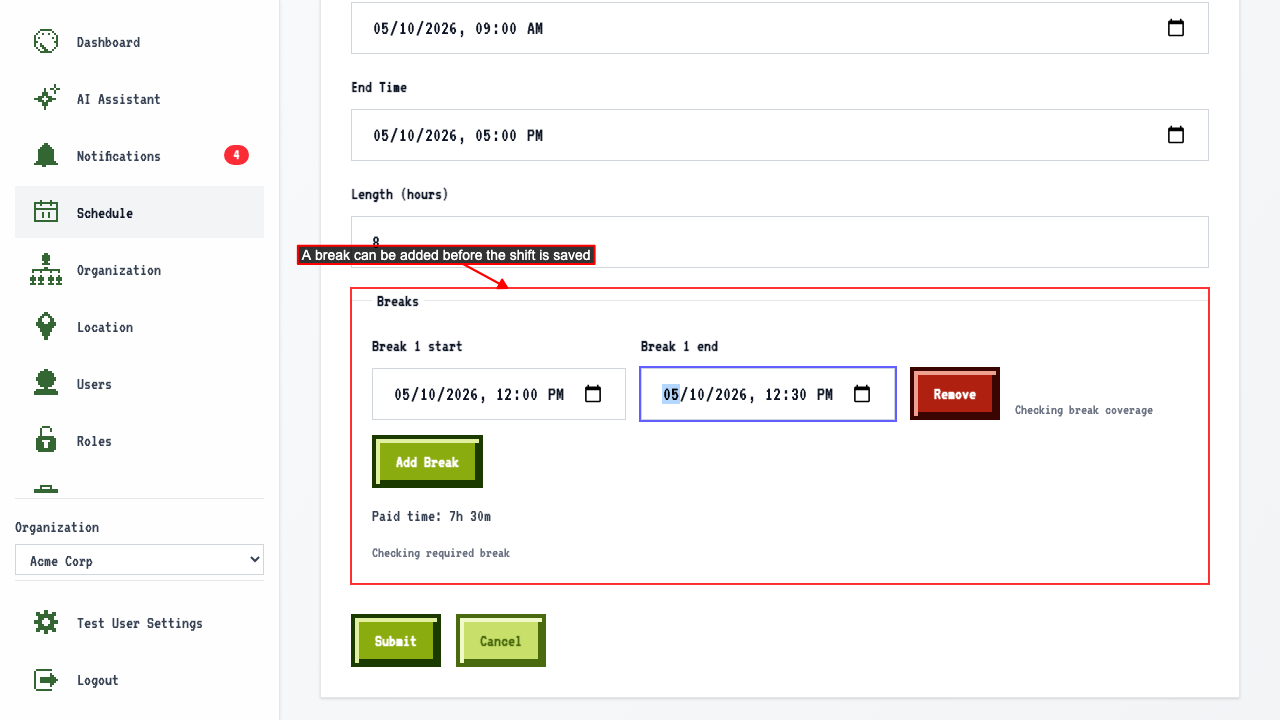 Submit the new shift form.
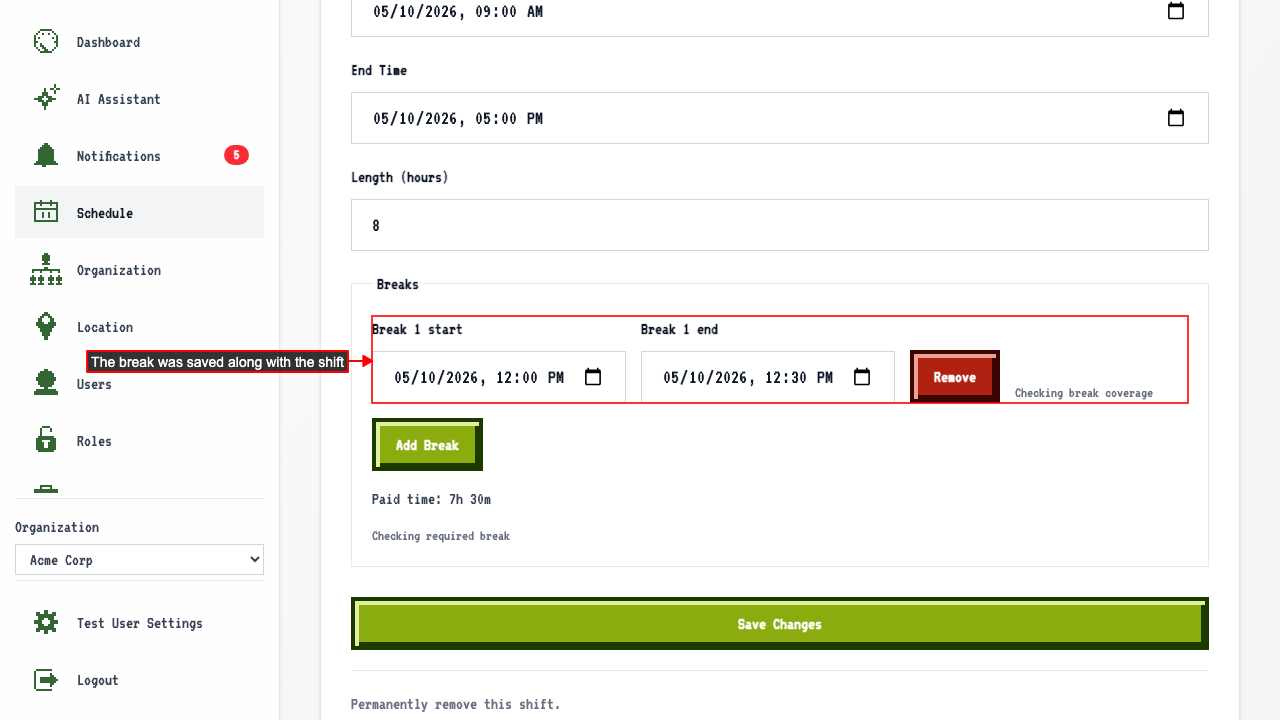
The break was persisted along with the new shift.
Submit the new shift form.
The break was persisted along with the new shift.
The break still has to fall inside the shift
Start on the new shift form. Fill in the location, the employee, and the times. Click Add Break to add a blank break row. Enter a break start time before the shift starts. An error is shown on the row.