How to close your account
How to close your account
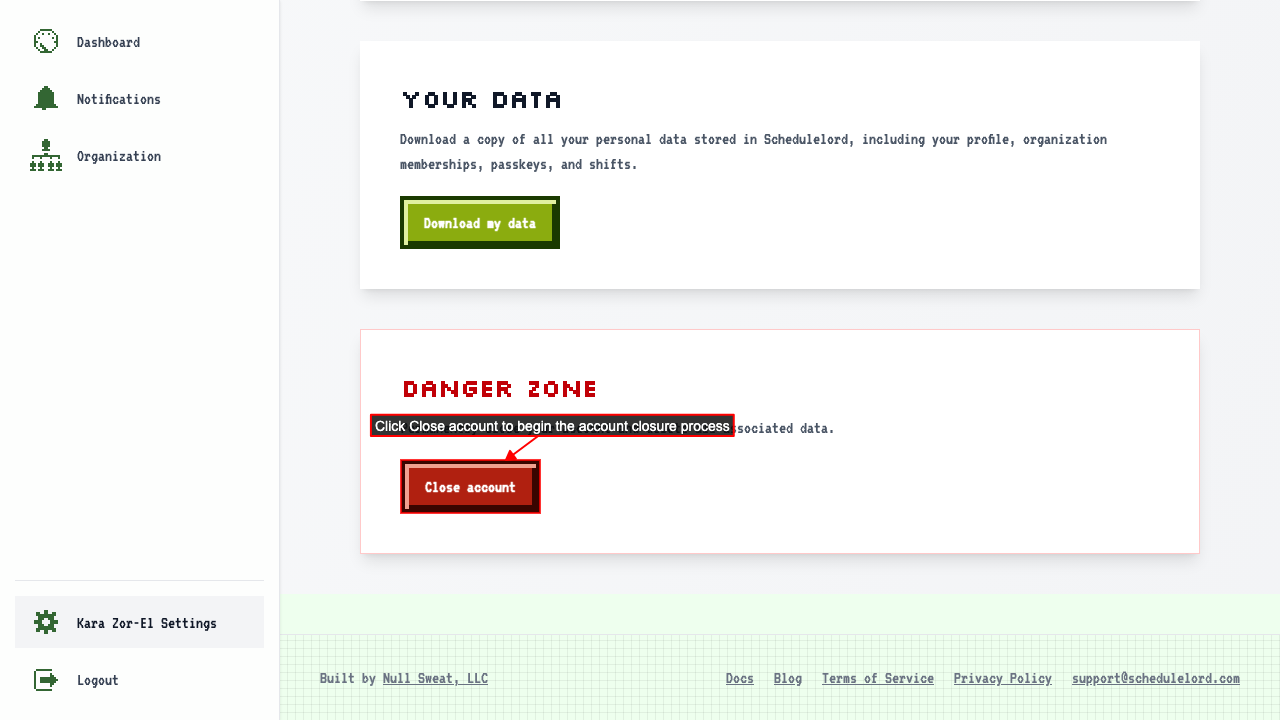
When on the user settings page
clicking Close account navigates to the close account confirmation page.
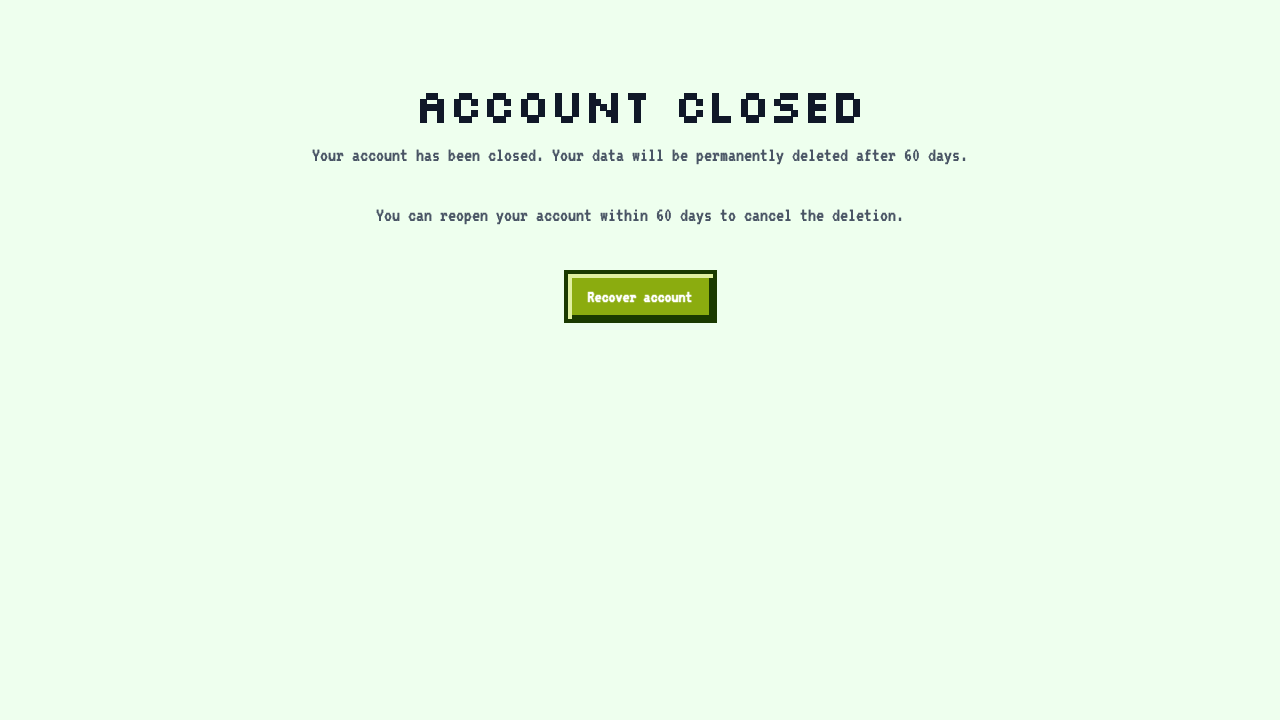
 Clicking Close my account closes the account and redirects to the account closed page.
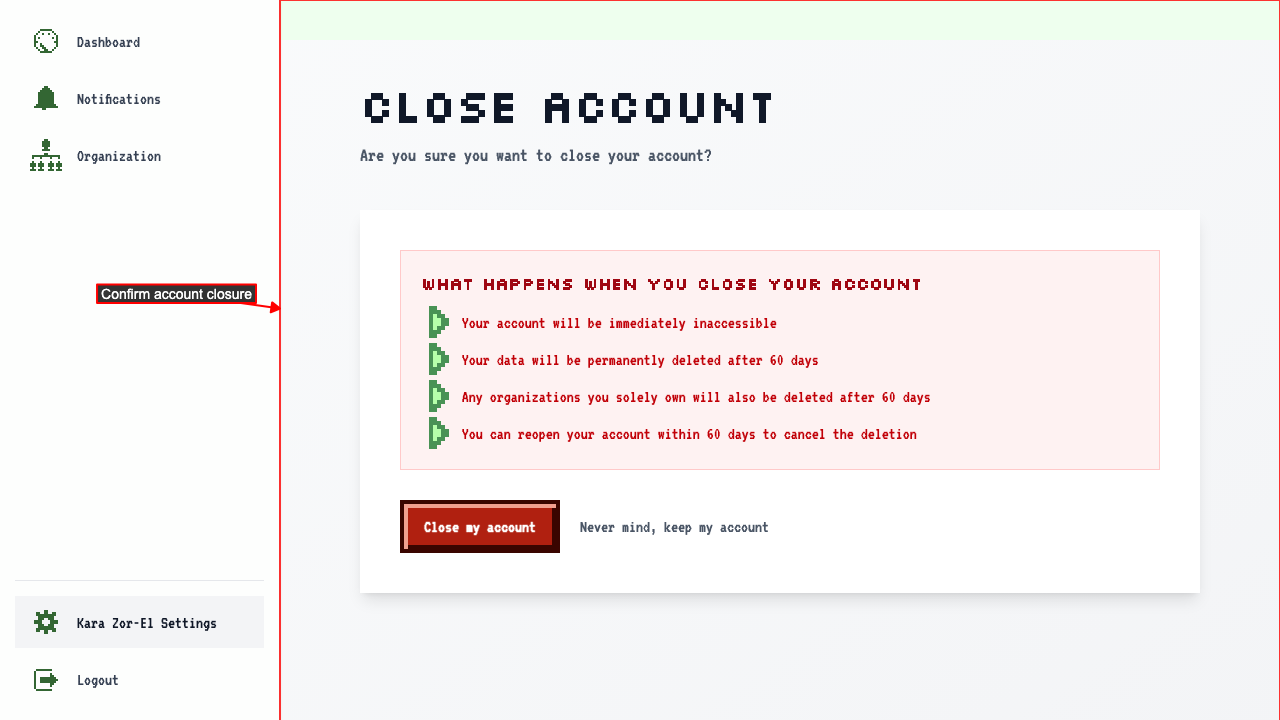 If you have an active subscription, it is cancelled when you close your account.
An email is sent to you to inform that your account has been closed.
The app will no longer be accessible and redirects to the account closed page.