Notification Center
Viewing shift assignment notifications
The notification center is accessible from the sidebar.
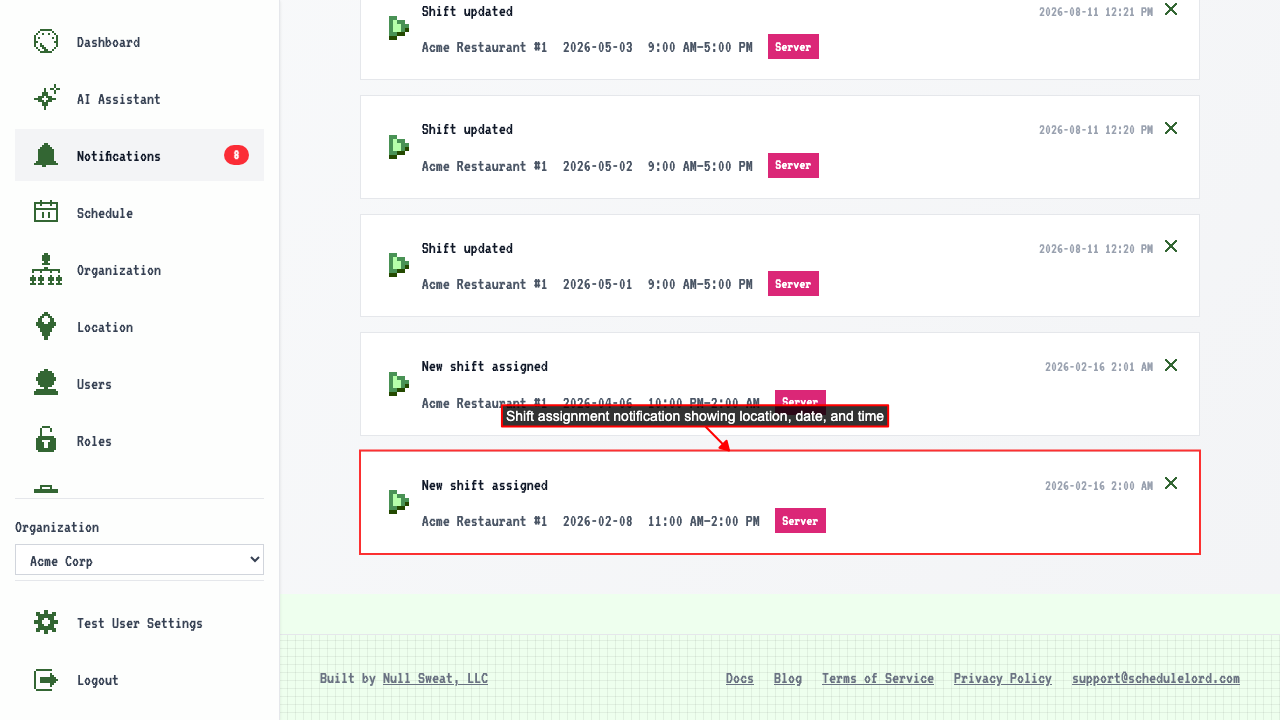
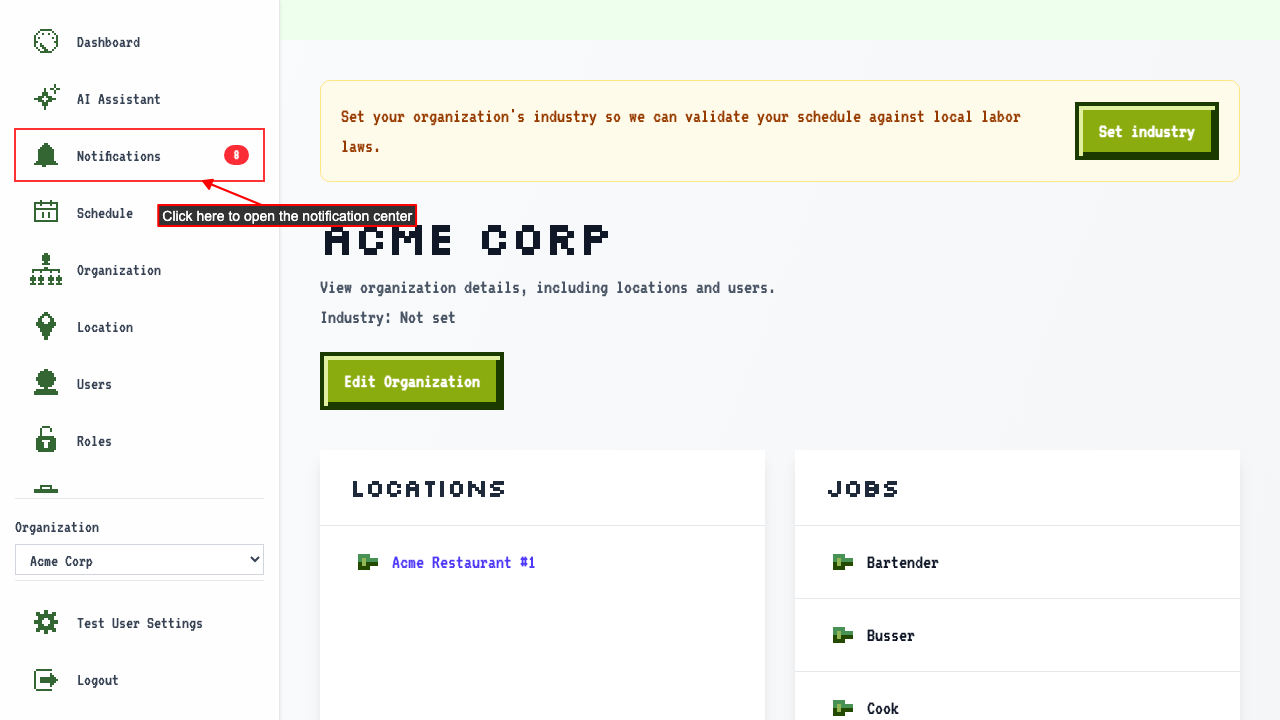 When you have a shift assignment notification, it appears in the notification center.
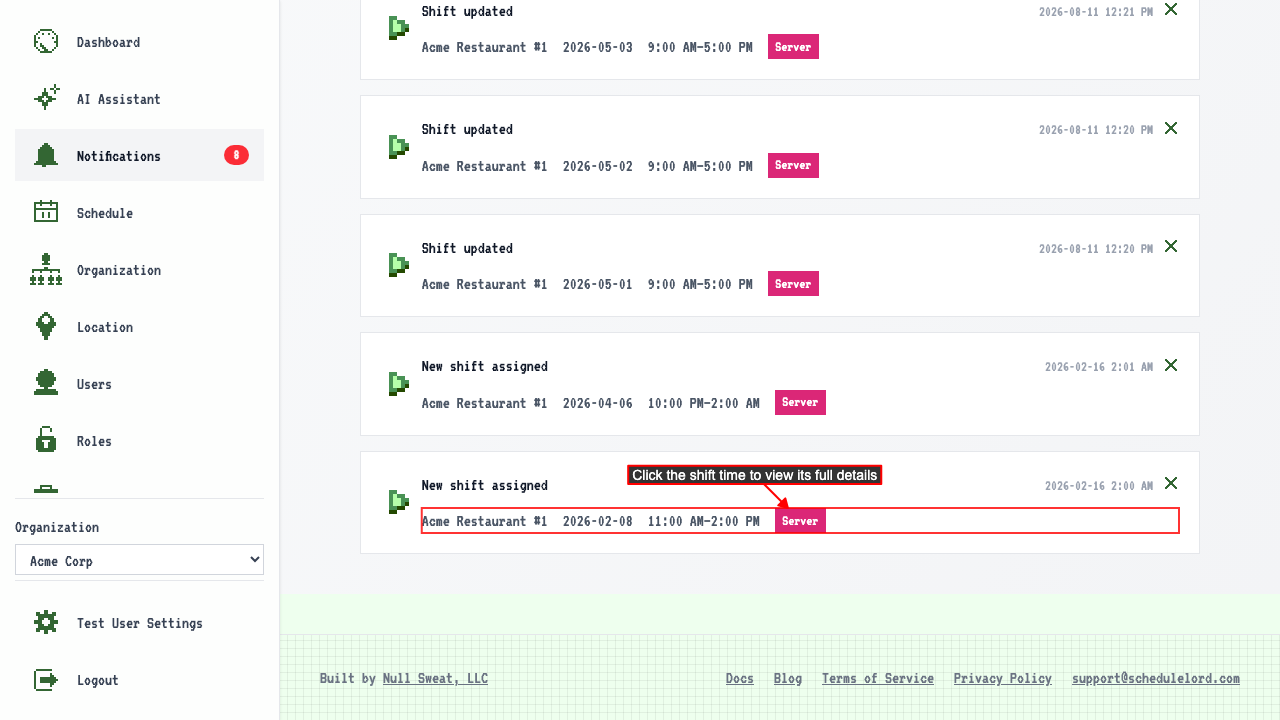
 Clicking the shift time takes you to the shift detail page.
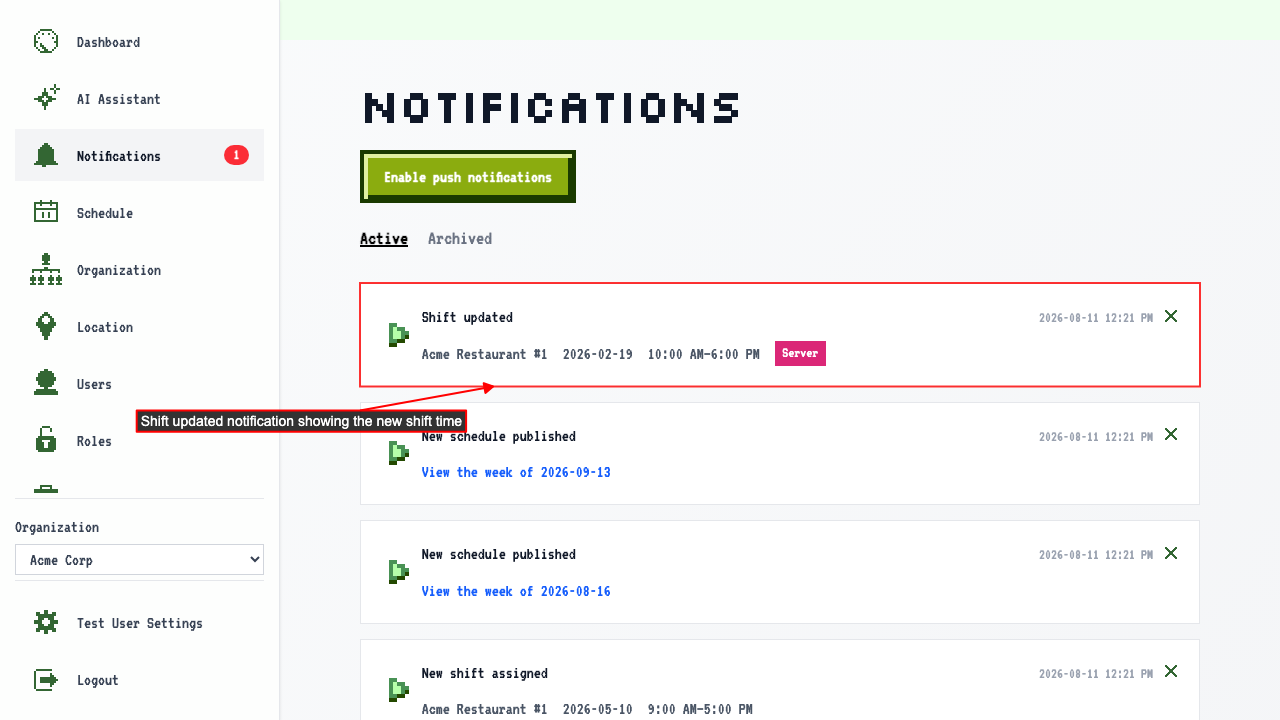
Updating a shift generates a shift updated notification
If someone edits an existing shift assigned to you,
the notification center shows the shift was updated.
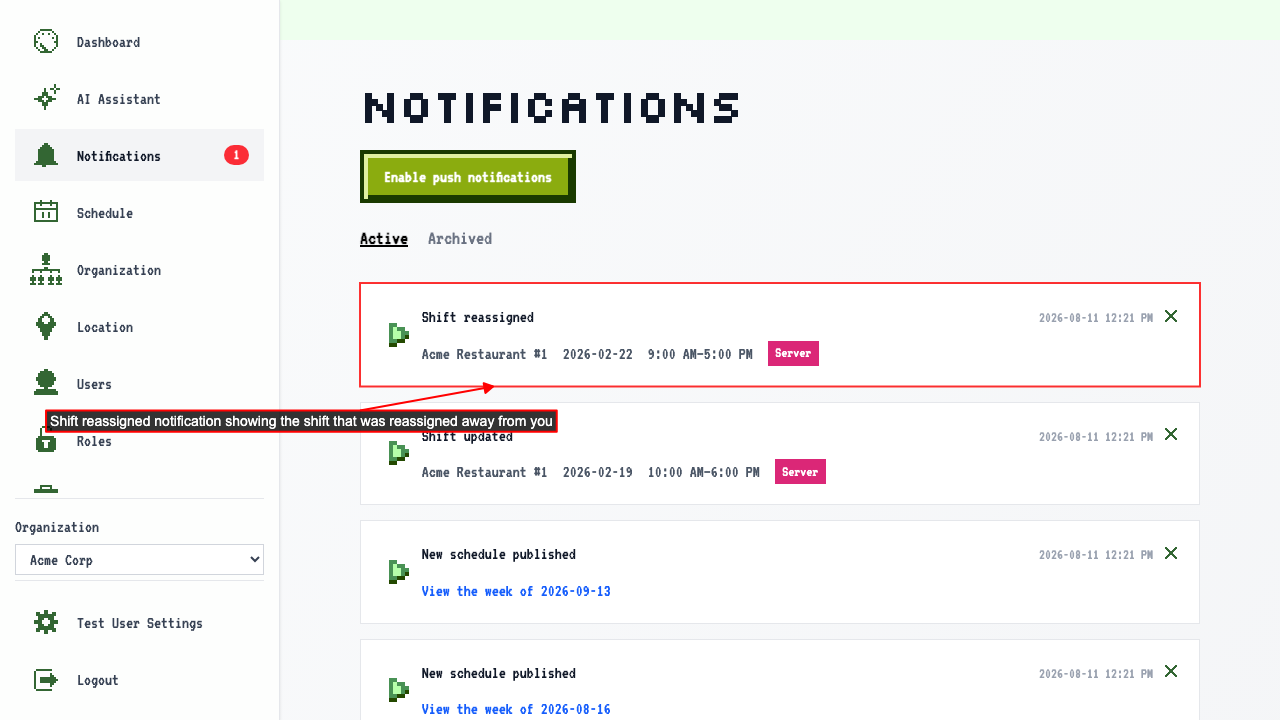
Reassigning a shift notifies the original assignee
If a shift is reassigned, notify the original assignee.
The notification center shows the shift was reassigned away from you.
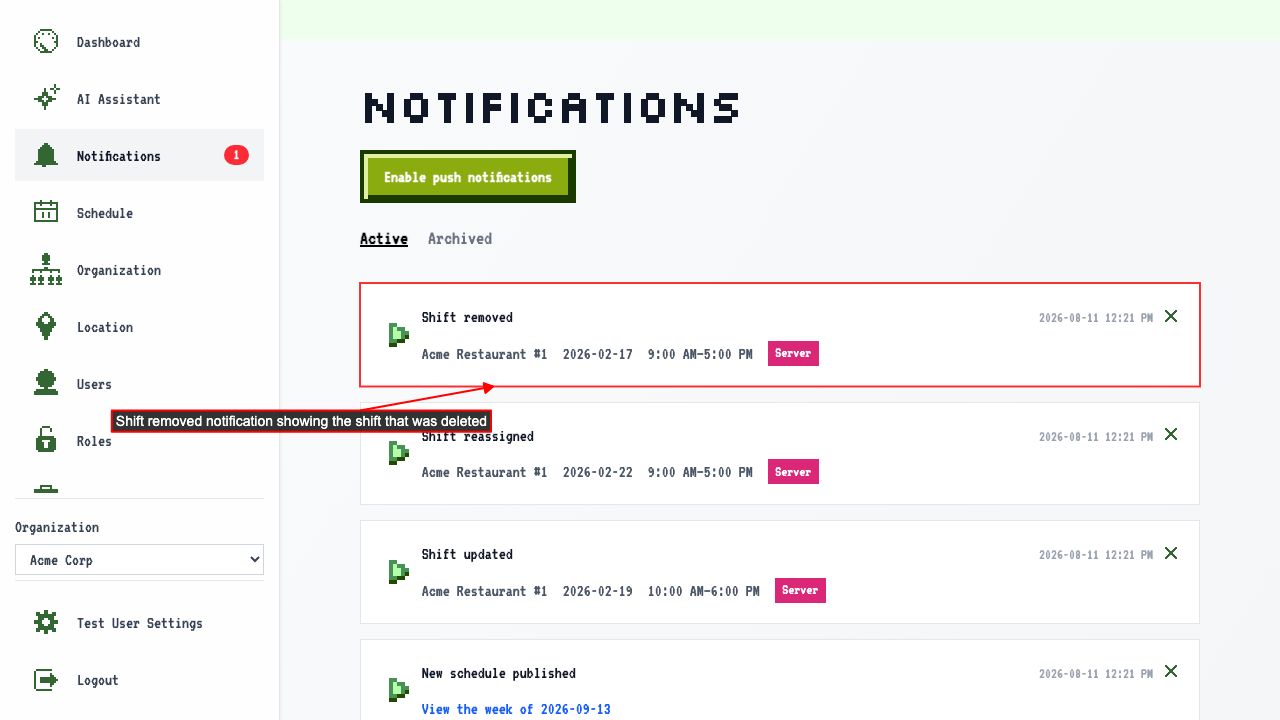
Deleting a shift notifies the assignee
If a shift assigned to you is deleted, you are notified.
The notification center shows the shift was removed.
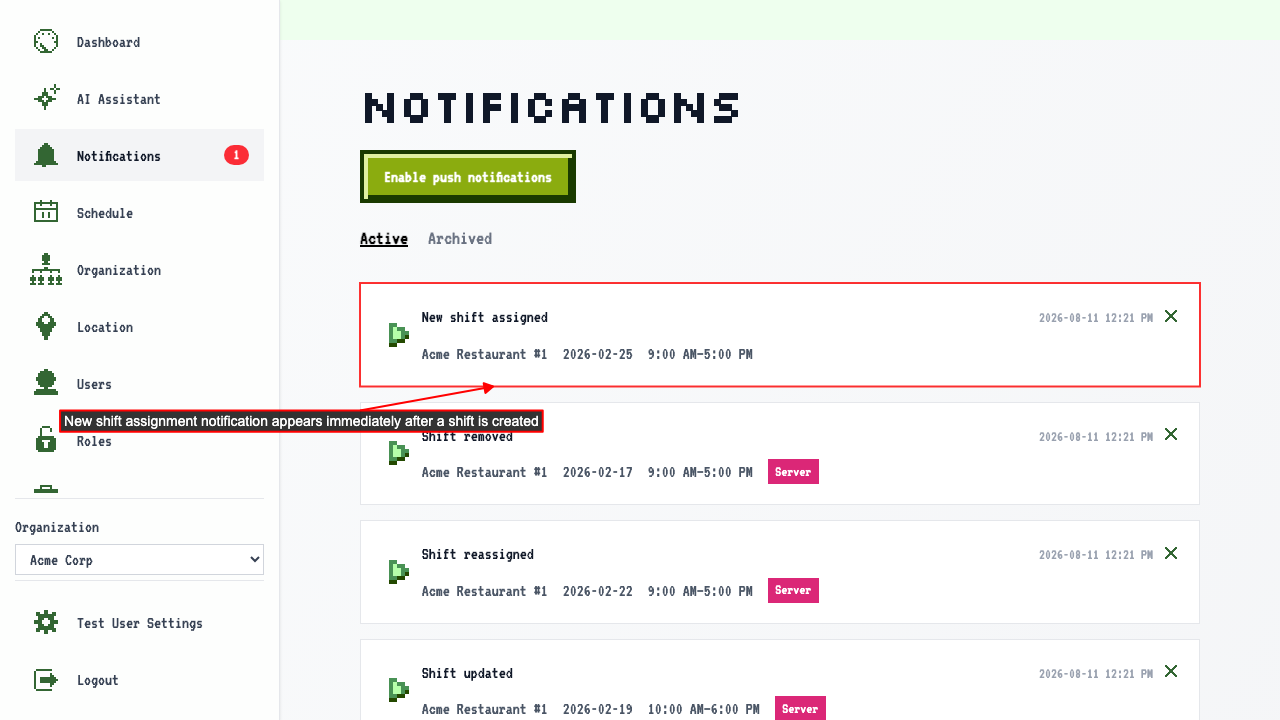
Creating a shift generates a shift assignment notification
After create a new shift is created and assigned to you,
the notification center shows the new shift assignment to you.
Dismissing a notification removes it from the list
On the notification center,
clicking the dismiss button removes the notification from the list.
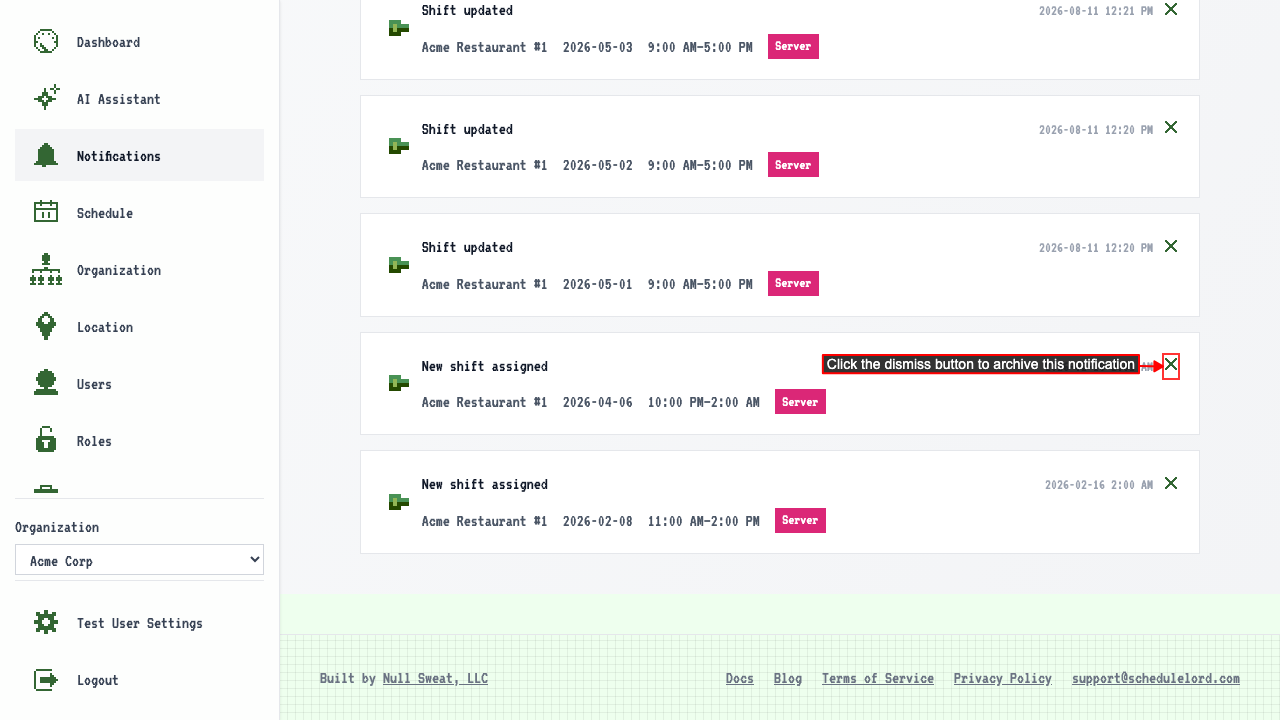 The notification stays dismissed after navigating away and back.
Publishing a draft week schedule sends notifications
After a draft week schedule is created. After the schedule is published, each user with a shift that week gets a single notification about the new schedule. Clicking the notification opens that week's schedule.