Link Accounts
Setting a placeholder user's email to a claimed account's email offers to link them, and the merge can be unlinked
On the edit page for the placeholder user, set their email to an existing claimed account's email and submit.
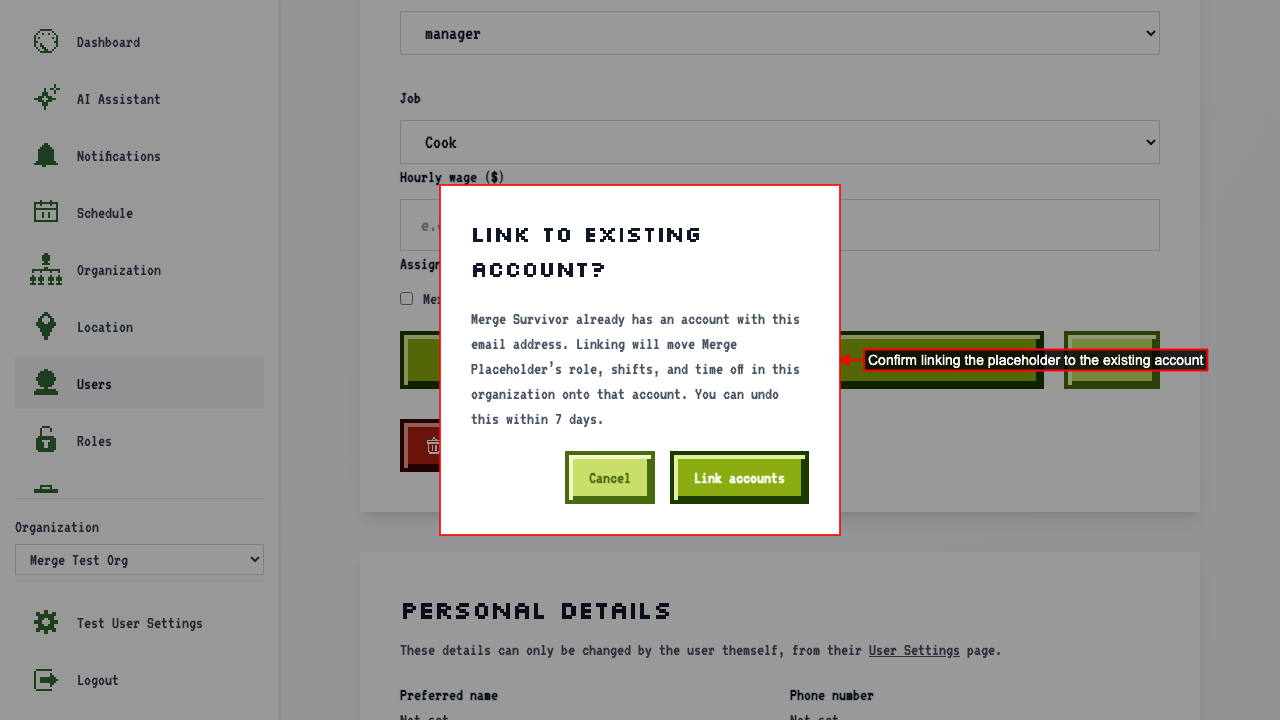
A dialog offers to link the placeholder to the account that already owns that email.
 Confirming the link moves the placeholder's role and job onto the existing account, and redirects to that account's edit page.
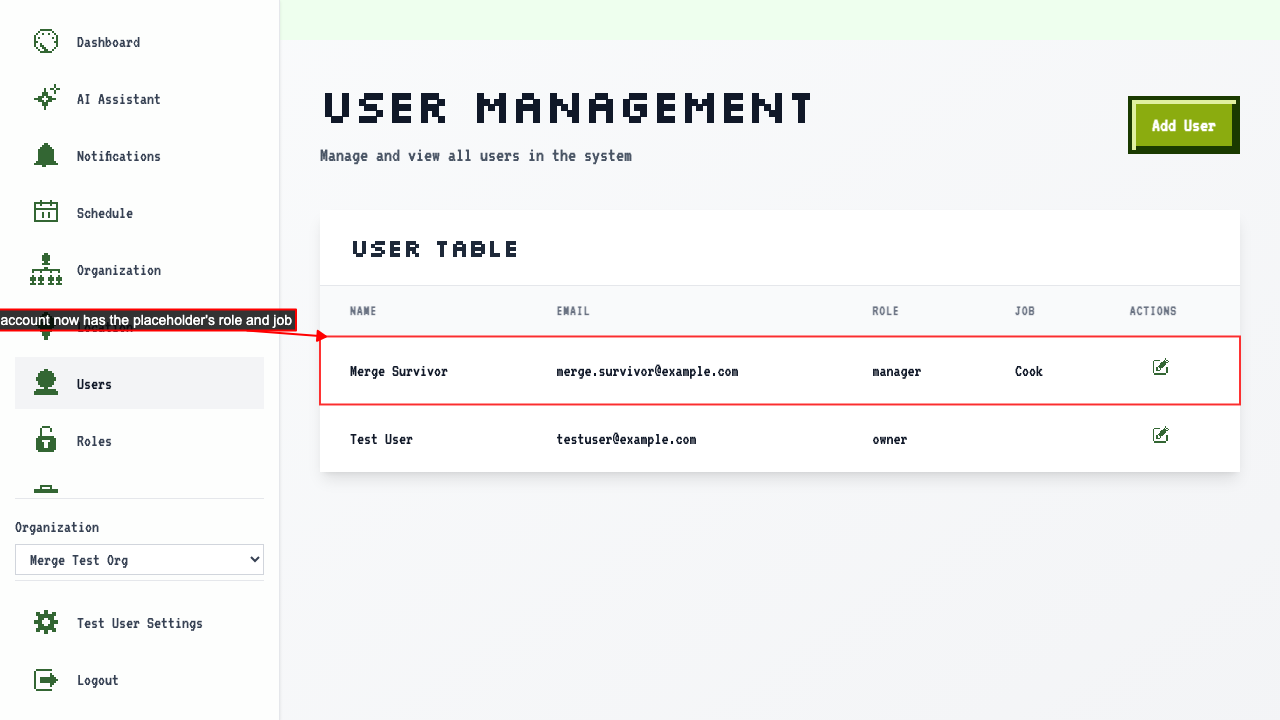
The user management page no longer lists the placeholder, and lists the existing account with the merged role instead.
Confirming the link moves the placeholder's role and job onto the existing account, and redirects to that account's edit page.
The user management page no longer lists the placeholder, and lists the existing account with the merged role instead.
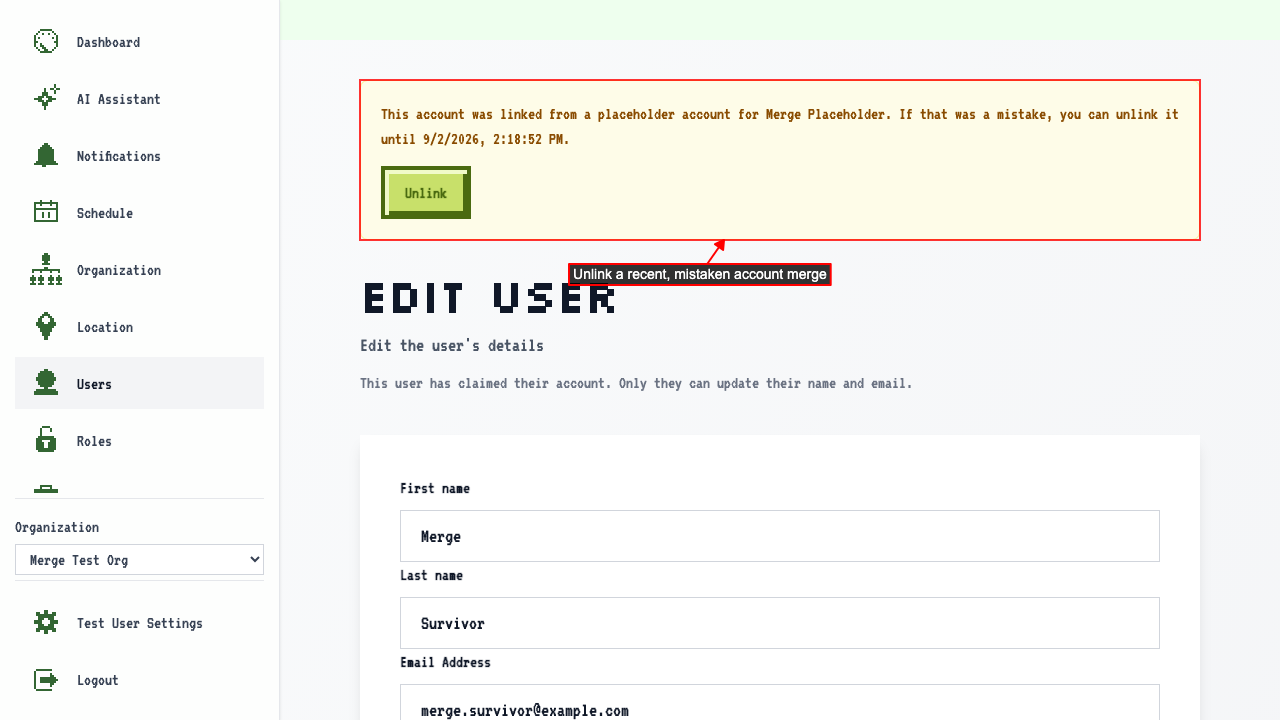
 That account's edit page shows an unlink option for the recent merge.
 Unlinking reverses the merge — the placeholder reappears and the existing account is no longer a member.
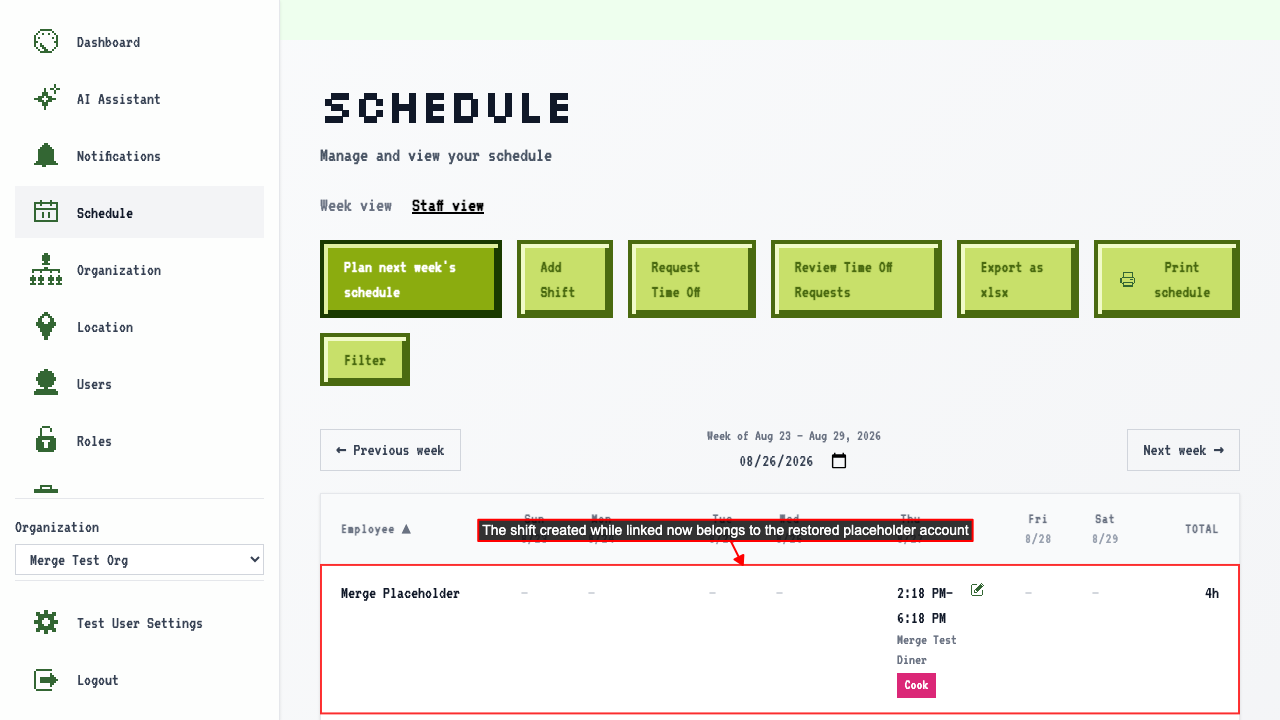
A shift added while the accounts were linked follows the placeholder back after unlinking, instead of staying assigned to the removed account.
Unlinking reverses the merge — the placeholder reappears and the existing account is no longer a member.
A shift added while the accounts were linked follows the placeholder back after unlinking, instead of staying assigned to the removed account.