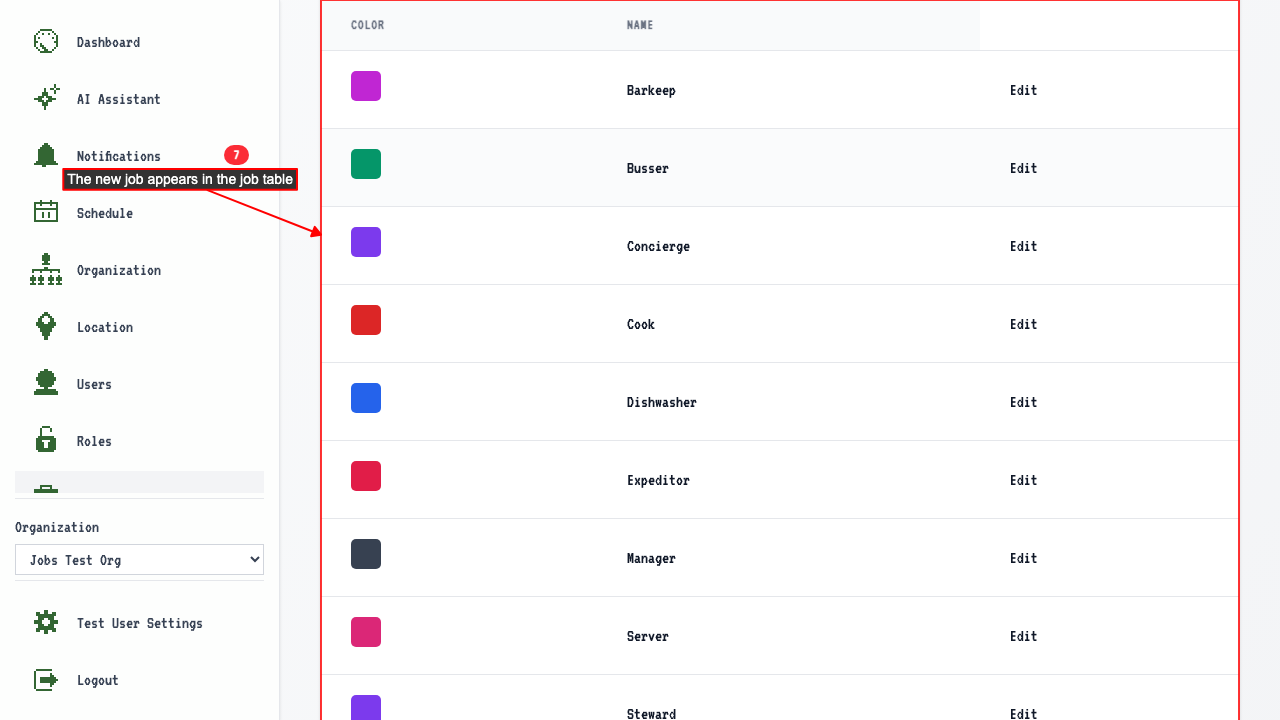
Adding a Job
How to add a new job
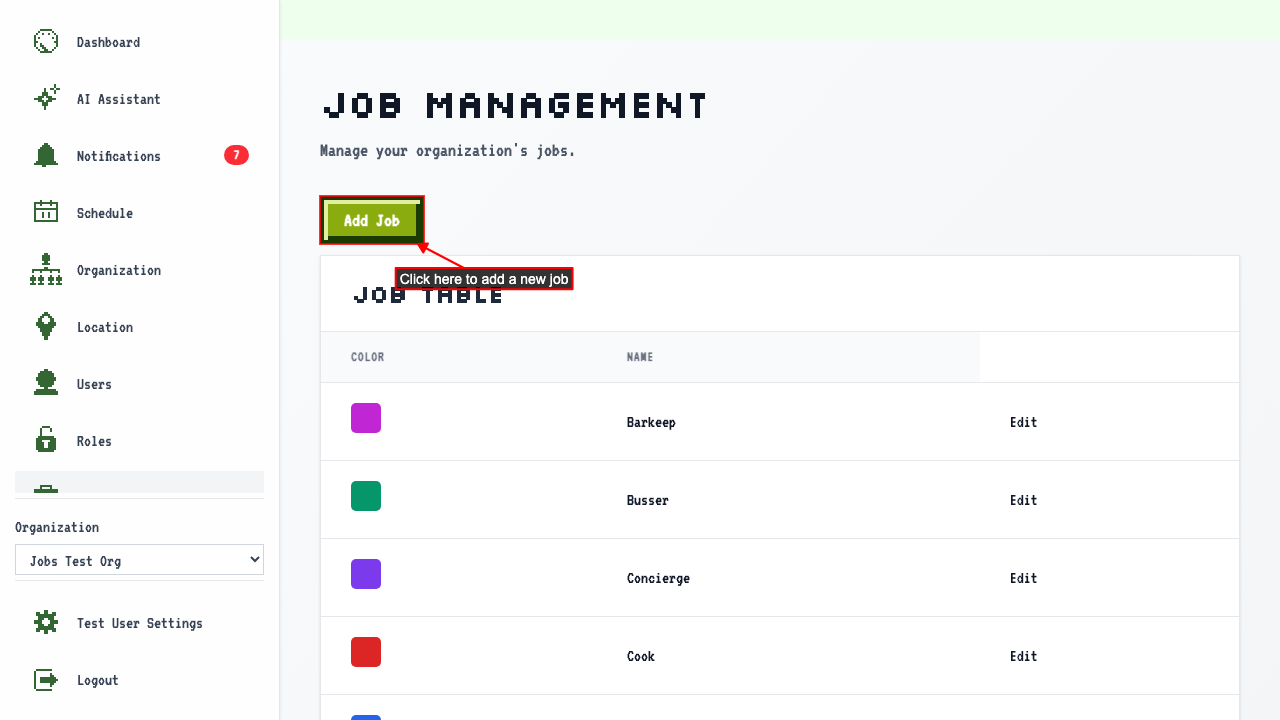
Start on the Jobs page.
Click 'Add Job' to open the new job form.
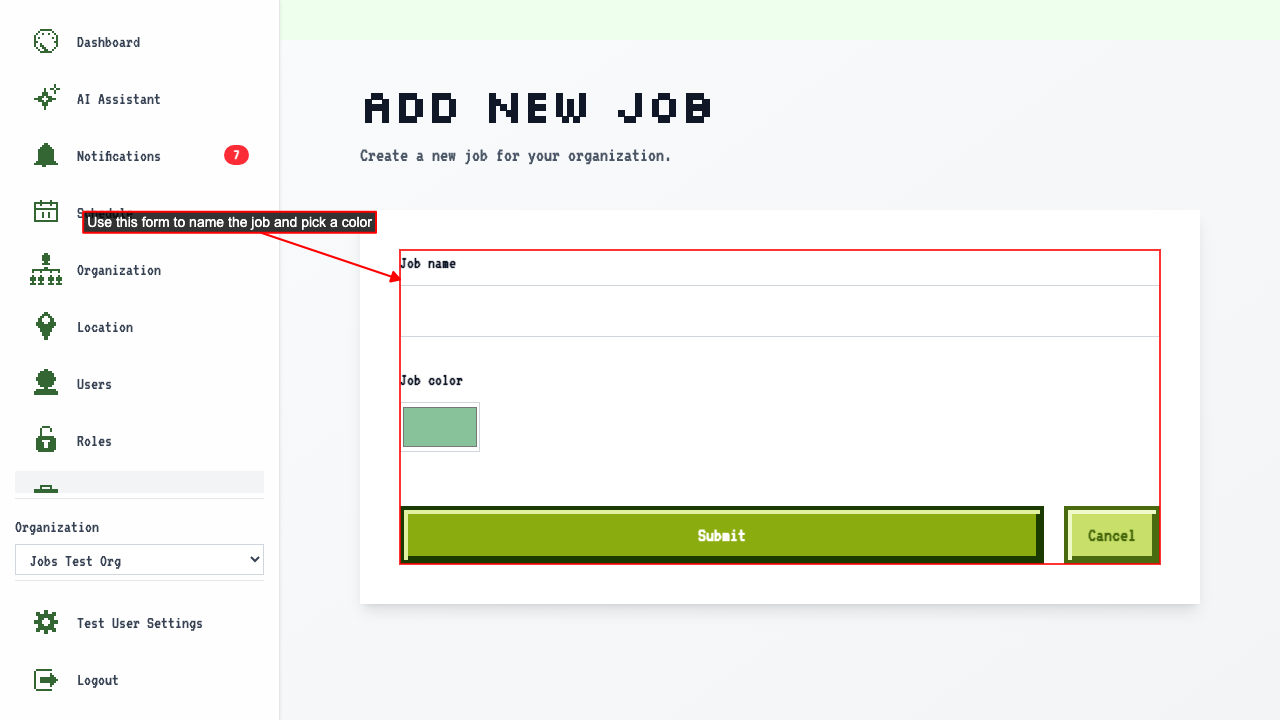
 The page shows a form where you can enter the job name and choose a color. The color is used to highlight that job in the schedule.
- Enter the job name.
- Choose a color for the job.
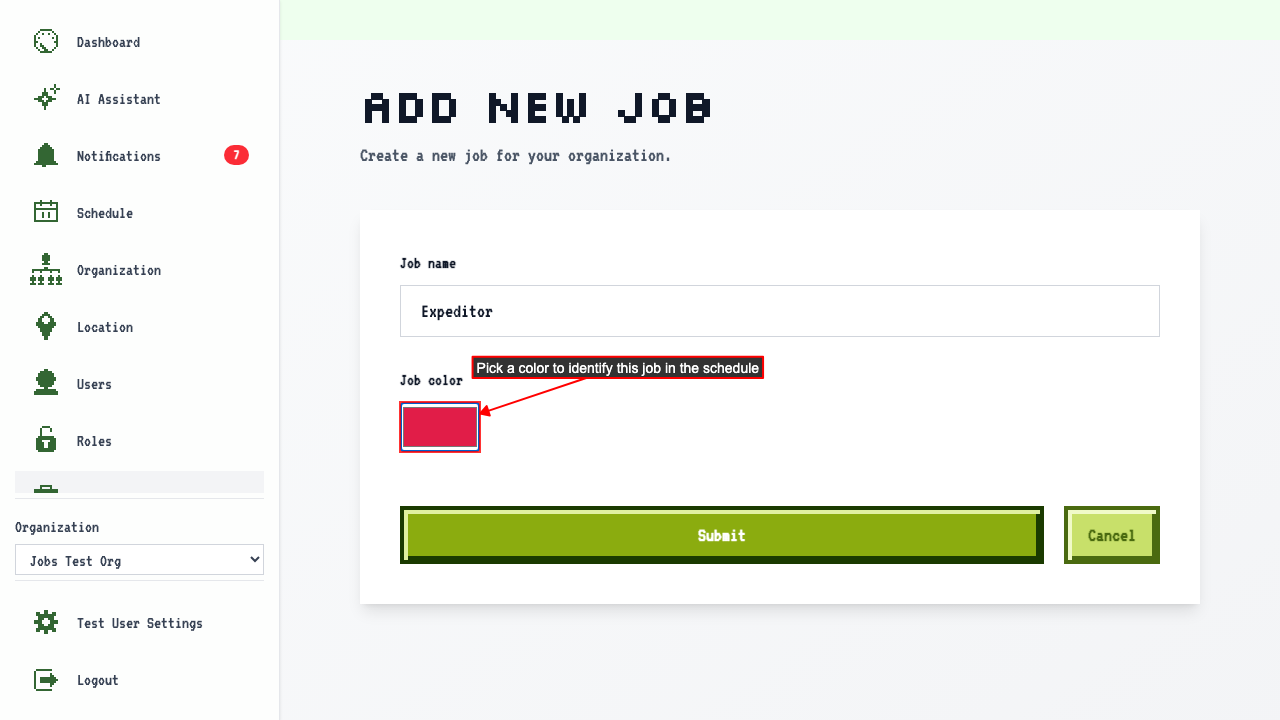
- Submit the new job form.
This redirects back to the job management page where the new job appears in the table.