Editing a Job
How to edit a job
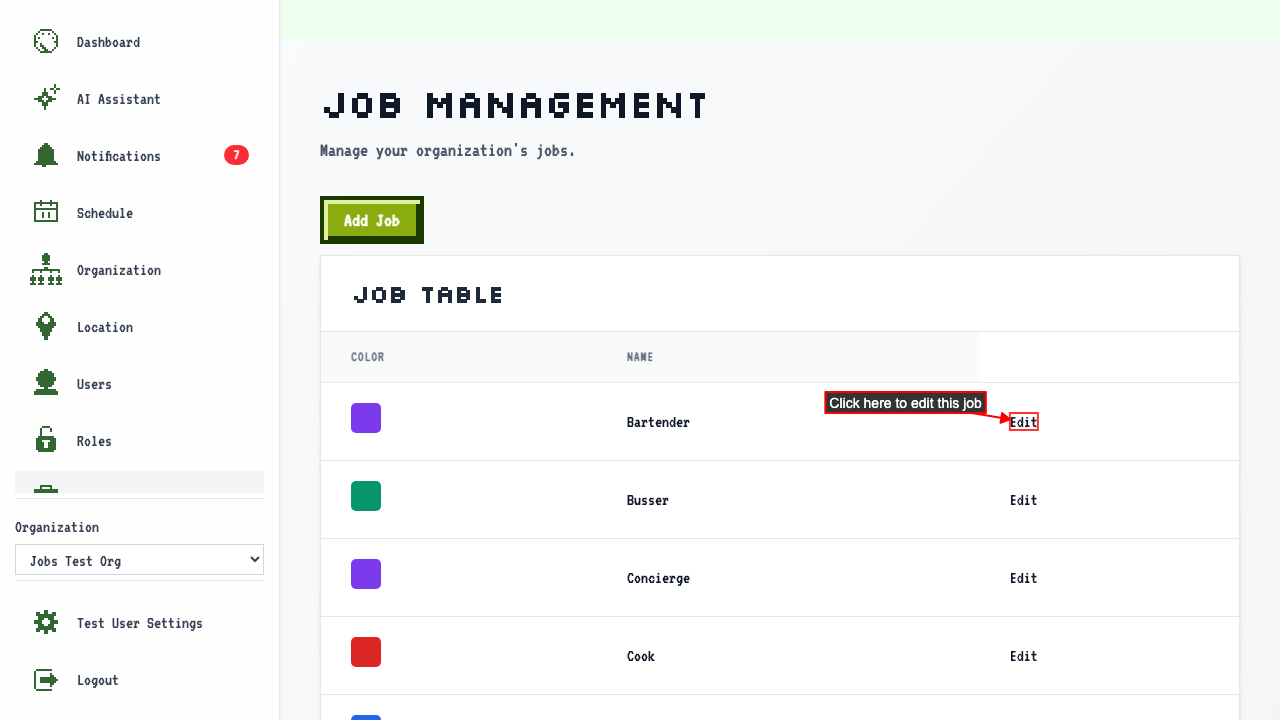
Start on the Jobs page.
Click the Edit Job link for the job you wish to change.
 The edit form shows the current job values.
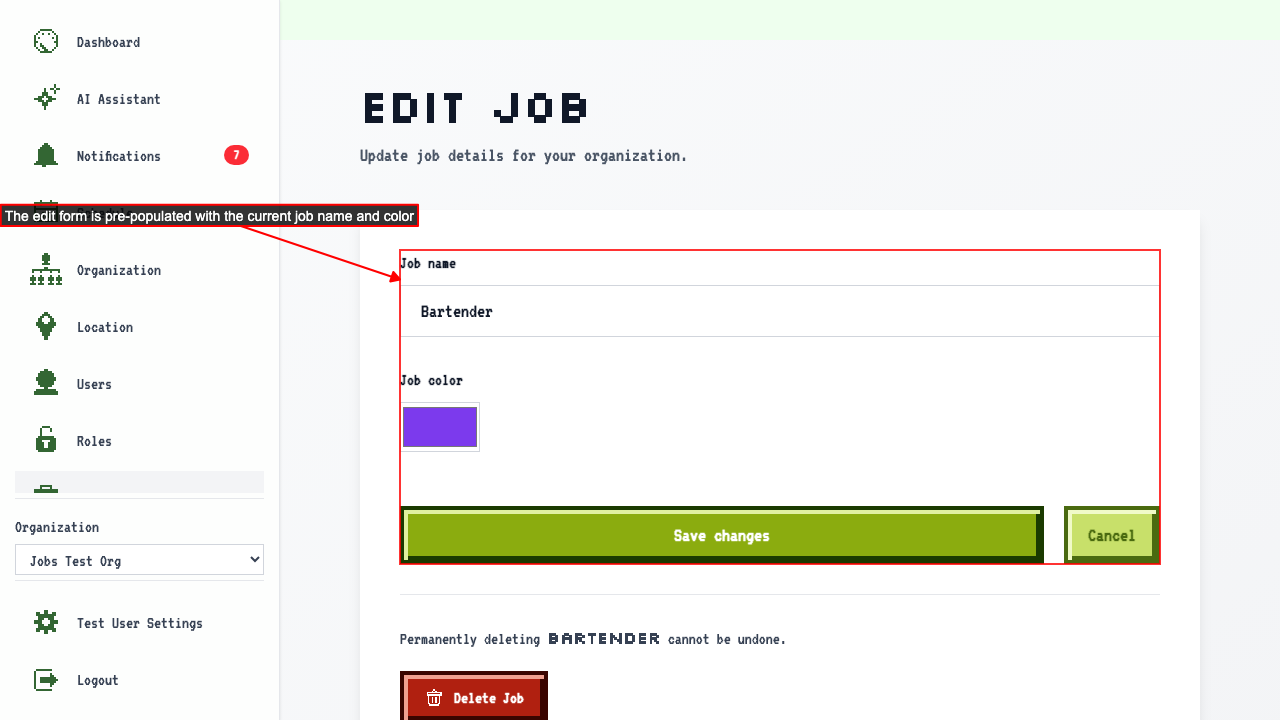 You can change:
- The job name.
- The job color.
Then save the changes.
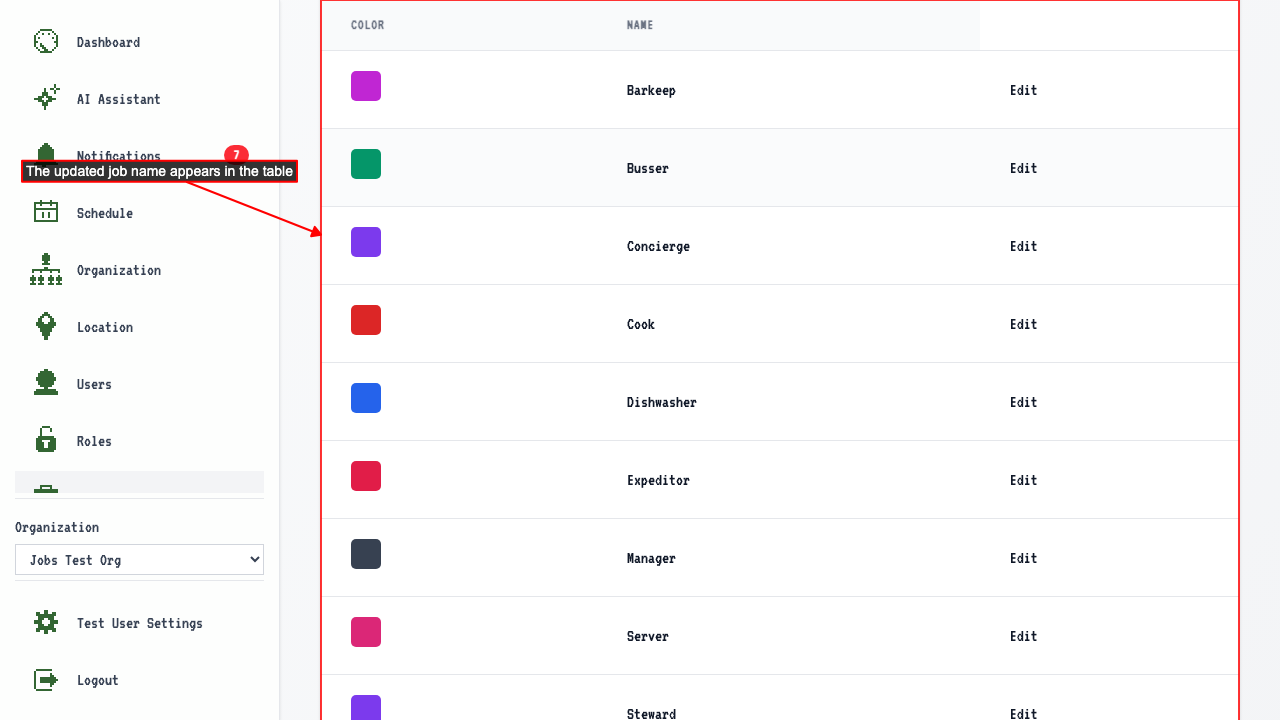
This redirects back to the job management page where the updated job appears in the table.