Fixing a Mislinked Account
Why employee details can't be edited here
When navigating to a user's edit page in a Square-connected organization,
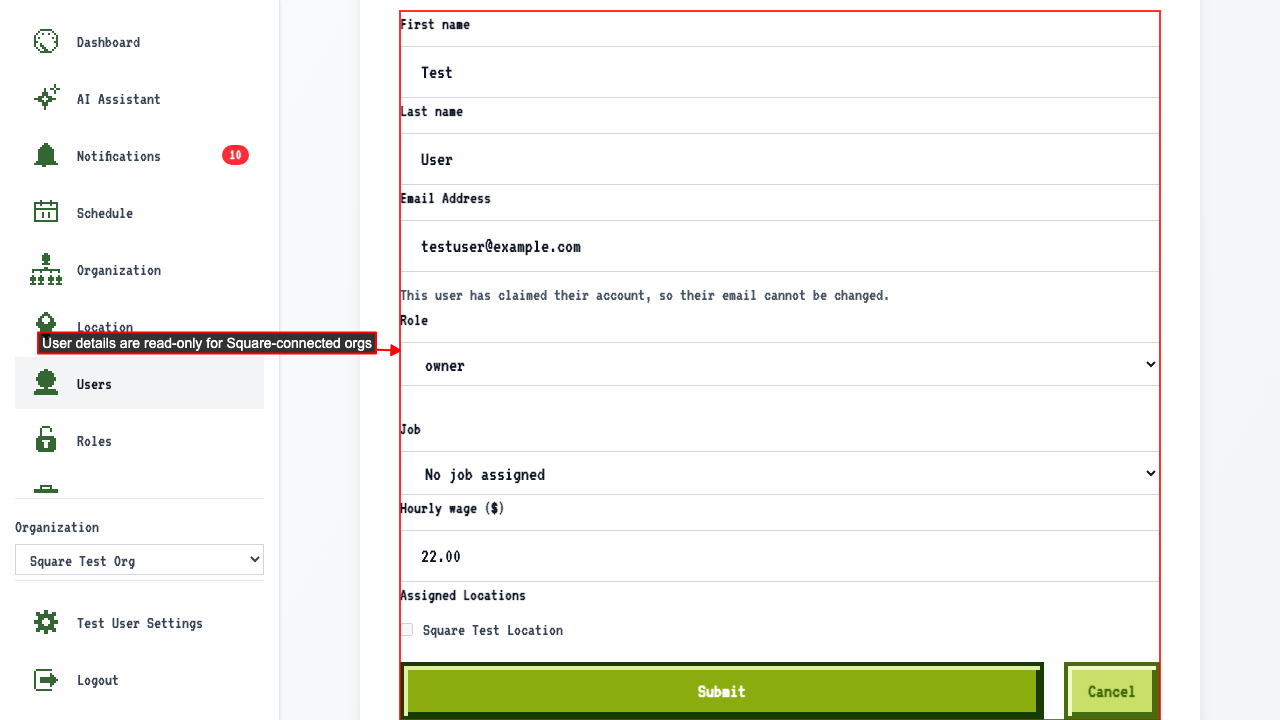
Name, email, job and location can't be edited here, because Square is where your team is managed.
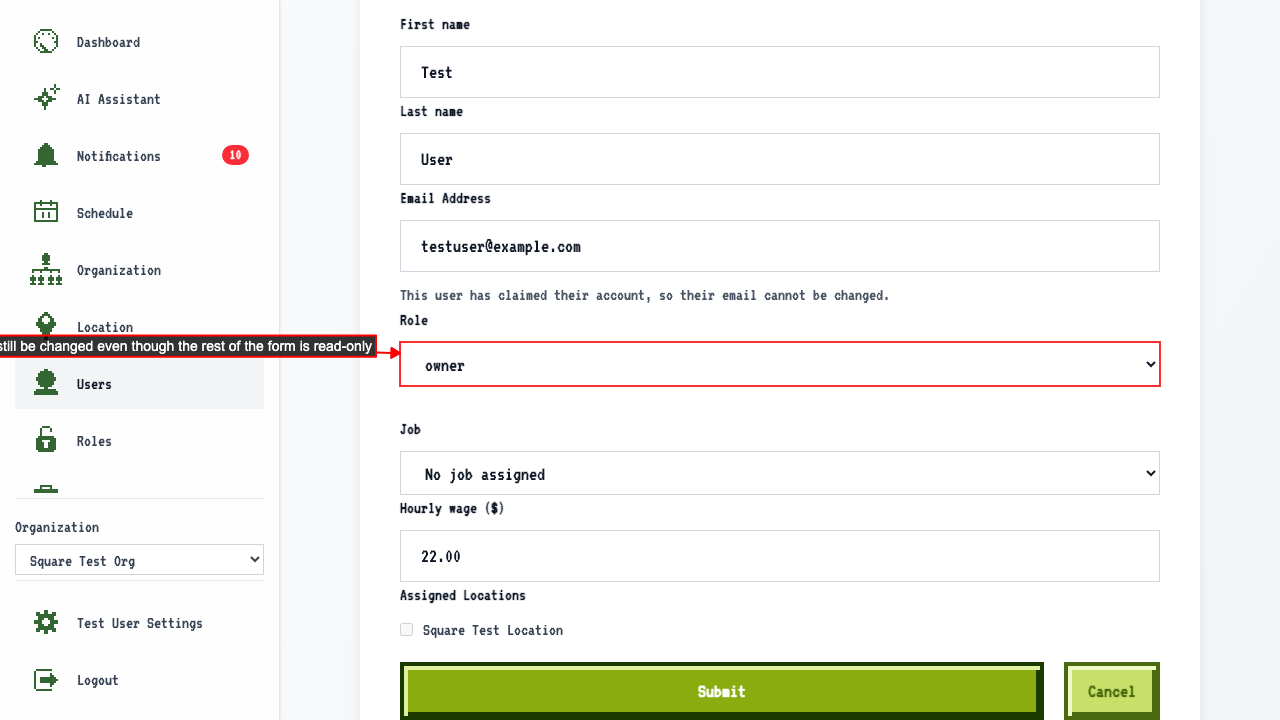
 Role stays editable, because roles belong to ScheduleLord rather than Square.
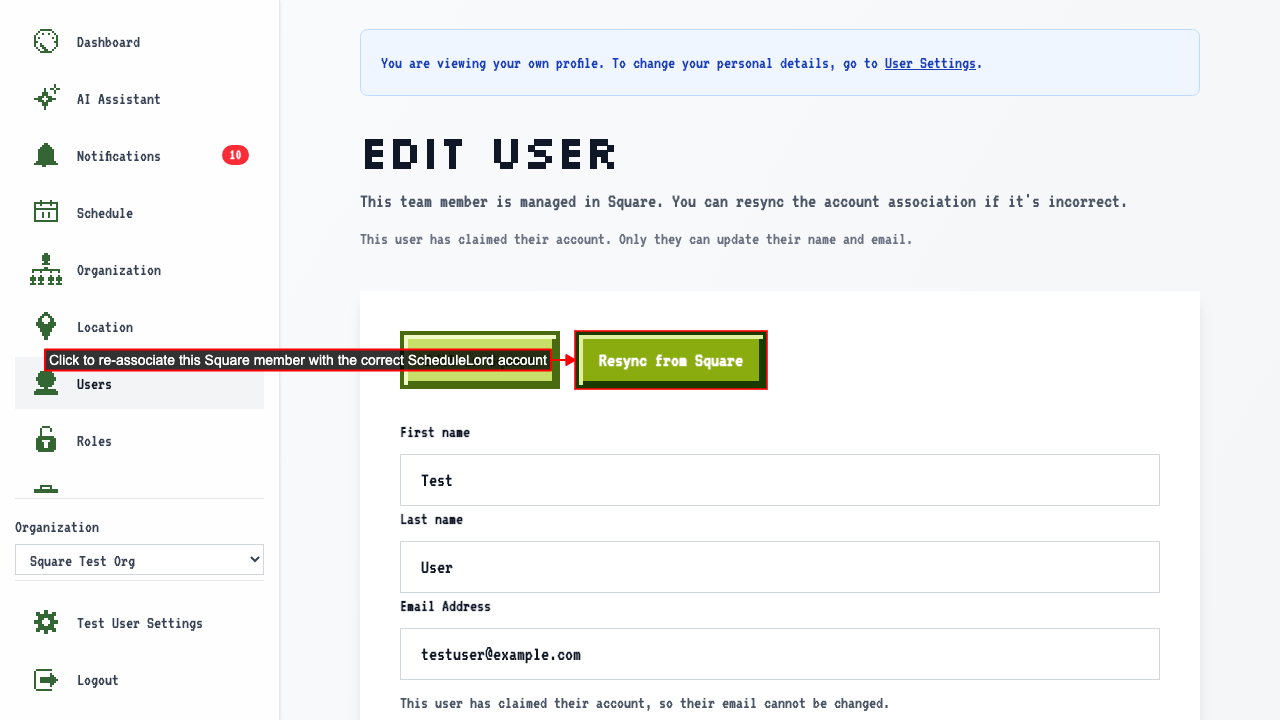
 A 'Resync from Square' button is available to fix an incorrect account association.
How to relink an employee to the right Square account
If a user's account is mislinked, like being associated with the wrong ScheduleLord account, go to that user's edit page.
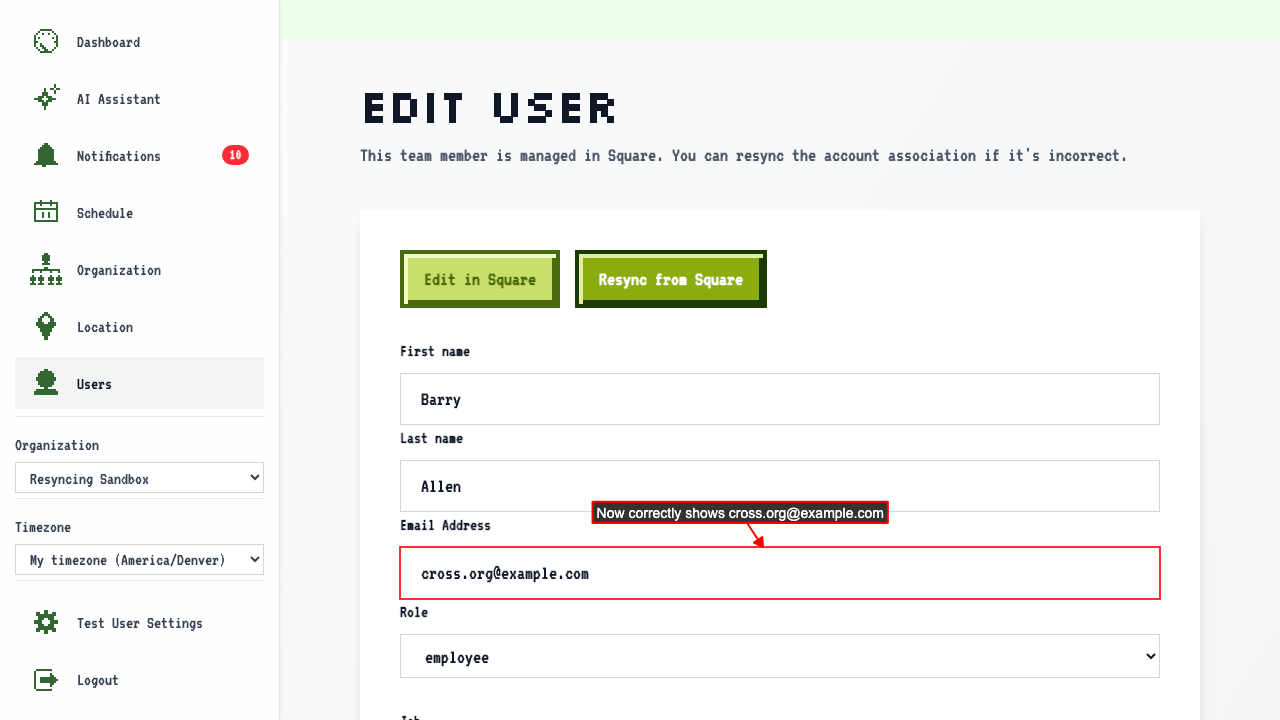
On the edit page it will show the currently-linked account's details, which may be linked incorrectly and no longer matches what is inside Square.
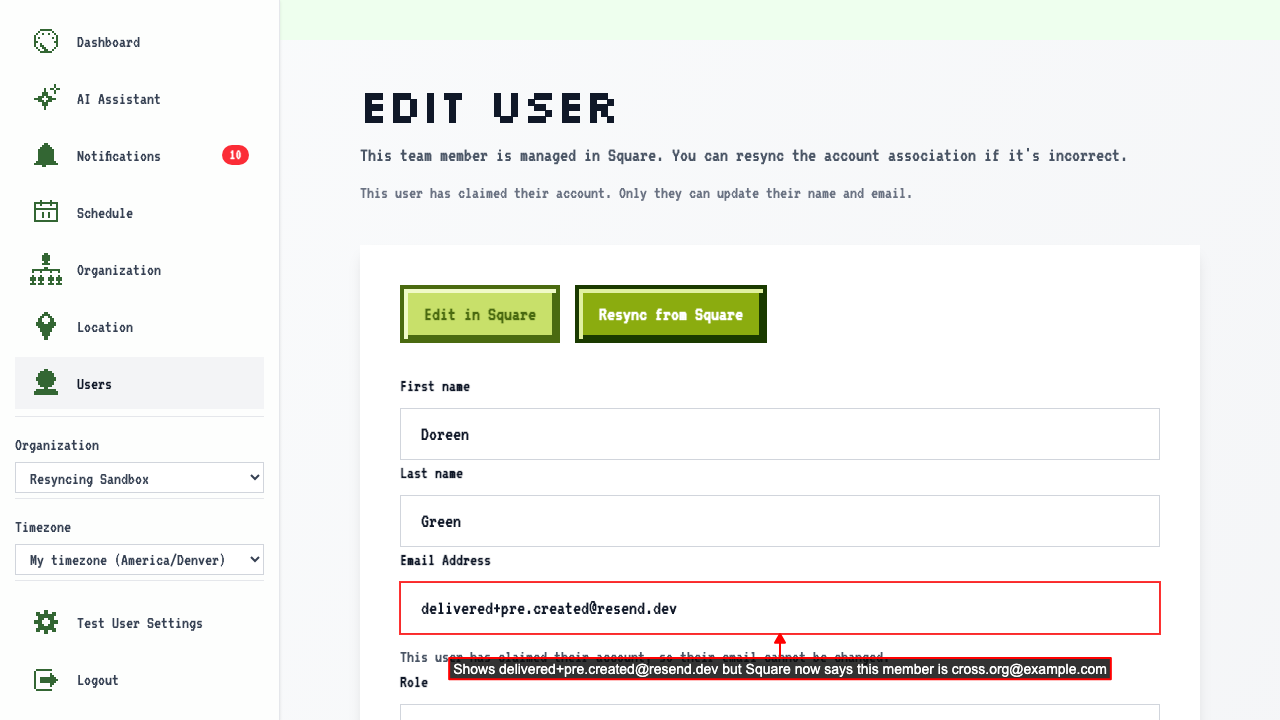 When an organization member's account is managed by Square and becomes out of sync, clicking 'Resync from Square' can fix the problem. First, click the button to open a confirmation dialog.
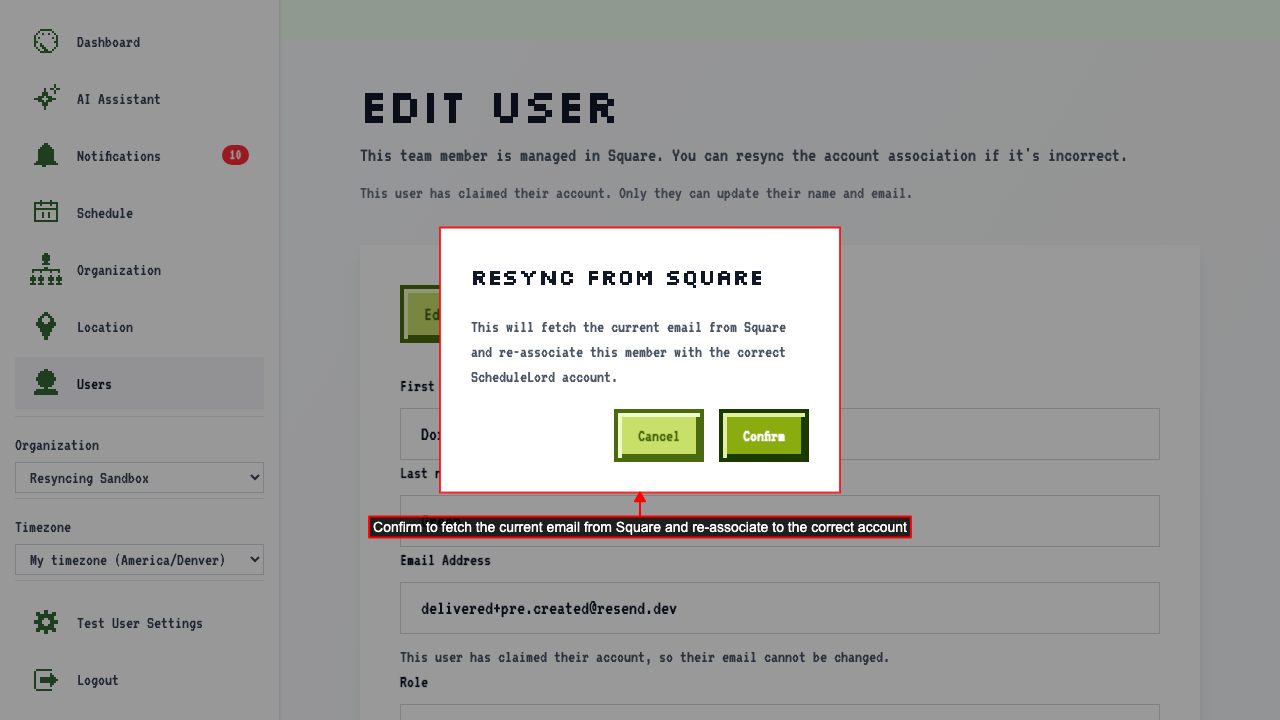 After confirming, the member is re-linked to the correct ScheduleLord account.