Add Job
How to add a new job
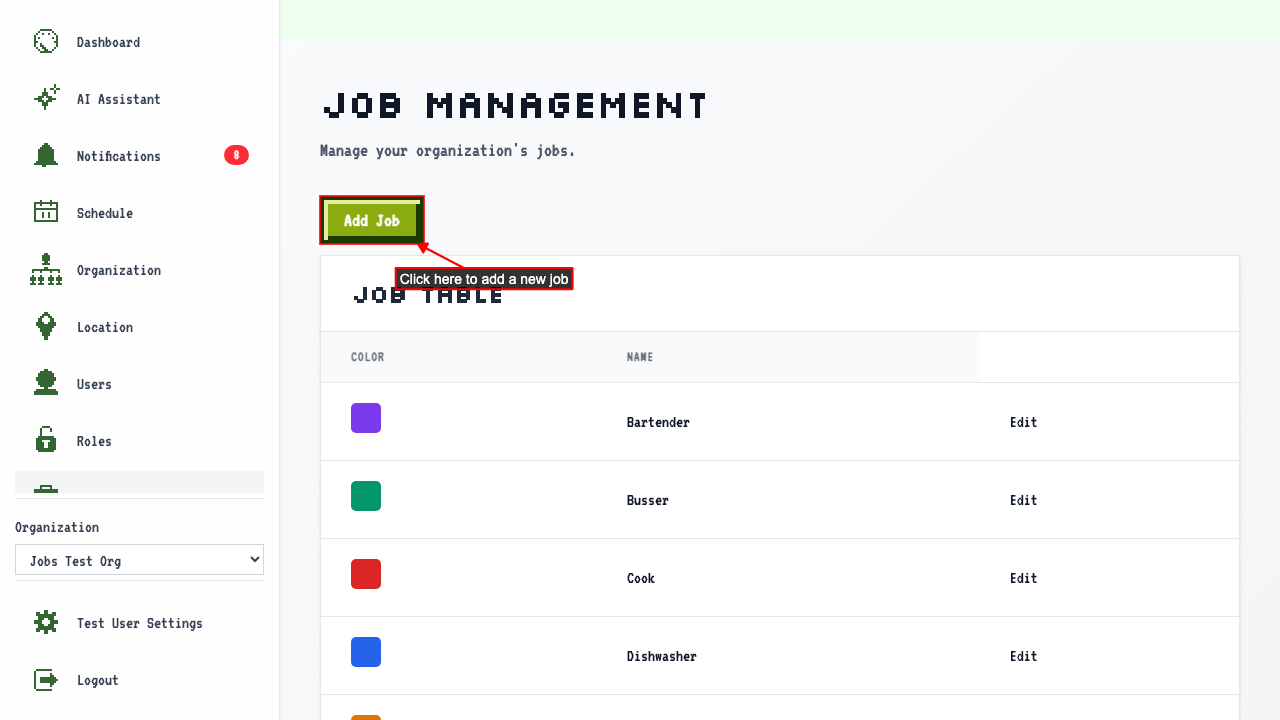
When on the job management page,
click the Add Job link to navigate to the new job page.
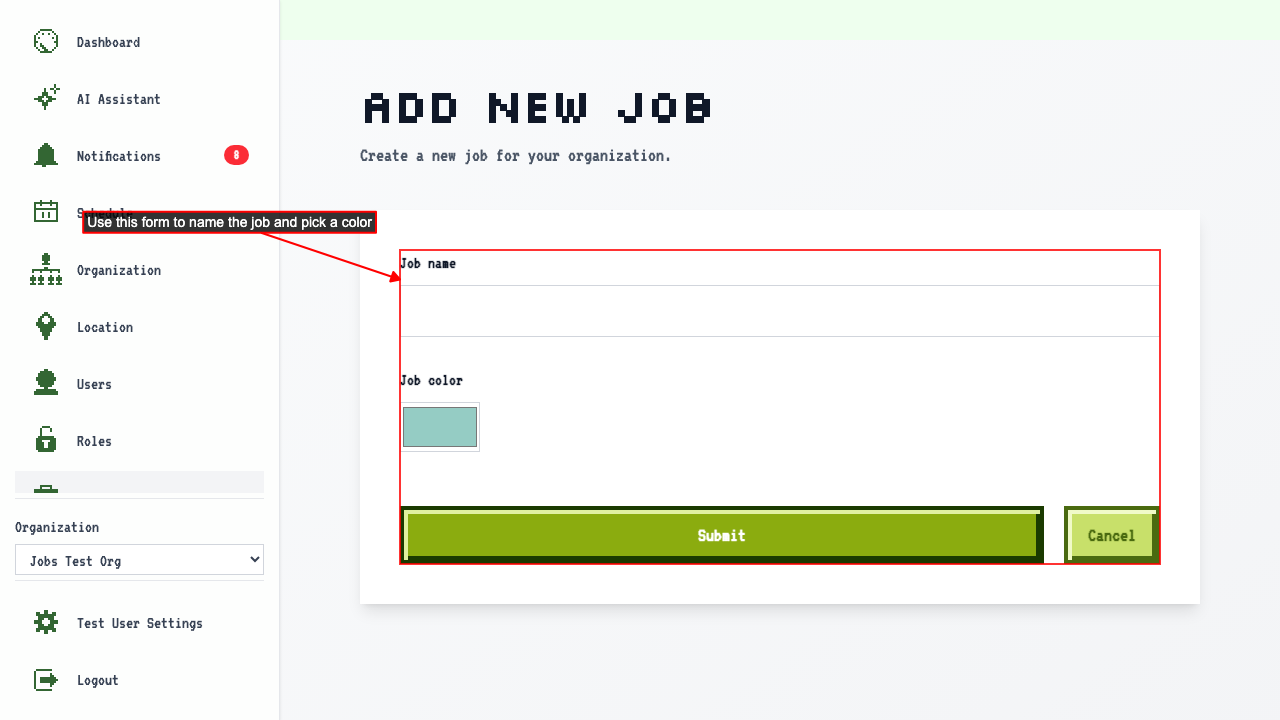
 The page shows a form where you can enter the job name and choose a color. The color is used to highlight that job in the schedule.
- Enter the job name.
- Choose a color for the job.
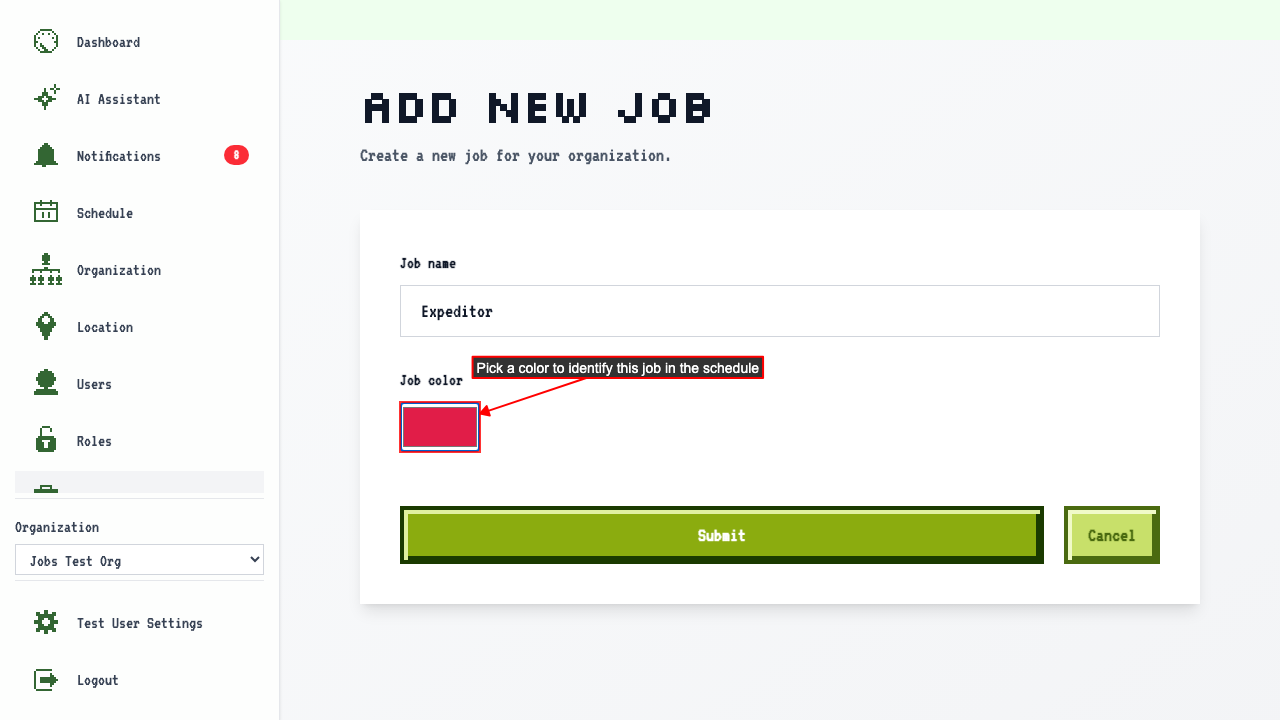
- Submit the new job form.
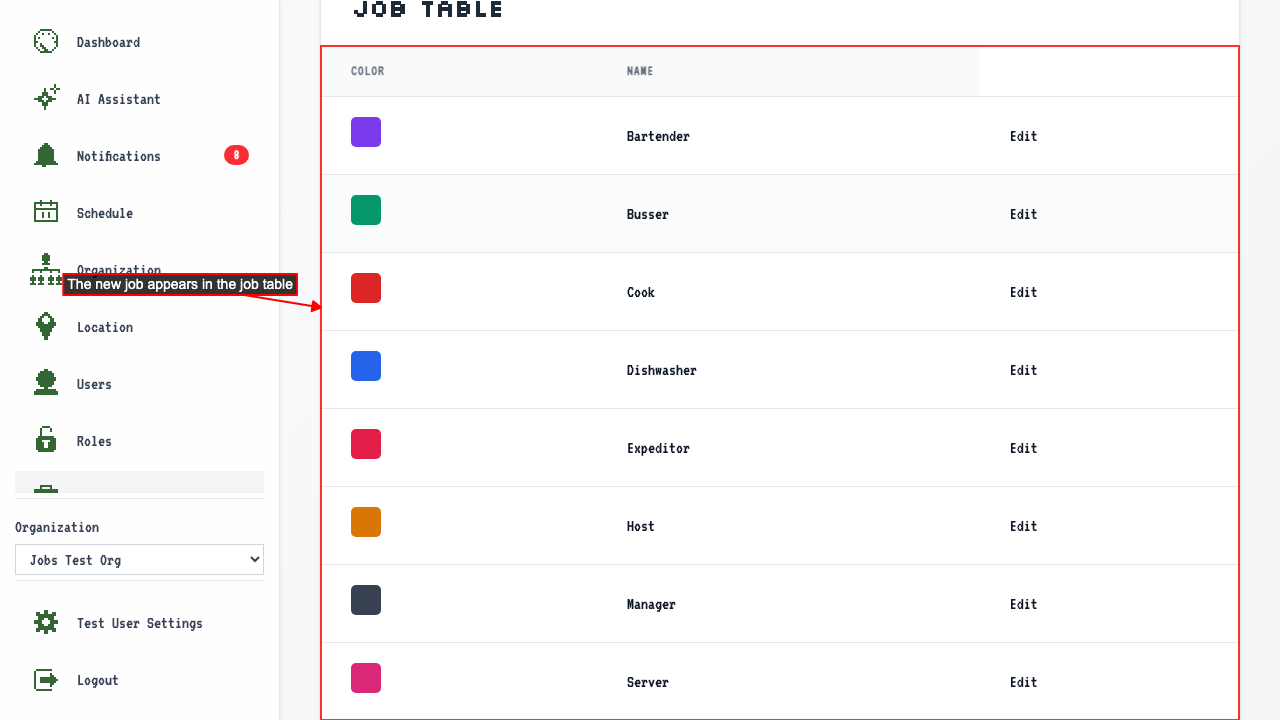
This redirects back to the job management page where the new job appears in the table.