Edit Job
How to edit a job
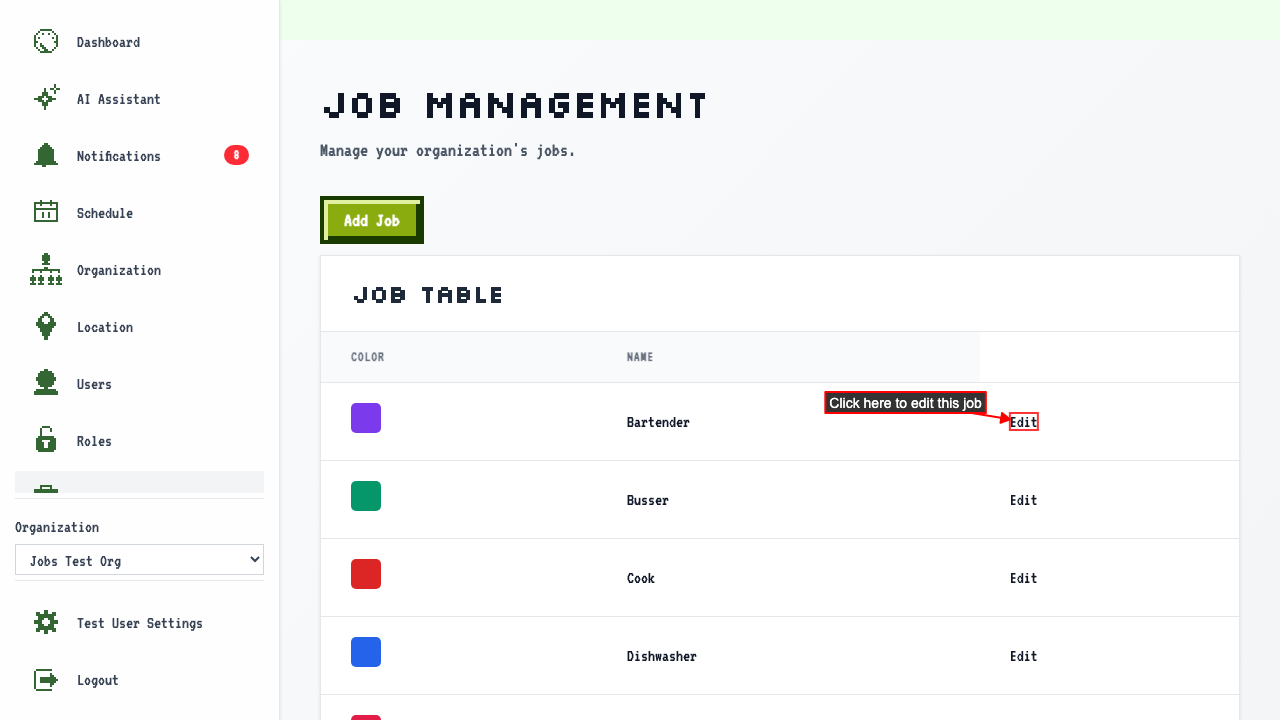
When on the job management page,
Click the Edit Job link for the job you wish to change.
 The edit form shows the current job values.
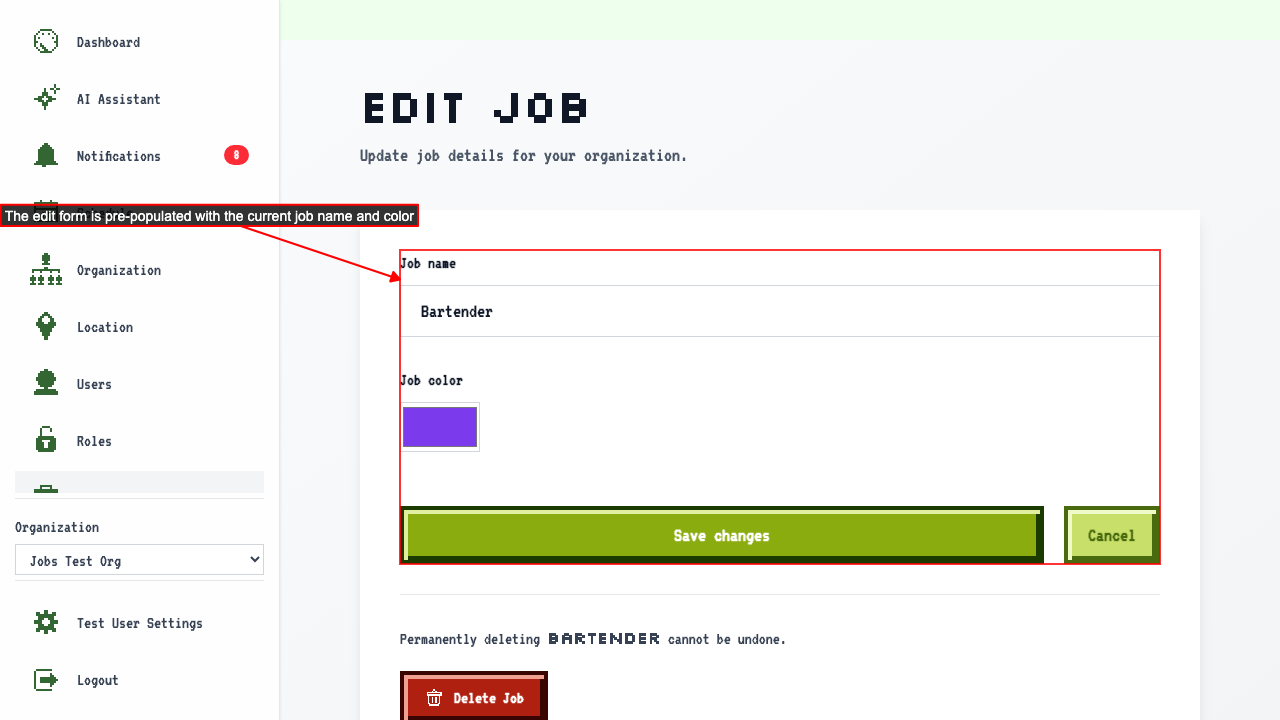 You can change:
- The job name.
- The job color.
Then save the changes.
This redirects back to the job management page where the updated job appears in the table.
