Plan Using the Staff View
Planning a schedule from the staff table
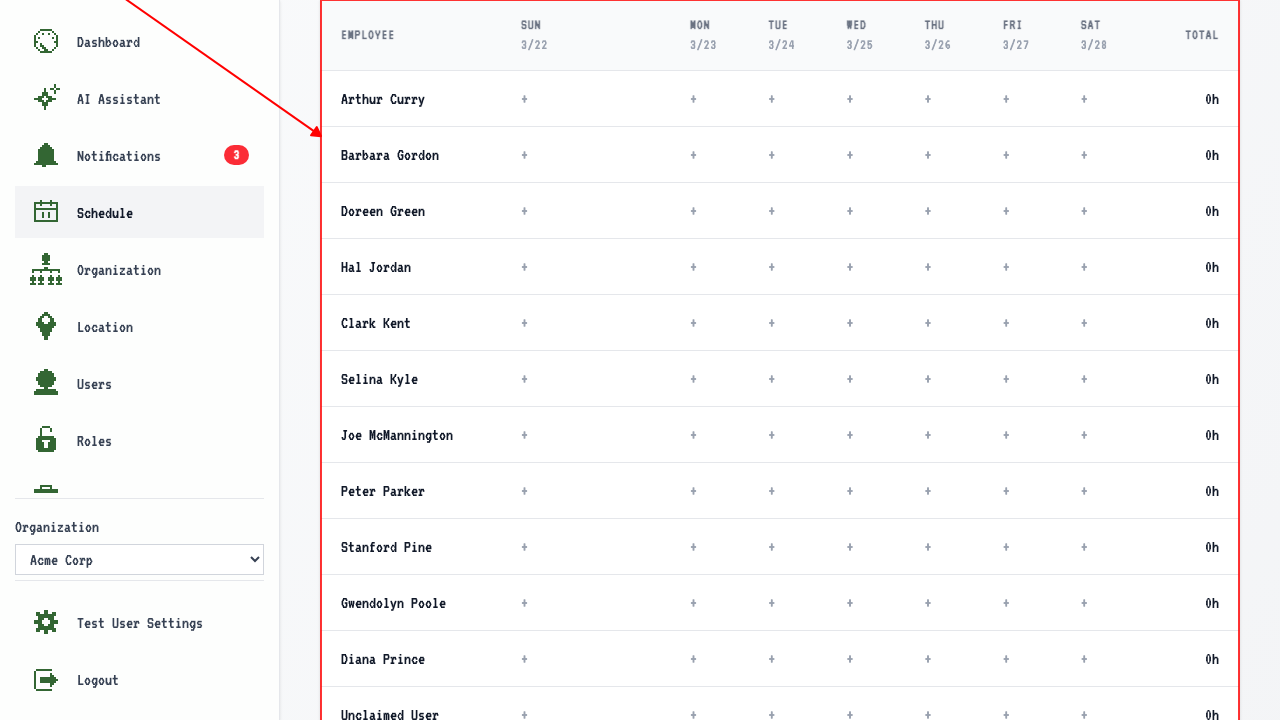
Switching to the staff table shows a row for every employee — even those with nothing scheduled yet.
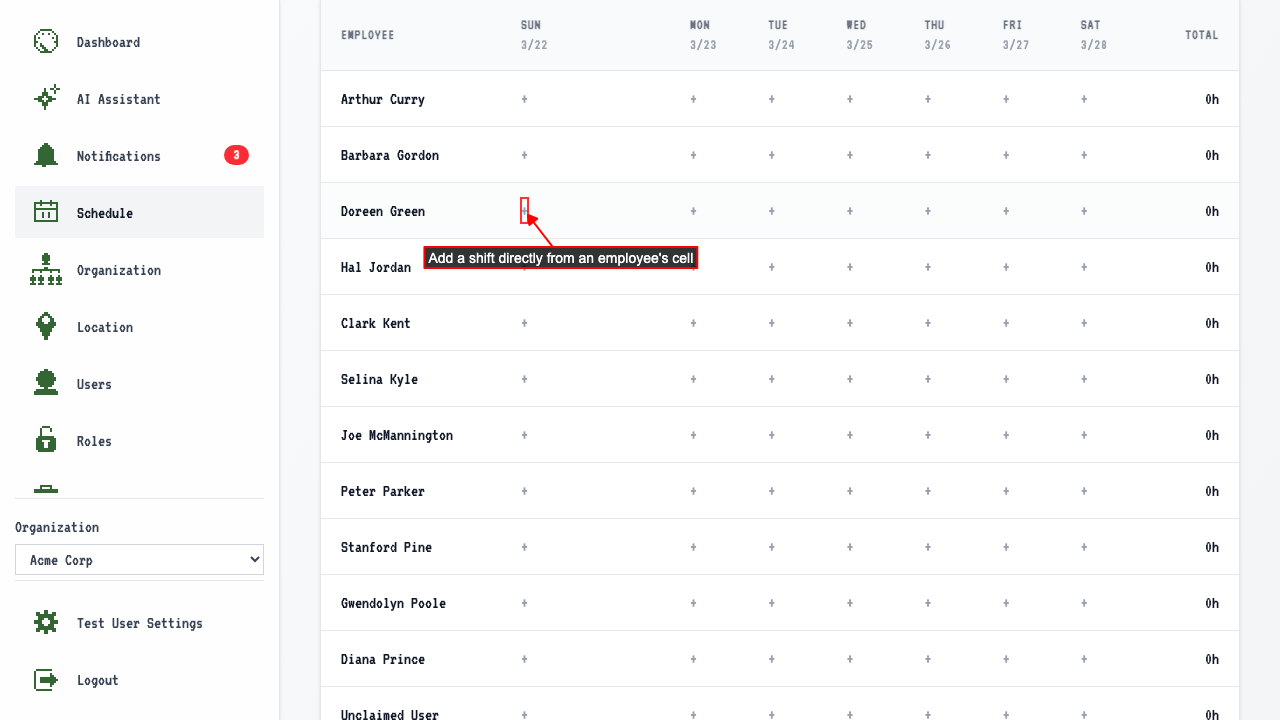
 Clicking the add-shift button on an employee's cell opens the shift form pre-filled with that employee, the day, and the employee's own job.
 The new shift shows up in the employee's cell.
Switching to week view and back keeps the draft shift — nothing is lost by toggling.
The new shift shows up in the employee's cell.
Switching to week view and back keeps the draft shift — nothing is lost by toggling.