Suggest a Schedule Automatically
How to generate a suggested schedule and publish it
Navigate to the plan page for next week.
Select a location.
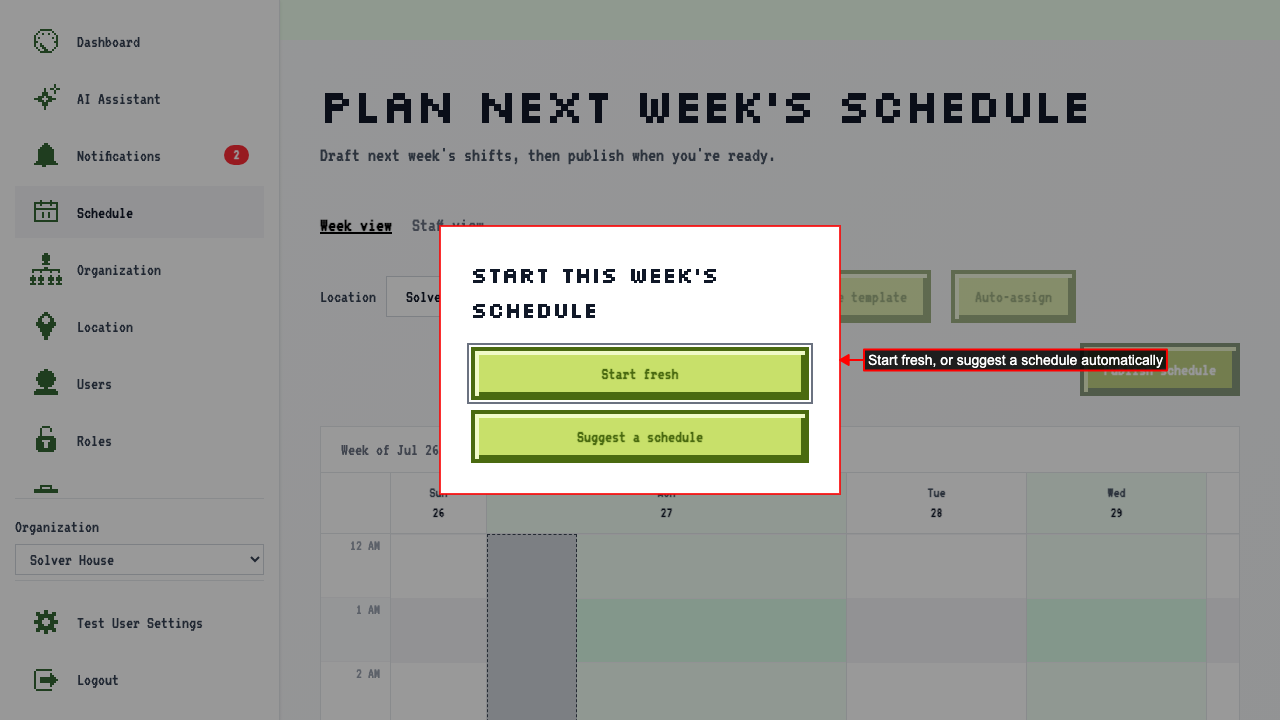 Clicking 'Suggest a schedule' allows you to set when to expect employees' shifts to start before and after closing, and the longest a shift can run. Openers arrive and closers stay 30 minutes beyond opening hours by default, and shifts cap at 8 hours. You can override any of these per job — for example, letting managers work longer shifts. Suggested shifts prioritize higher-wage employees for higher priority days.
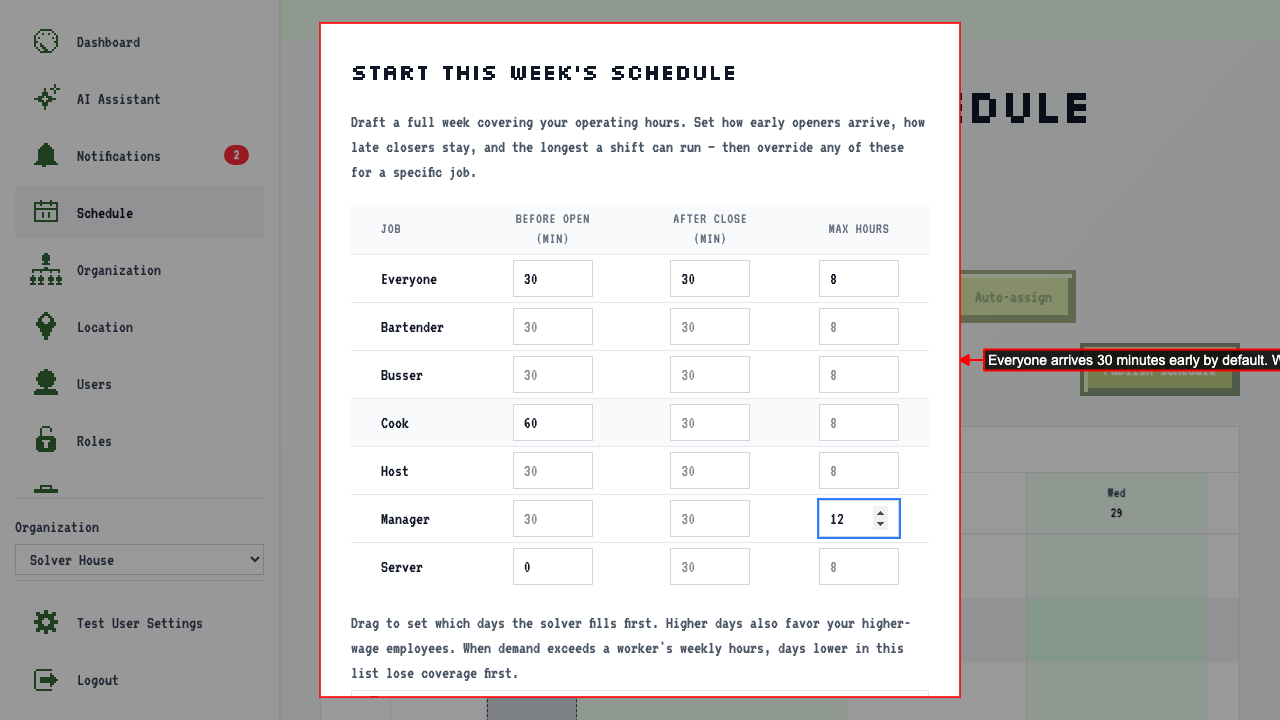 Drag the day-priority list to change which days the solver fills first. Days higher in the list also favor your higher-wage employees; the lowest day schedules by who has the least hours.
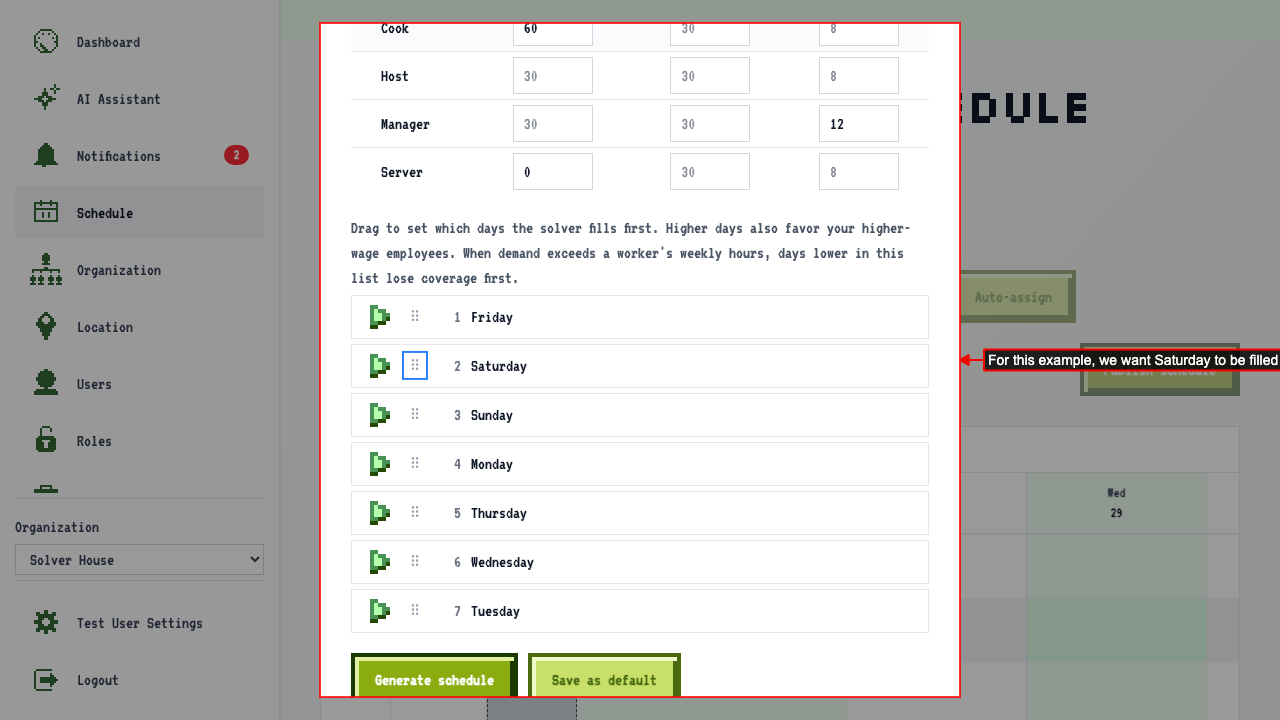 Changing any of these settings enables 'Save as default', which makes them this location's starting point the next time you suggest a schedule — without it, they only apply to this one draft.
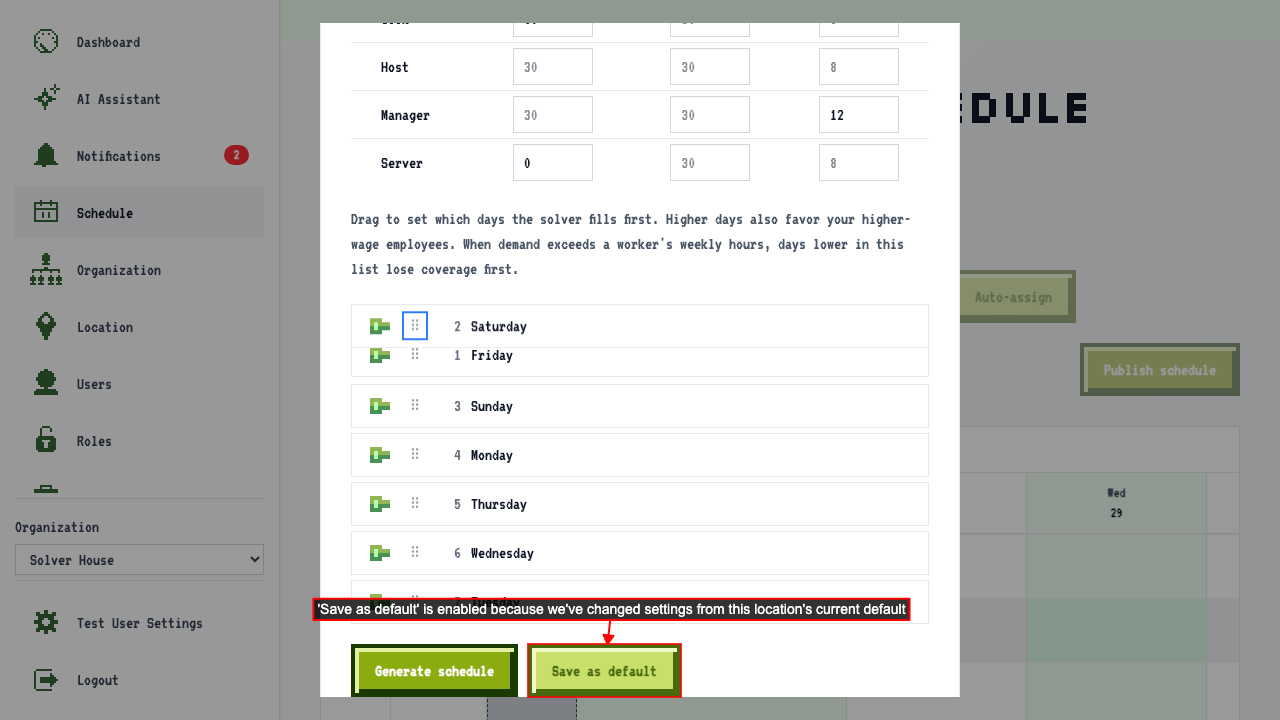 Click 'Generate schedule'.
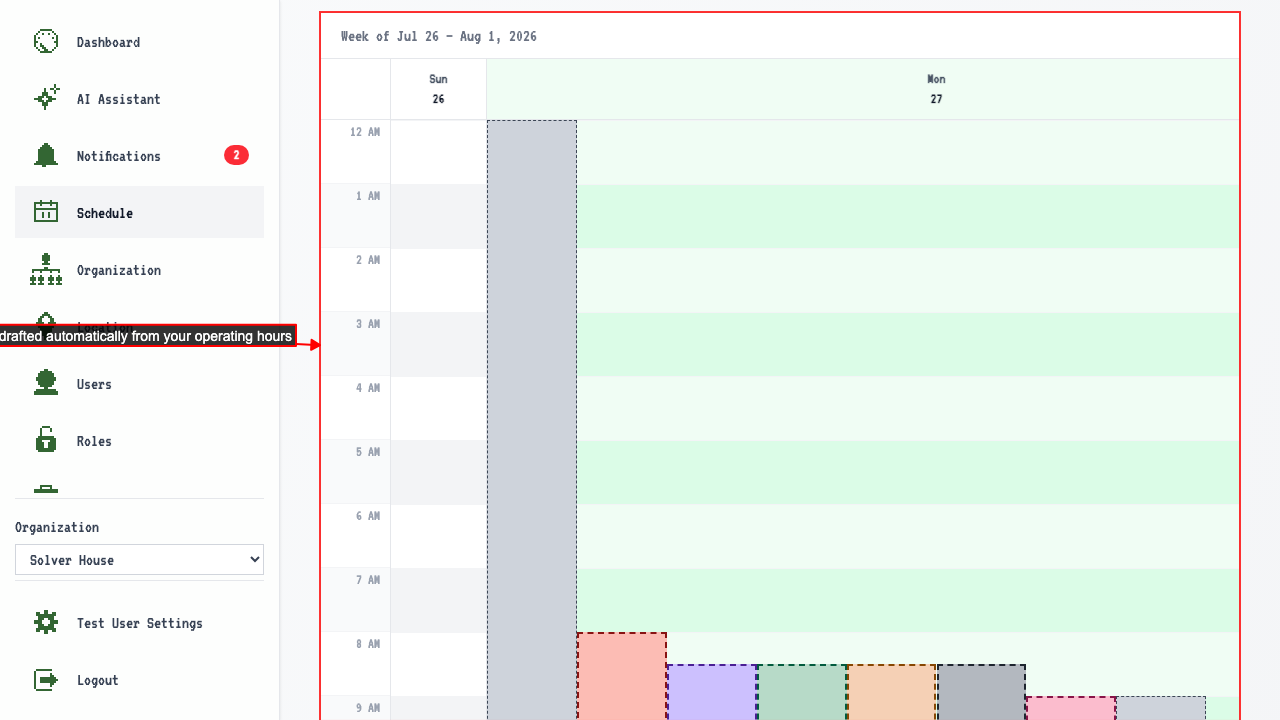
Draft shifts appear on the calendar.
Click 'Generate schedule'.
Draft shifts appear on the calendar.
The example shows the cook opens an hour early, servers show up right at opening, and no one is scheduled during approved time off.
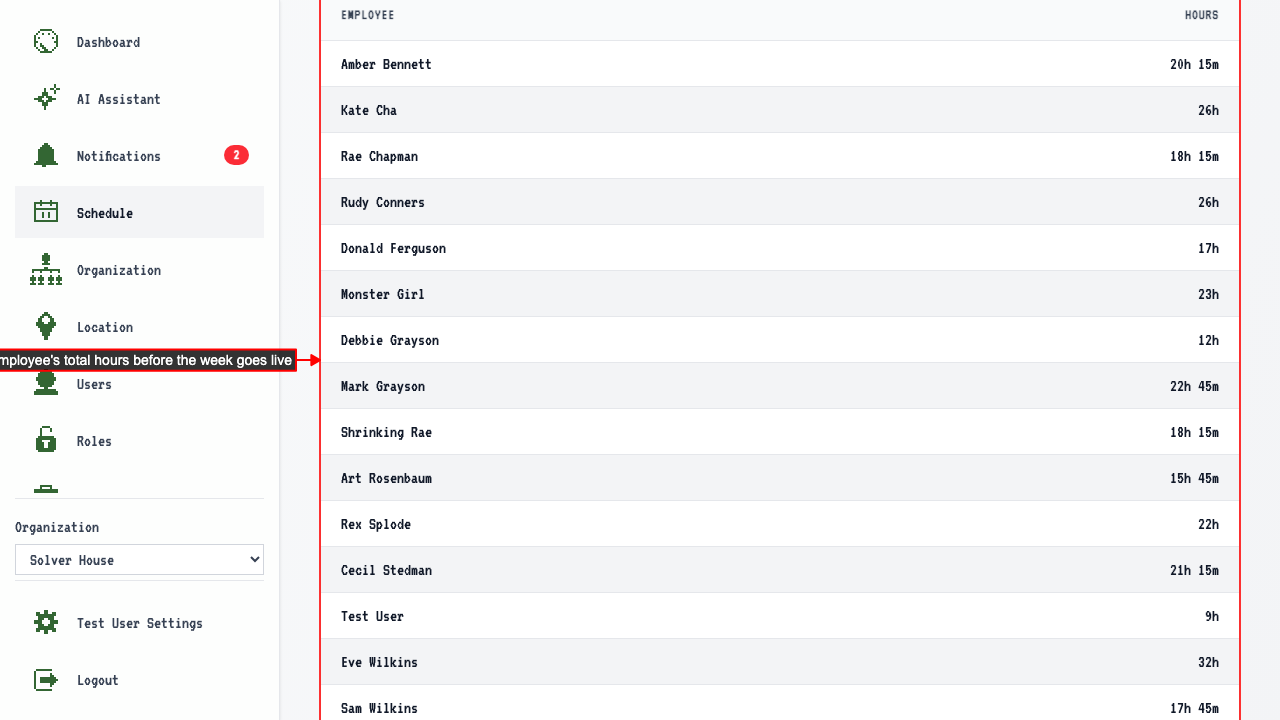
 Before publishing, the Employee Hours summary lets you review everyone's total hours for the week at a glance. In our case, nobody is over 40.
 Click 'Publish schedule' to make the suggested shifts live.