Apply a Template to Another Week
How to apply a saved template to a different week
Navigate to the plan page for a different week, and select the same location.
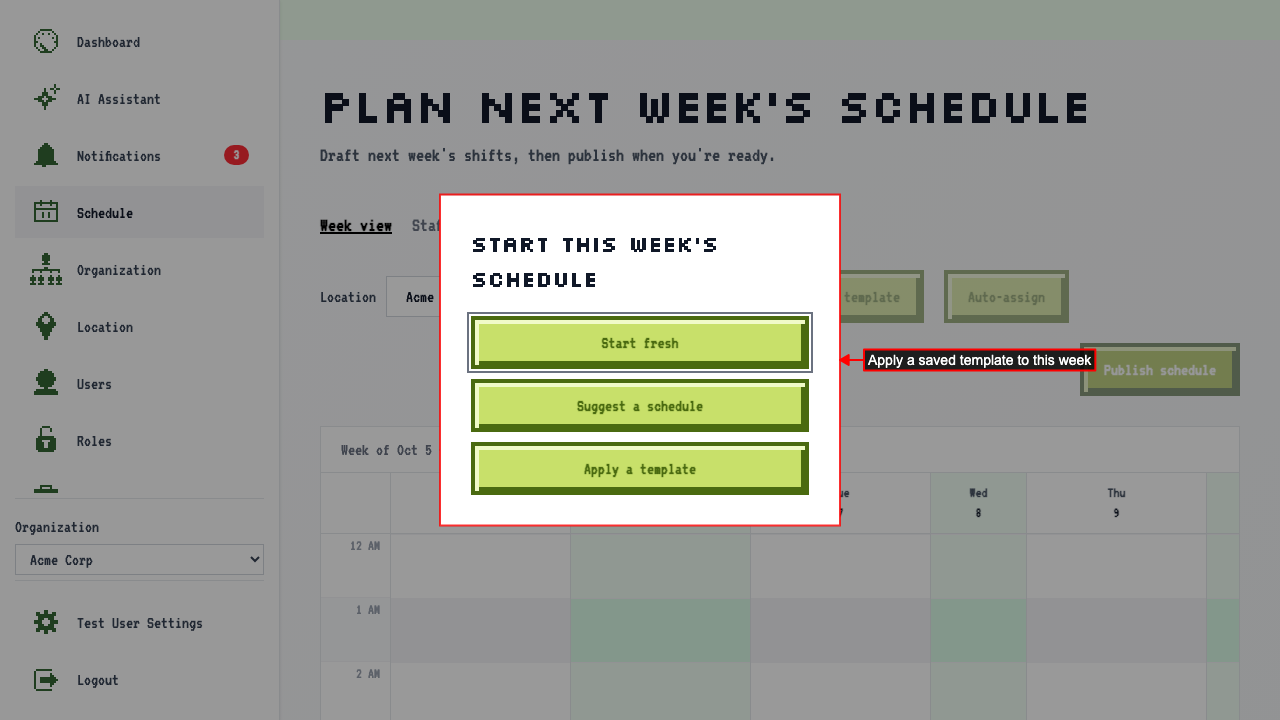
Now that a template exists for this location, 'Apply a template' is offered as a starting point.
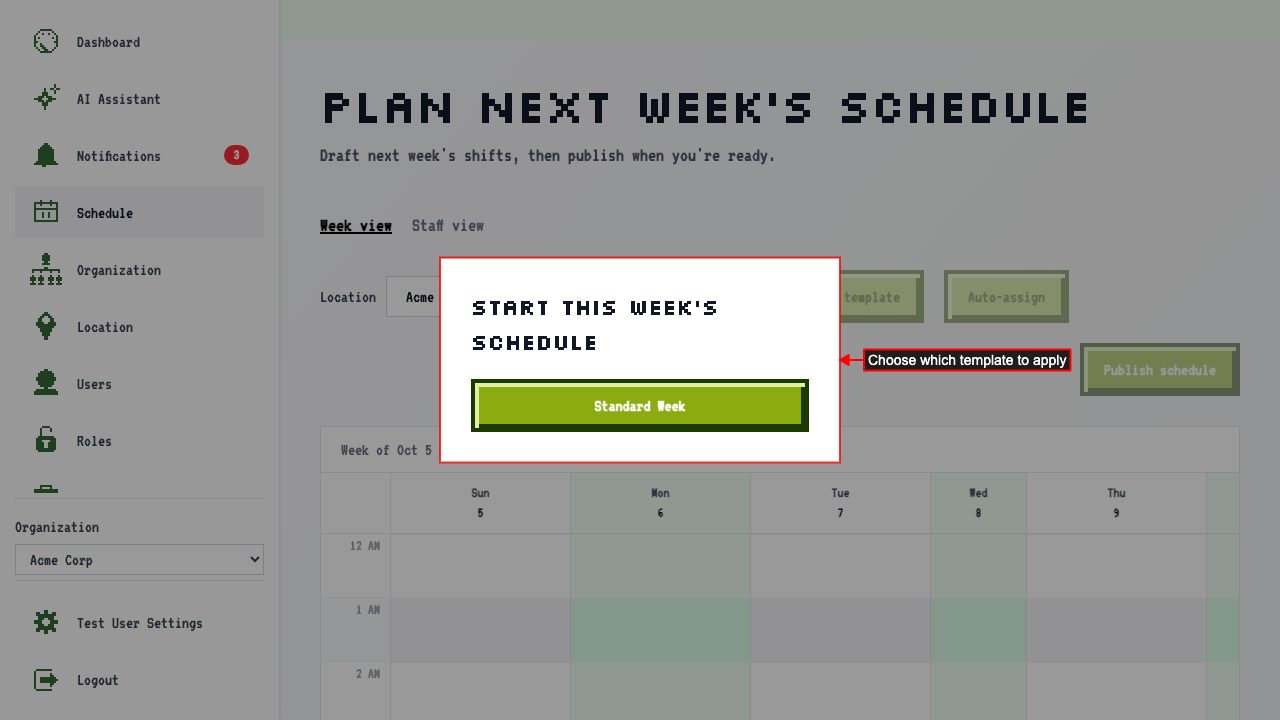
 Pick 'Standard Week' from the list of saved templates.
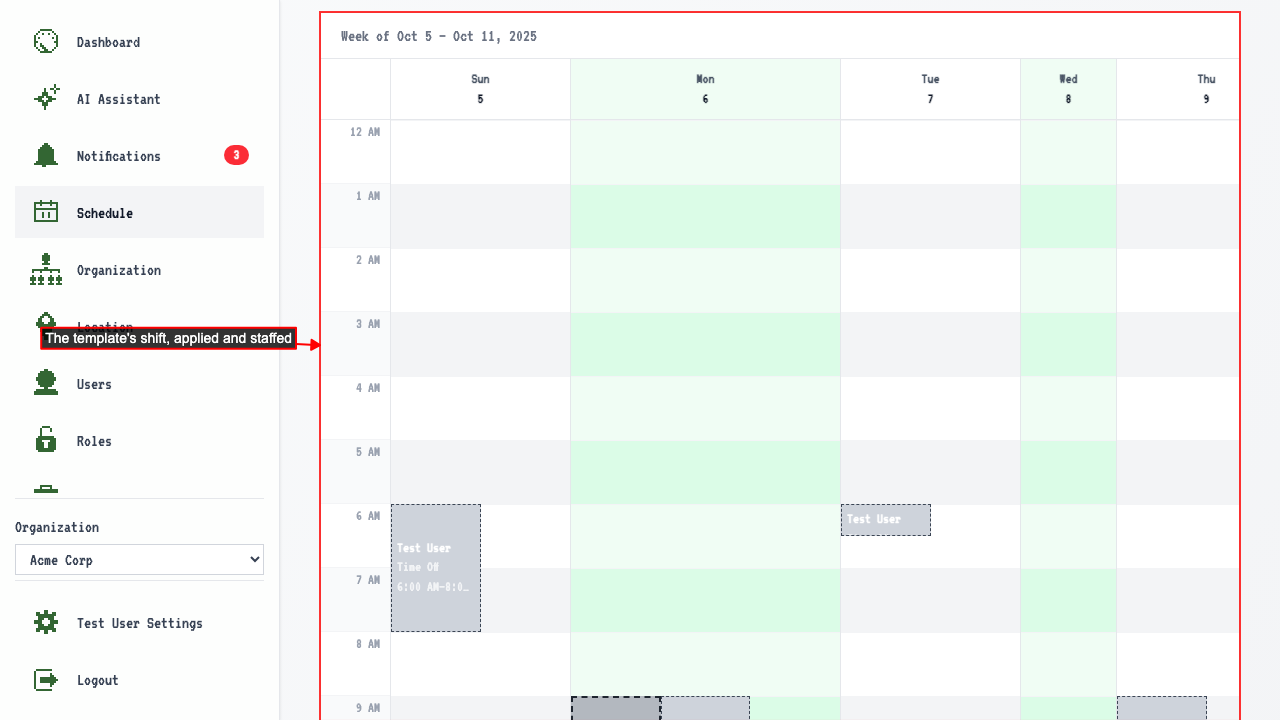
 The template's shift appears on the calendar, on the right day and time — the solver has already assigned someone to it.