Save a Week as a Template
How to save a week's shift layout as a reusable template
Navigate to the plan page and select a location.
Until you've saved a template for this location, 'Apply a template' isn't offered as a starting point.
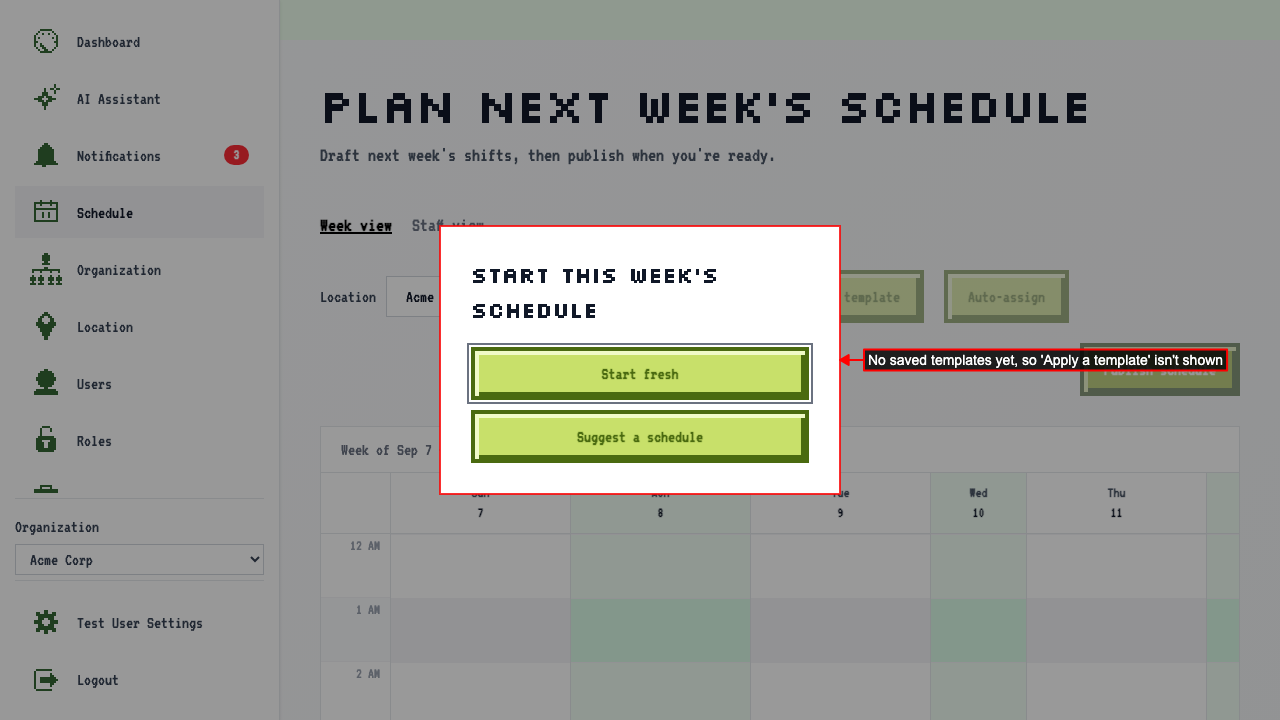 Choose 'Start fresh' to begin with an empty calendar.
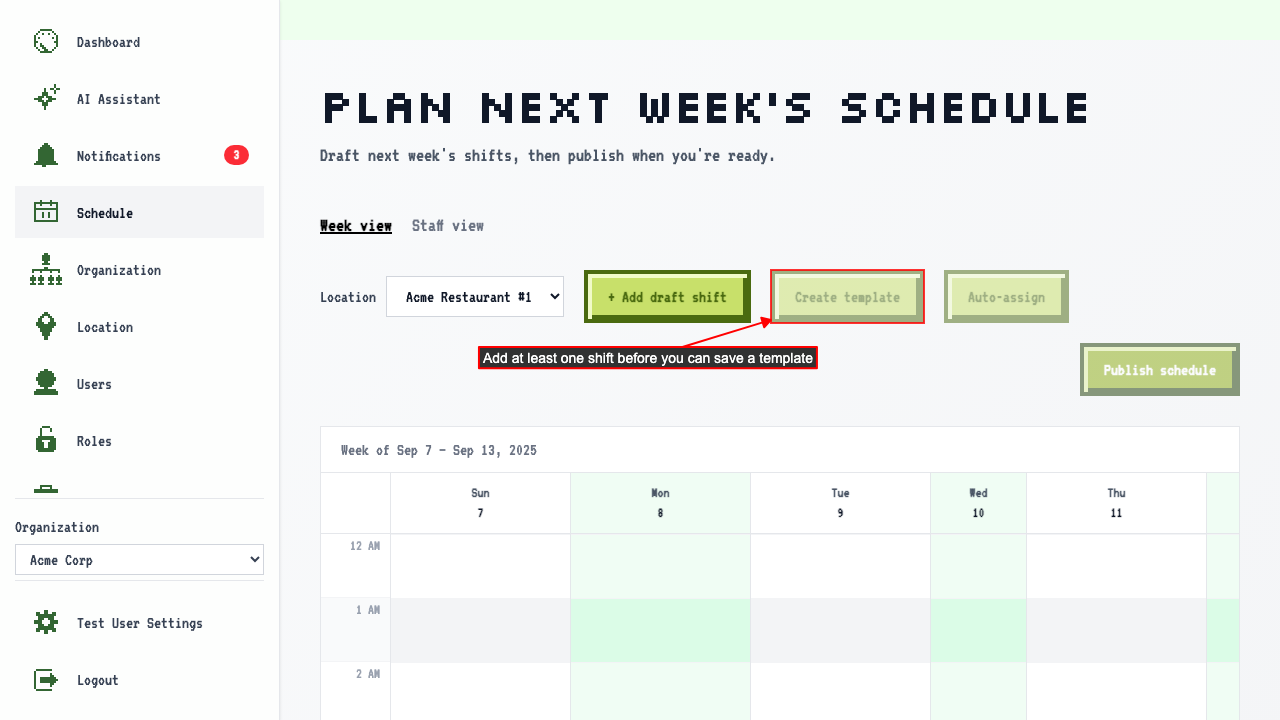
With nothing on the calendar yet, 'Create template' stays disabled — there's nothing to save.
Choose 'Start fresh' to begin with an empty calendar.
With nothing on the calendar yet, 'Create template' stays disabled — there's nothing to save.
 Add a shift to the calendar.
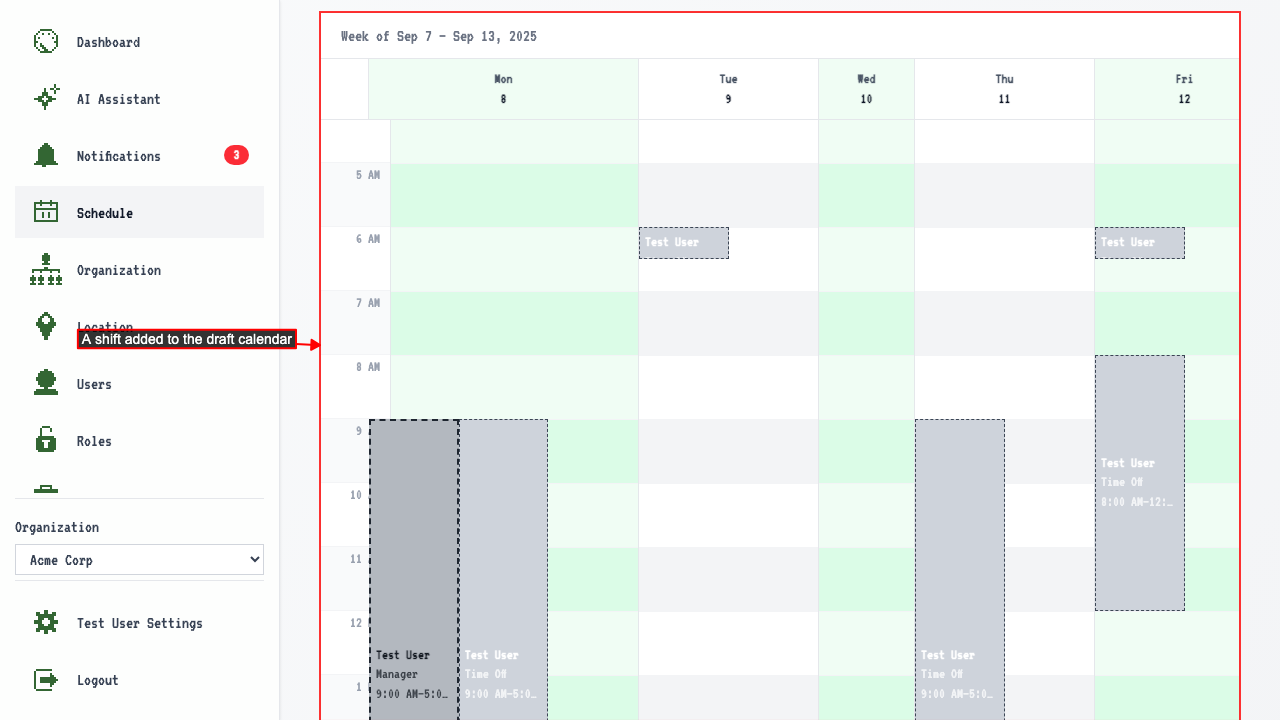 Click 'Create template' to save the week's shape for reuse.
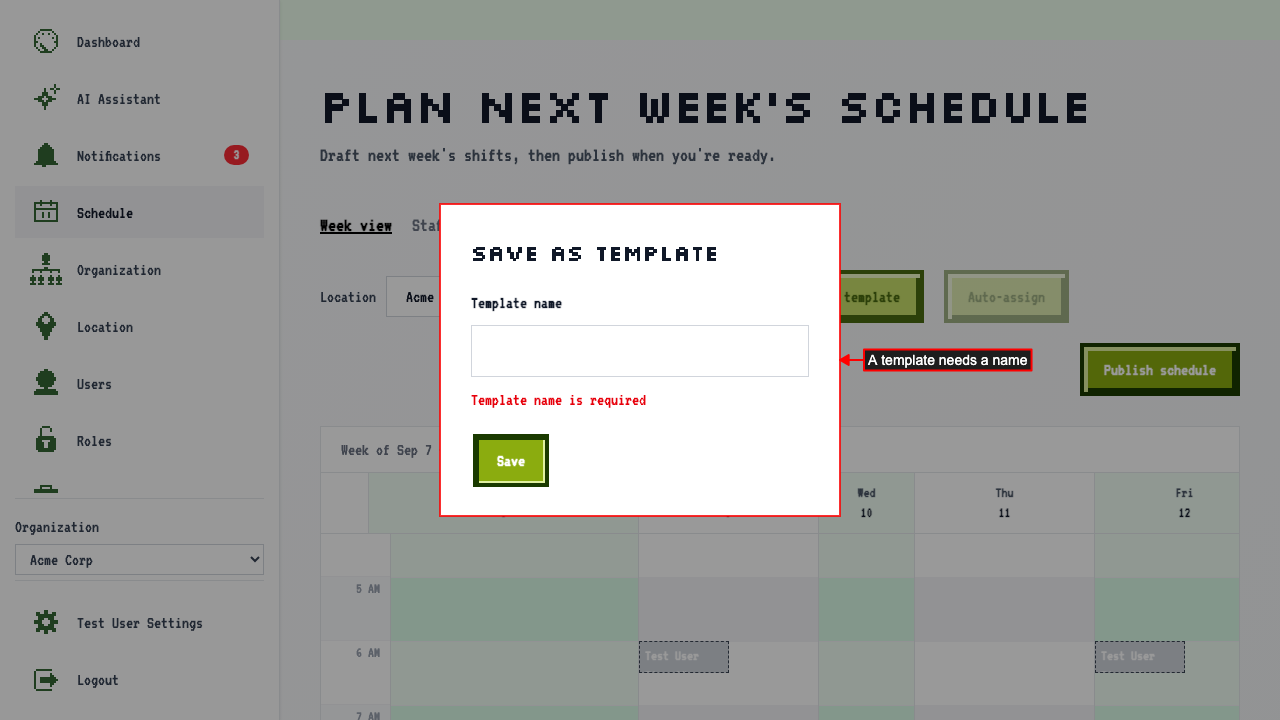
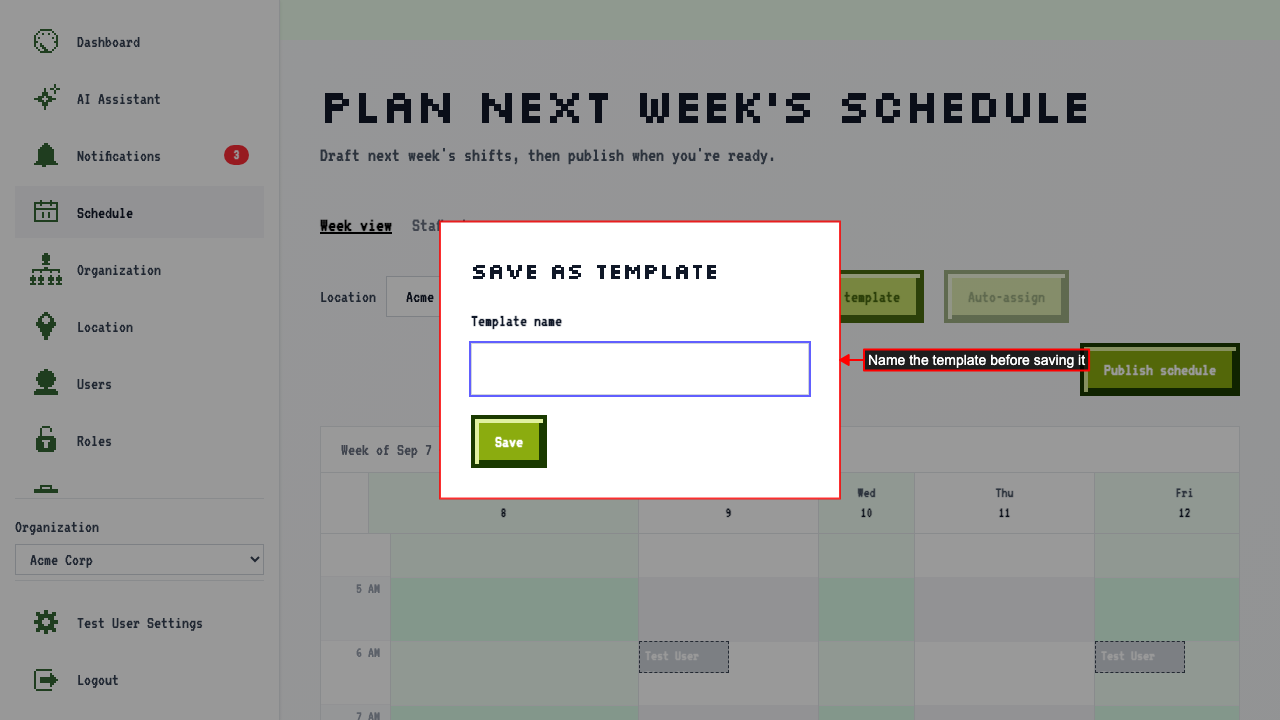 The template needs a name — saving with a blank one shows an error.
 Name it and save — only the shifts' jobs, days, and times are kept, not who was assigned to them.