Break Coverage When Scheduling
Warns when a break would leave no one covering a job at a location
On the edit page for the second Server's shift
Click Add Break, then enter a break that overlaps the other Server's existing 12:00-12:30 break.
A warning appears — every Server at this location would be on break at once.
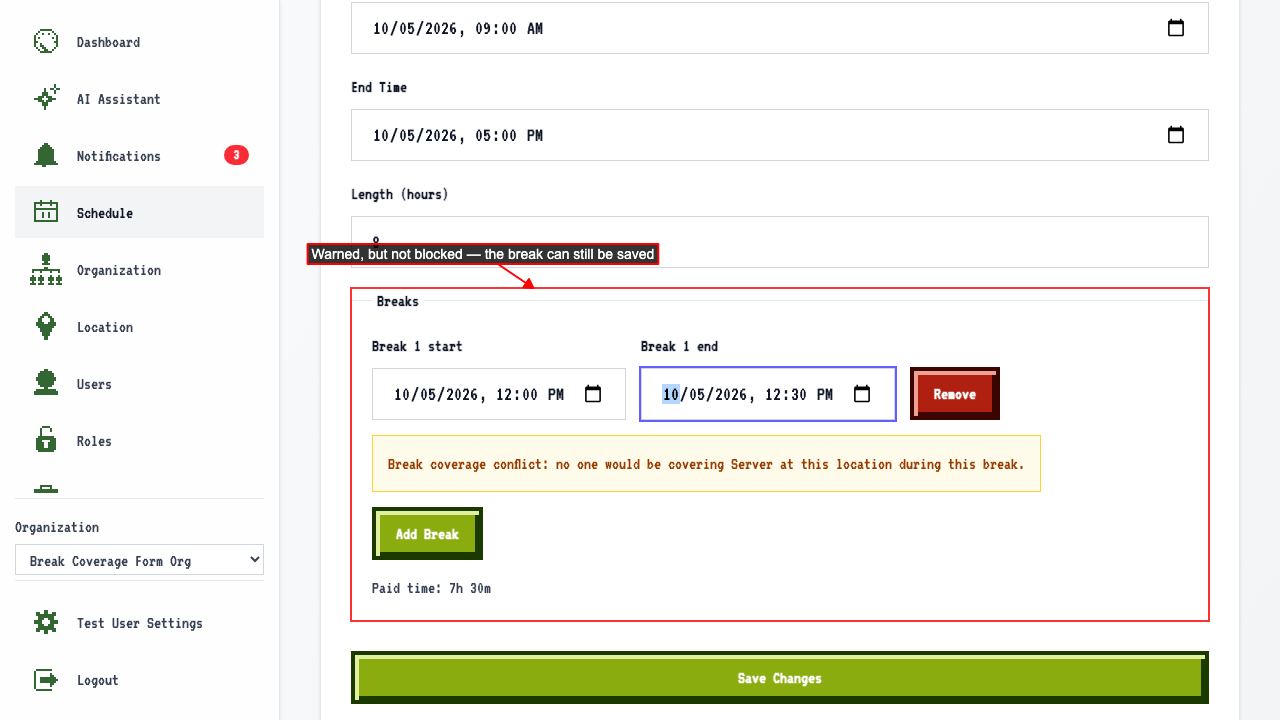 Saving anyway still adds the break.
Editing the break to a time that doesn't overlap shows no coverage warning.
Editing it back to overlap the other Server's break shows the warning again.
Saving anyway still adds the break.
Editing the break to a time that doesn't overlap shows no coverage warning.
Editing it back to overlap the other Server's break shows the warning again.
Flags an existing break with a coverage conflict as soon as the edit page loads
On the edit page for the second Server's shift the break's coverage conflict is flagged immediately, without editing it.
Warns when a draft shift's break would leave no one covering a job at a location
On the plan page for that week, select the location.
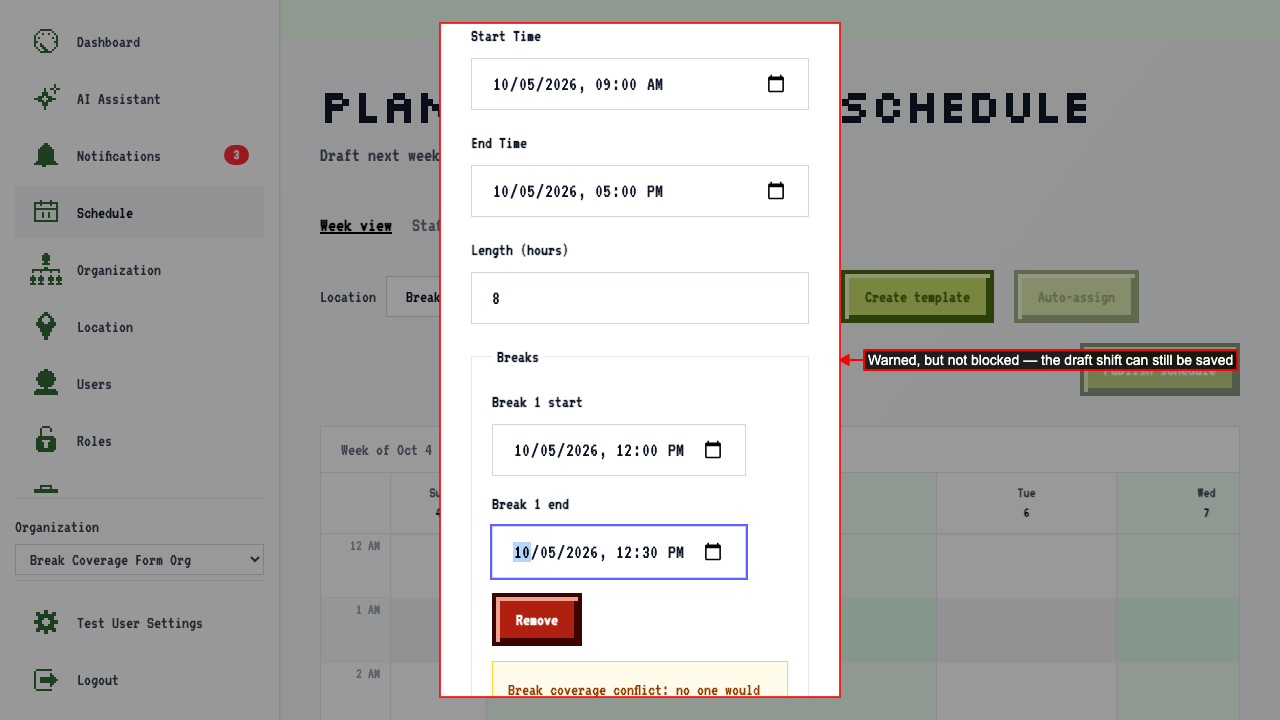
Open the add draft shift dialog for a second Server on the same day.
Enter a break that overlaps the other Server's existing 12:00-12:30 break.
A warning appears — every Server at this location would be on break at once.
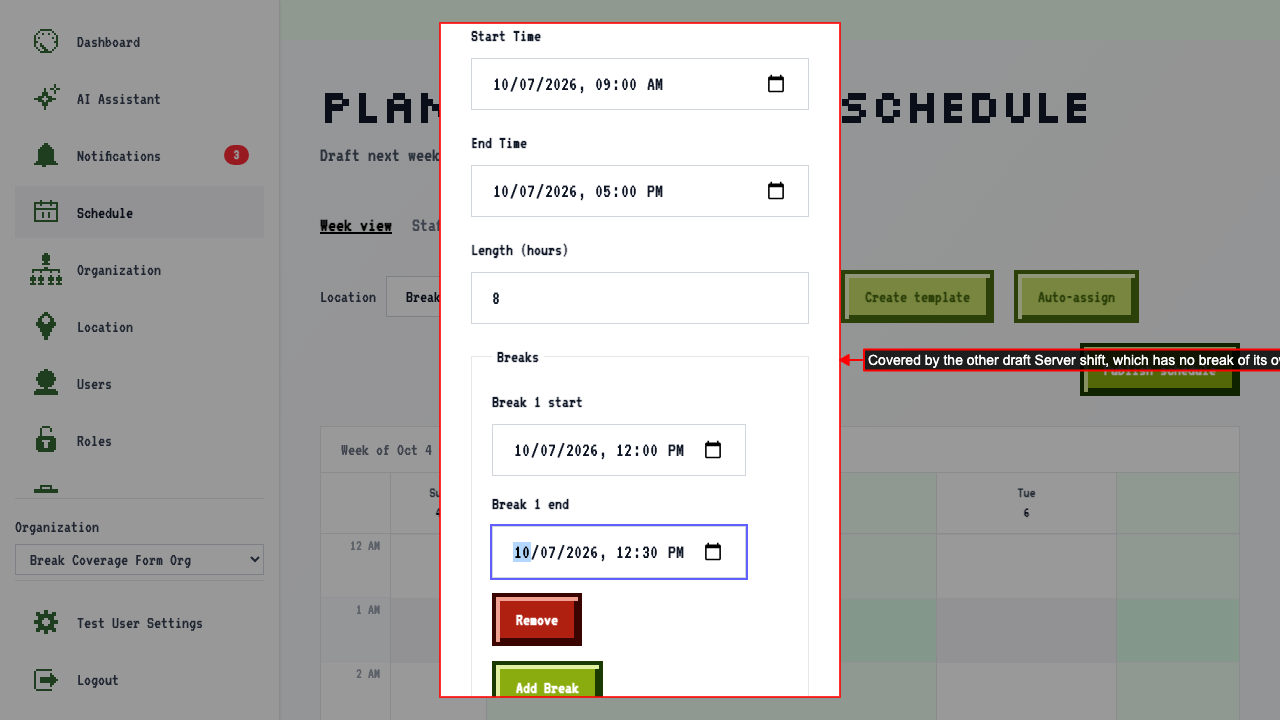
Doesn't warn about a break when another shift you're planning already covers it
On the plan page for that week, select the location.
Add a first draft Server shift with no break.
Add a second draft Server shift at the same time, with a break.
Enter a break — the first draft shift (no break of its own) is still covering.
No coverage warning appears, since the sibling draft shift is covering the job at this location.