Signing In from the Home Page
How to sign in from the home page
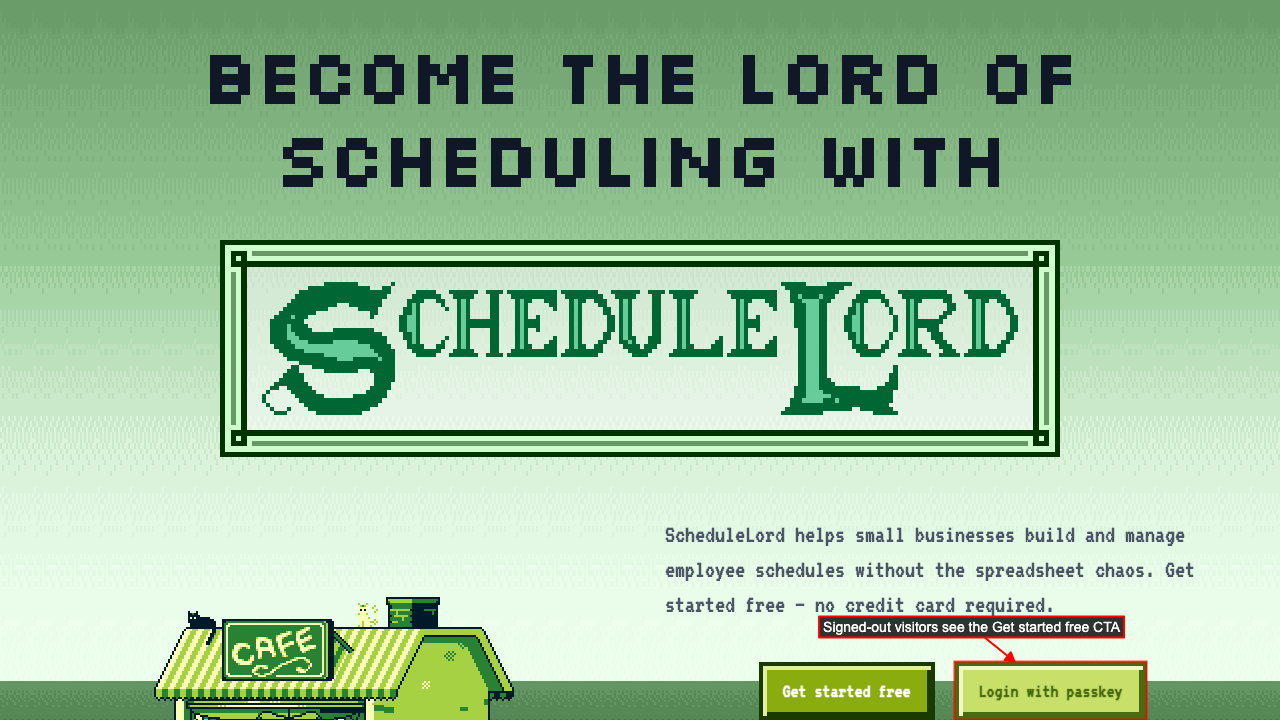
Start on the ScheduleLord home page.
You'll see a 'Get started free' button and a login button.
You can login by clicking the login button and completes passkey authentication.
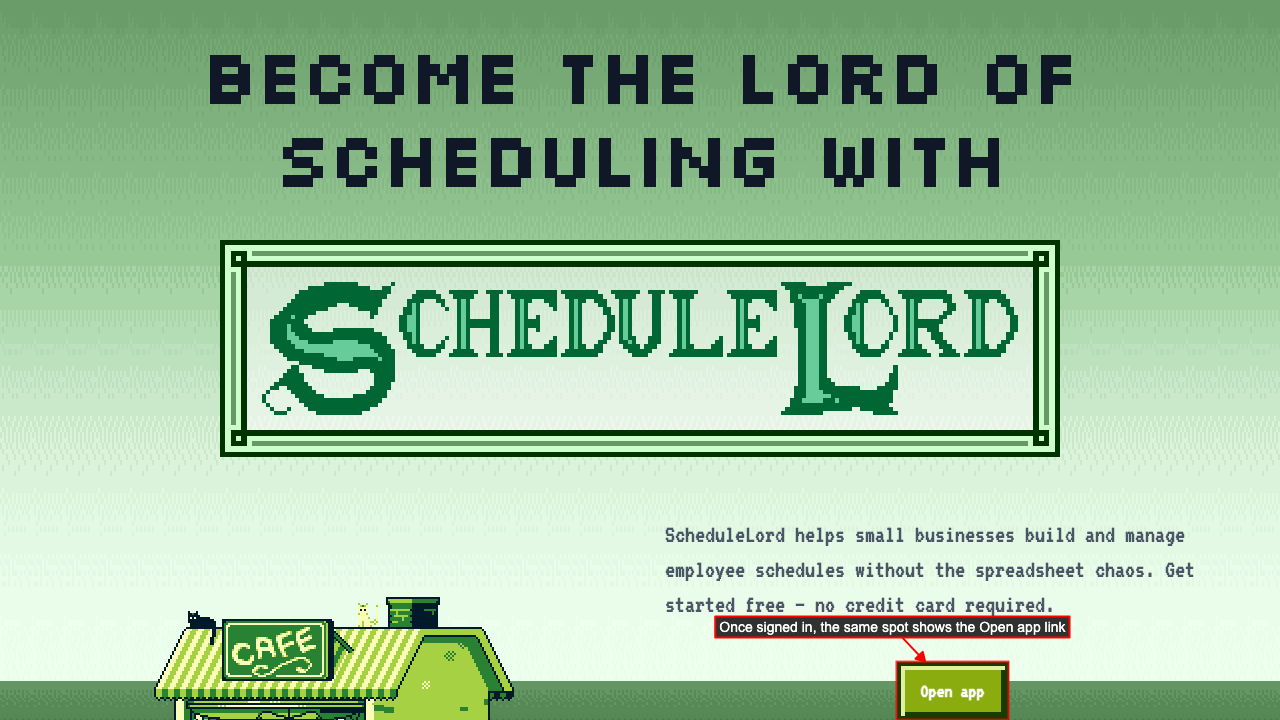
 Once logged in, the home page shows the Open app link instead of the login button, pointing straight at the org you last visited.
Your passkey isn't recognized
Start on the ScheduleLord home page. If the passkey isn't recognized, an error appears with a link to account recovery.