Signing In With Google
How to sign in with Google
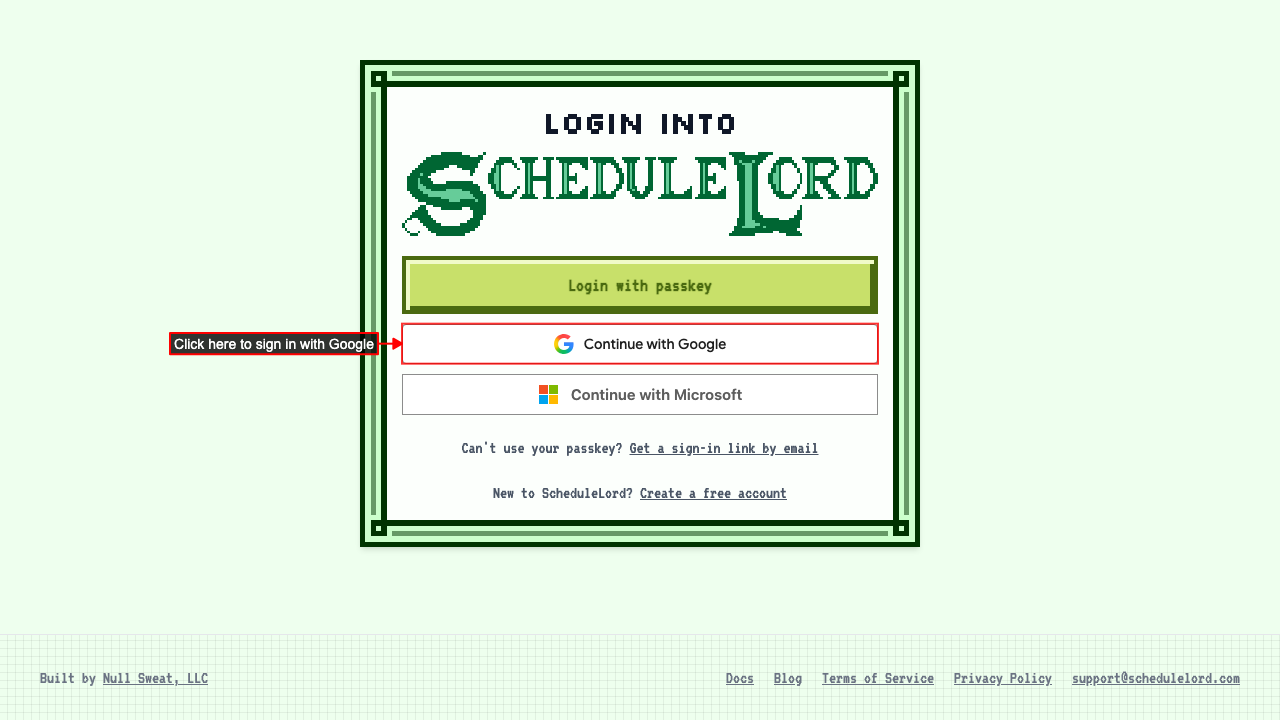
Navigate to the login page. Click 'Continue with Google'. You'll be taken to Google to choose the account you want to use.
Your Google account needs a verified email address. If you're new to ScheduleLord, an account is created for you with the same default organization as registering with a passkey. After you choose your account you land on the AI Assistant page.