Signing Out
How to sign out
When on an authenticated page, there is a Logout link in the navigation.
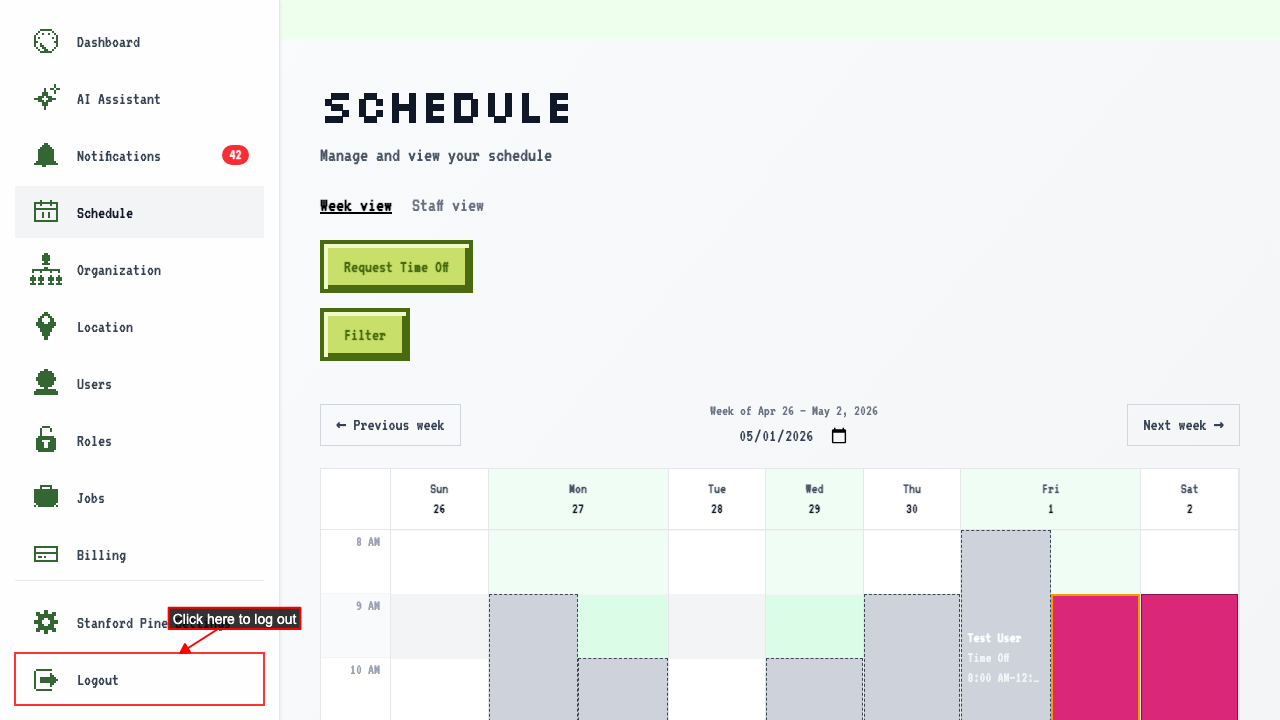 Clicking it logs you out and redirects to the login page.
After logging out, protected routes redirect back to login.
Clicking it logs you out and redirects to the login page.
After logging out, protected routes redirect back to login.
Signing back in returns you to the organization you left
Navigating to an org page, so the last-visited org is recorded. Sign out of your account. Signing back in returns you to the dashboard of the organization you were last in.