Signing In with a Passkey
How to sign in with a passkey
Navigate to the login page.
Click the login button.
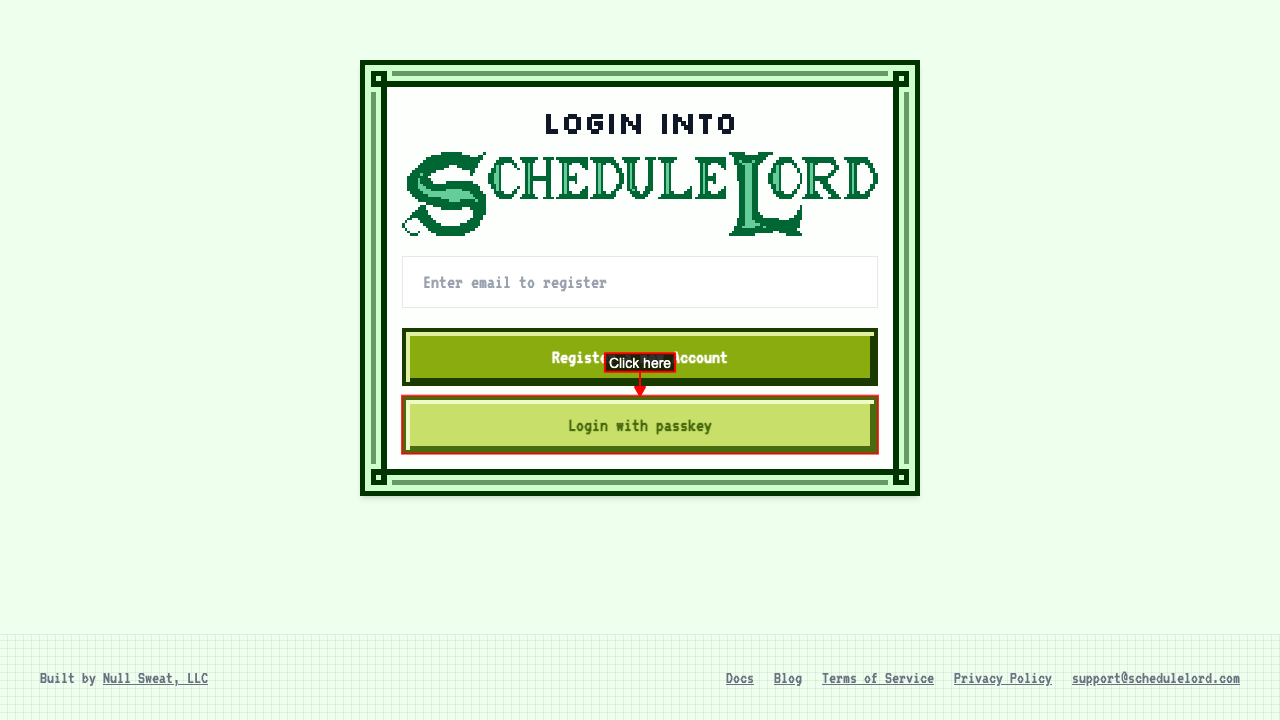 Signing in takes you to your dashboard.
If you're already signed in
Opening the login page offers a way into the app
Open the login page while you are already signed in. The login page stays put and offers a link to continue to the app. Following the link takes you to the app.
Problems while signing in
Your passkey isn't recognized
Navigate to the login page and attempt to login with the unrecognized passkey.
An error message is shown explaining that the passkey is not recognized.
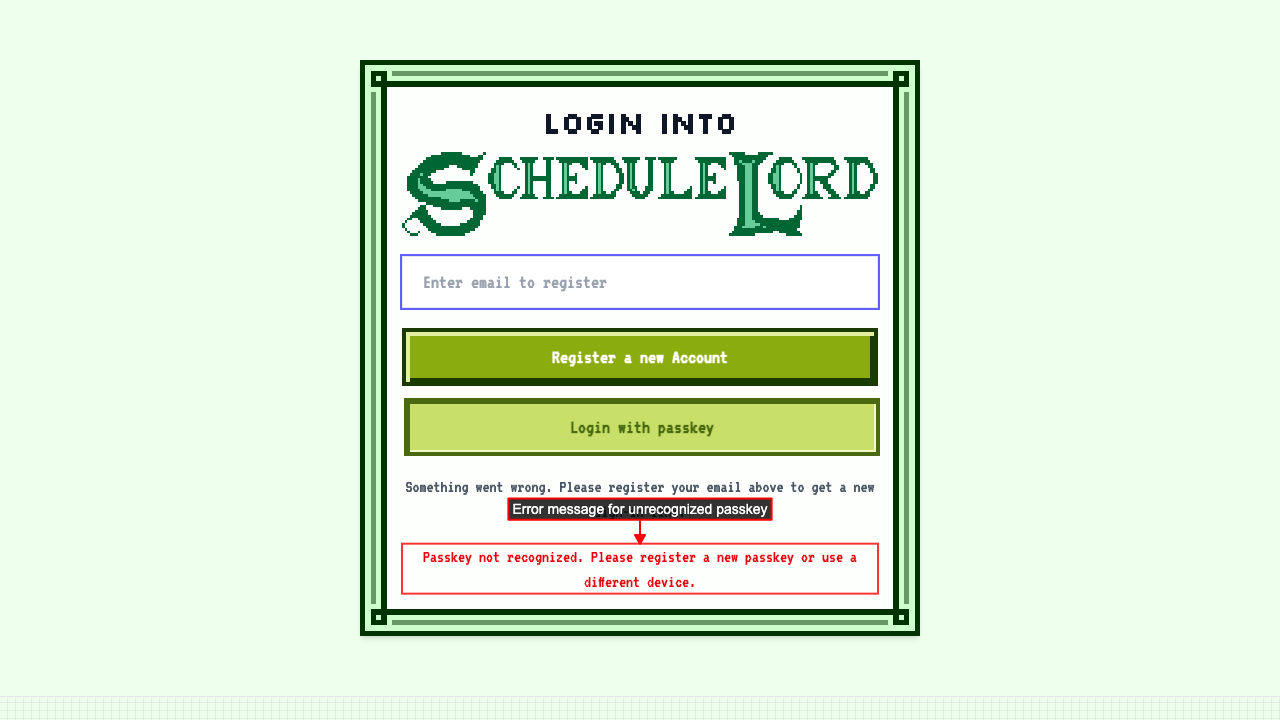
Recovering from an unrecognized passkey keeps your existing account
Attempt to login with a passkey the account has never registered, a recovery hint appears pointing at the email field. Follow the recovery hint: fill in the email field and click Register a new Account. Following the new link logs back into the same account rather than creating a duplicate.