Promo Code for New Subscriptions
Applying a valid promo code activates the subscription with a discount
On the Billing Upgrade page, there is a 'Have a promo code?' button.
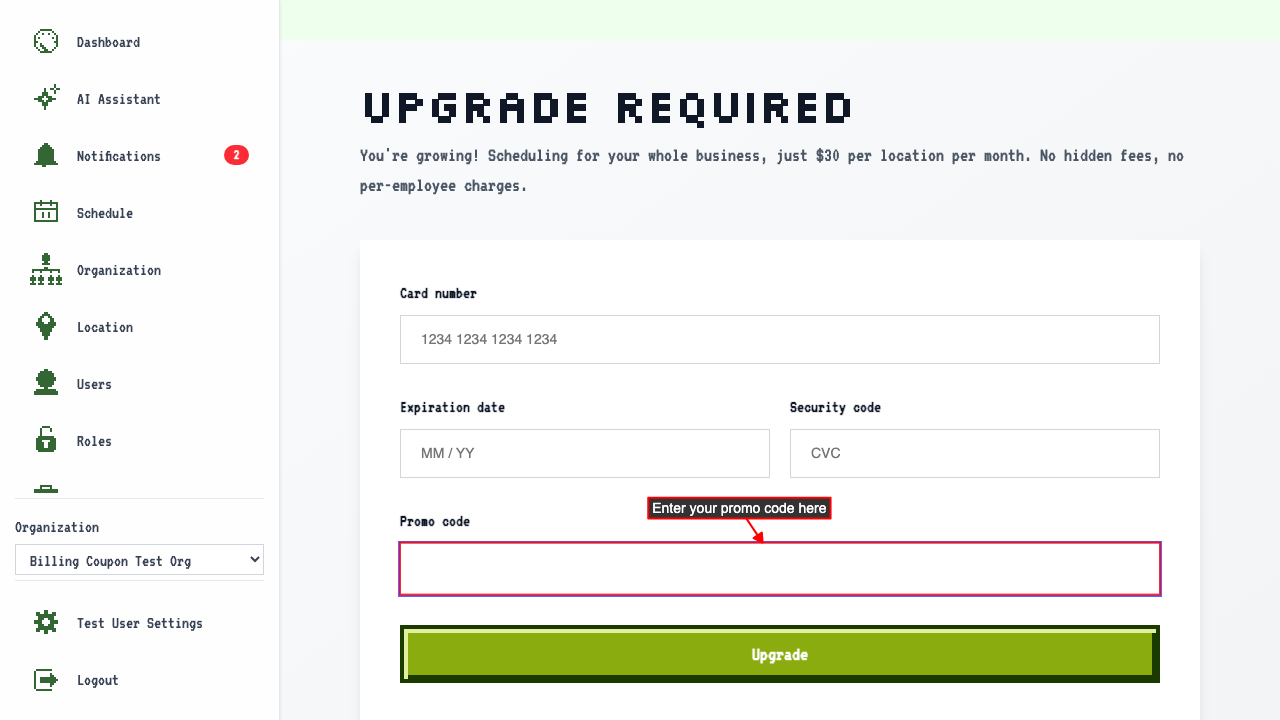
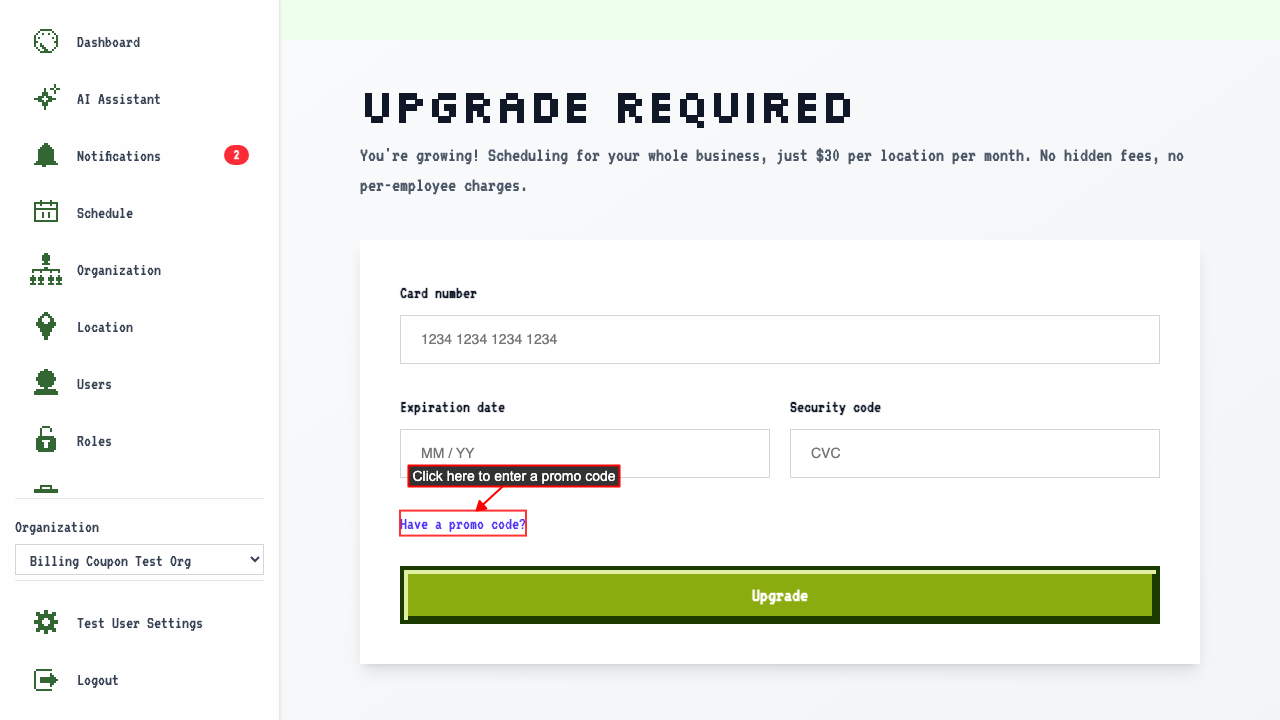 Clicking it reveals a promo code input field.
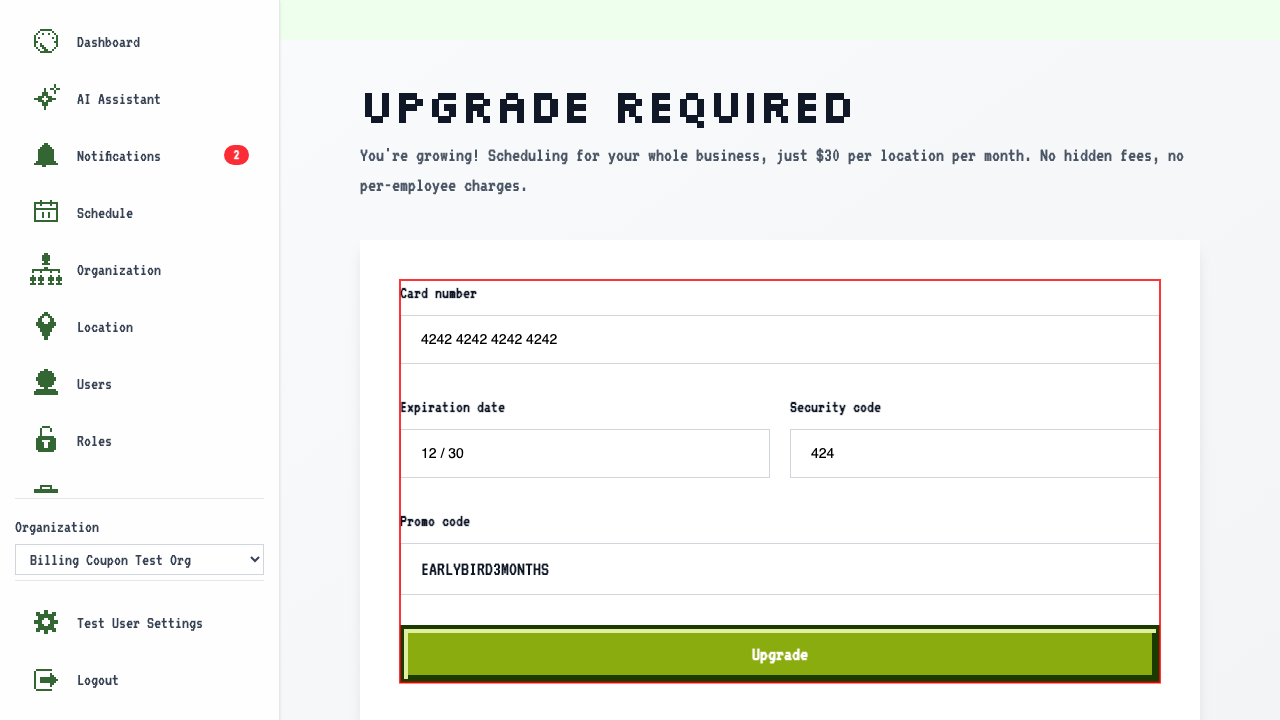
 Enter the promo code alongside the card details and submit.
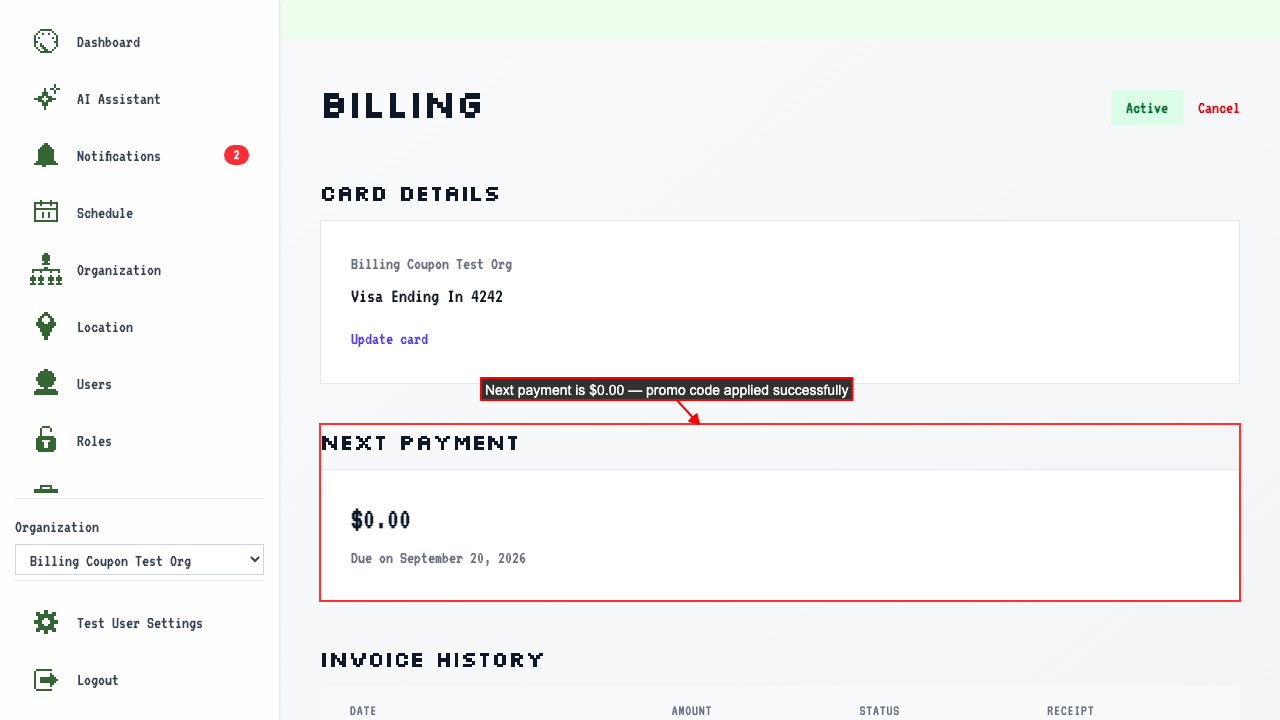
The Billing Overview shows an active subscription with $0.00 due on the next payment.
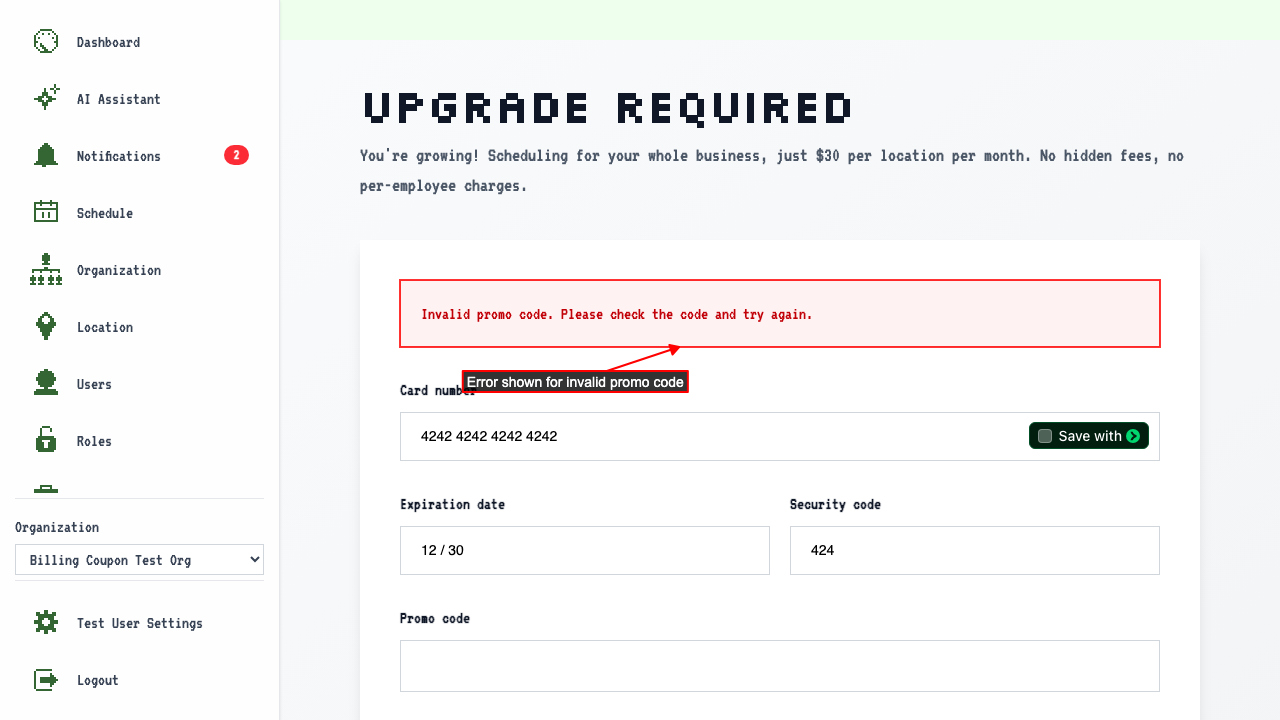
Entering an invalid promo code shows an error
On the Billing Upgrade page, entering an invalid promo code and submitting
stays on the upgrade page and shows an error about the promo code.