Upgrade Flow
Adding a 16th employee redirects to the upgrade page
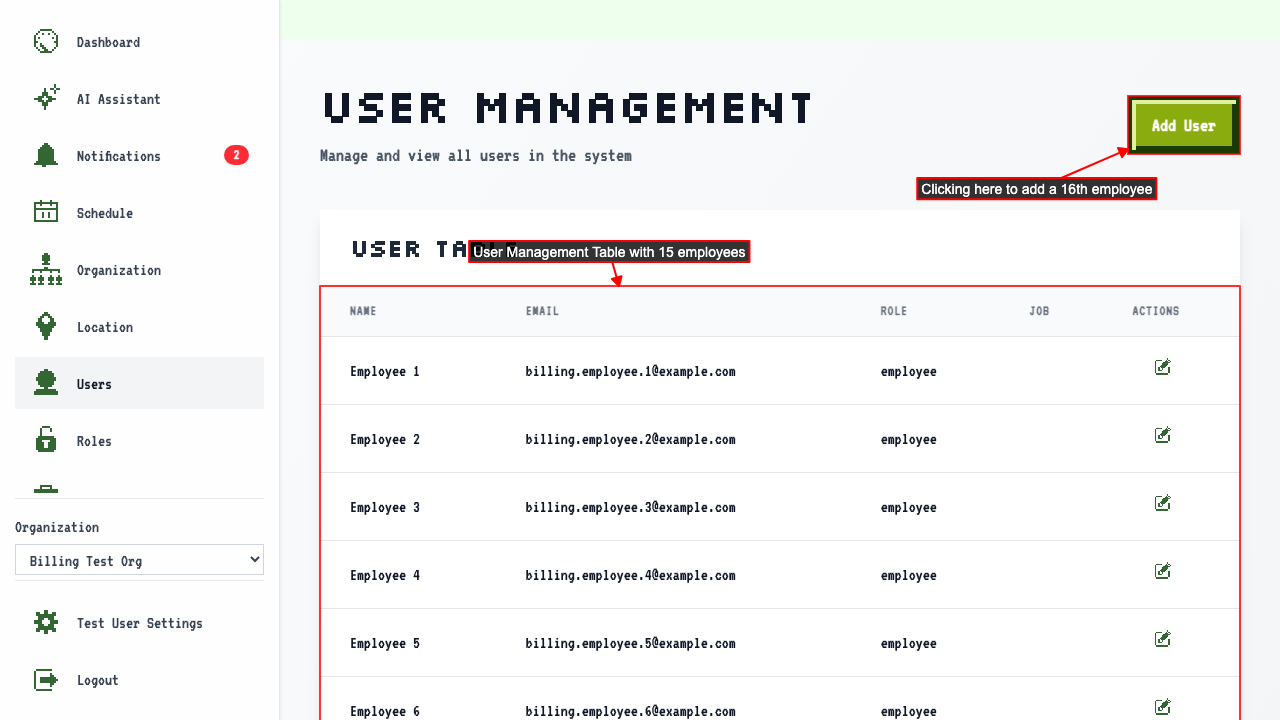
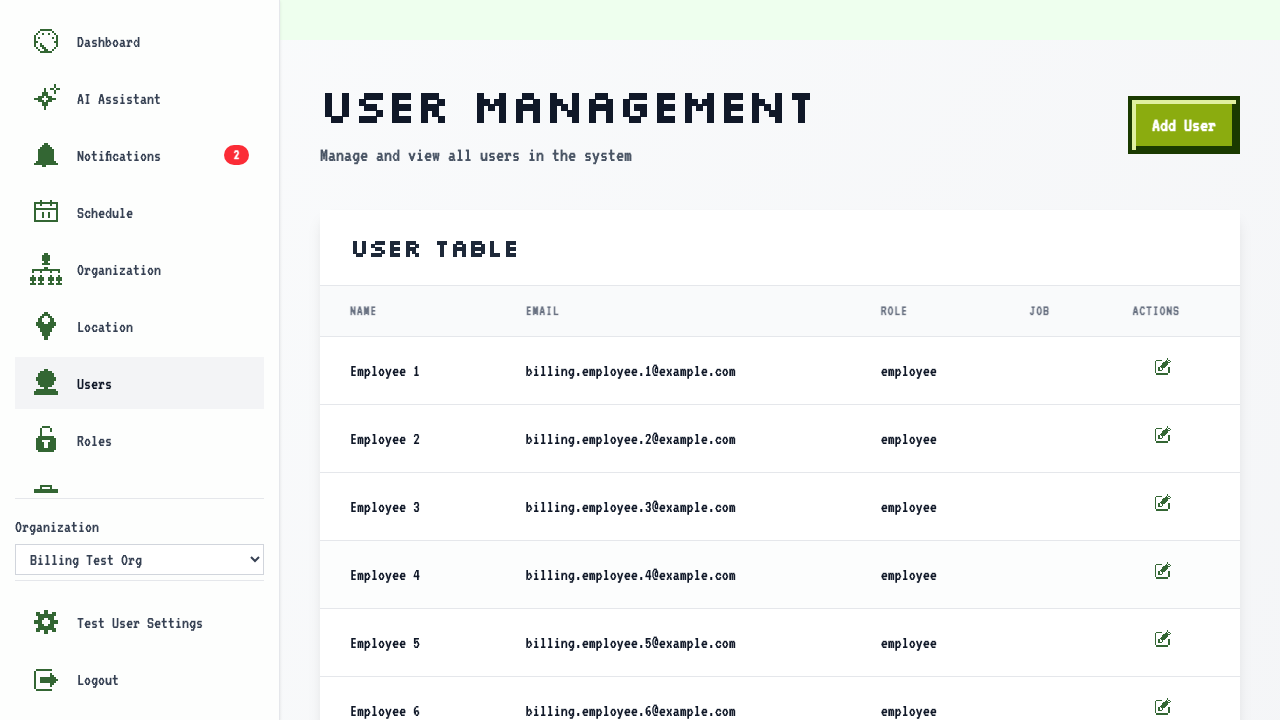
When on the user management page for an org at the 15-employee limit,
adding a 16th employee from the user management page will redirect to the Billing page.
 On the Billing Upgrade page, there is a payment form where you can enter your card details.
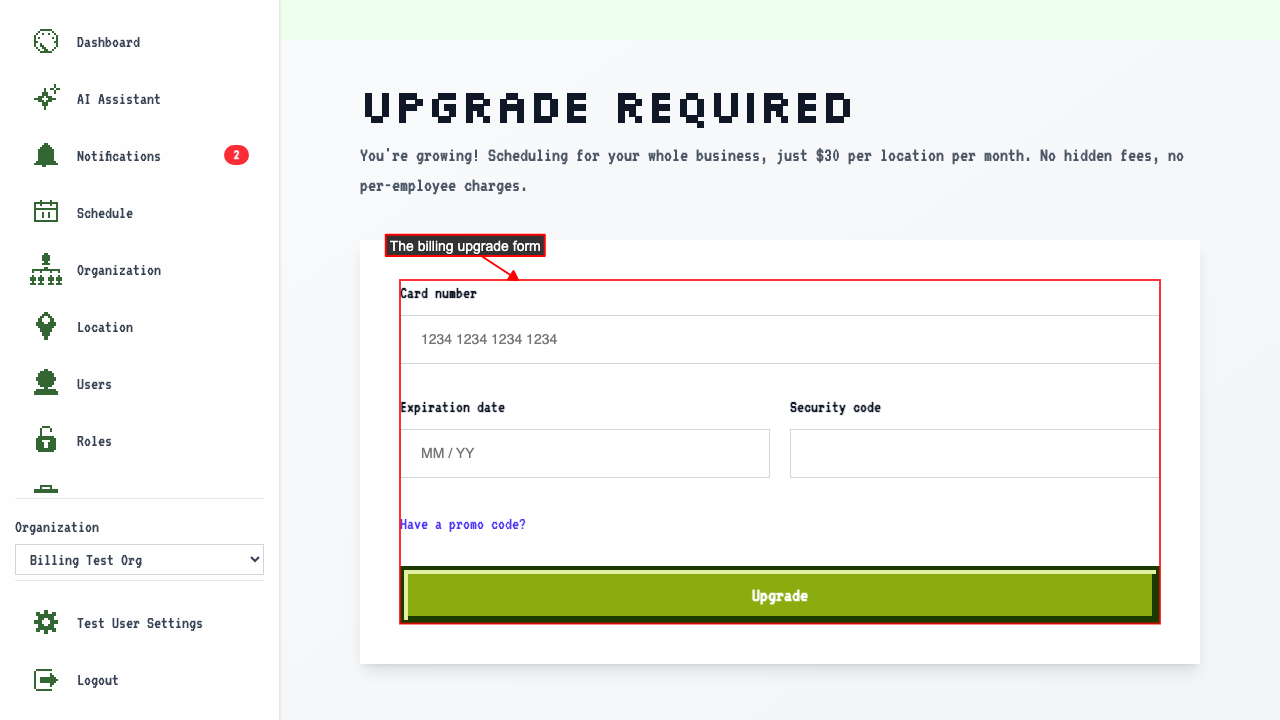 In this form you can enter your card number,
expiration date,
and security code.
Submitting the form will activate your paid plan.
In this form you can enter your card number,
expiration date,
and security code.
Submitting the form will activate your paid plan.
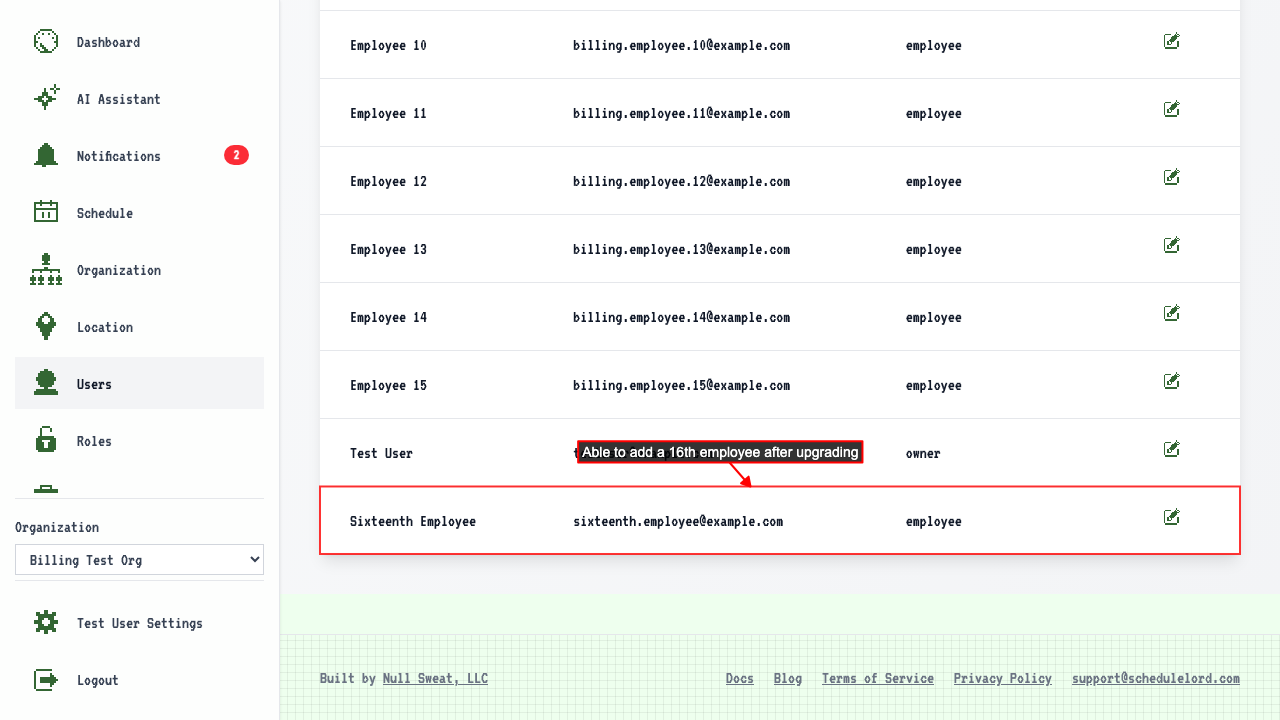
After upgrading, you are redirected back to the Add New User Page.
There you can add a new user, confirming that the employee limit has been lifted.
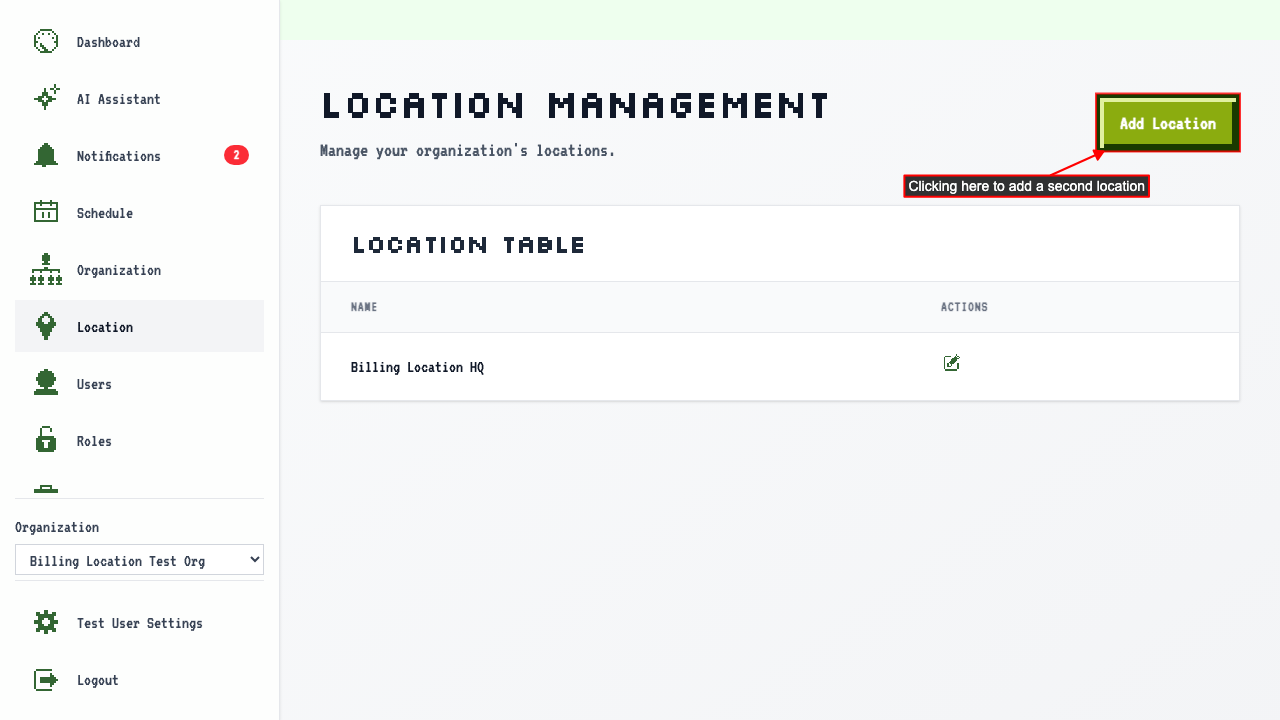
Adding a second location redirects to the upgrade page
When on the locations page for an org on the free plan,
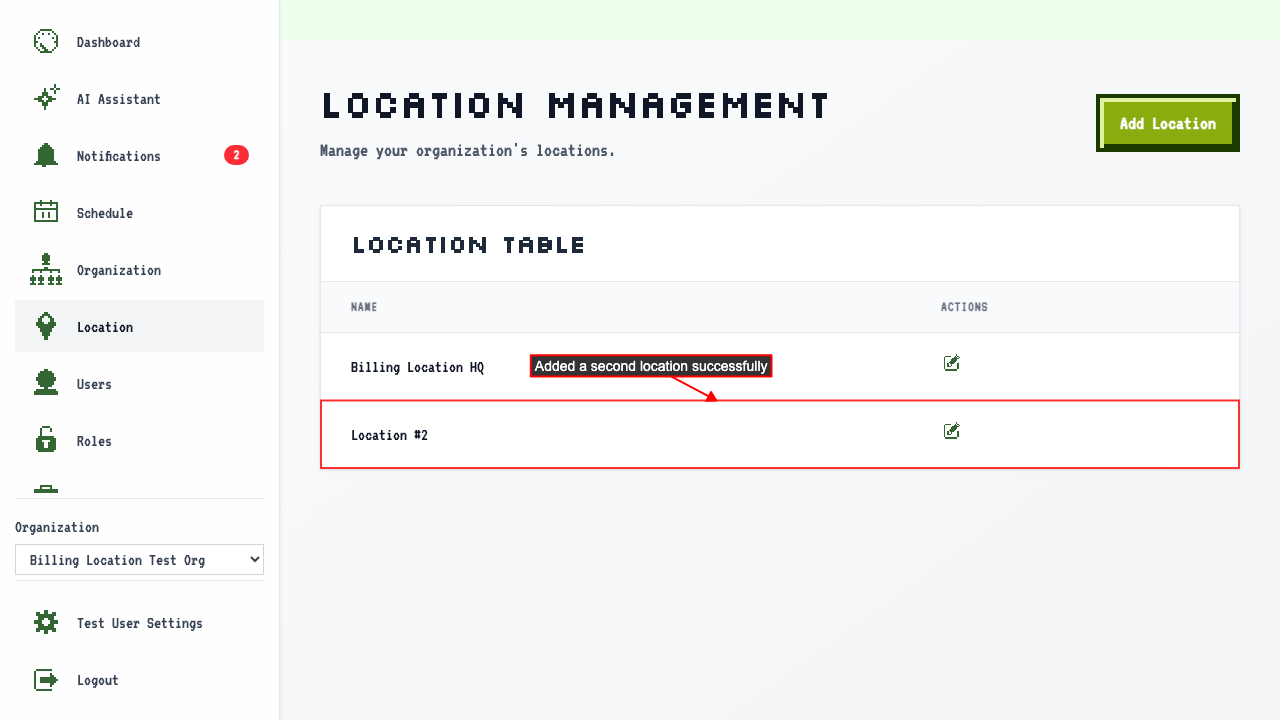
clicking Add Location redirects to the Billing Upgrade page.
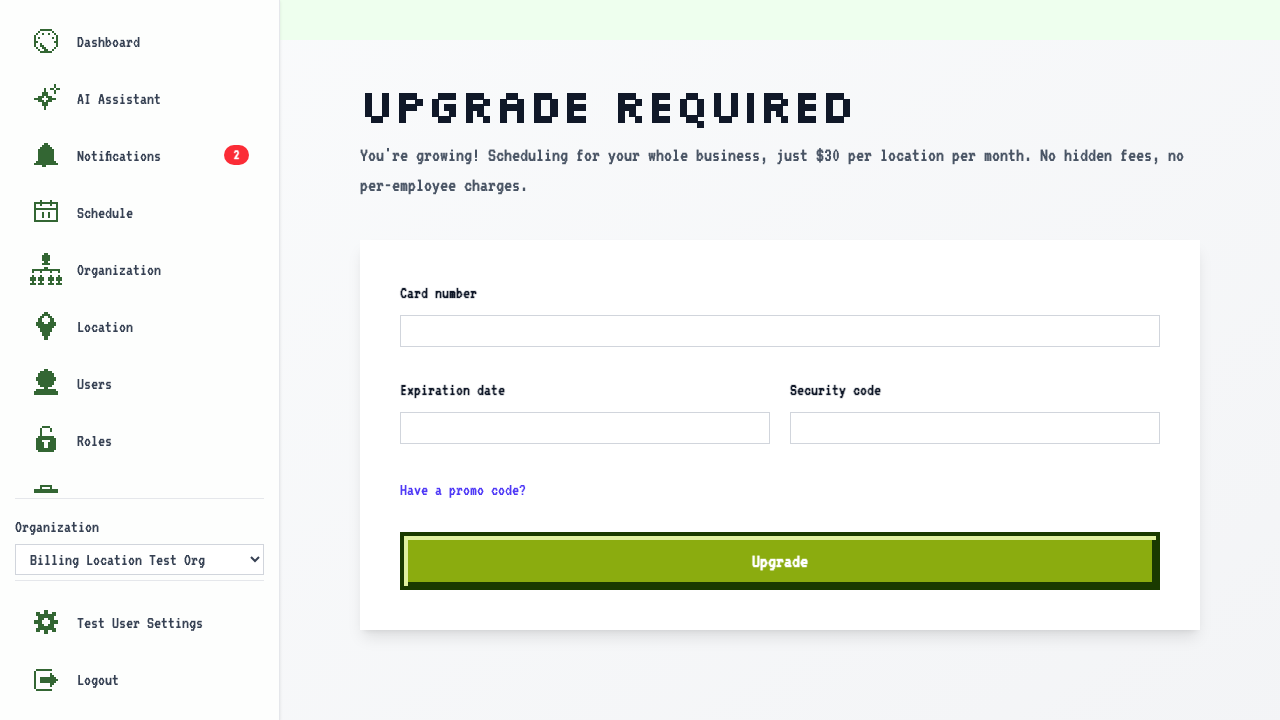
On the Billing Upgrade page, enter your card details and submit. After upgrading, you are redirected back to the Add New Location page.
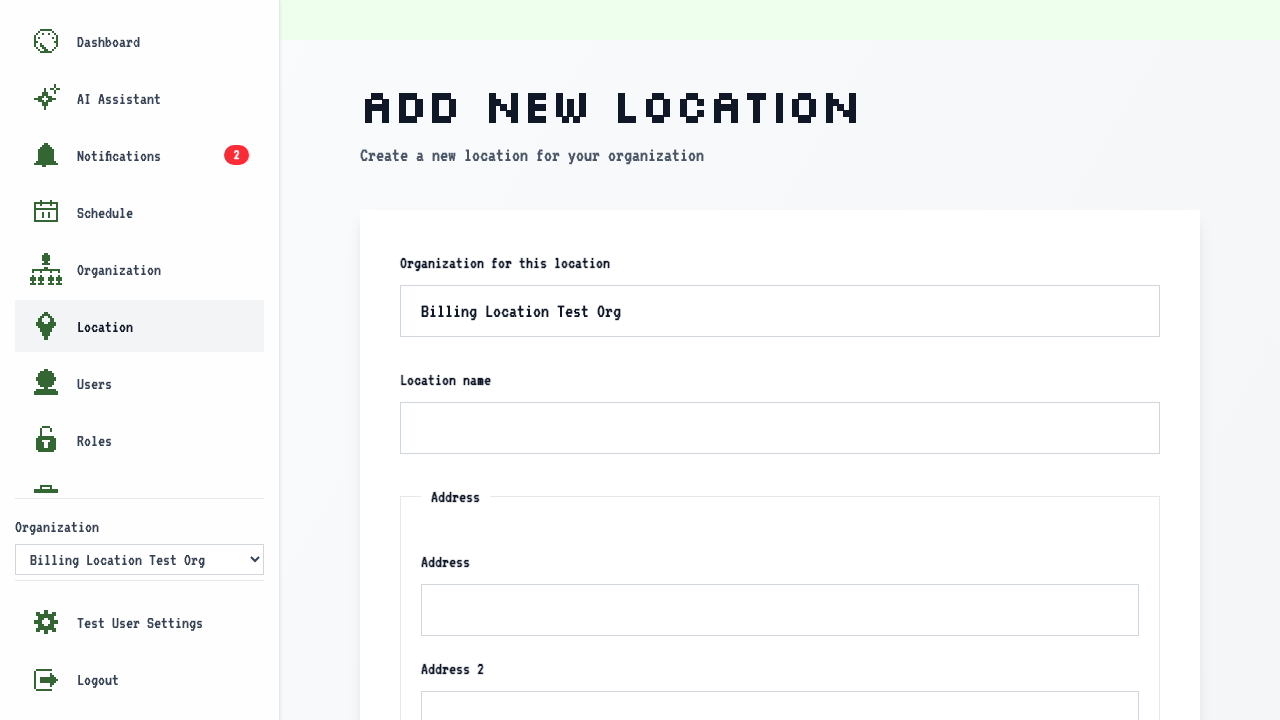
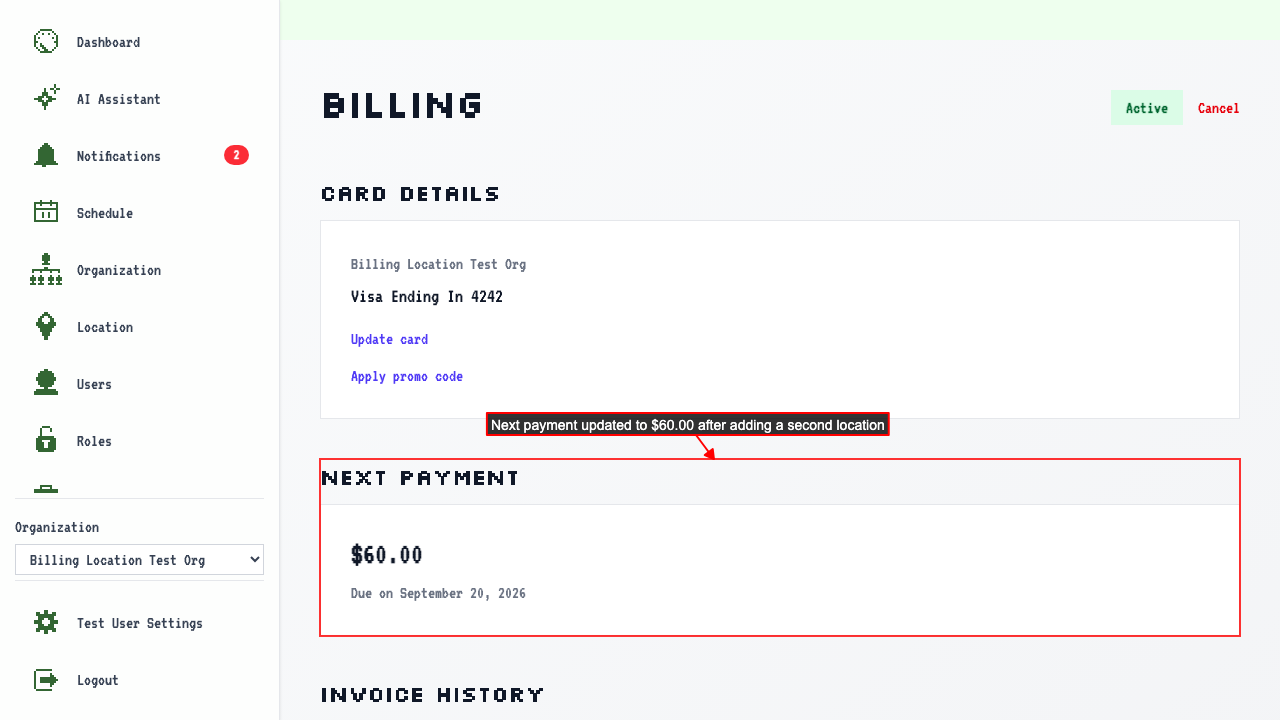
The subscription starts at $30.00 for the 1 existing location. Adding another location updates the subscription to $60.00.
Adding a location mid-billing cycle won't generate a proration charge — the new rate takes effect at your next billing renewal.