Delete Time Off Request
How to delete a time off request
On the schedule page, the existing request appears on the calendar.
A details popover opens with a link to edit the request.
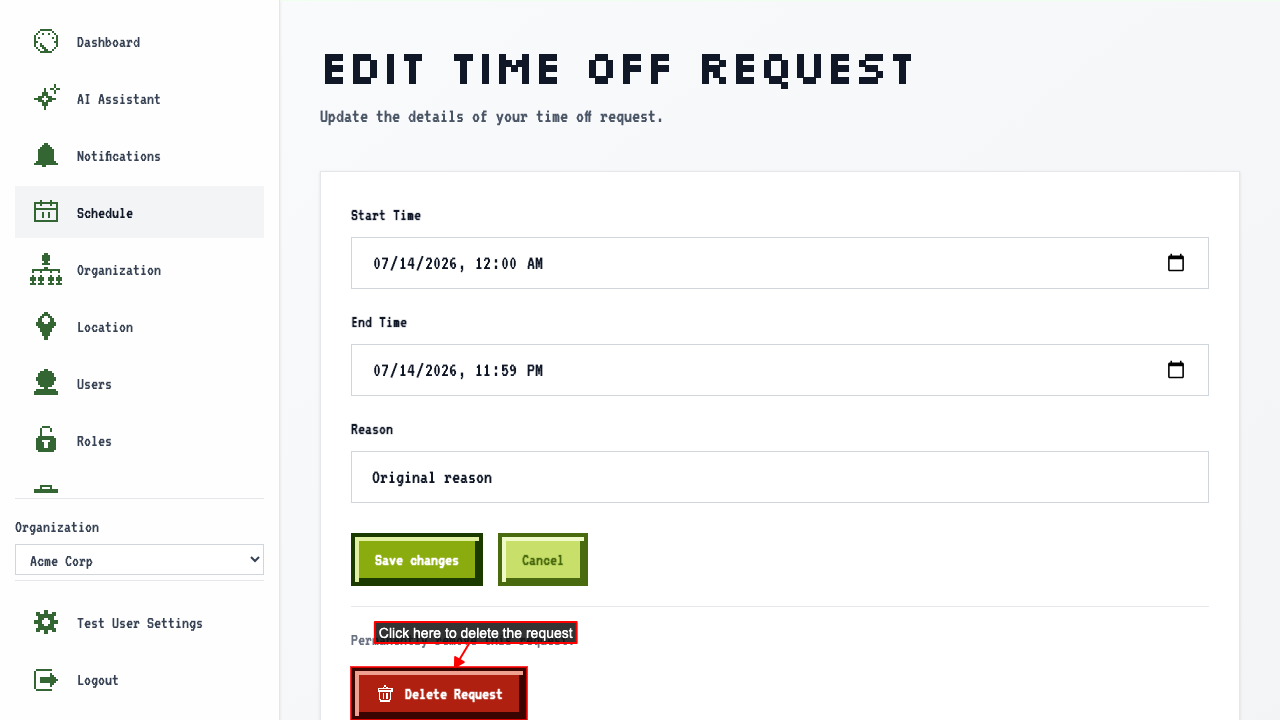
Click the Delete Request button to remove it.
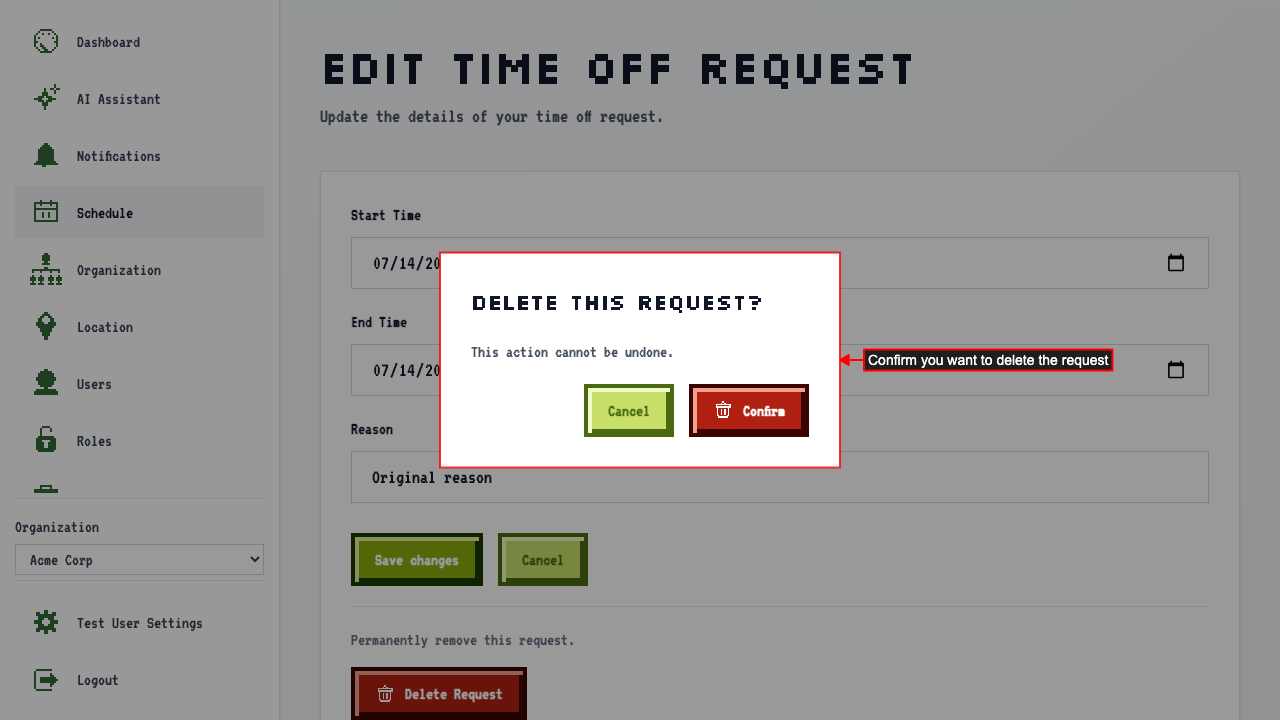
 A confirmation modal appears. Click confirm to permanently delete the request.
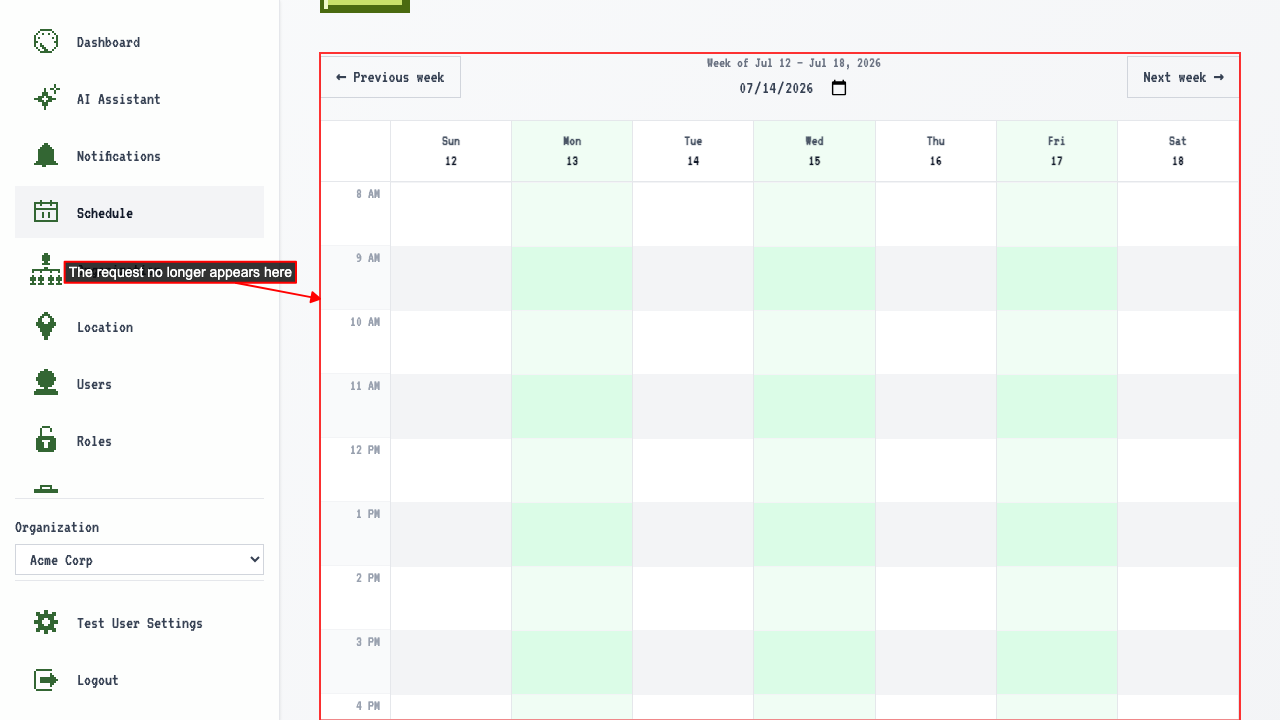
 You're redirected back to the schedule, and the request is gone.
 The deletion follows the request to every organization you belong to.