Recurring Time Off
How to request recurring time off
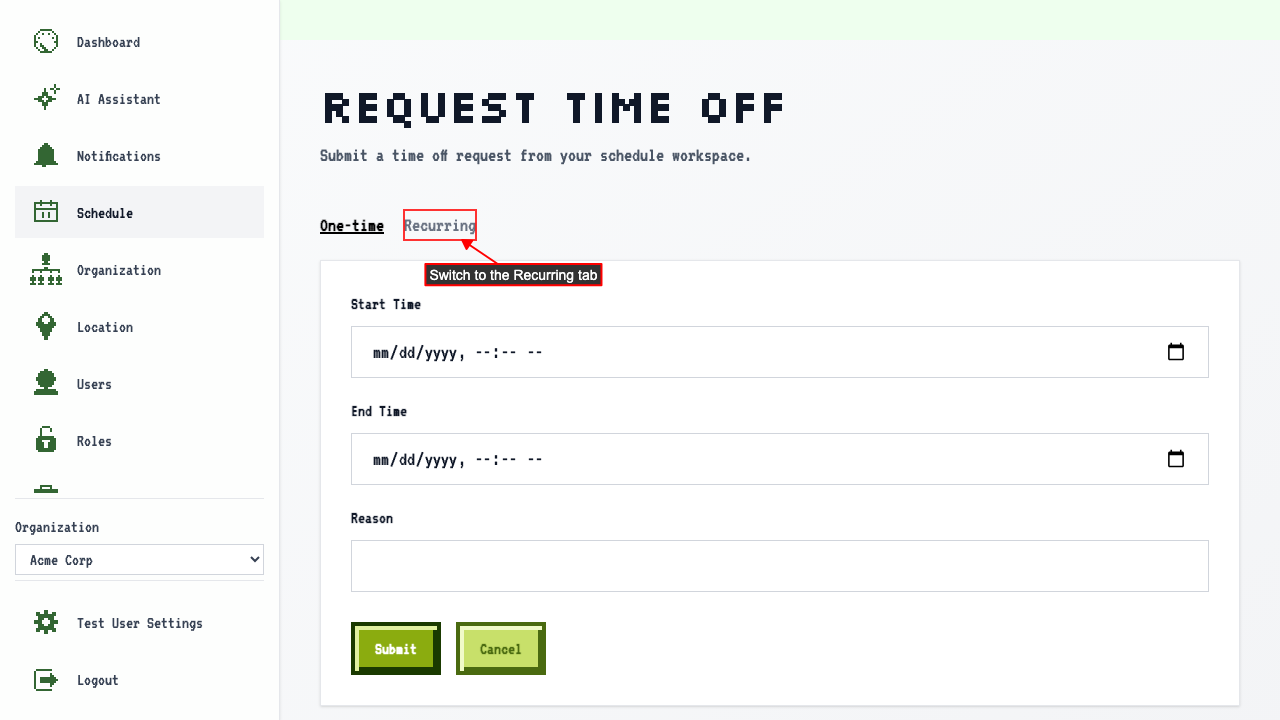
On the schedule page, click Request Time Off, then switch to the Recurring tab.
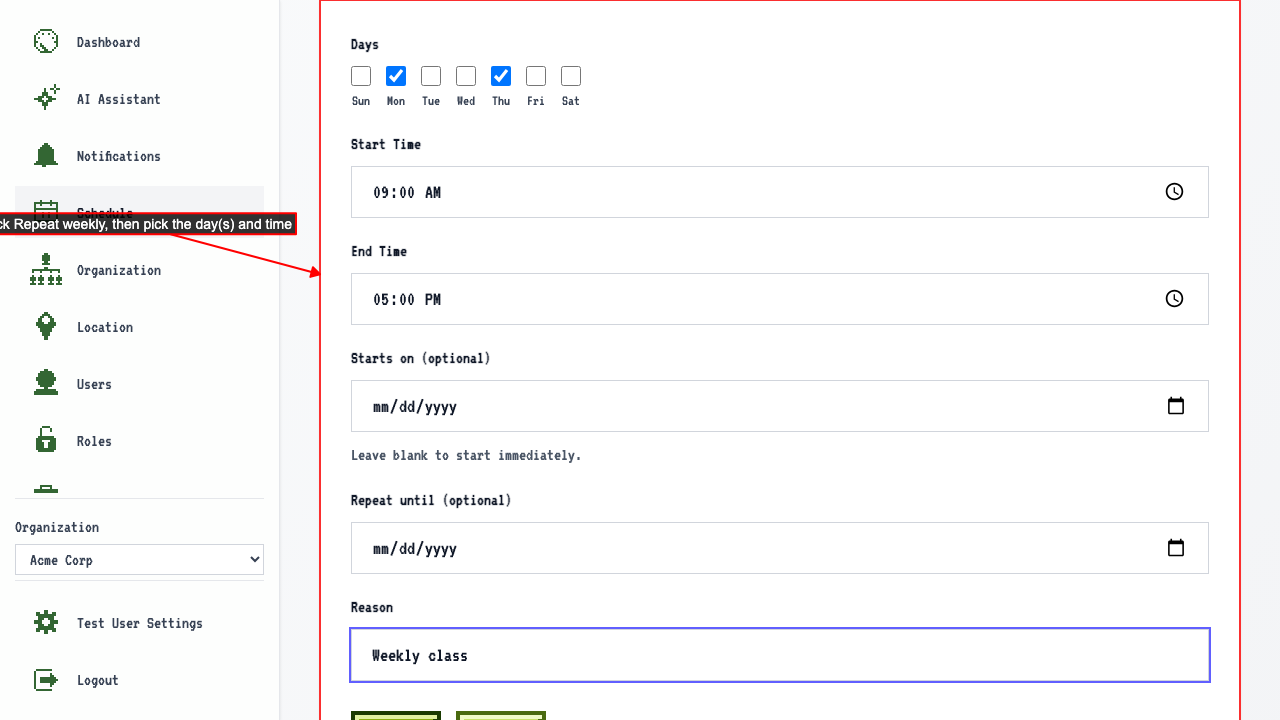
 Pick Monday and Thursday, and fill in the time.
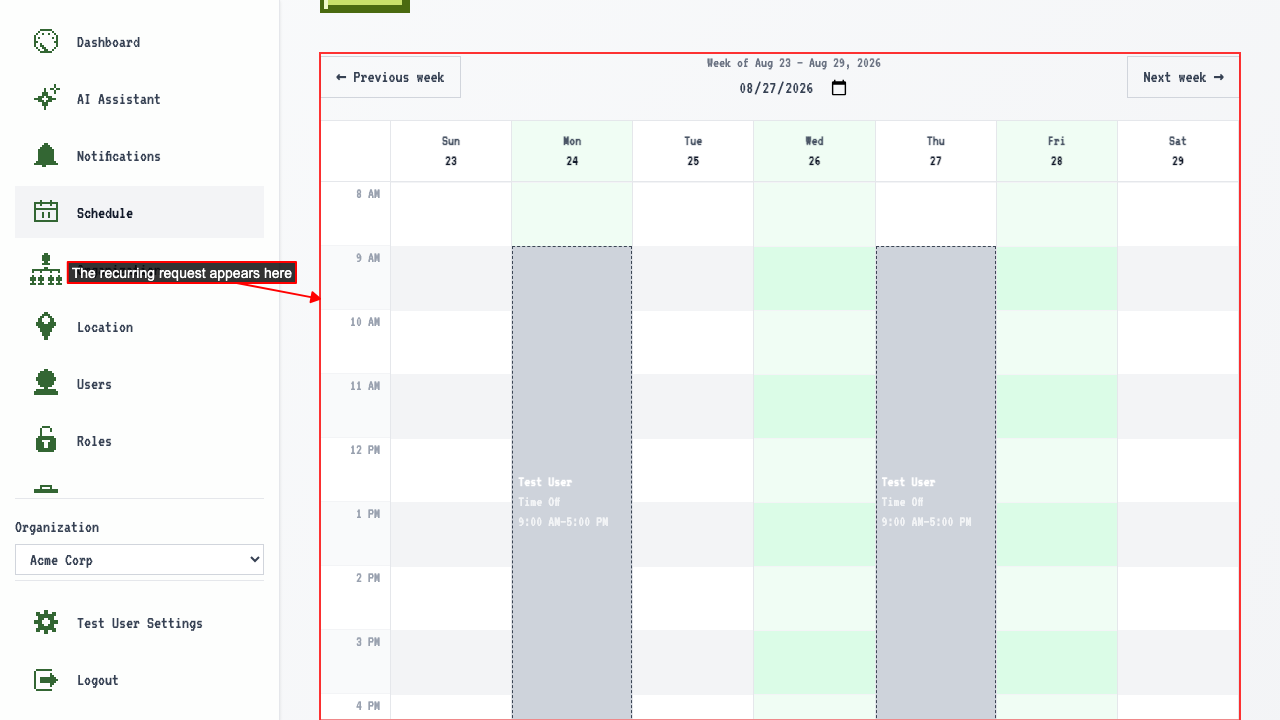
 Submit the request.
The request appears on the calendar for the soonest matching day.
Submit the request.
The request appears on the calendar for the soonest matching day.
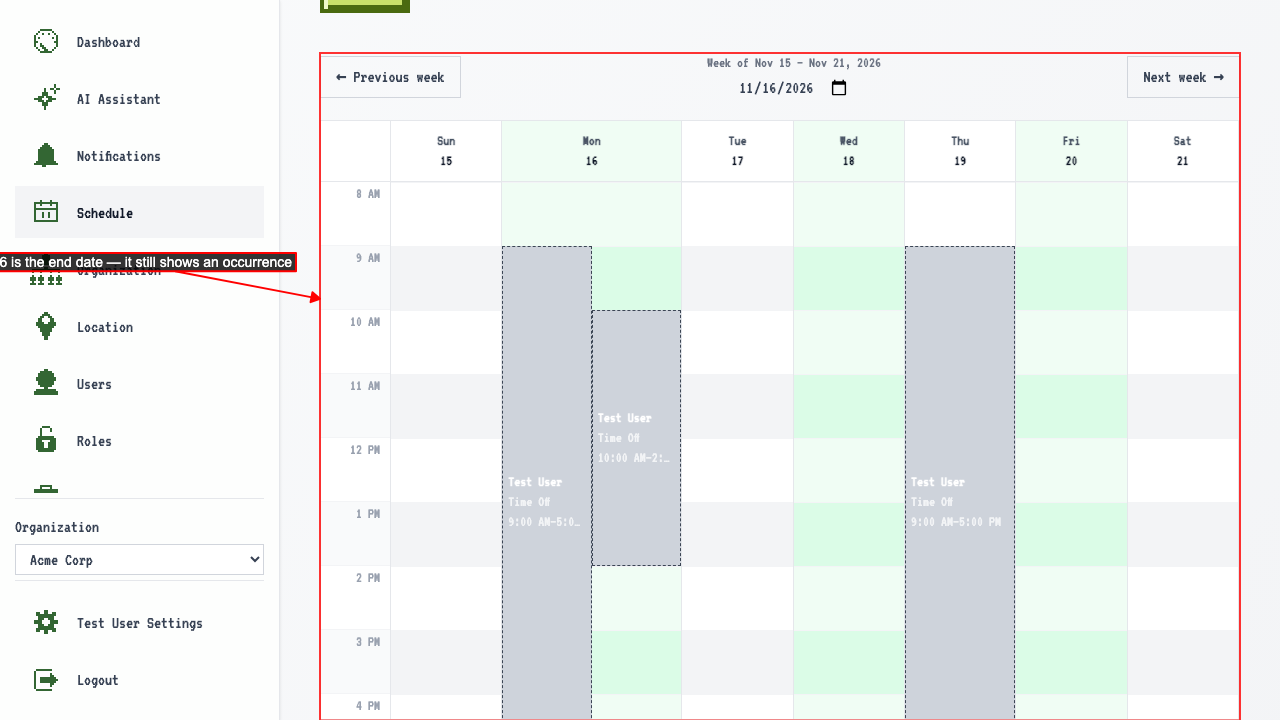
A recurring request only shows occurrences within its start-to-end-date window
Set a start date and an end date to bound how long the request repeats.
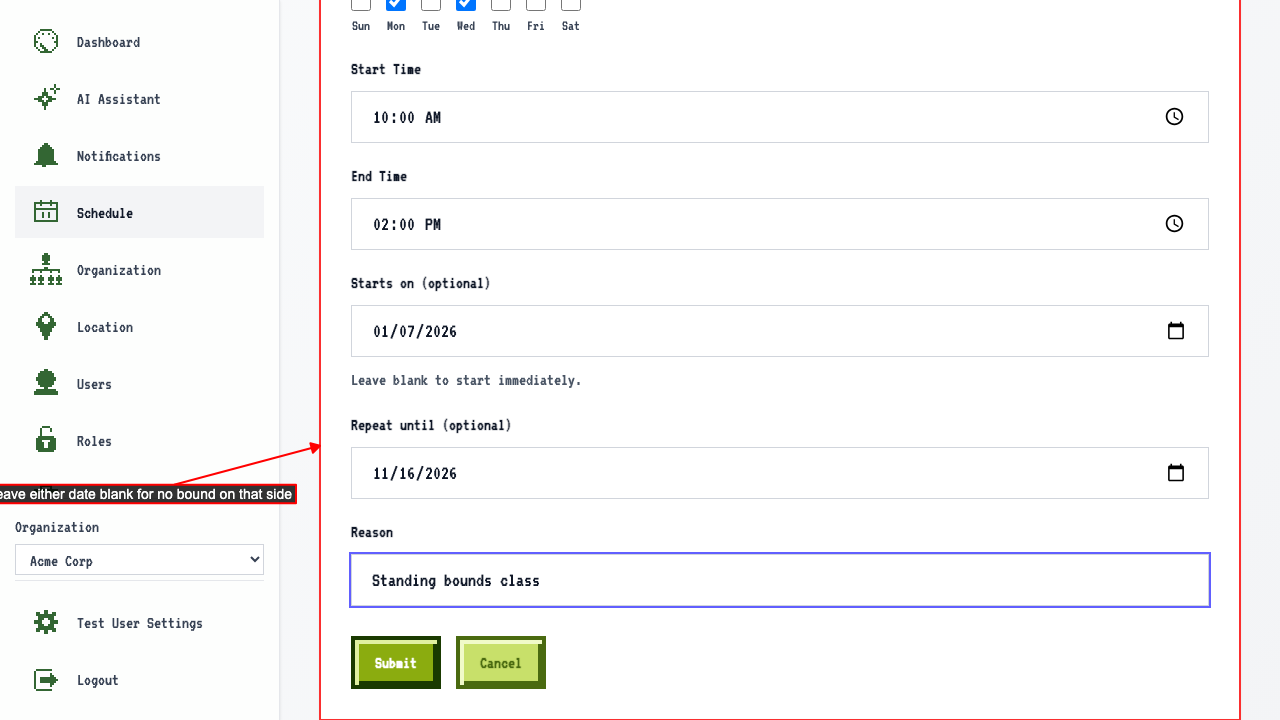 The end date itself still counts — a matching occurrence still appears on that day, not just the days before it.