Request Time Off
How to request time off
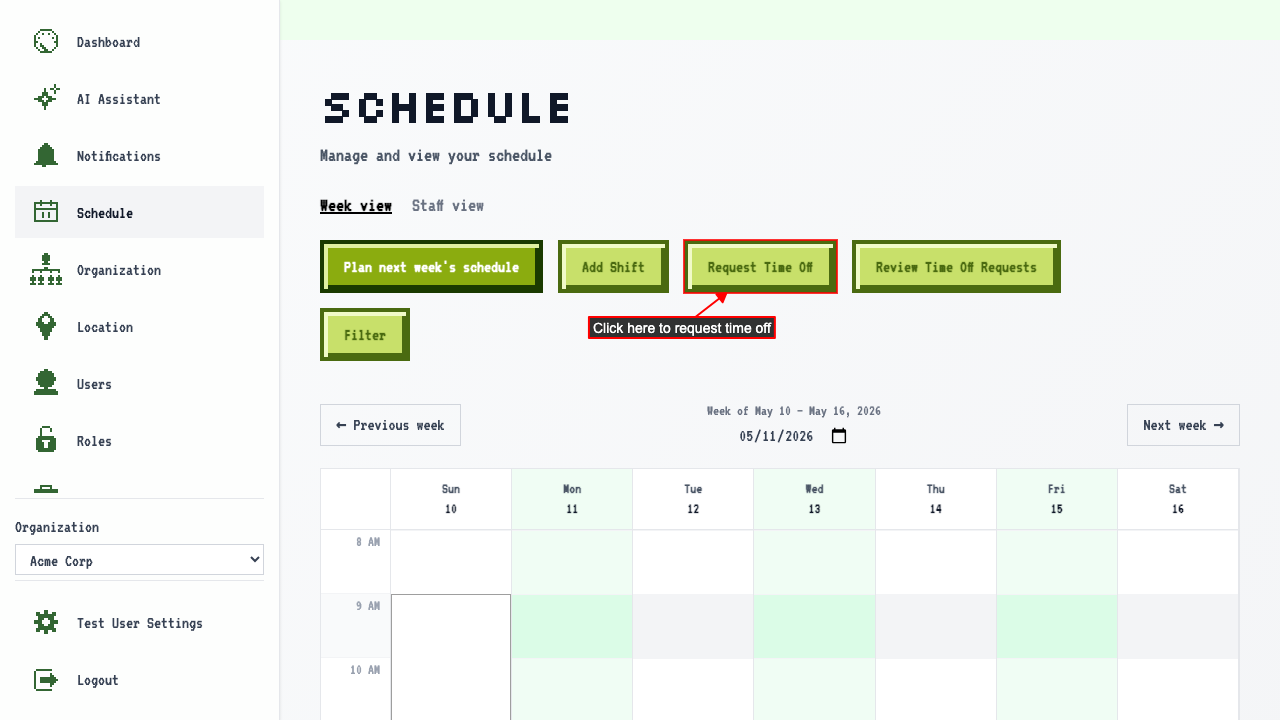
On the schedule page
click the Request Time Off link.
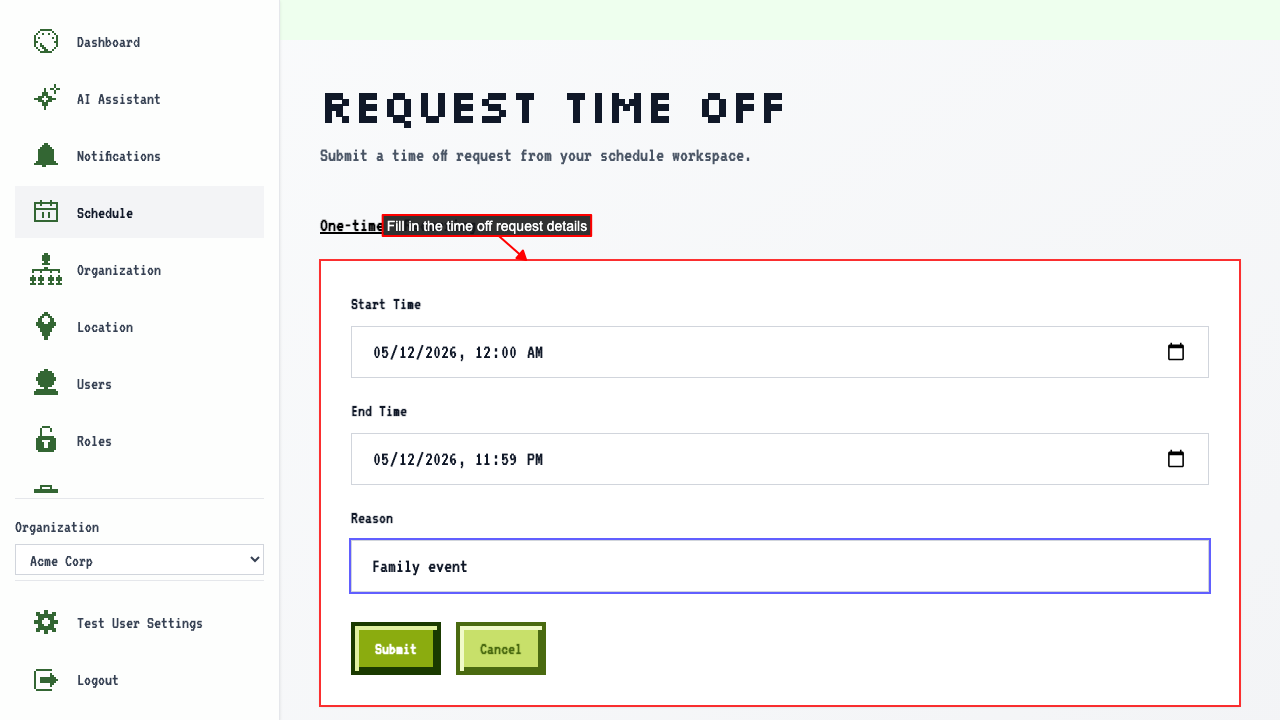
 Fill out the request with:
- Start time
- End time
- A reason (optional)
 Submit the request.
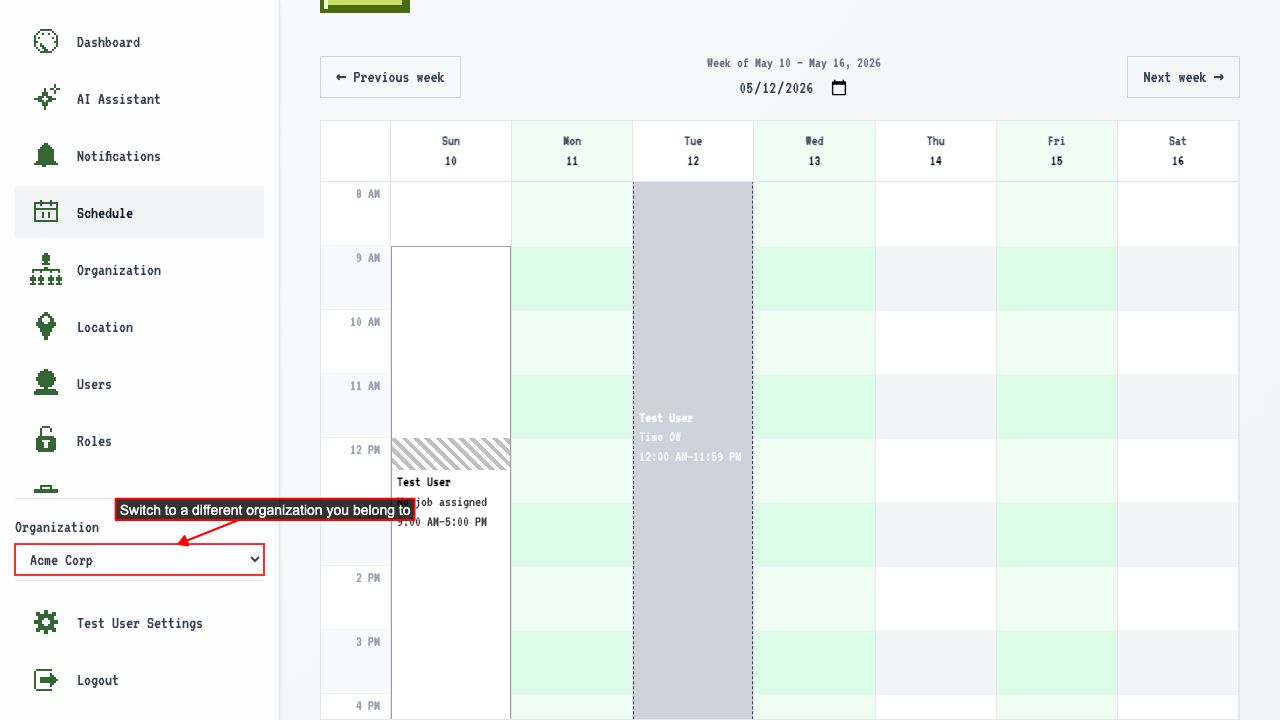
You're redirected back to the schedule, where the request appears in the calendar.
Submit the request.
You're redirected back to the schedule, where the request appears in the calendar.
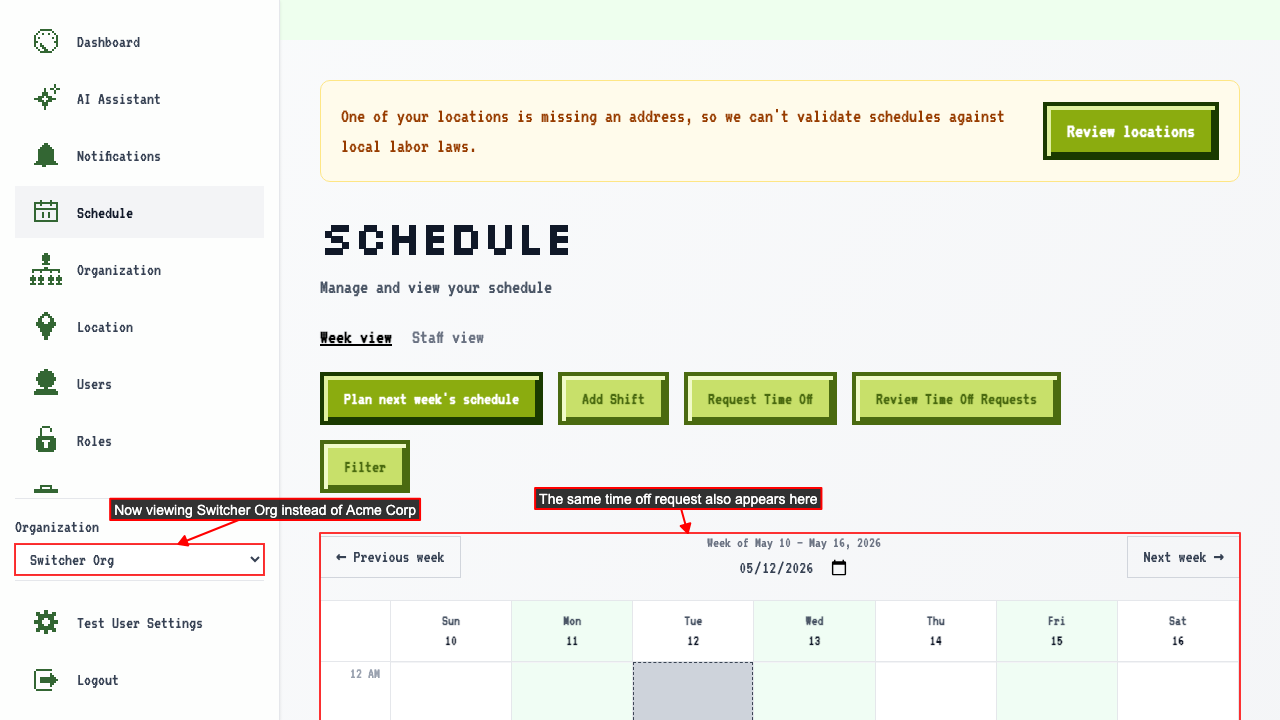
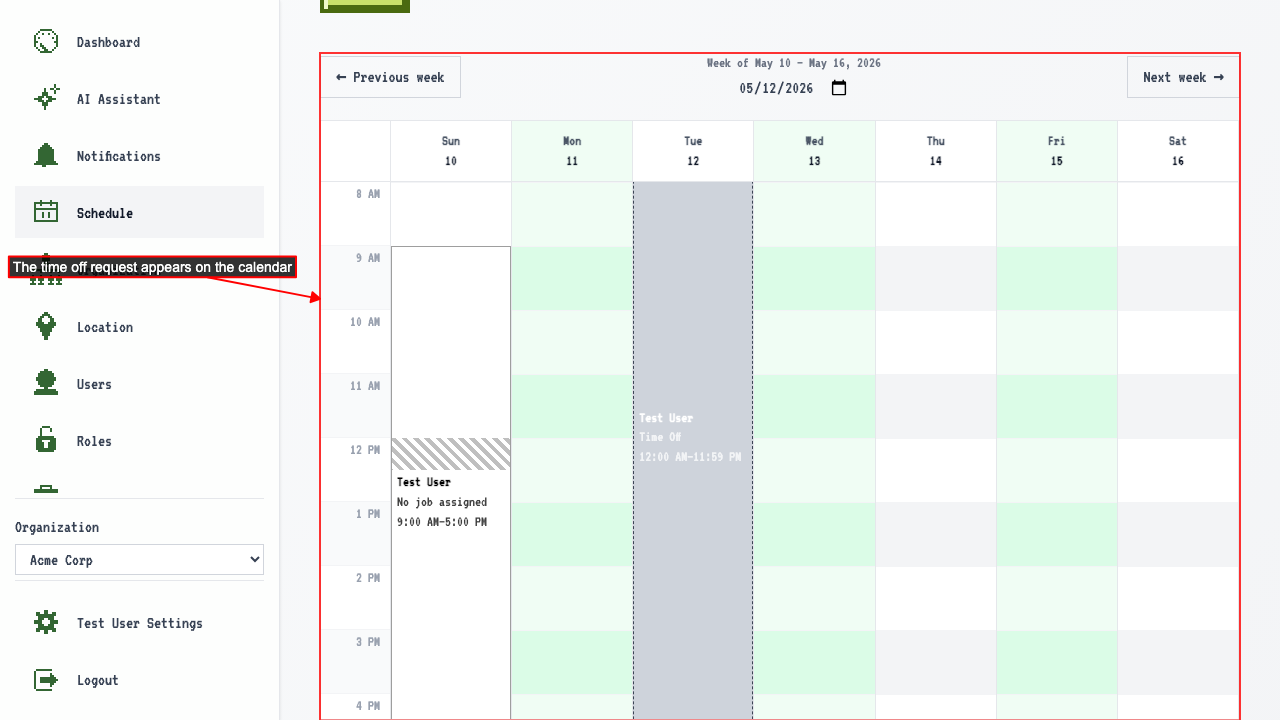 A time off request follows you to every organization you belong to — switching to another org shows the same request on its schedule.
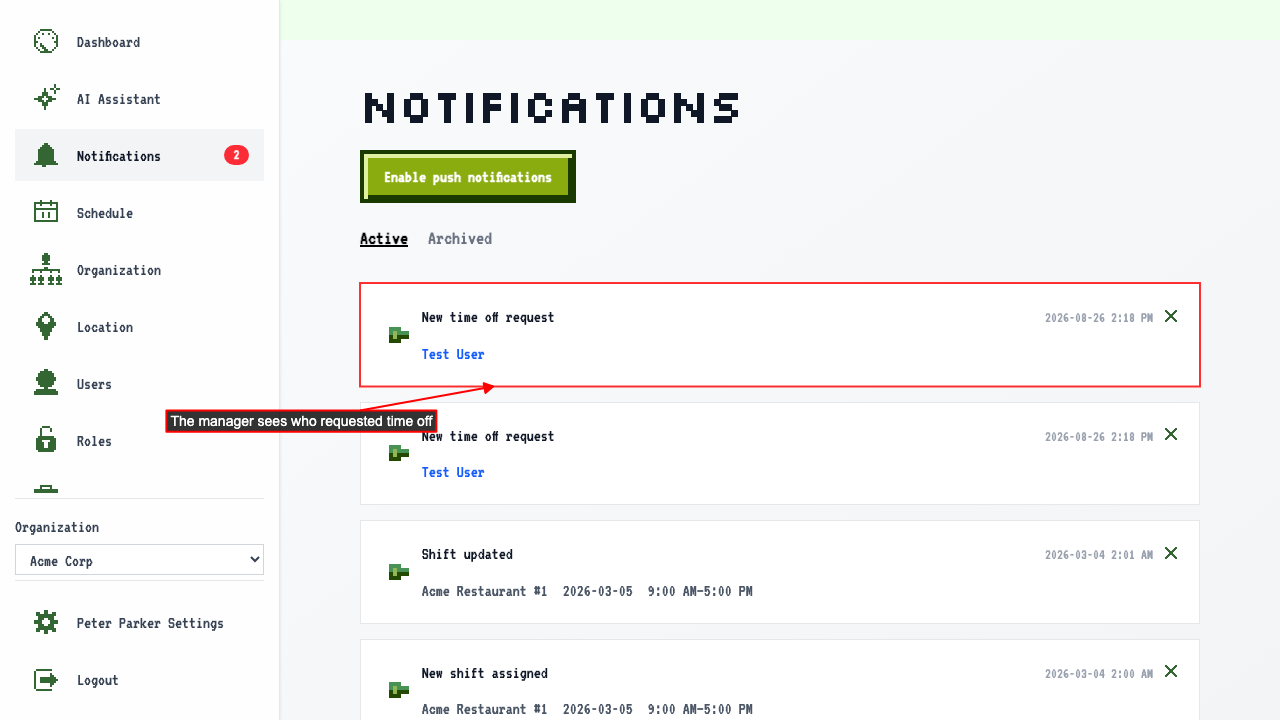
 Managers (anyone who can edit the schedule) are notified of the new request.