Adding an Employee
How to add a new employee
Start on the Users page.
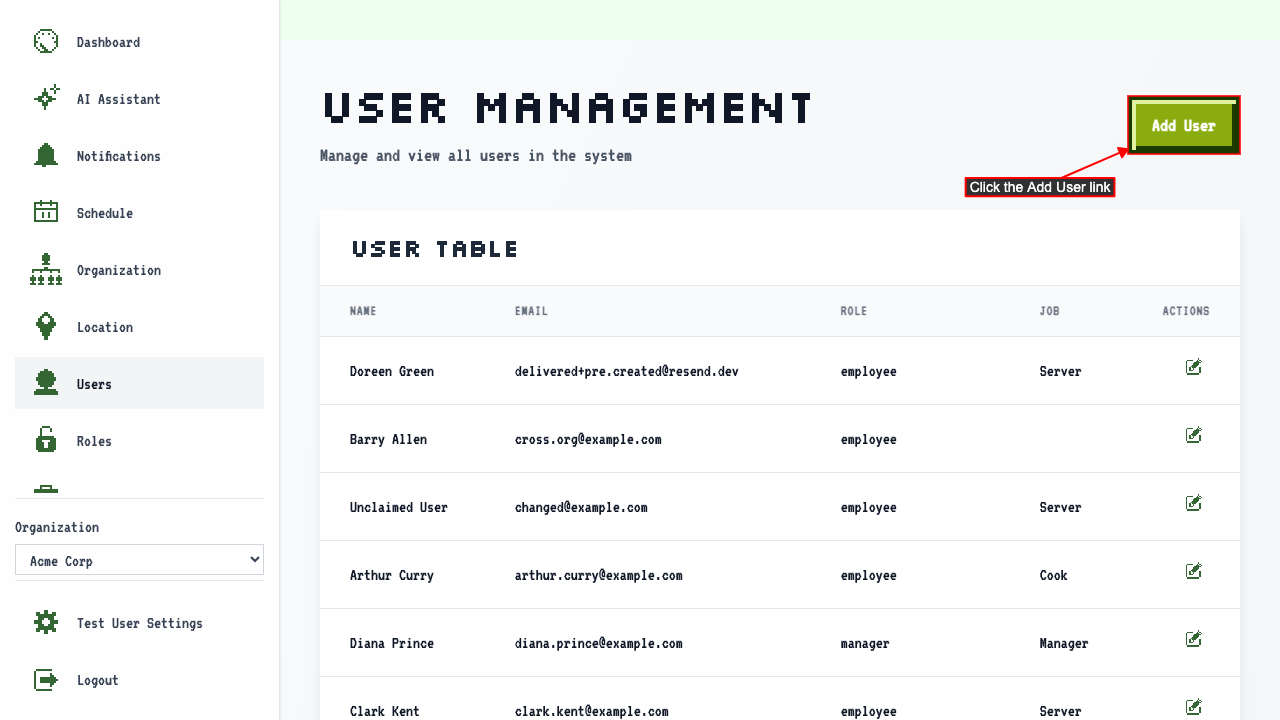
Click 'Add User' to open the new employee form.
 There should be a new user form where you can enter the user's details.
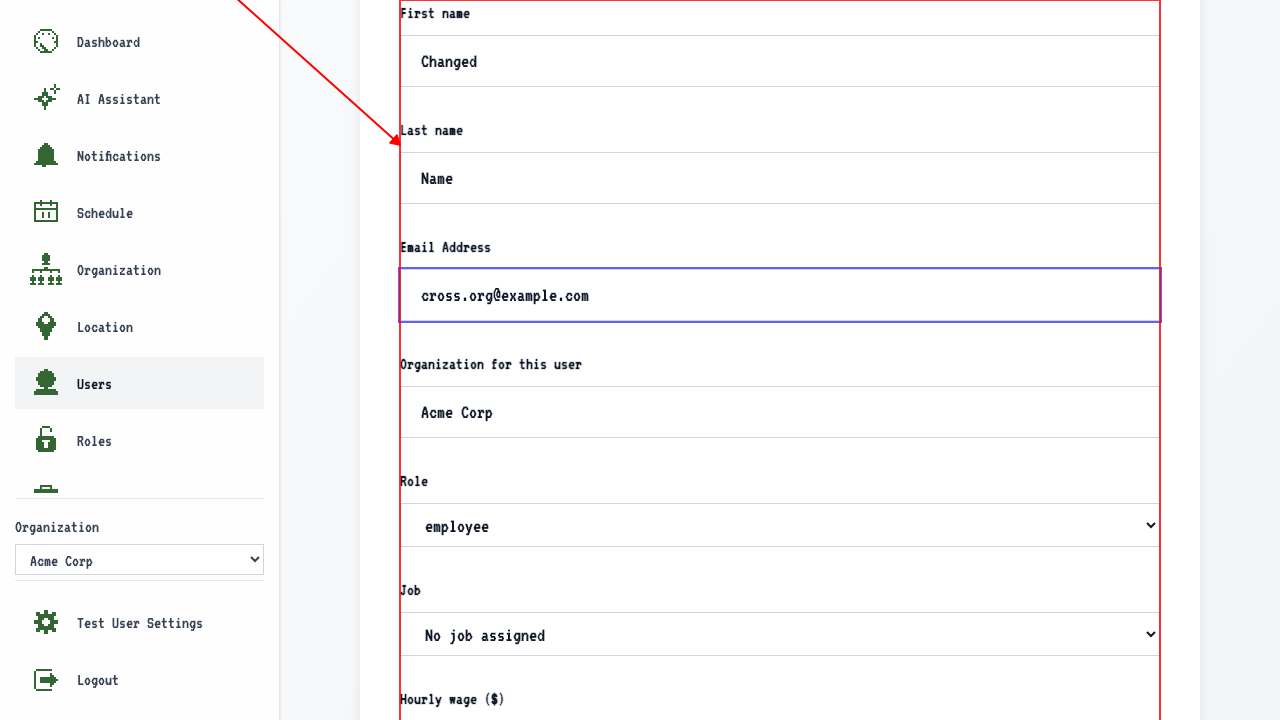
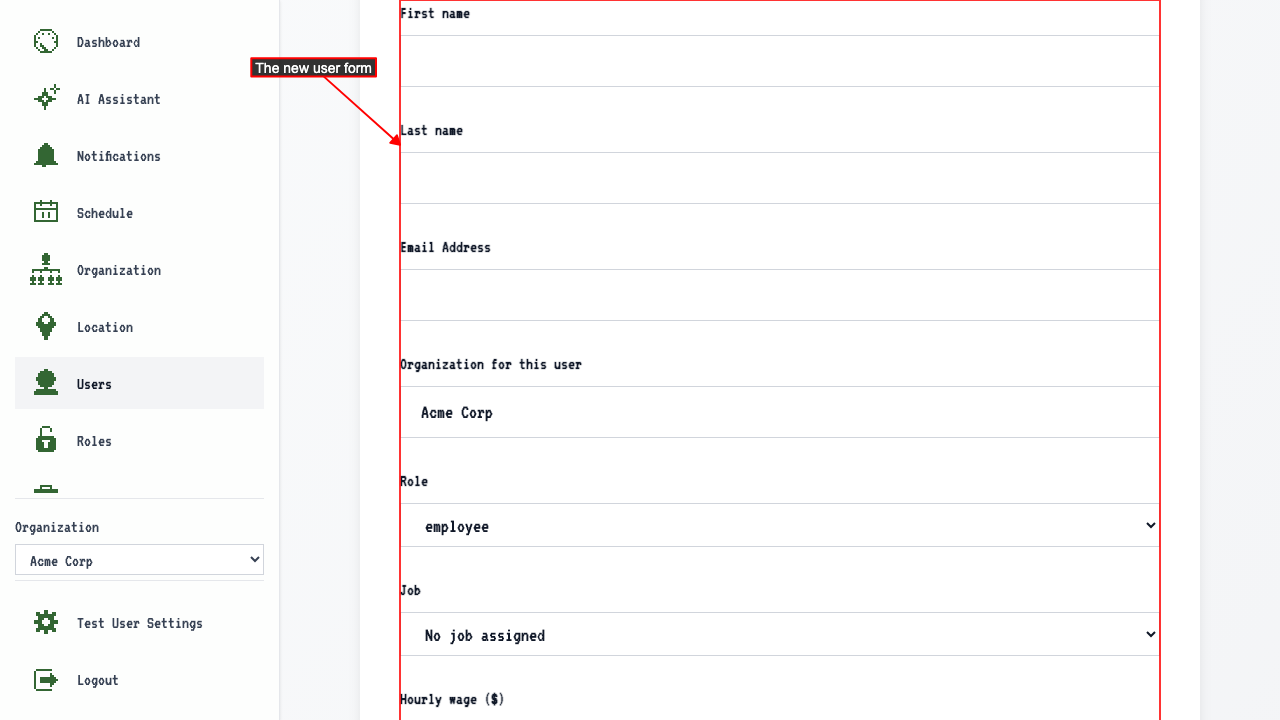 The form will contain fields for:
- First name
- Last name
- Email address
- Organization
- Role
- Job
- Hourly wage
- Assigned Locations
After entering those details, submit the new user form.
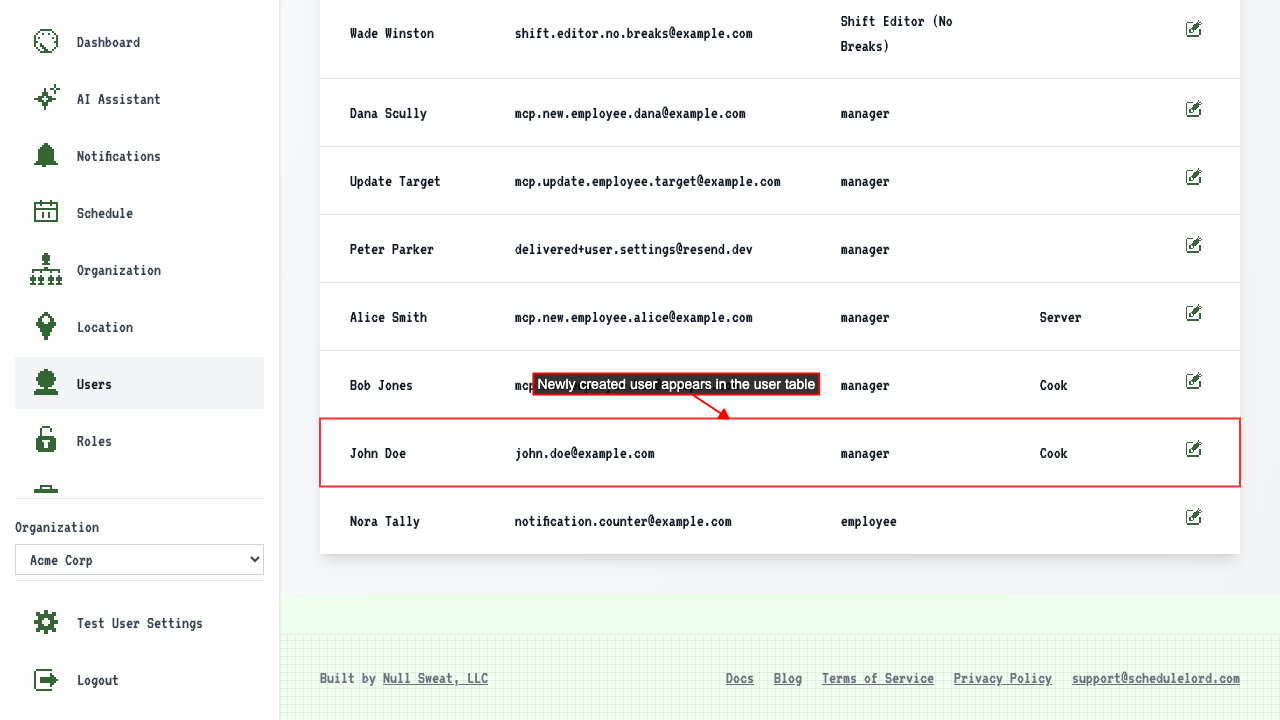
This will redirect to the user management page where you can see your new user has been added.
 The new user's Assigned Locations and hourly wage are preserved on their edit page.
How to add someone who already uses ScheduleLord
Start on the Users page.
Click 'Add User' to open the new employee form.
Enter the new user's name and email for an existing user.
Select the role.
 Submit the form.
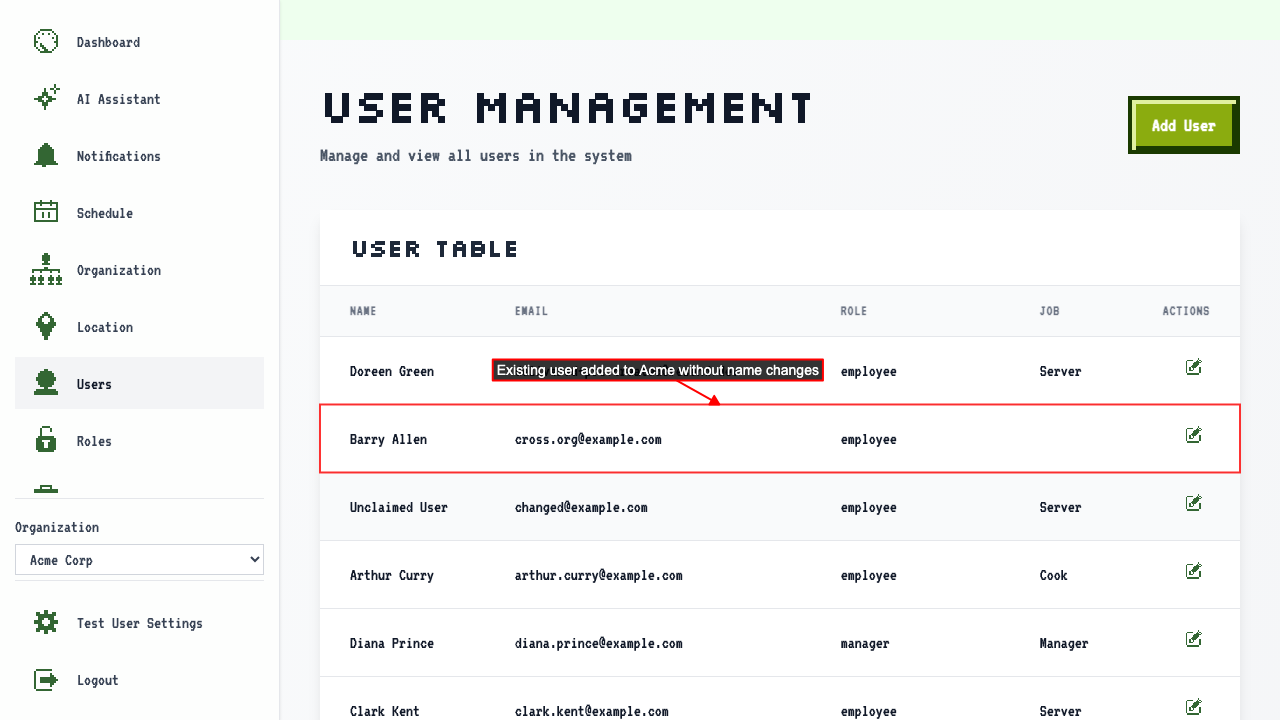
The existing user is added to the organization. If a user already exists, their name is not changed.
Submit the form.
The existing user is added to the organization. If a user already exists, their name is not changed.