Pending Invites
How to see who hasn't accepted an invite
Start on the Users page. Anyone who hasn't answered their invite is marked Pending. You can schedule them for shifts, but you can't see their personal details or time off until they accept. To see the invite from their side, read Organization Invites.
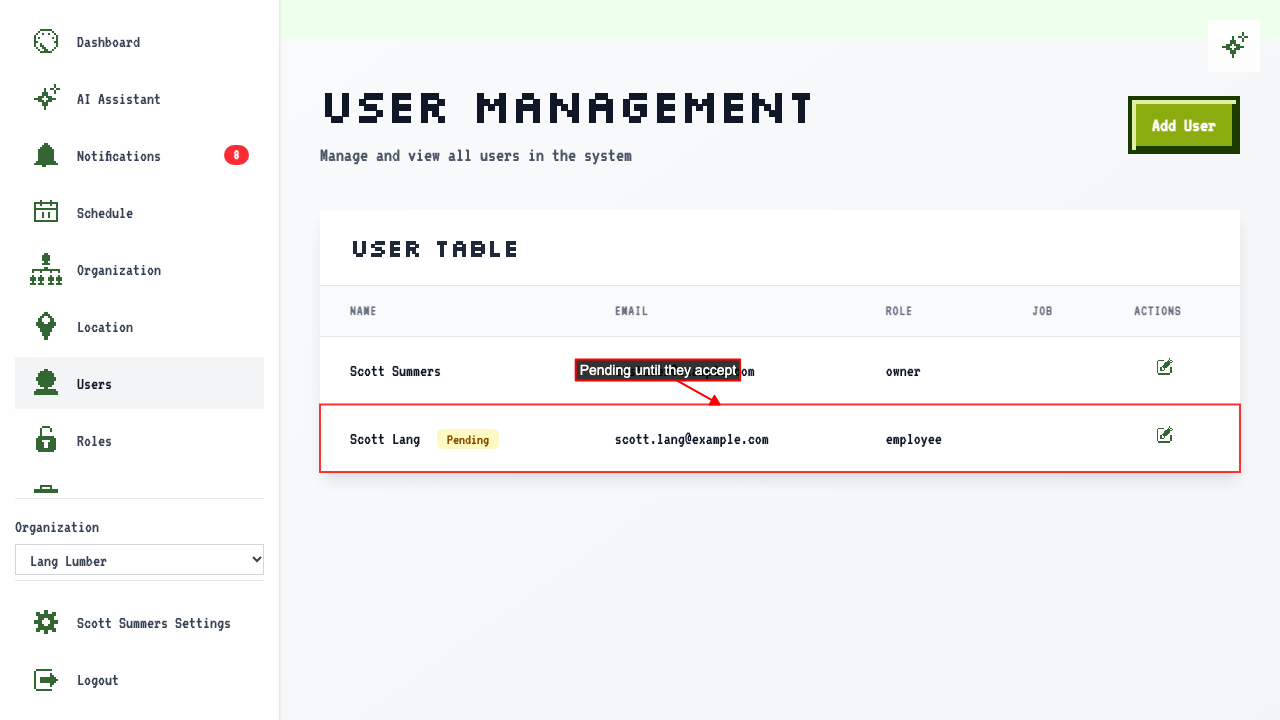 Click 'Edit' beside their name to see the same status on their edit page.
How to cancel an invite
Start on the Users page. Click 'Edit' beside the person with the pending invite.
Click Cancel invite.
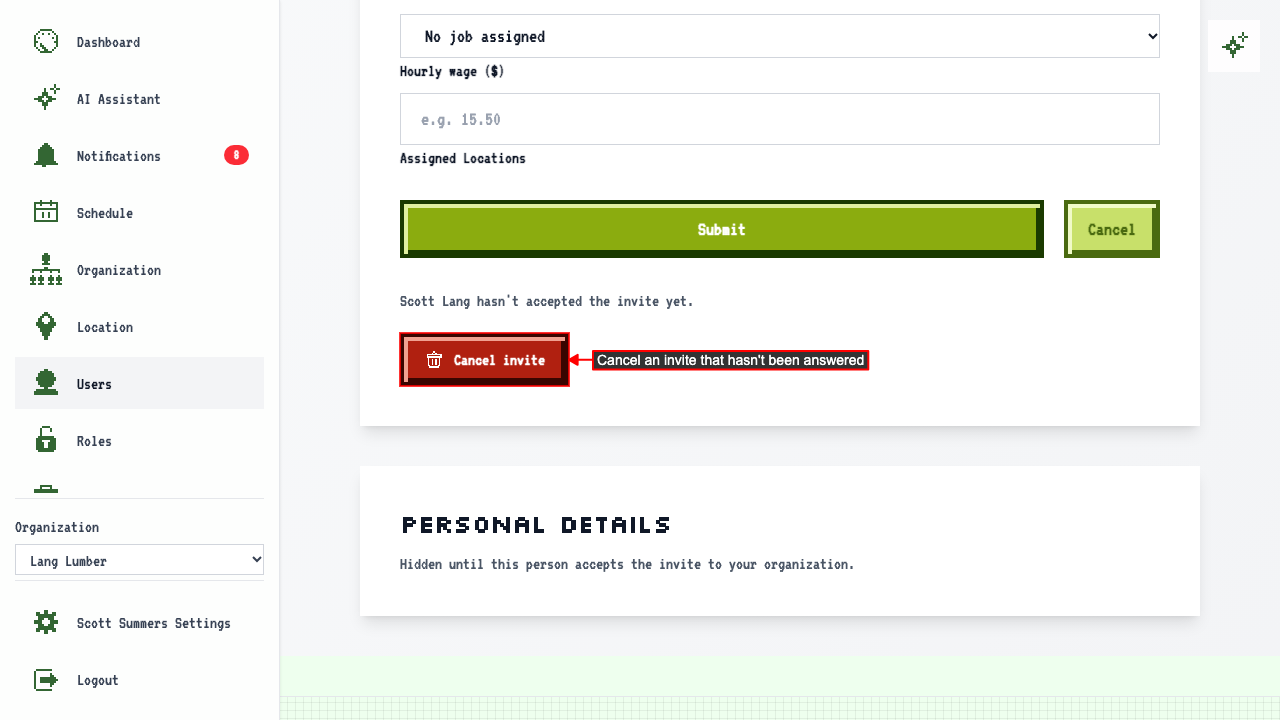 A confirmation appears. Click Confirm to cancel the invite.
They're removed from the Users page, the invite disappears from their dashboard, and any upcoming shifts assigned to them are unassigned.
A confirmation appears. Click Confirm to cancel the invite.
They're removed from the Users page, the invite disappears from their dashboard, and any upcoming shifts assigned to them are unassigned.
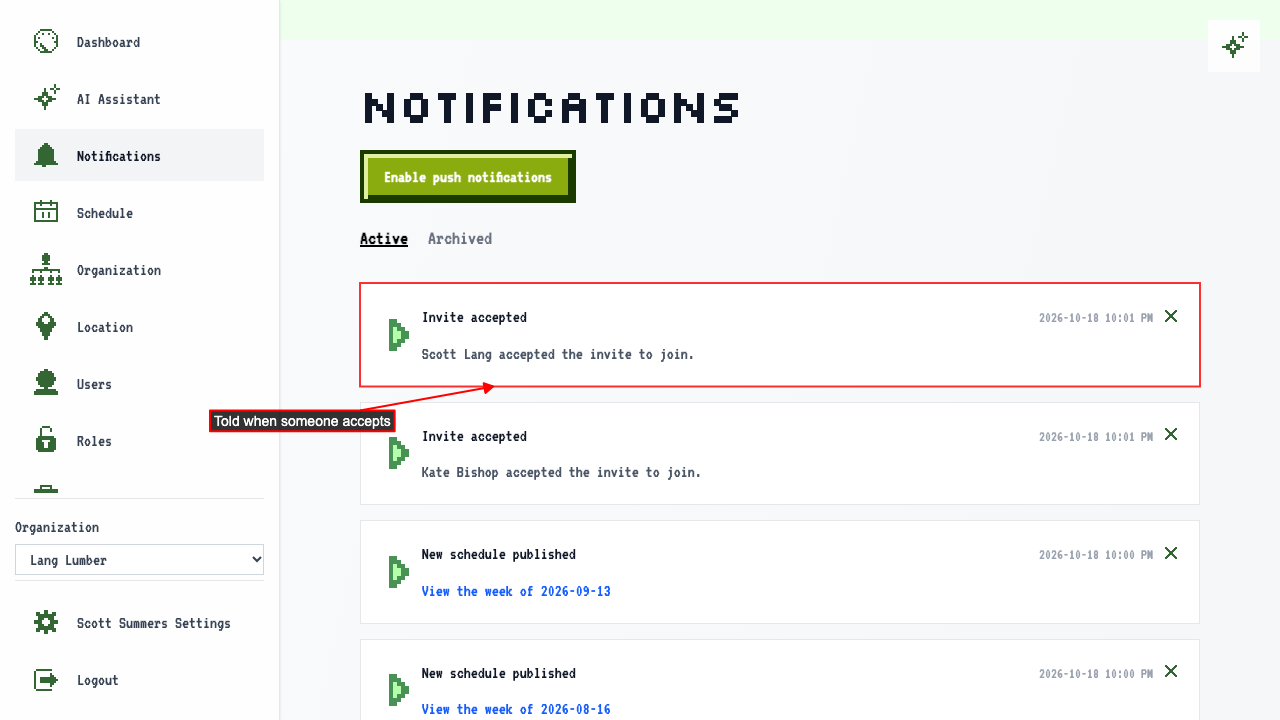
How you're told someone accepted an invite
Open Notifications in the sidebar. When someone accepts, everyone who can manage users gets a notification naming them.
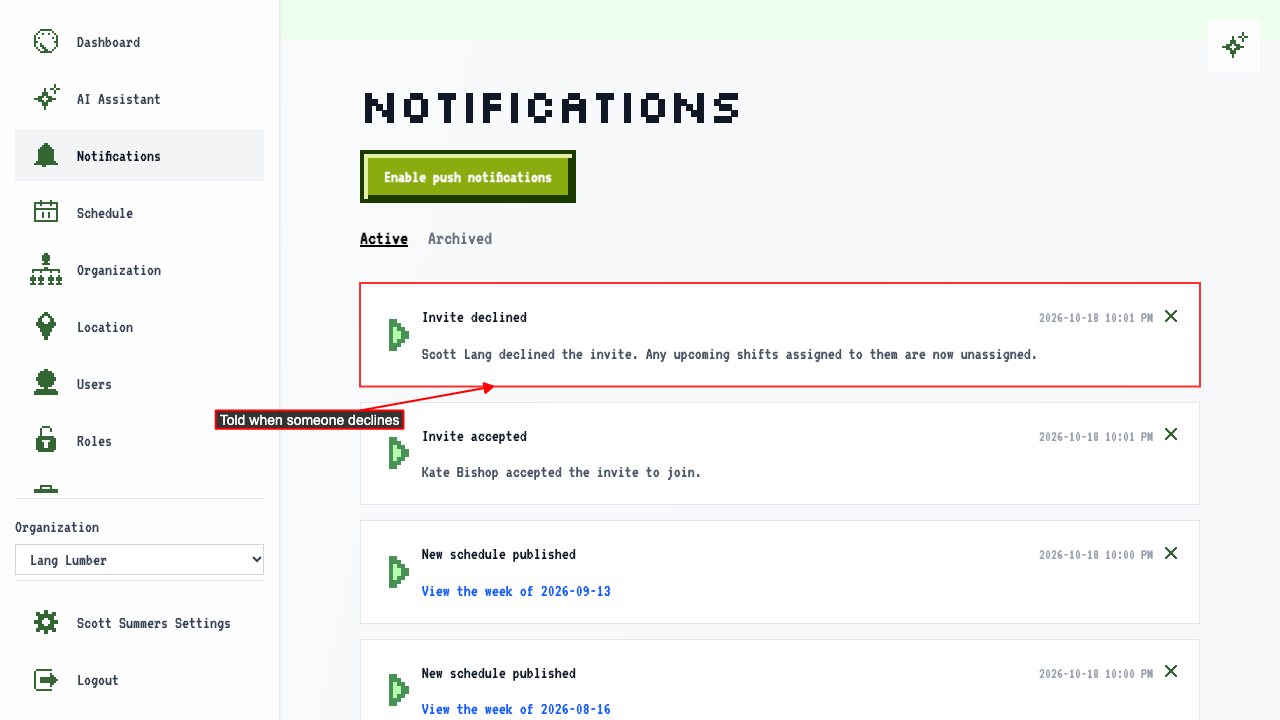
How you're told someone declined an invite
Open Notifications in the sidebar. When someone declines, everyone who can manage users gets a notification naming them, and any upcoming shifts assigned to them are unassigned.