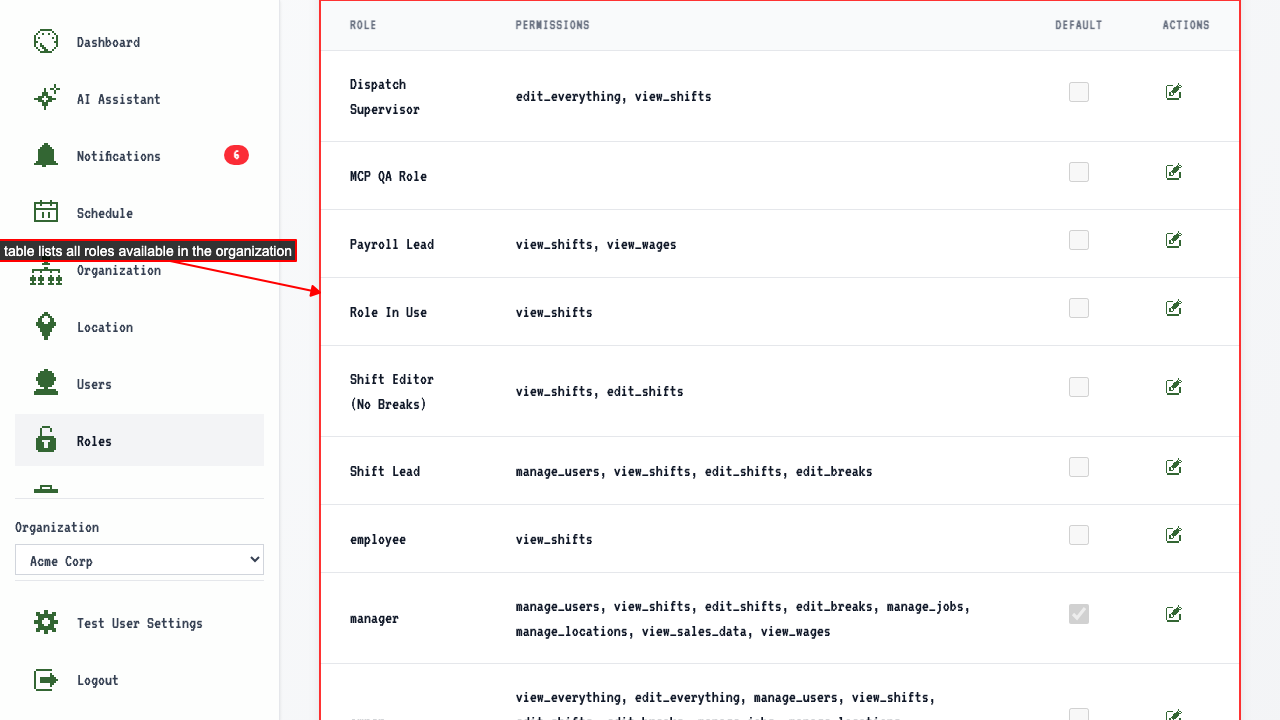
Your Roles
How to open the Roles page
When you login you're usually on the dashboard.
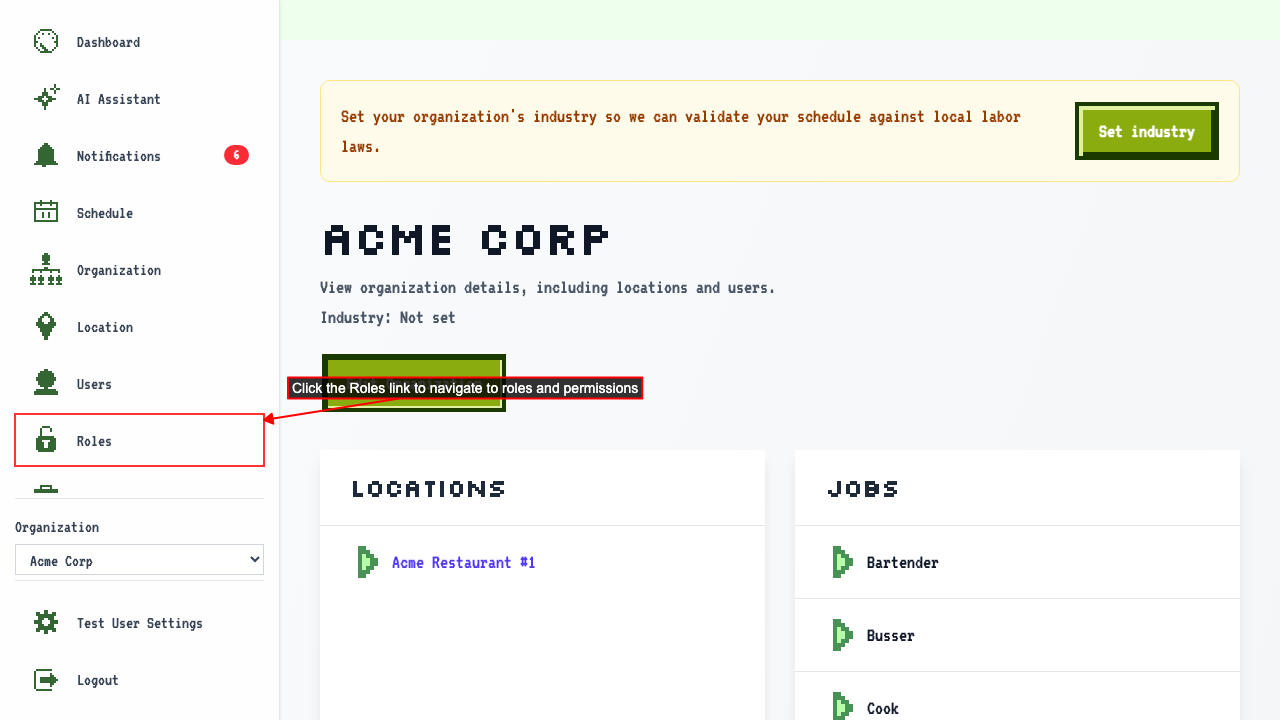
Find the organization and click the organization name to go to the organization details page.
Click the Roles link to navigate to the roles and permissions page.
Seeing the roles your organization can assign
Start on the Roles page.
Every role your organization can assign is listed here.