Deleting a Role
How to delete a role
Start on the Roles page.
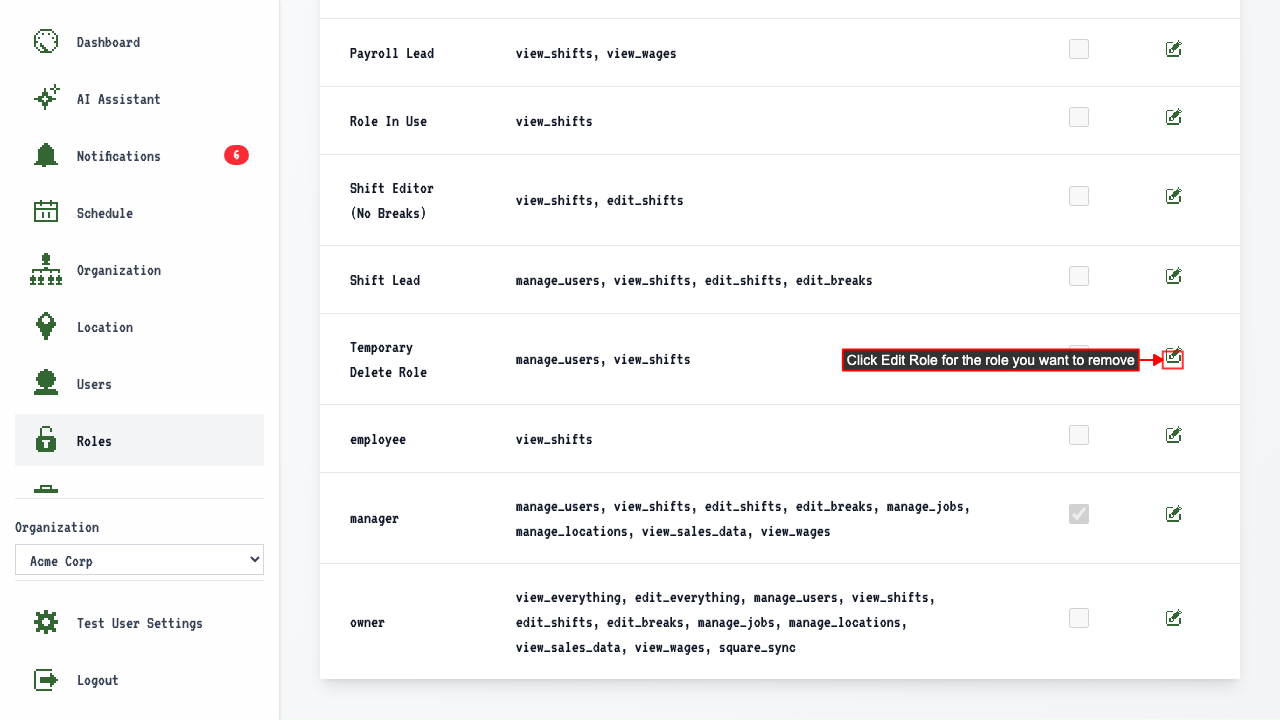
Click 'Edit Role' on the role you want to delete.
 On the Edit Role page, click the Delete Role button. This button is enabled when no users are assigned to the role.
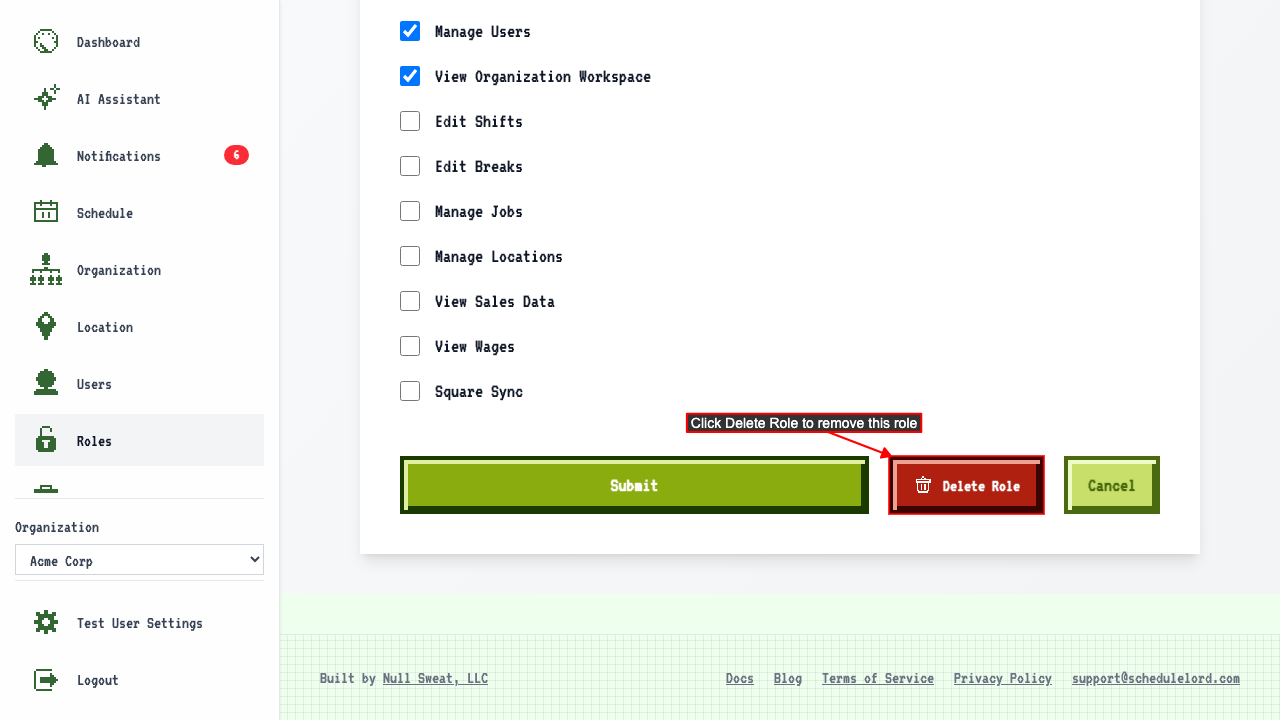 After clicked the role is removed and no longer appears on the roles page.
You can't delete a role that's still in use
Start on the Roles page.
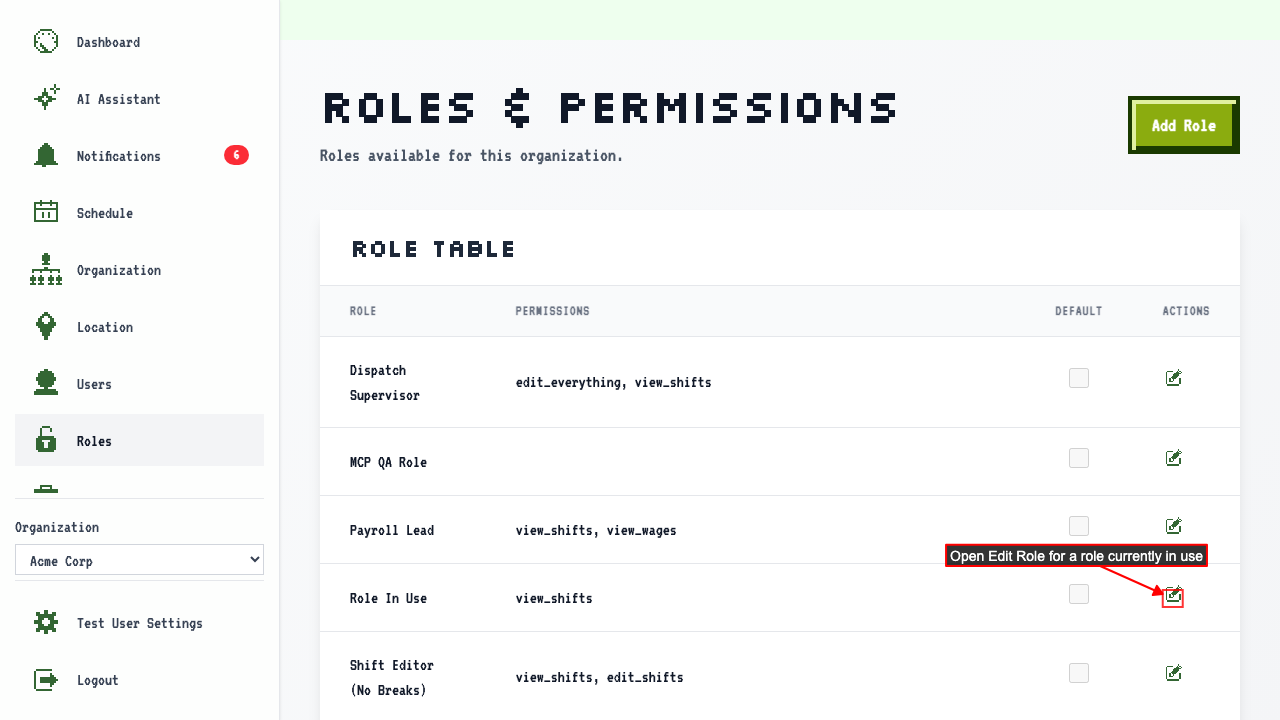
Click 'Edit Role' on the role you want to delete.
 On the Edit Role page, the delete button is disabled, and assigned users are listed with links to their user detail page.
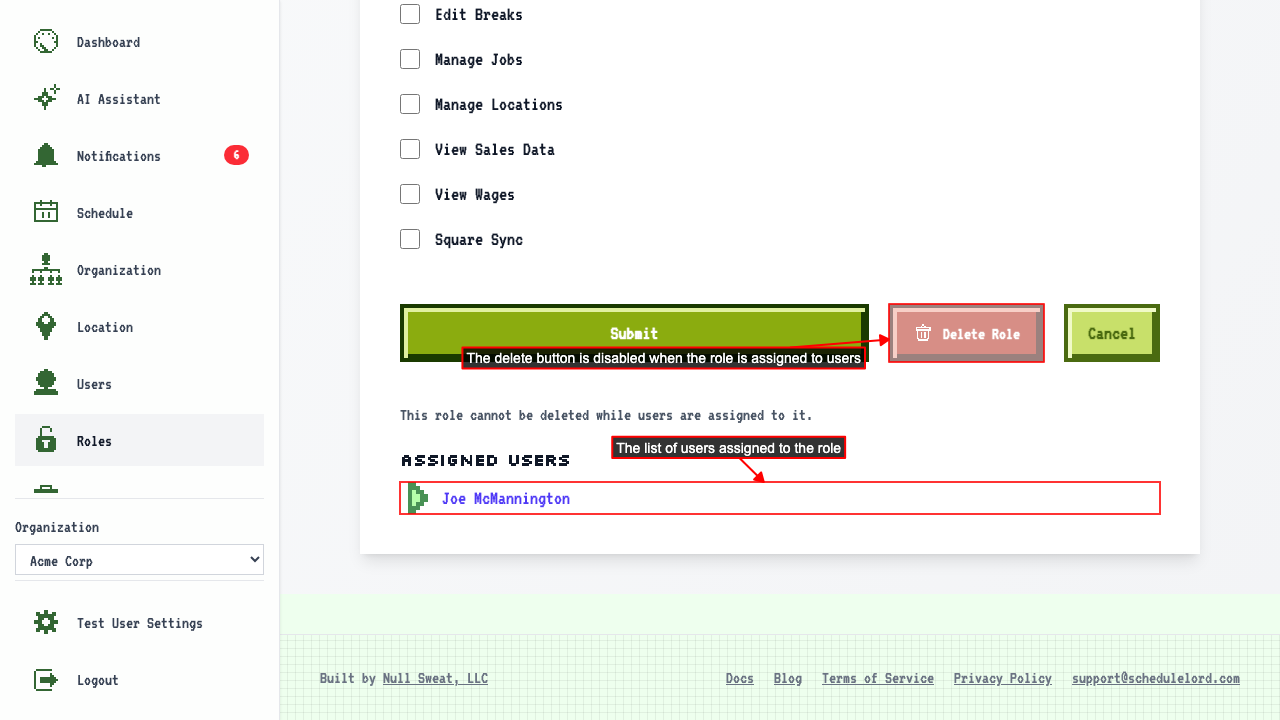 Clicking a user link navigates to their edit page.