Choosing the Default Role
Seeing which role new employees get
Start on the Roles page.
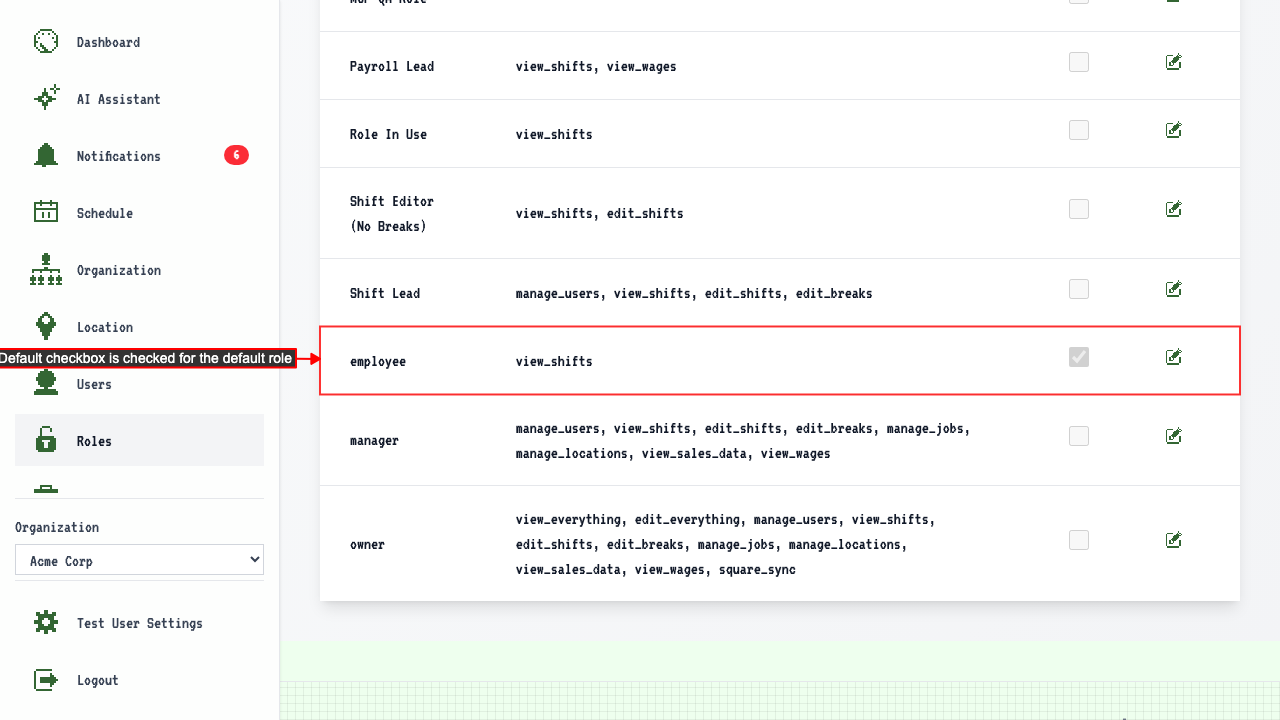
The default role is indicated in the role table with a checked checkbox.
How to change the default role
Open the edit page for the role you want new employees to get.
The 'Set as default role' checkbox reflects the current default state.
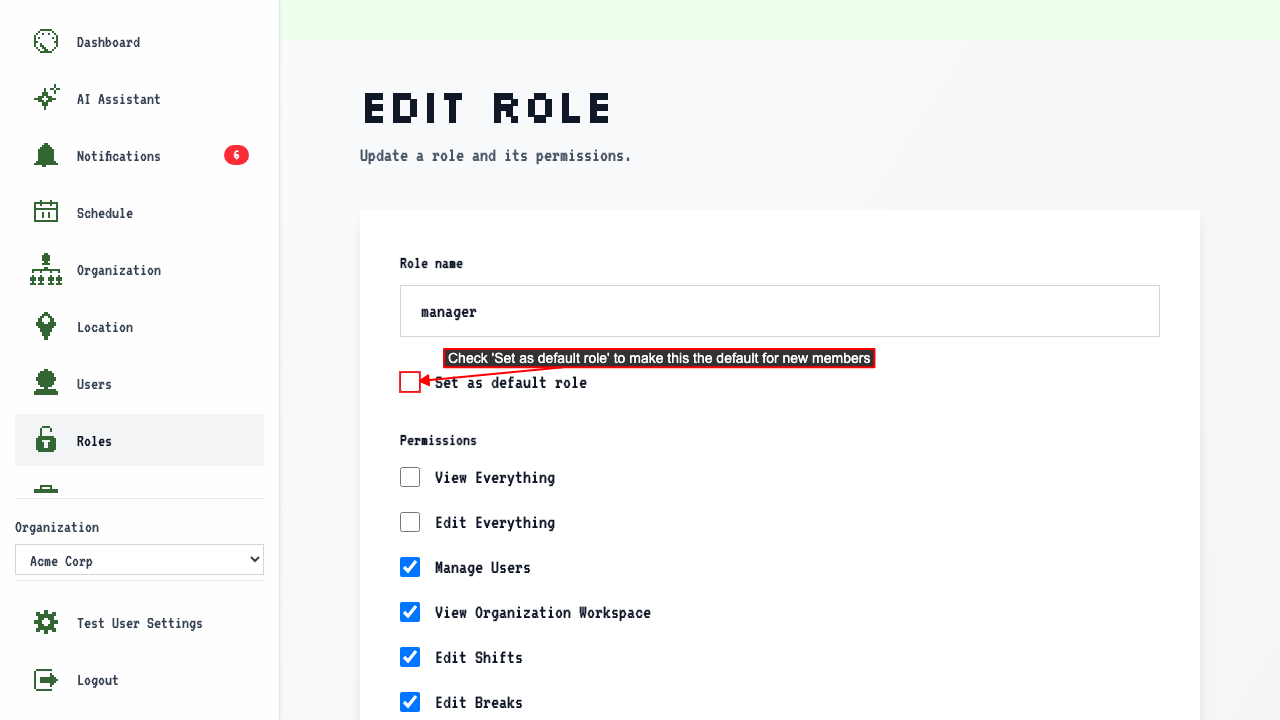 Checking 'Set as default role' and submitting makes the selected role the new default.
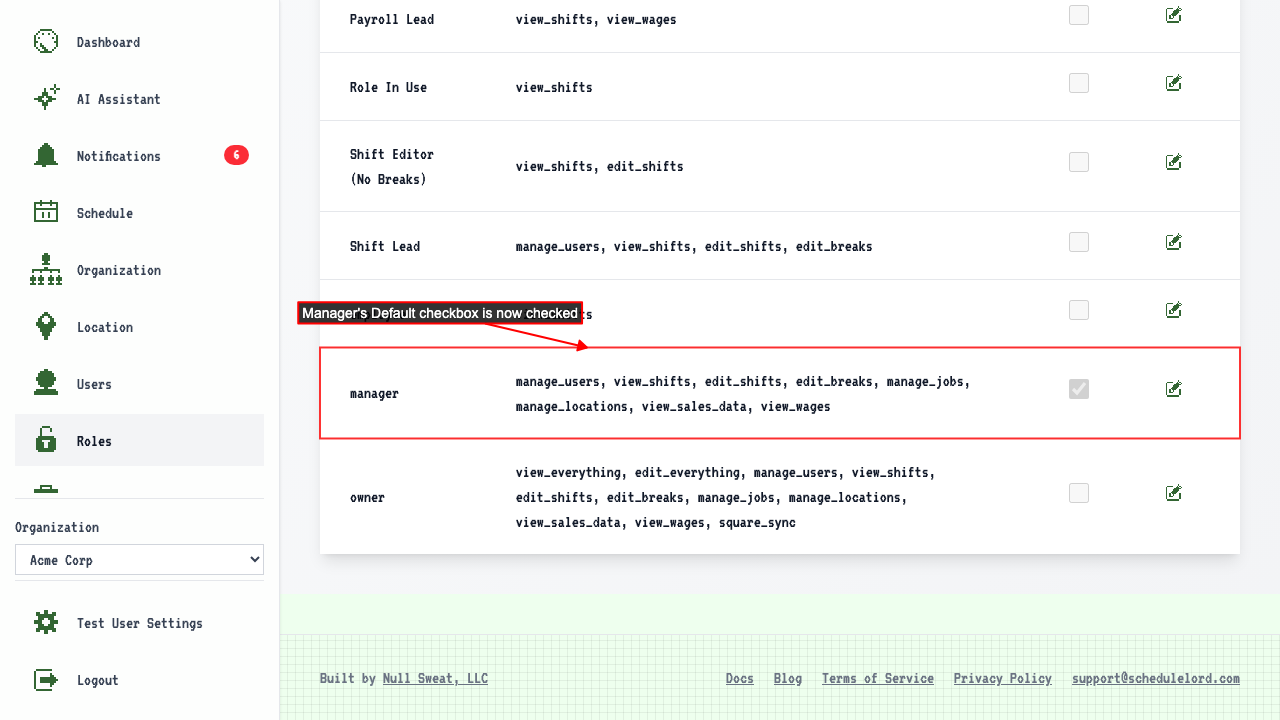
The roles page now shows the selected role as the default; employee is no longer the default.
Checking 'Set as default role' and submitting makes the selected role the new default.
The roles page now shows the selected role as the default; employee is no longer the default.