Creating a Role
How to create a new role
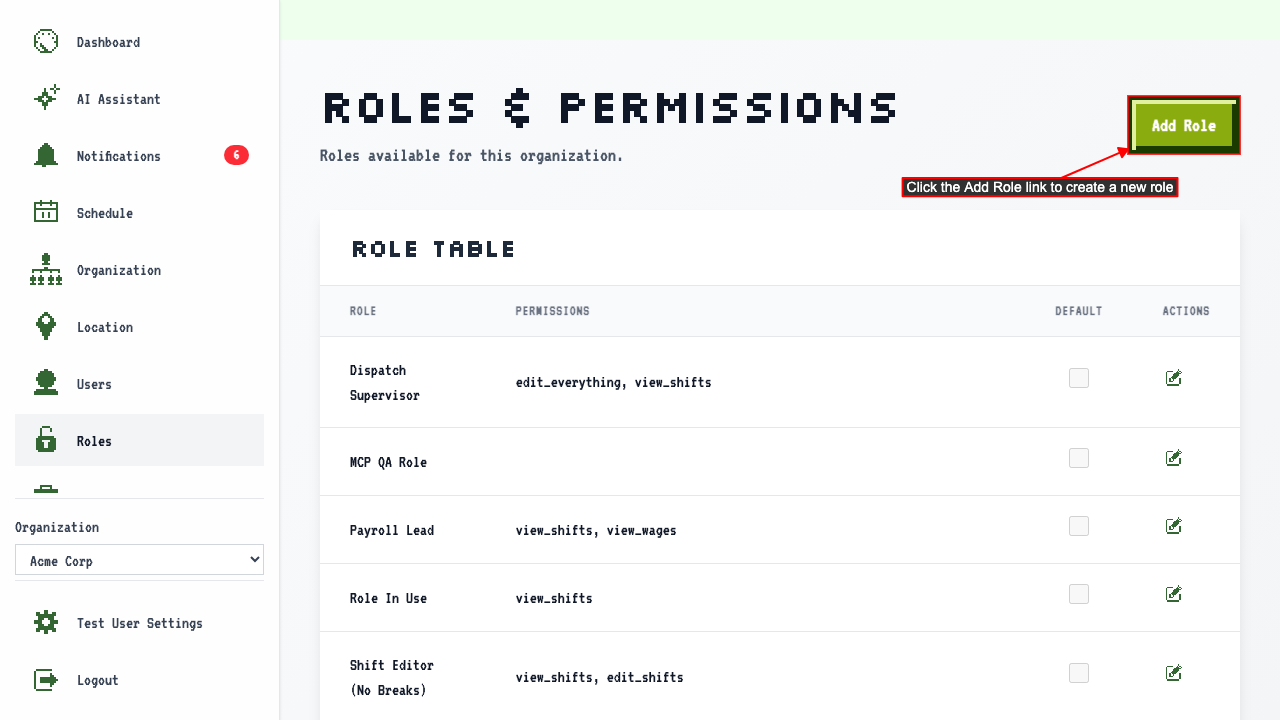
Start on the Roles page.
Click 'Add Role' to open the new role form.
 The page shows a form where you can enter the role name and select permissions.
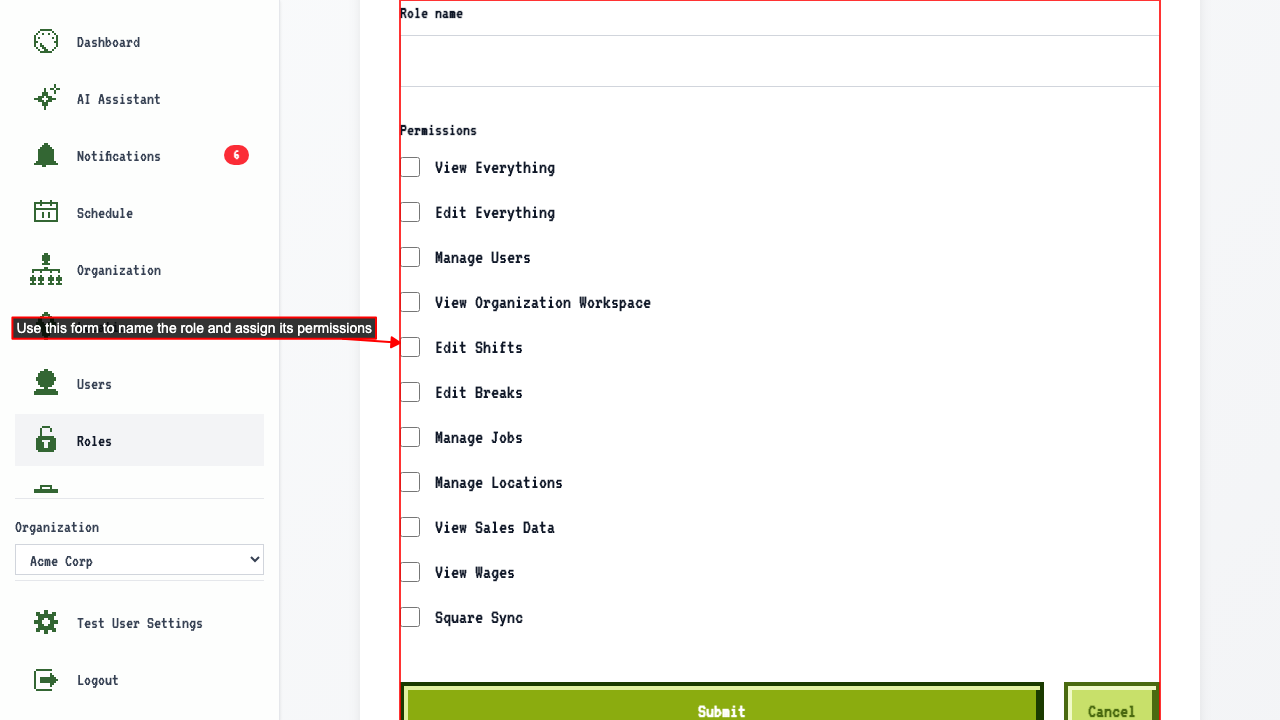
- Enter the role name
- Choose the permissions for the role
- Submit the new role form.
This redirects back to the roles page where the new role appears in the role table.
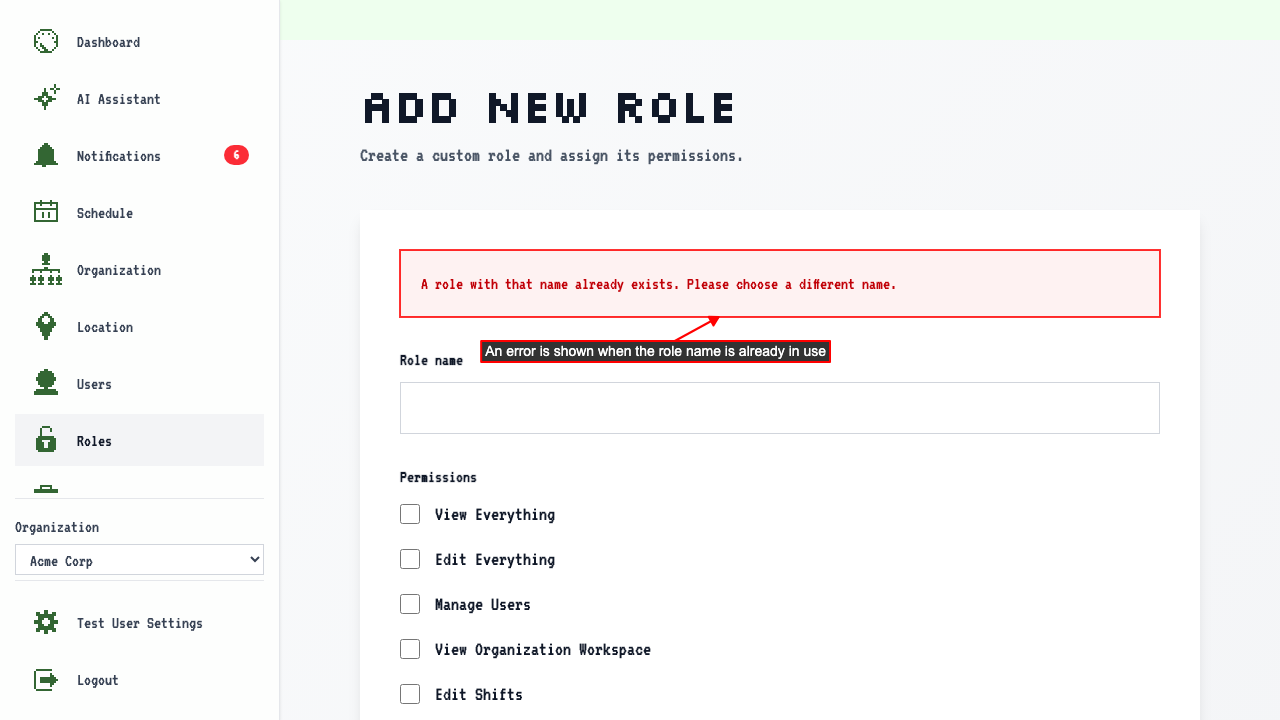
That role name is already taken
Start on the new role form.
Enter a role name that your organization already uses.
Submitting keeps you on the form and shows an error.