Removing an Employee
How to remove someone from your organization
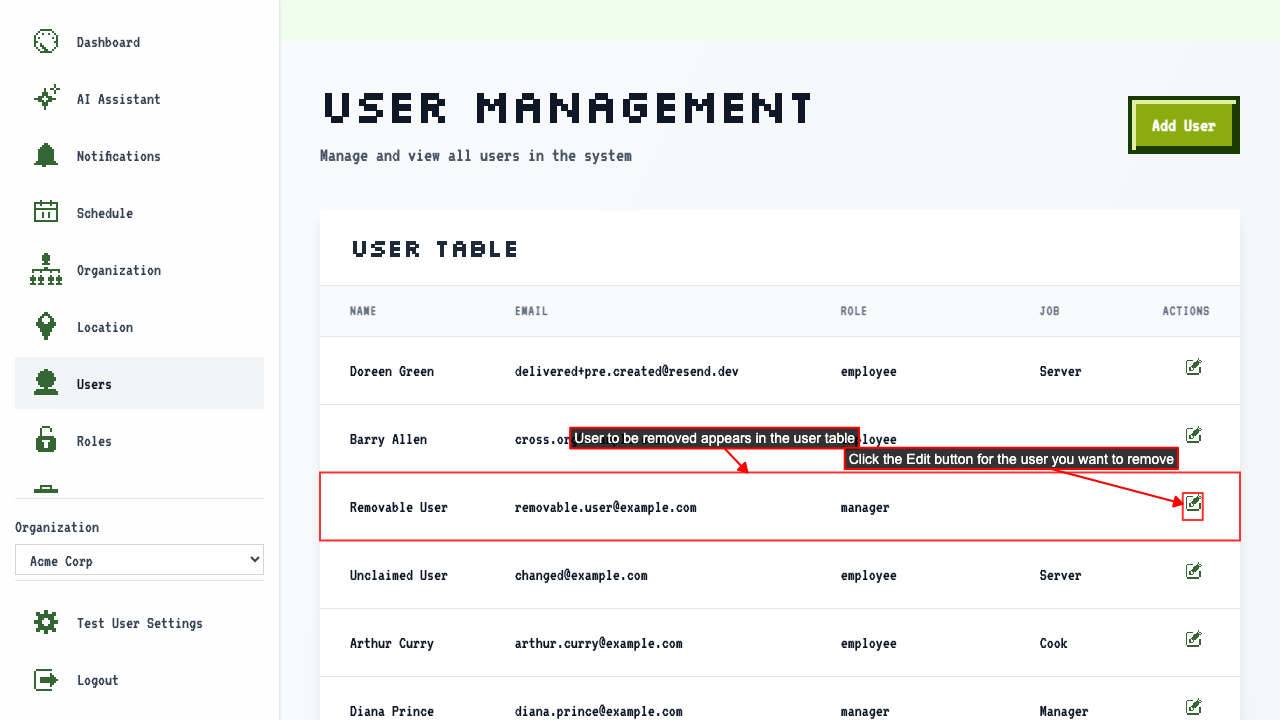
Start on the Users page.
Click 'Edit' beside the employee you want to change.
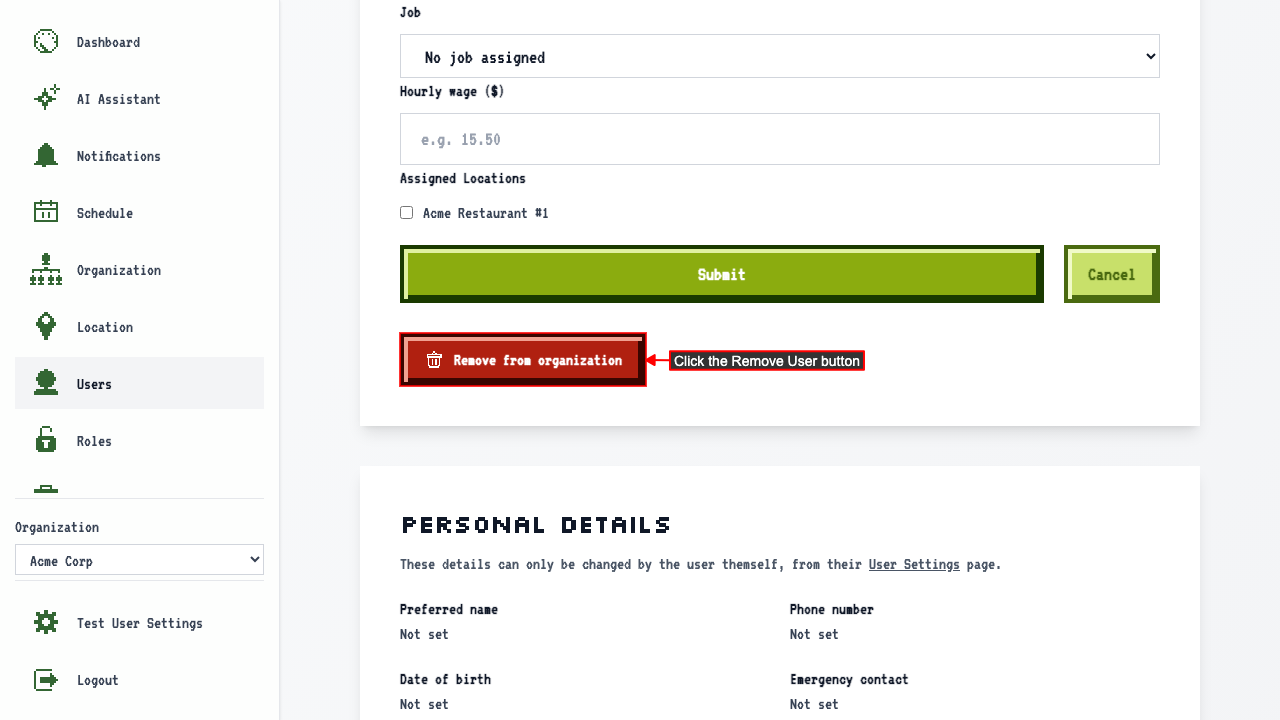
 Click the Remove User button.
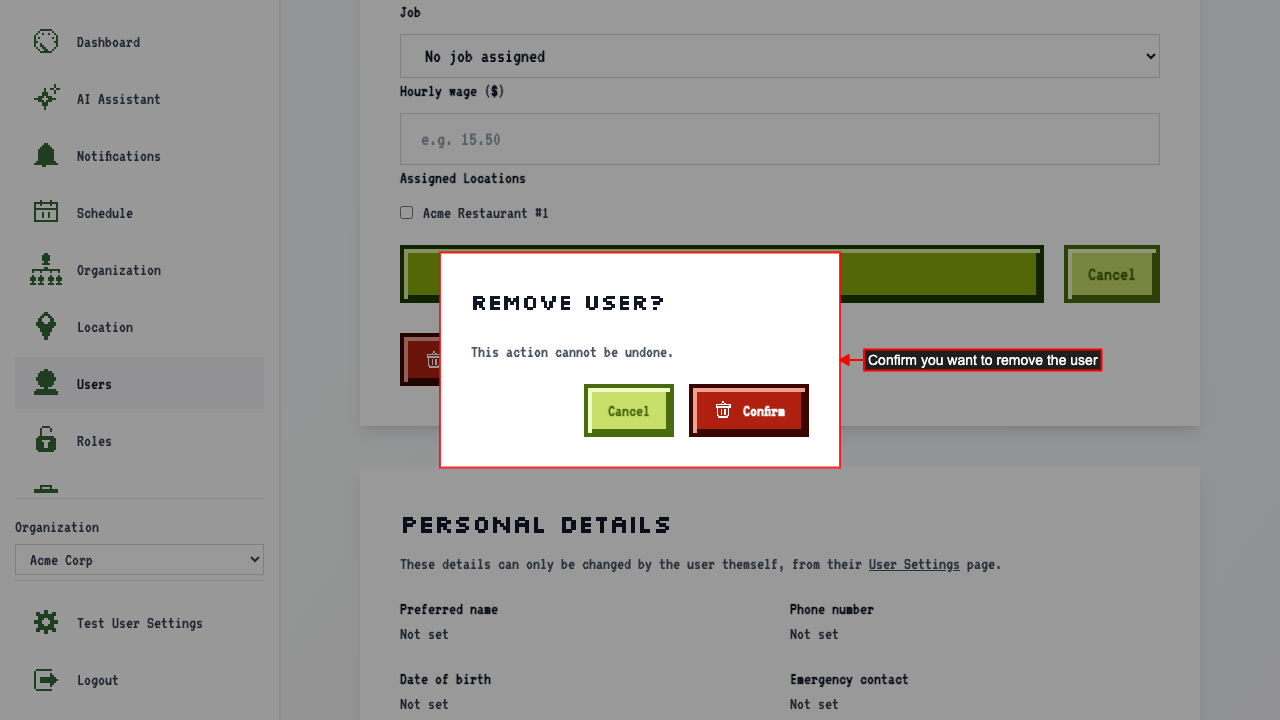
 A confirmation modal appears. Click confirm to remove the user from the organization.
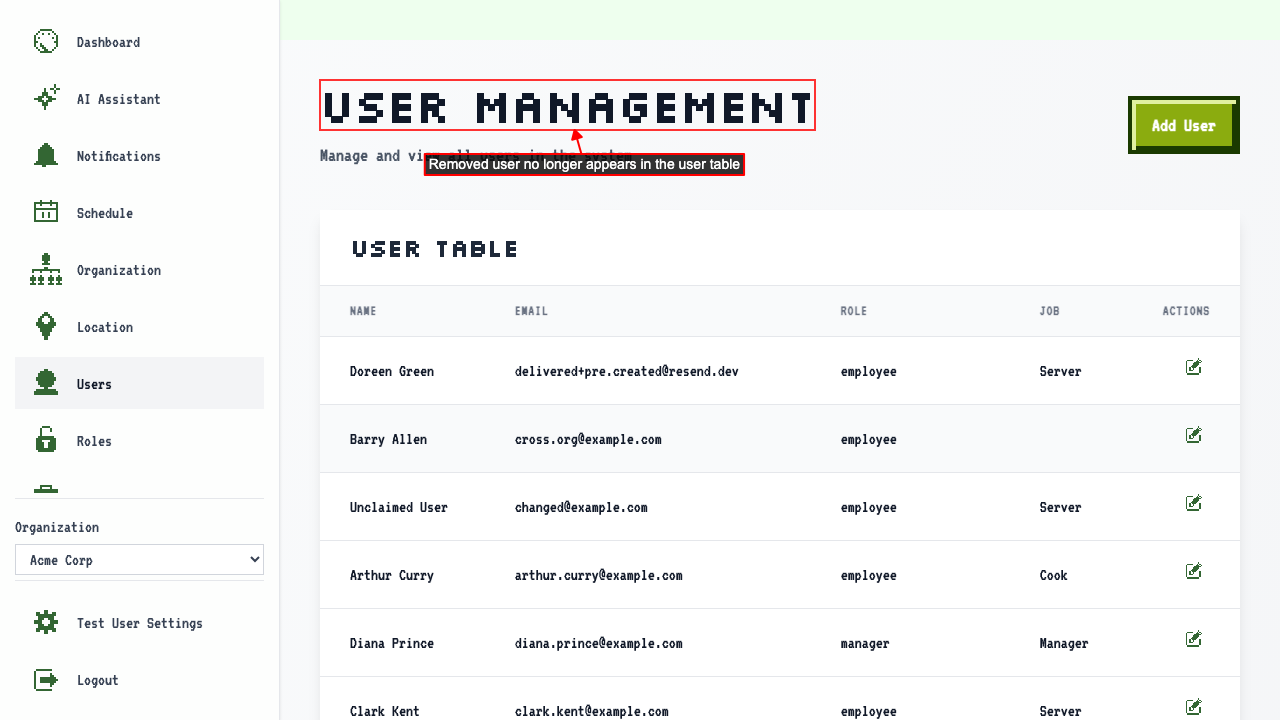
 This will remove the user from the organization and redirect to the user management page where the user will no longer be listed.
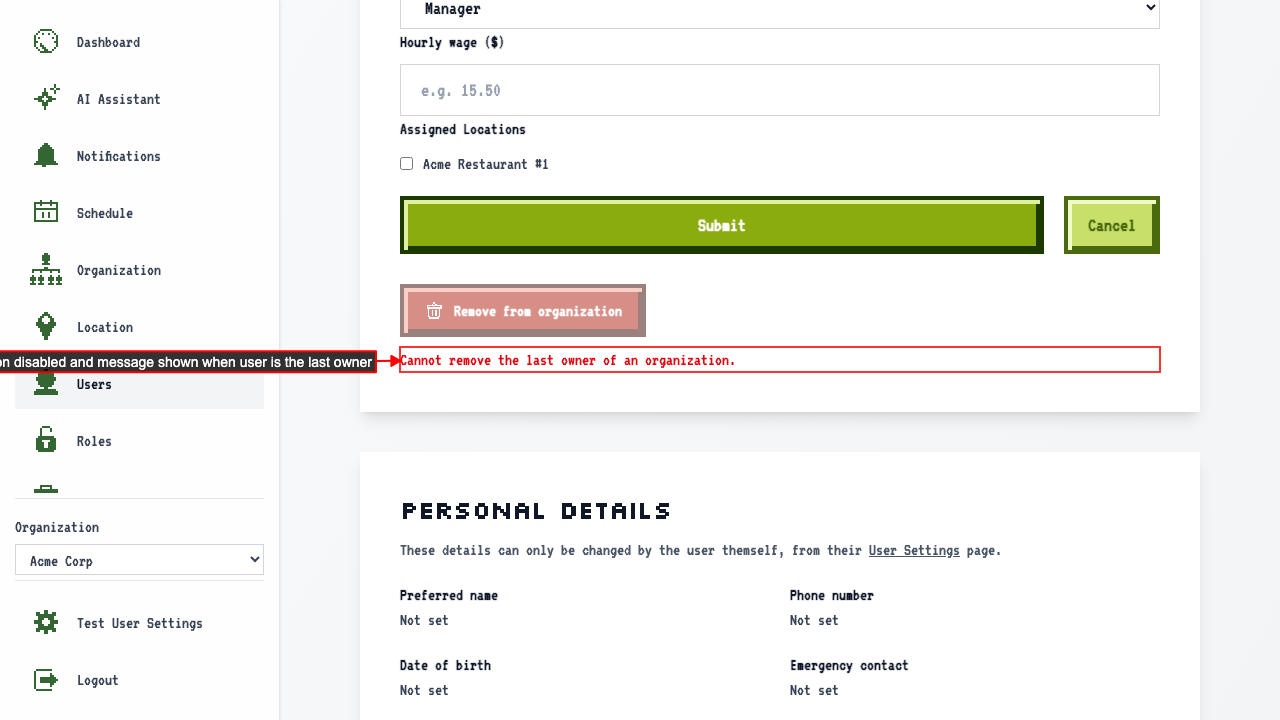
You can't remove the last owner
Open the edit page for the only owner of an organization.
The Remove from organization button is disabled and a message explains the last owner cannot be removed.