Your Team
How to open the Users page
When first logged in you're usually on the dashboard, select your organization to go to the organization detail page.
Find the organization and click the organization name to go to the organization details page.
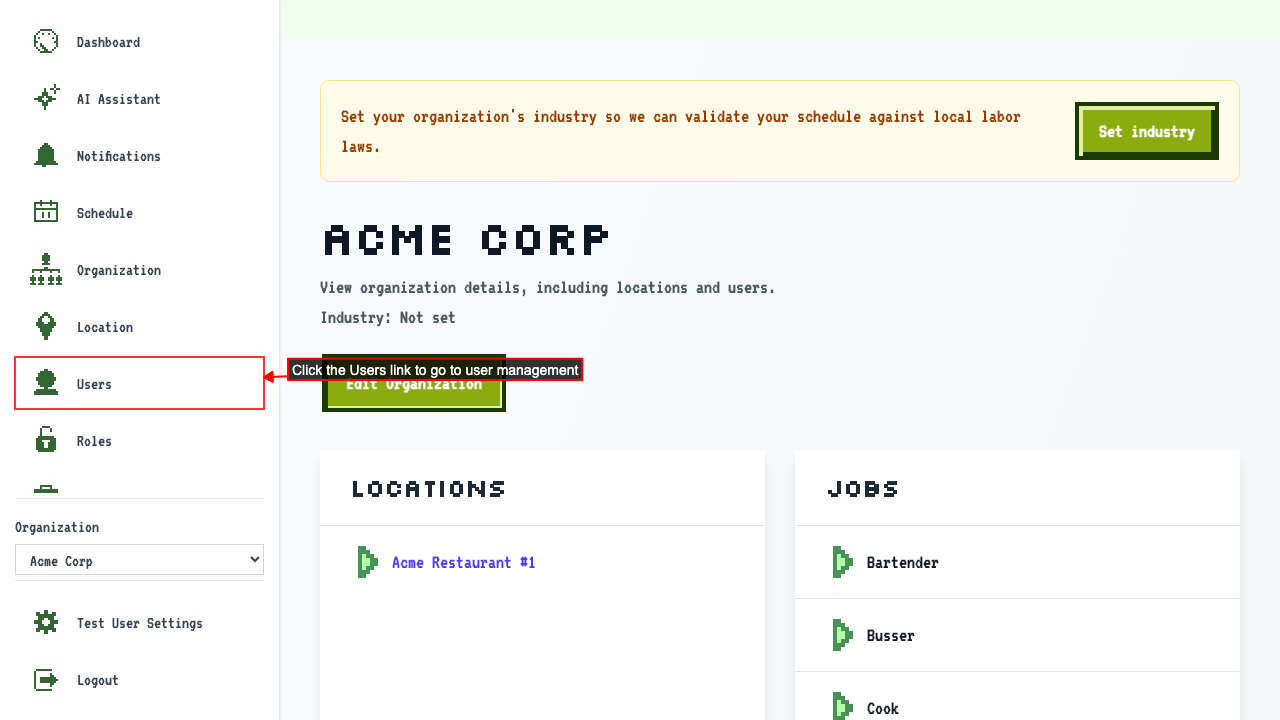
Clicking the Users link will navigate to the User Management page.
Seeing everyone in your organization
Start on the Users page.
Everyone in your organization is listed in a table.
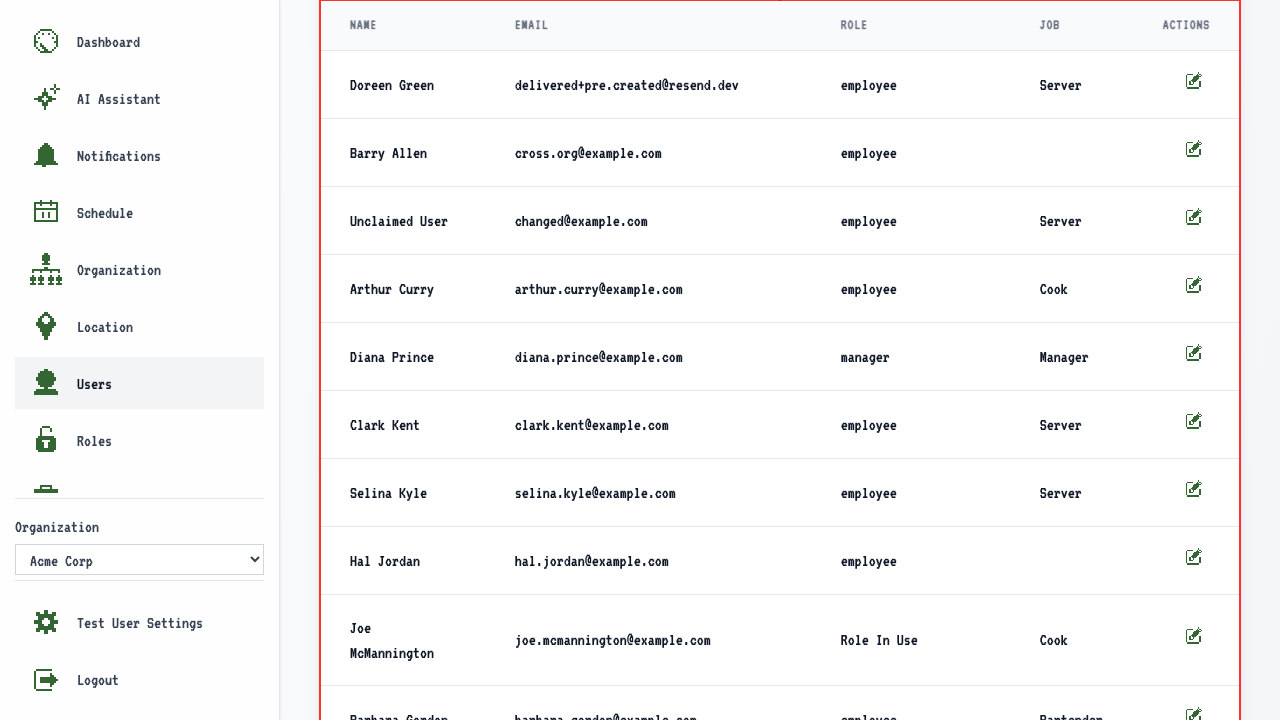 The table should show:
- the users' names
- the users' email addresses
- the users' roles
- the users' jobs