The Schedule Page
How to open the Schedule page
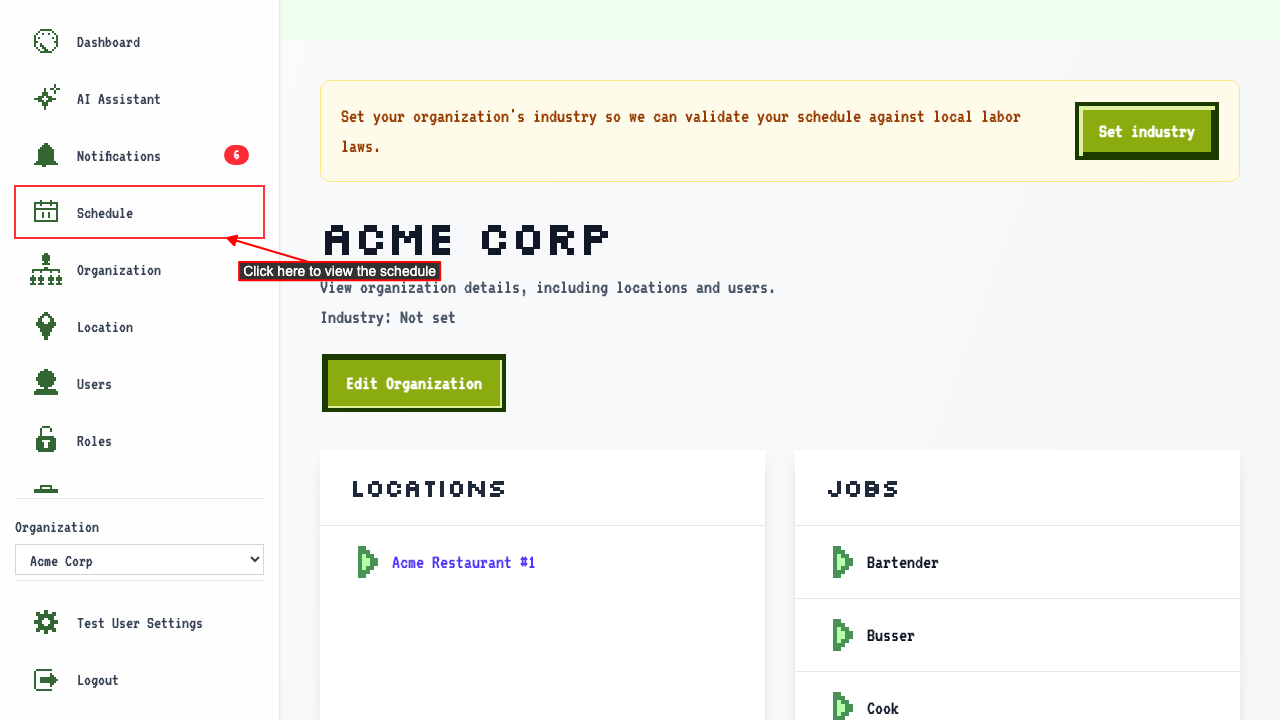
When first logged in you're usually on the dashboard, select your organization to go to the organization detail page.
Clicking the Schedule link will navigate to the schedule page.
Reading the week calendar
Start on the schedule page.
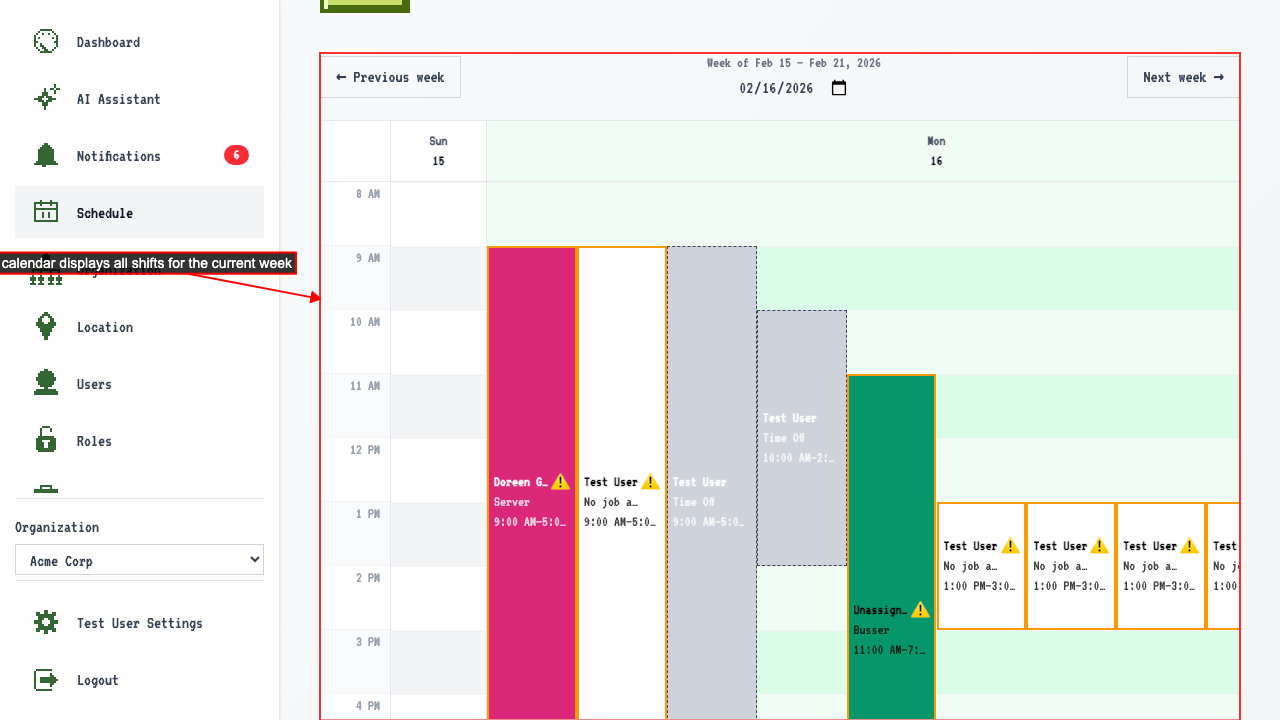
The calendar shows a week of every shift in your organization.
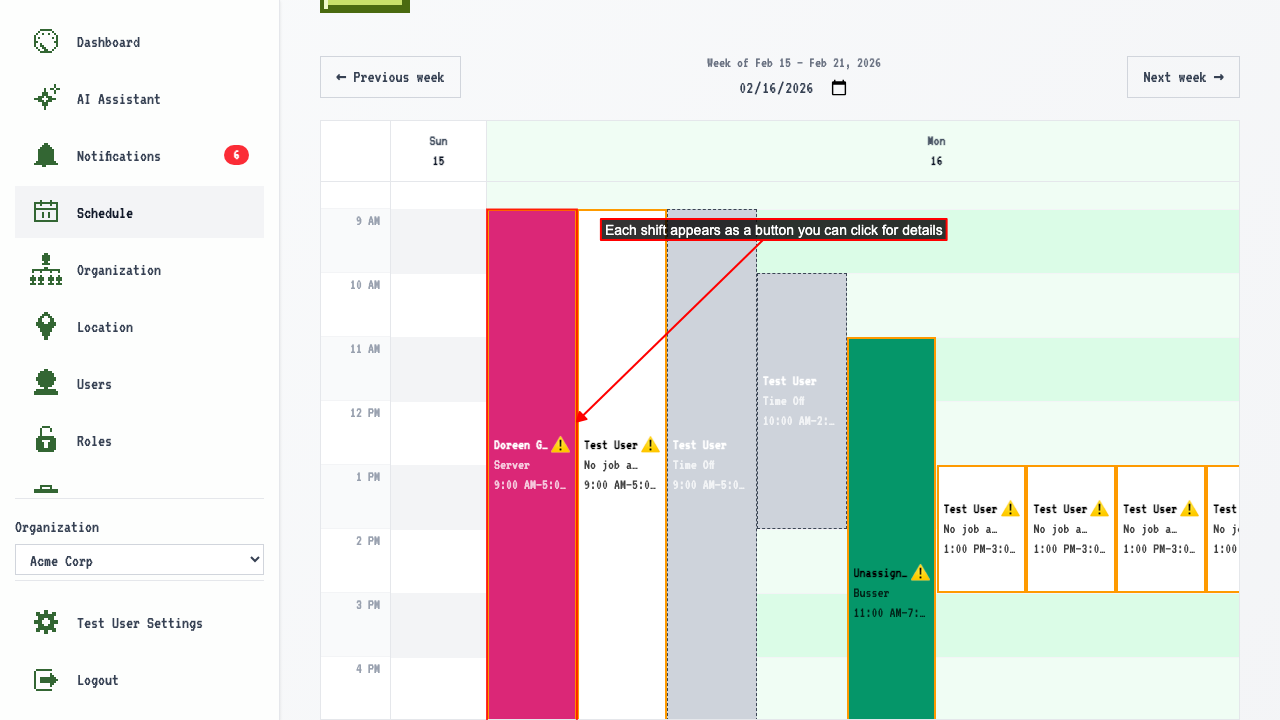
 Shifts appear as buttons in the calendar.
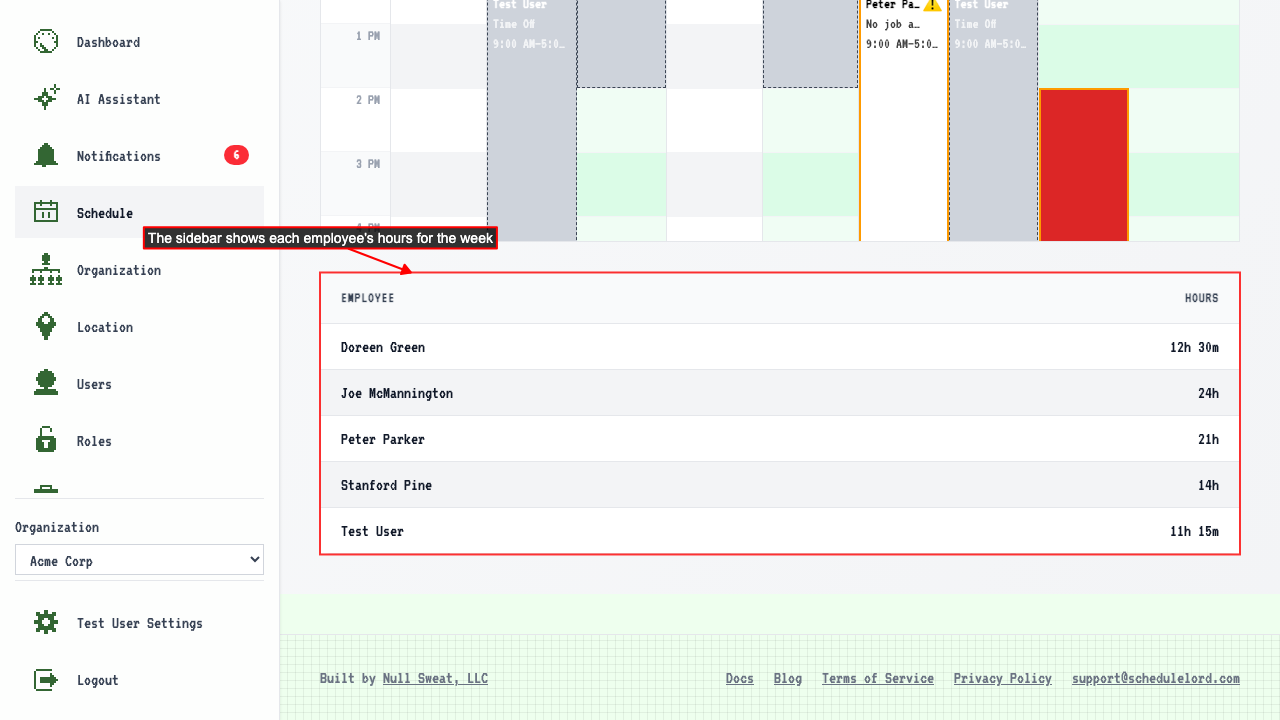
 There is a sidebar displaying each employee's hours for the week.
How to move between weeks
Start on the schedule page.
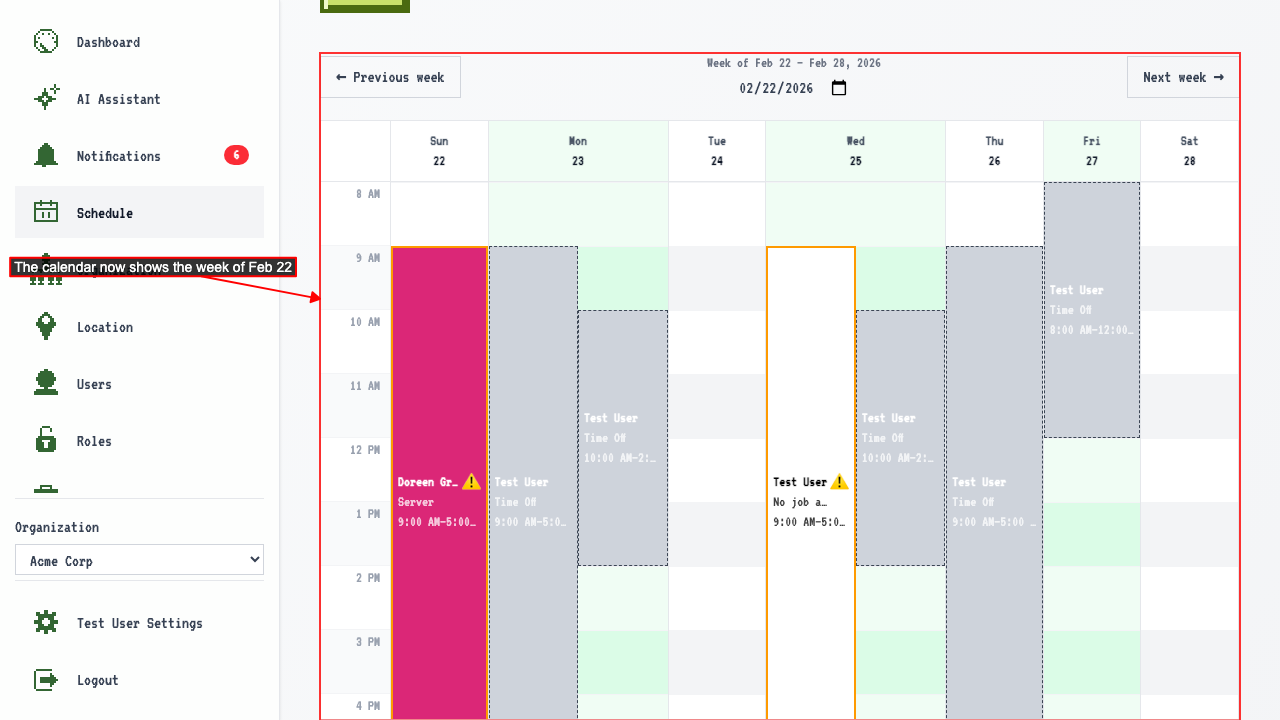
The whole week is visible at once, including days with several shifts.
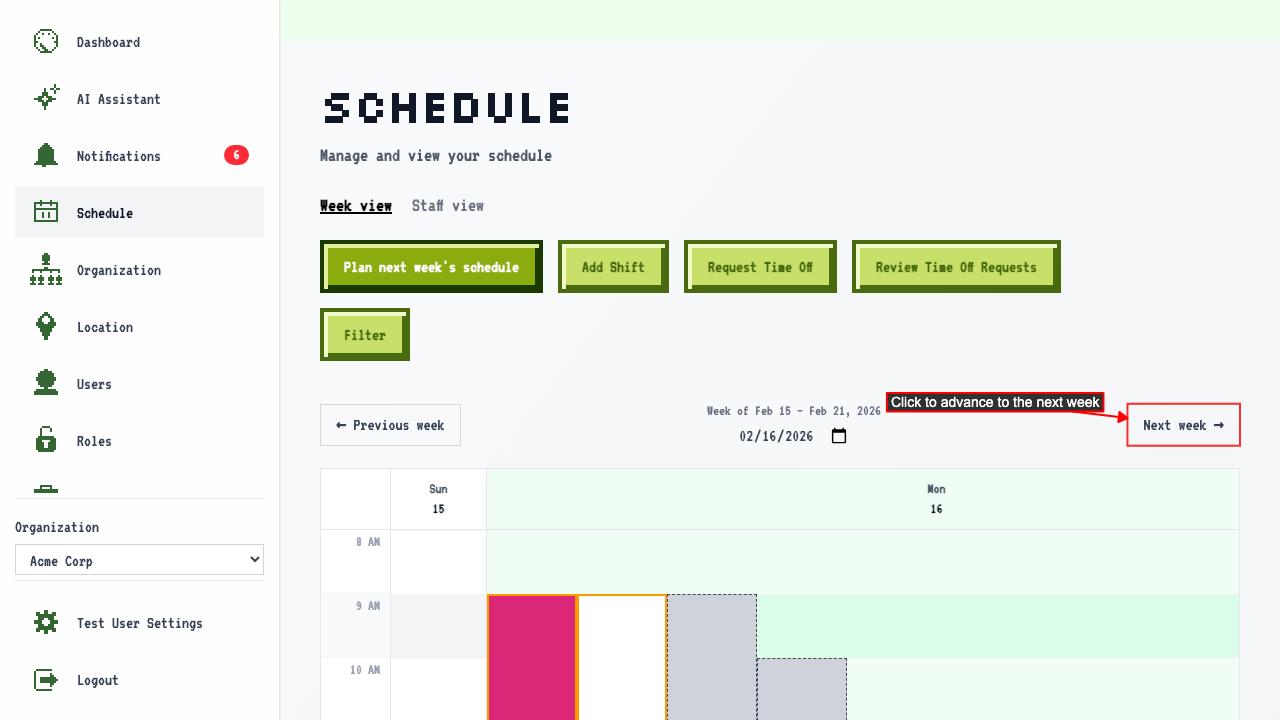
Click 'Next week' to view the following week.
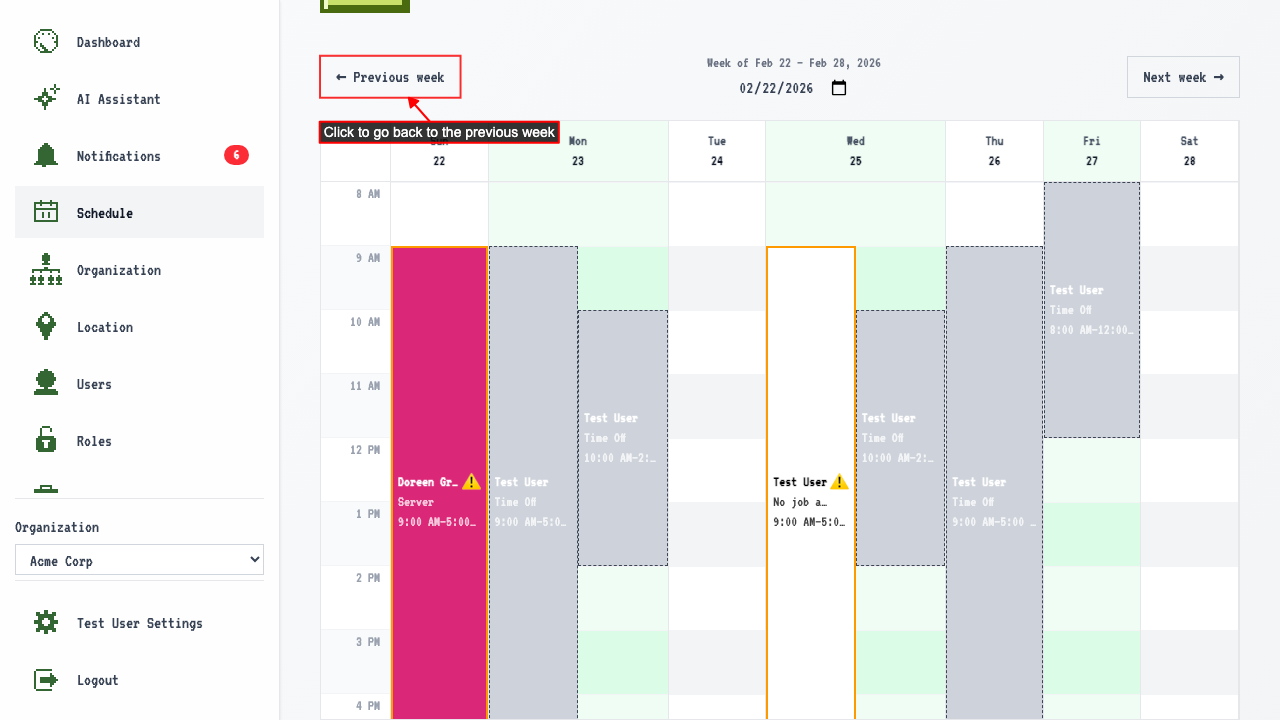
 Click 'Previous week' to go back.
How to jump to a specific week
Start on the schedule page.
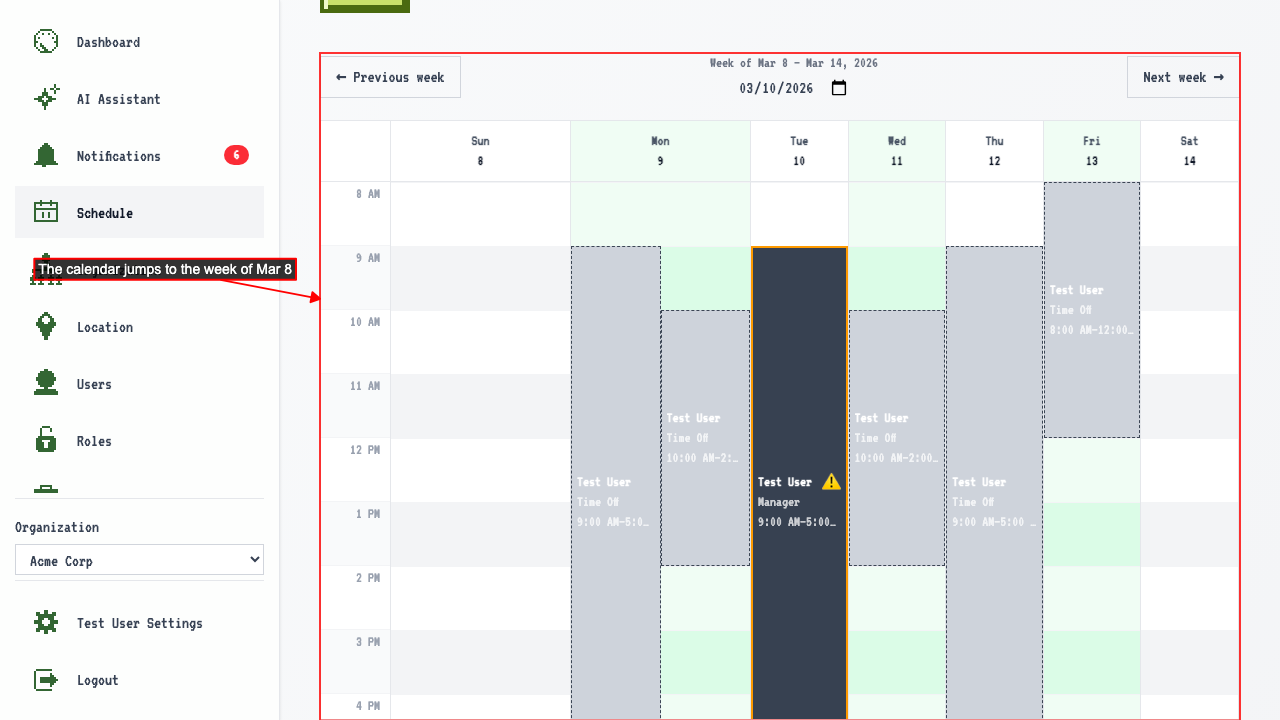
A date picker shows which week you are looking at.
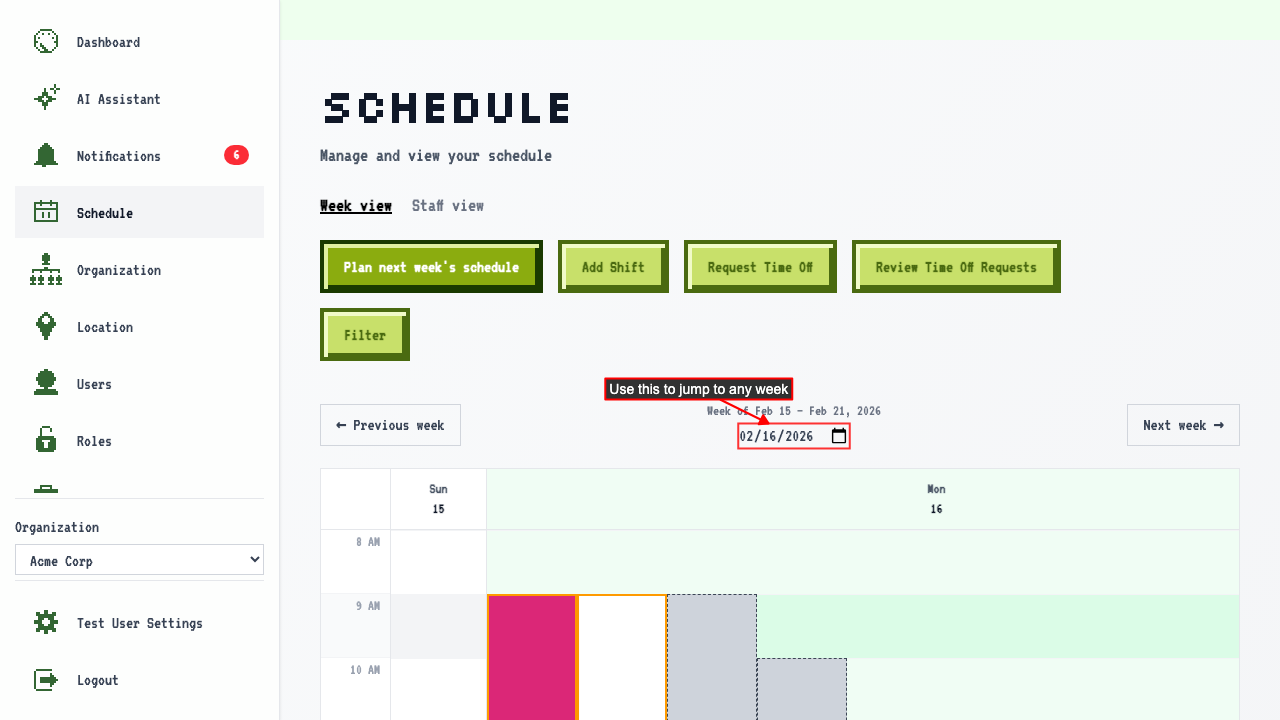 Selecting a date navigates to the week containing that date.