Adding a Promo Code Later
How to add a code to a subscription you already have
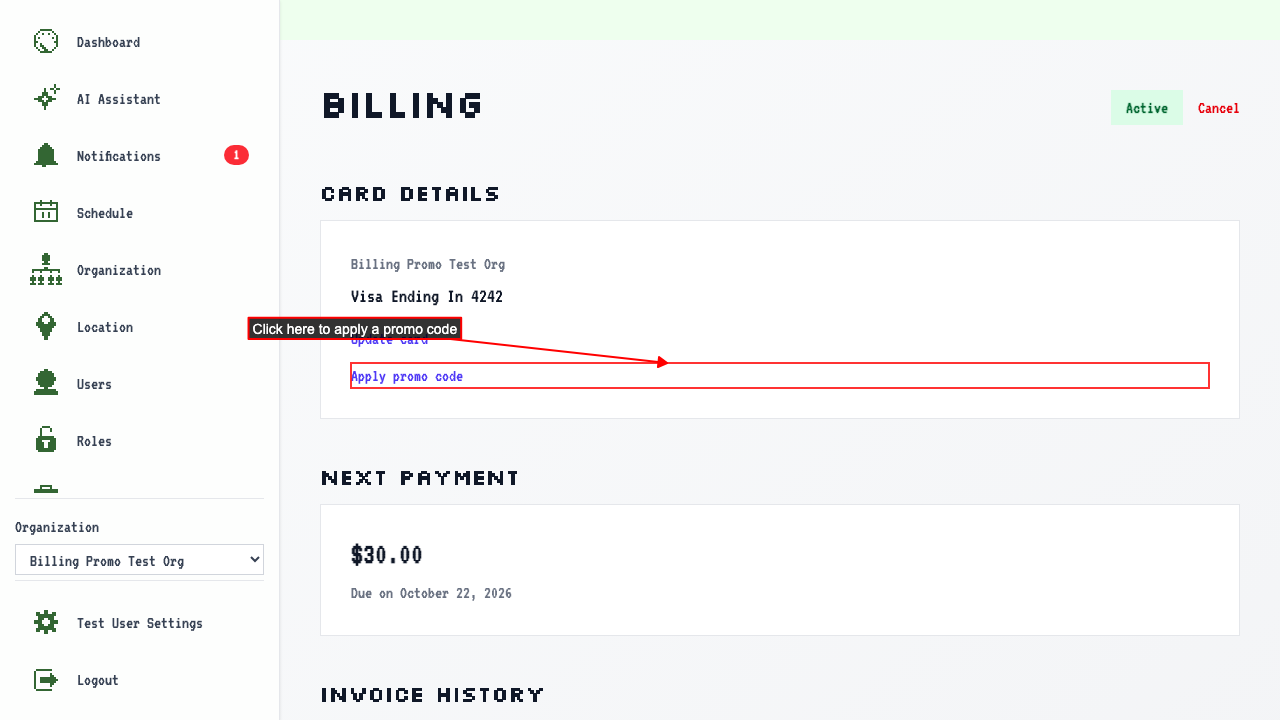
On the Billing Overview, there is an 'Apply promo code' link.
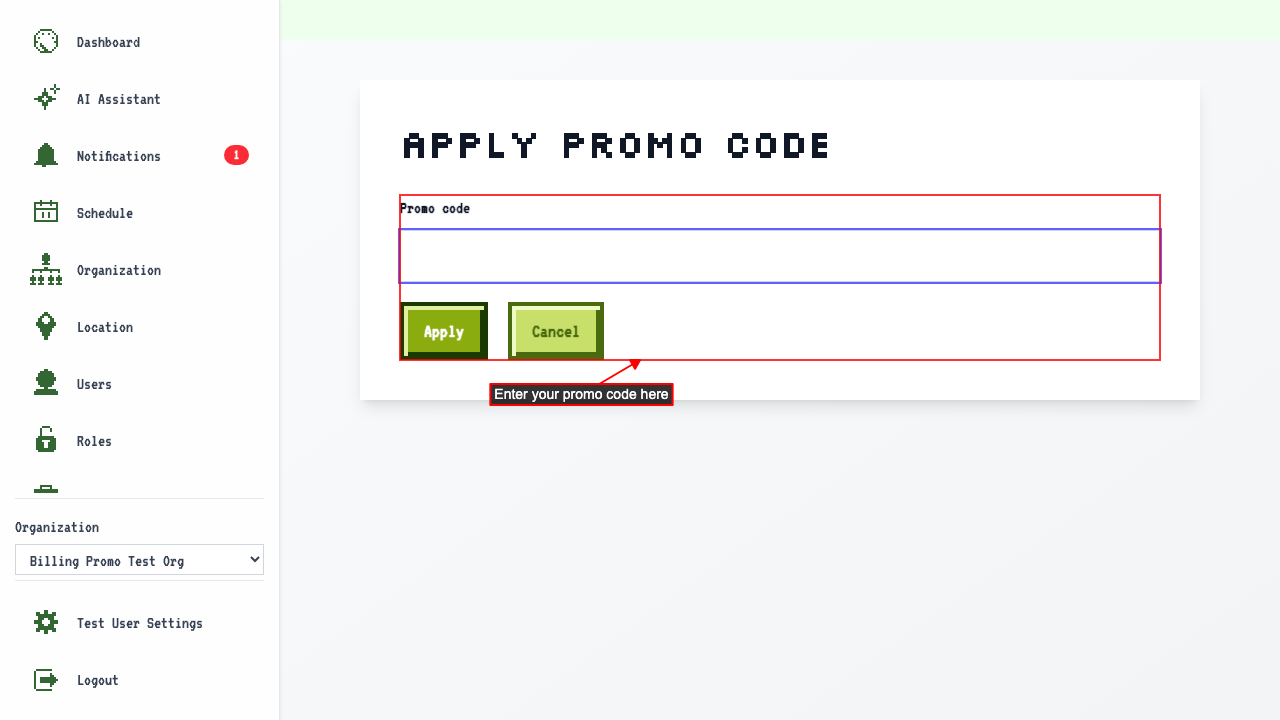
 Enter a valid promo code and submit.
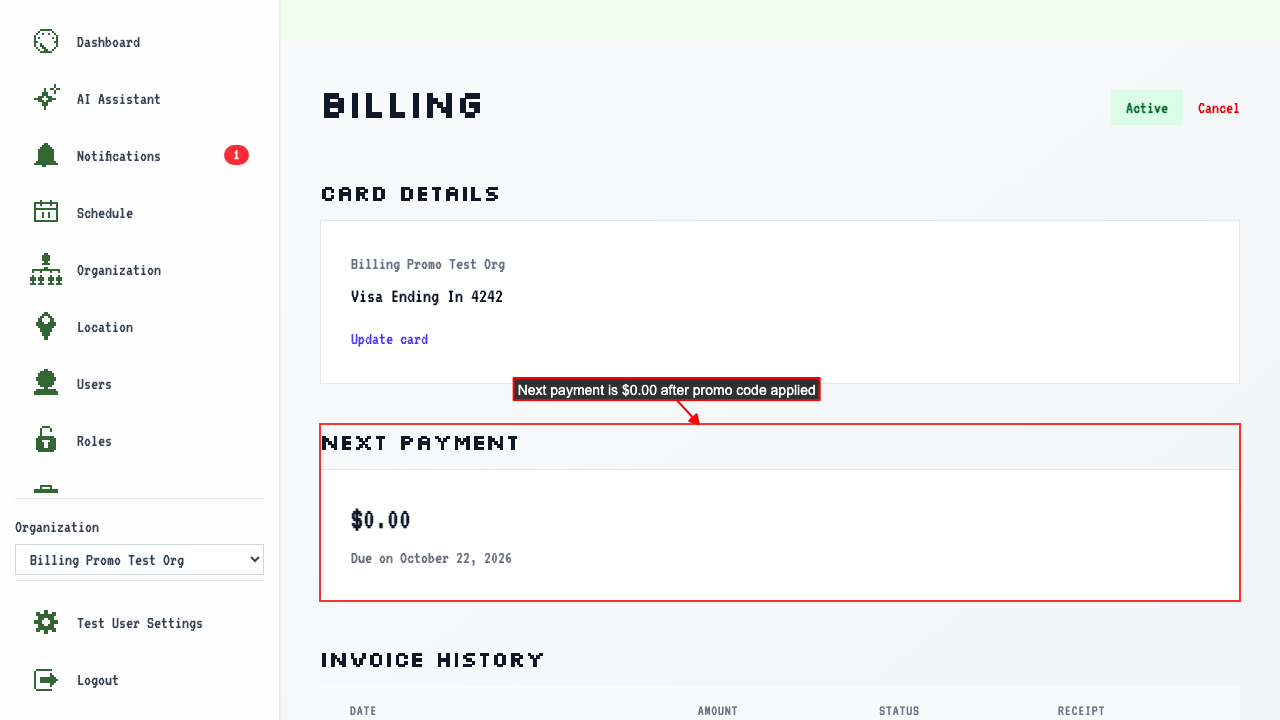
 The Billing Overview shows the discount on the next payment, and the 'Apply promo code' link is no longer shown.
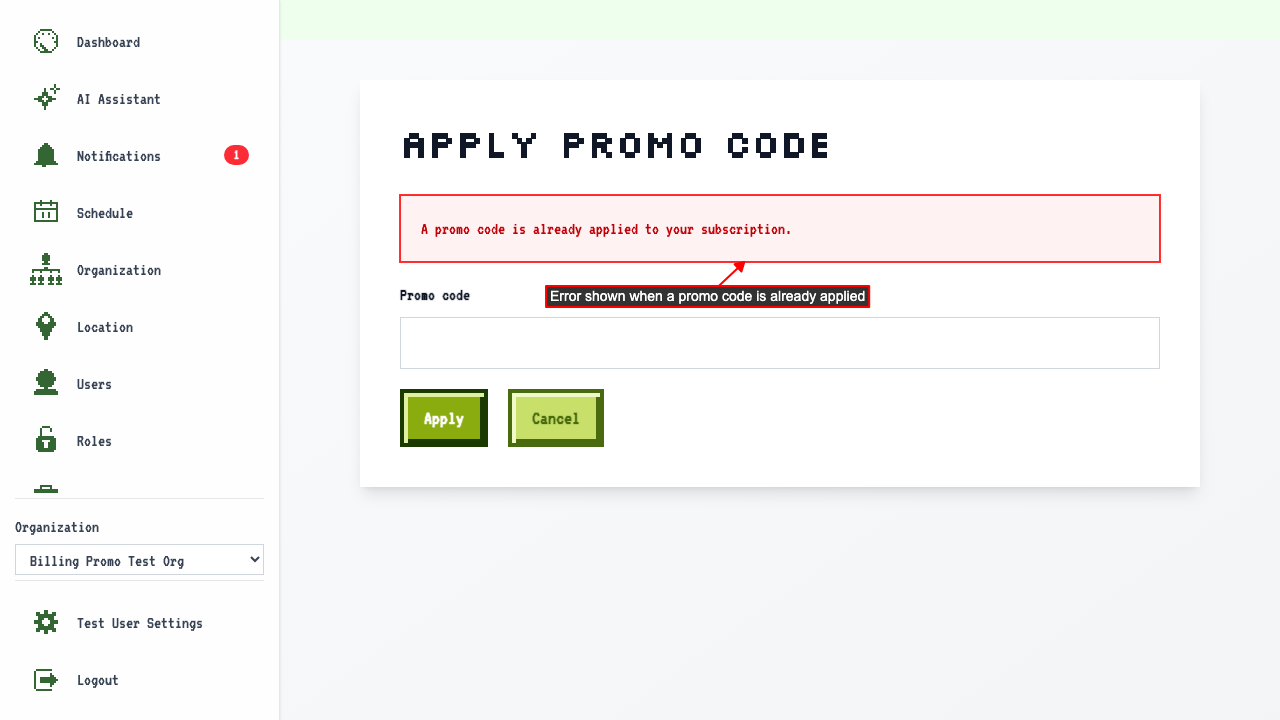
You can only have one code at a time
Navigating directly to the promo page and submitting a code shows an error.
That code isn't valid
On the Billing Overview, click the 'Apply promo code' link.
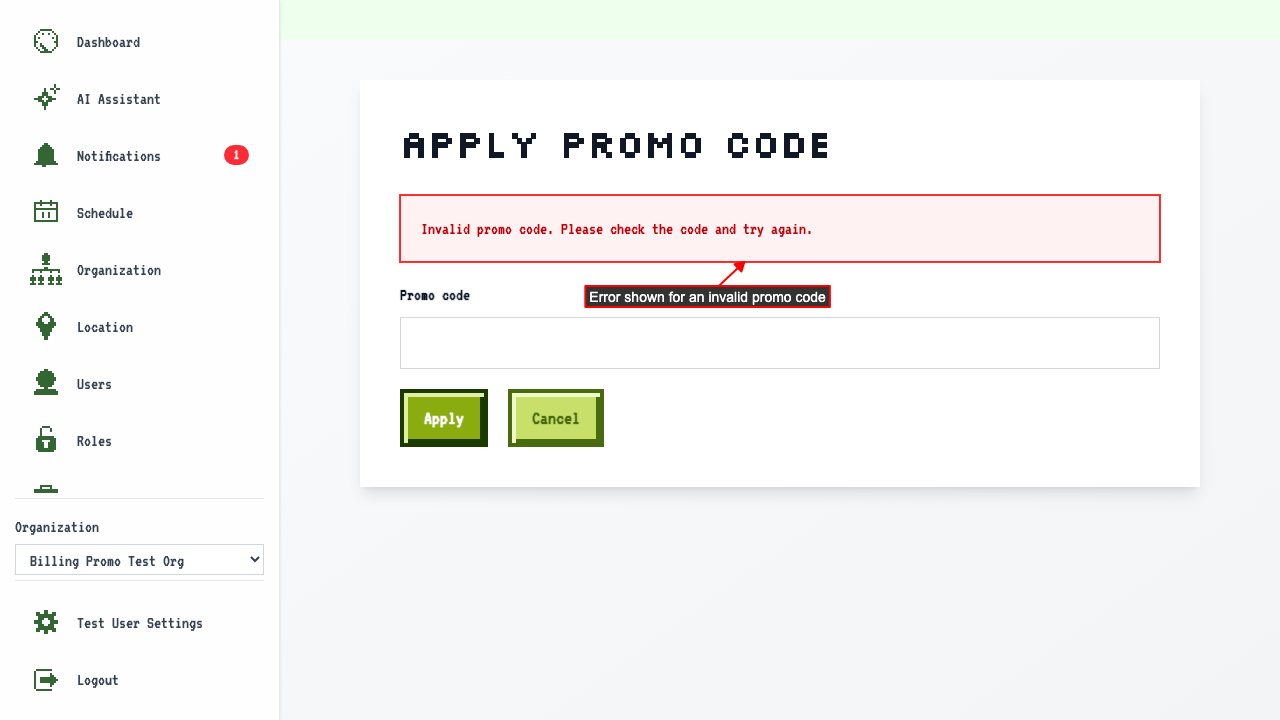
Entering an invalid promo code and submitting shows an error.