Using a Promo Code
How to subscribe with a promo code
On the Billing Upgrade page, there is a 'Have a promo code?' button.
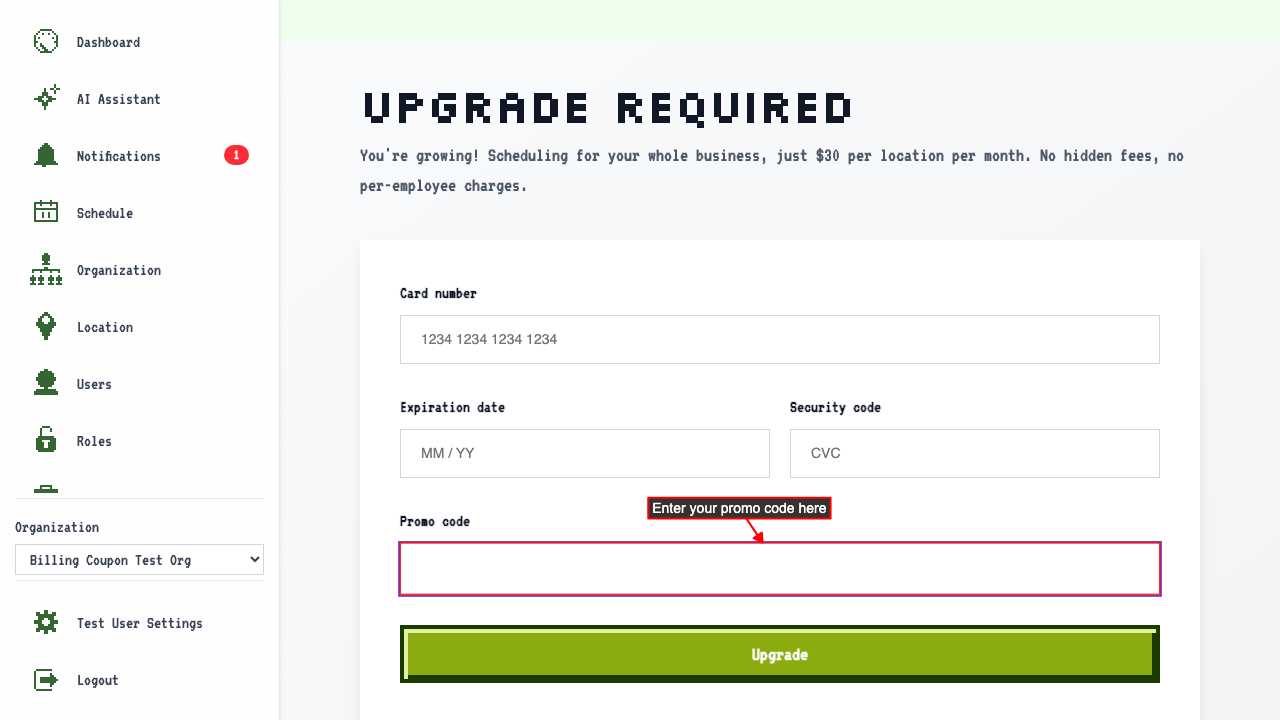
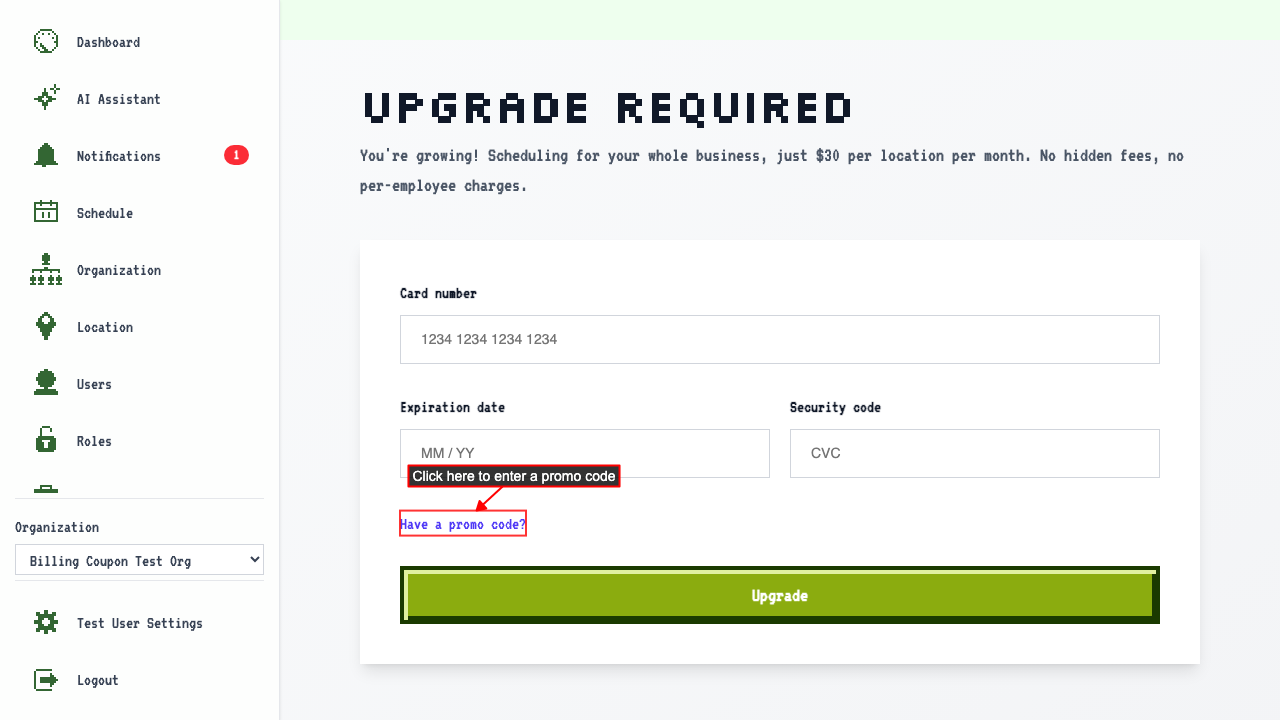 Clicking it reveals a promo code input field.
 Enter the promo code alongside the card details and submit.
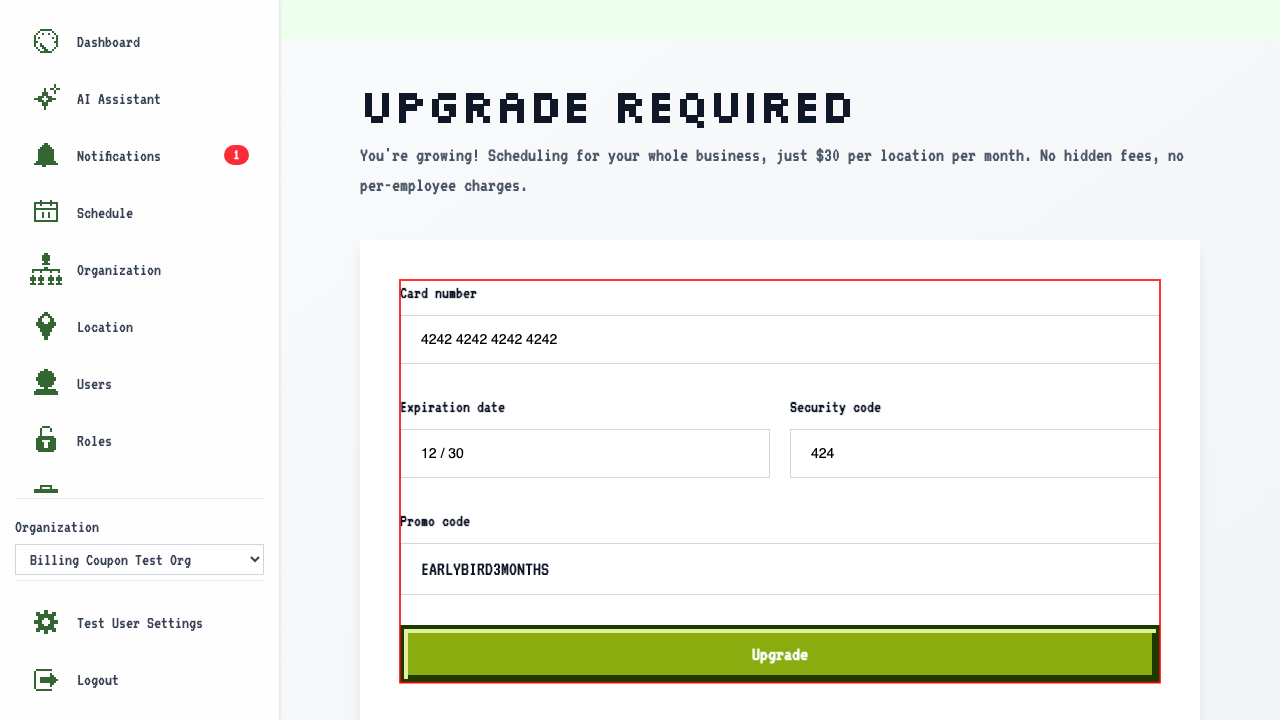
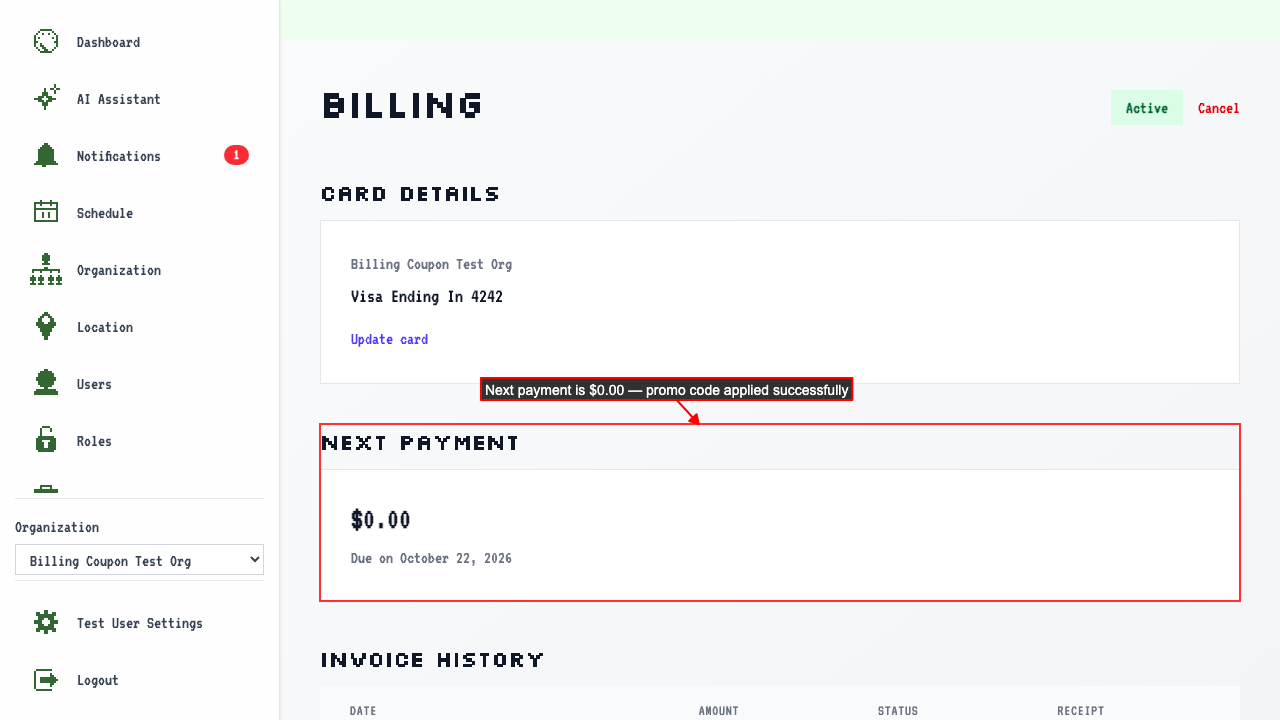
The Billing Overview shows an active subscription with $0.00 due on the next payment.
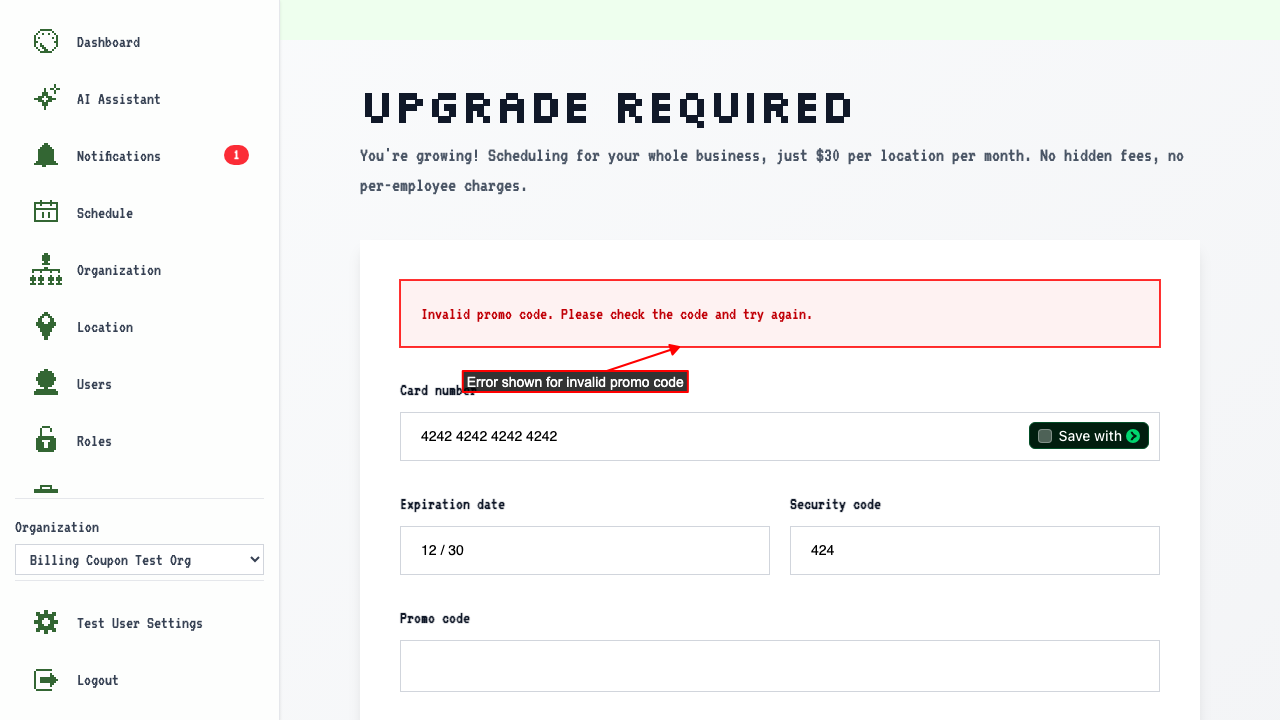
That code isn't valid
Enter a promo code that isn't valid and submit.
You stay on the upgrade page, with an error about the code.