Upgrading to Pro
Upgrading when you add a 16th employee
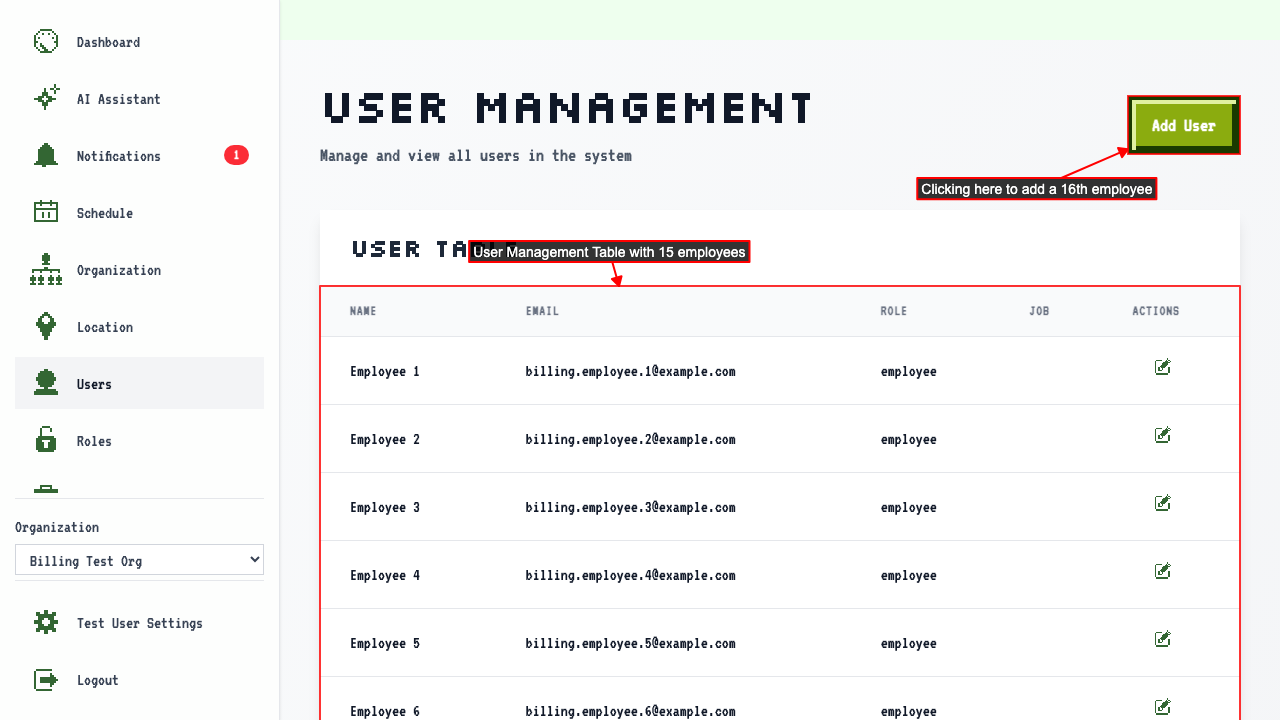
Start on the Users page of an organization already at the free plan's 15-employee limit.
Adding a 16th employee takes you to the Billing page to upgrade.
 On the Billing Upgrade page, there is a payment form where you can enter your card details.
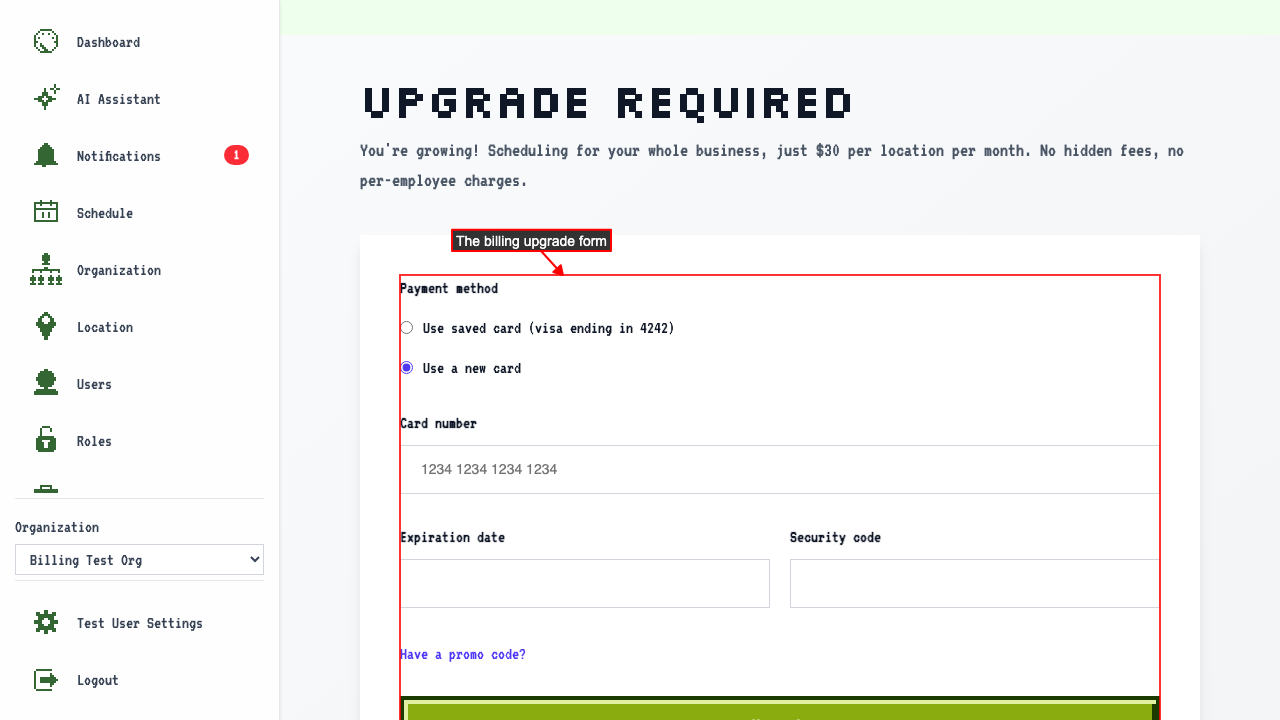 Enter your card number.
Enter the expiration date.
Enter the security code, then submit.
Submitting the form will activate your paid plan.
Enter your card number.
Enter the expiration date.
Enter the security code, then submit.
Submitting the form will activate your paid plan.
After upgrading, you are redirected back to the Add New User Page.
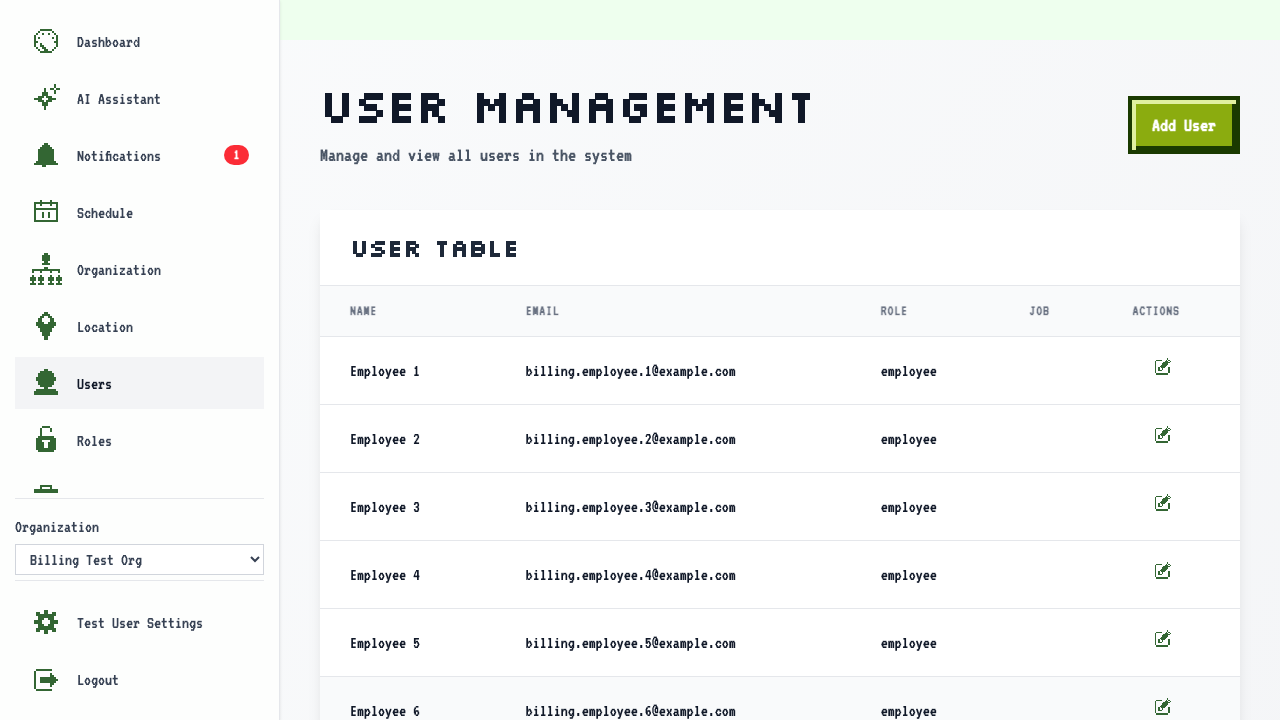
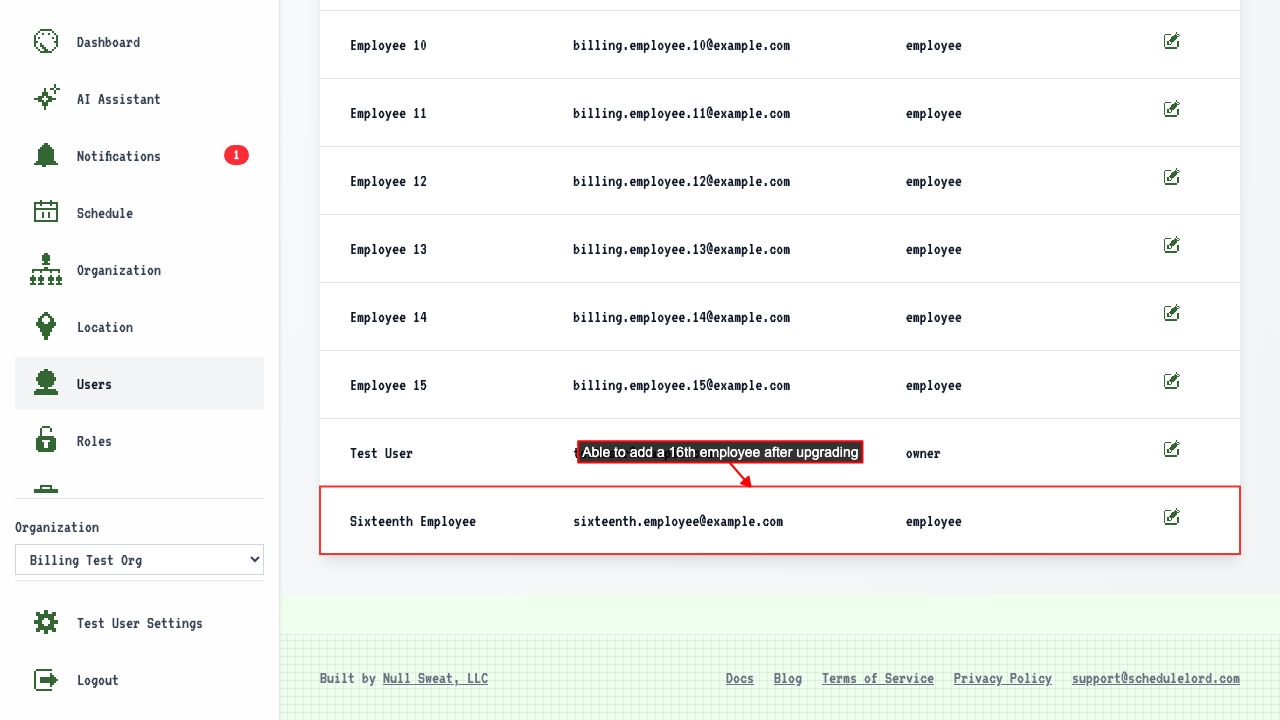
There you can add a new user, confirming that the employee limit has been lifted.
Upgrading when you add a second location
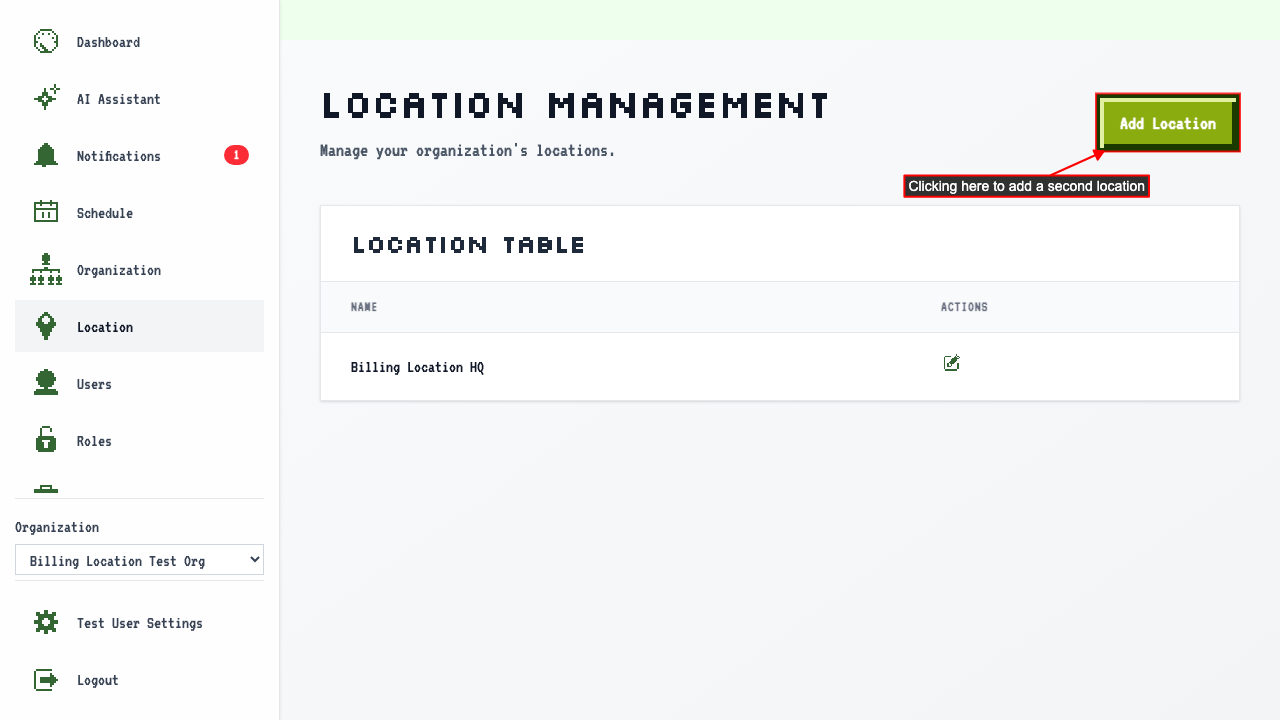
Start on the Locations page of an organization on the free plan.
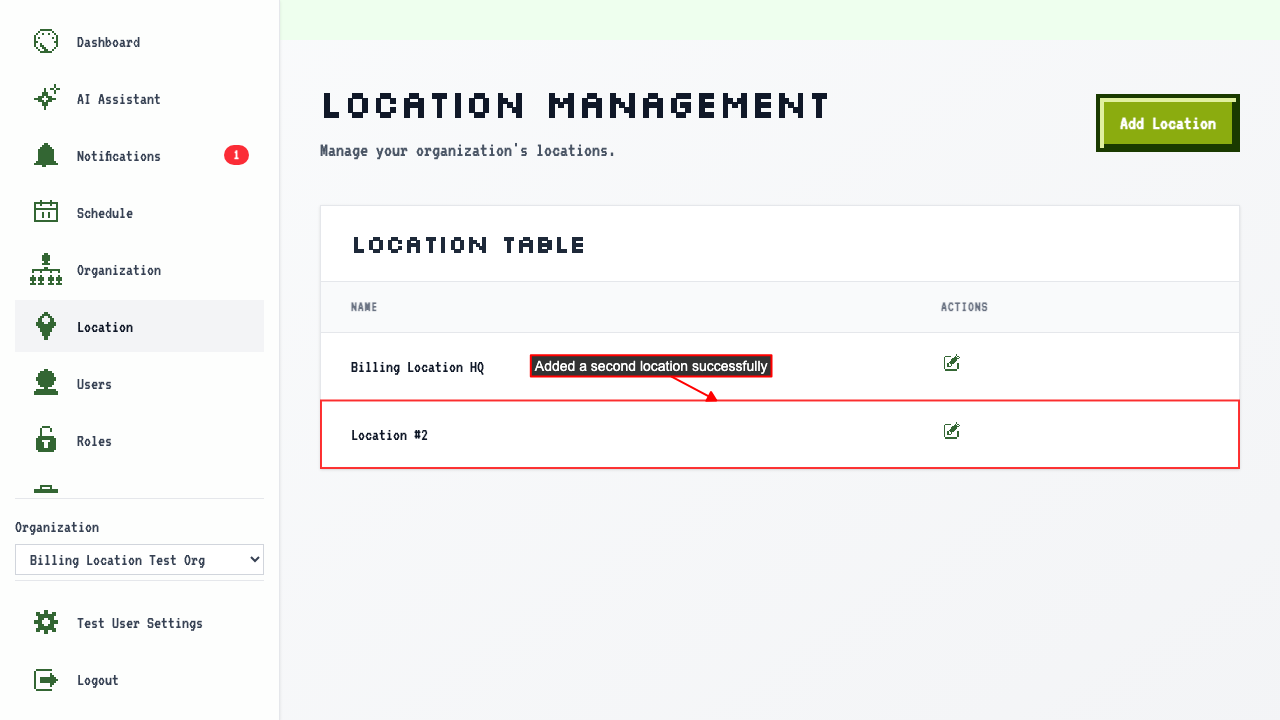
Clicking 'Add Location' takes you to the upgrade page, since the free plan covers one location.
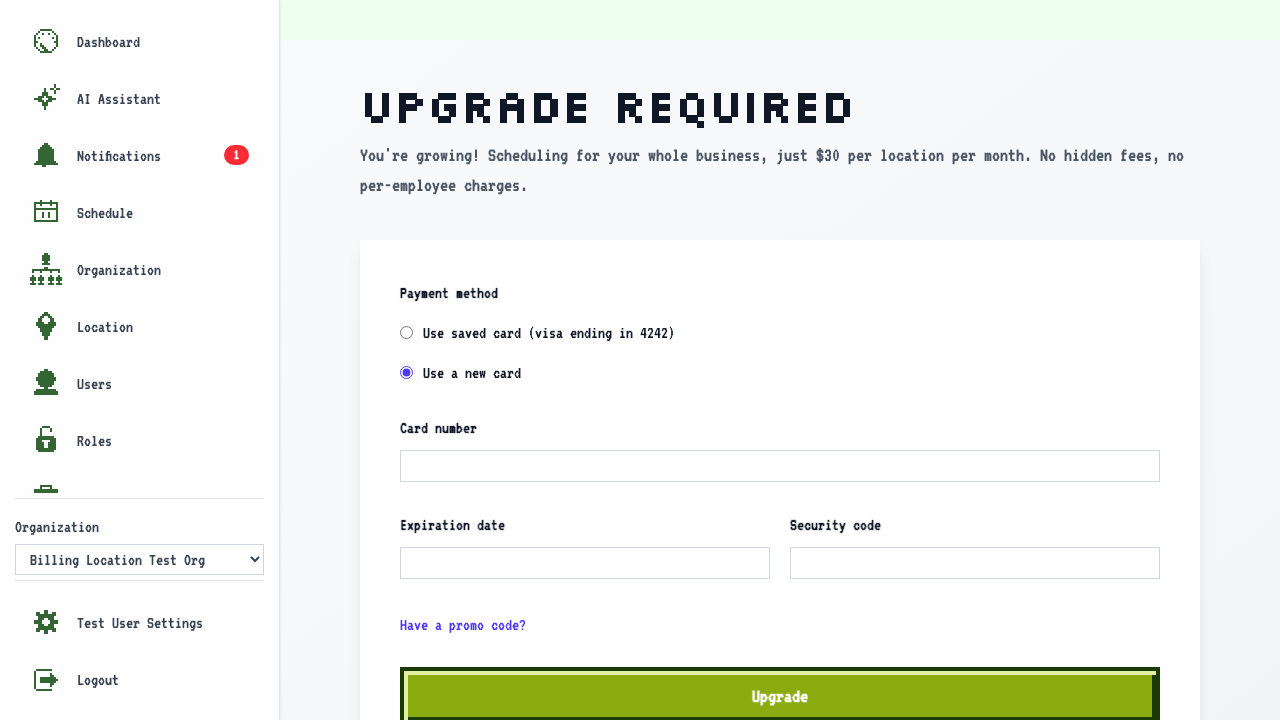
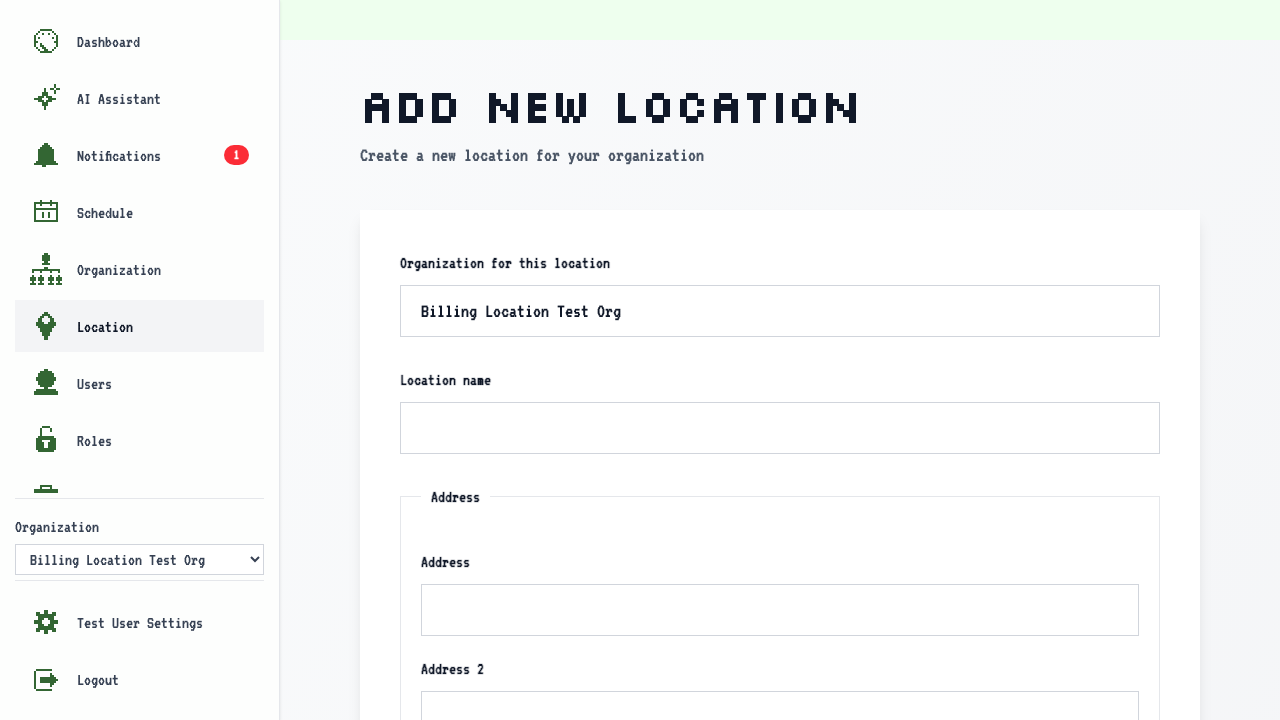
On the Billing Upgrade page, enter your card details and submit. After upgrading, you are redirected back to the Add New Location page.
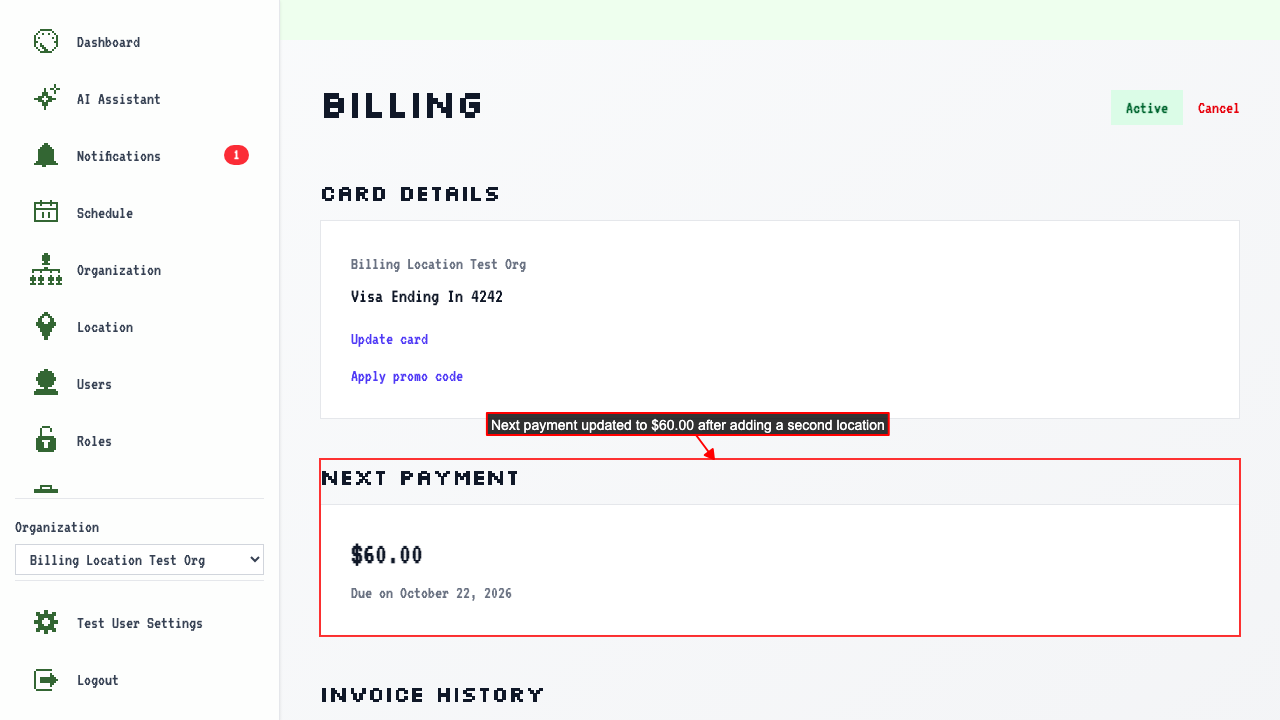
The subscription starts at $30.00 for the 1 existing location. Adding another location updates the subscription to $60.00.
Adding a location mid-billing cycle won't generate a proration charge — the new rate takes effect at your next billing renewal.