Cancelling Your Subscription
How to cancel
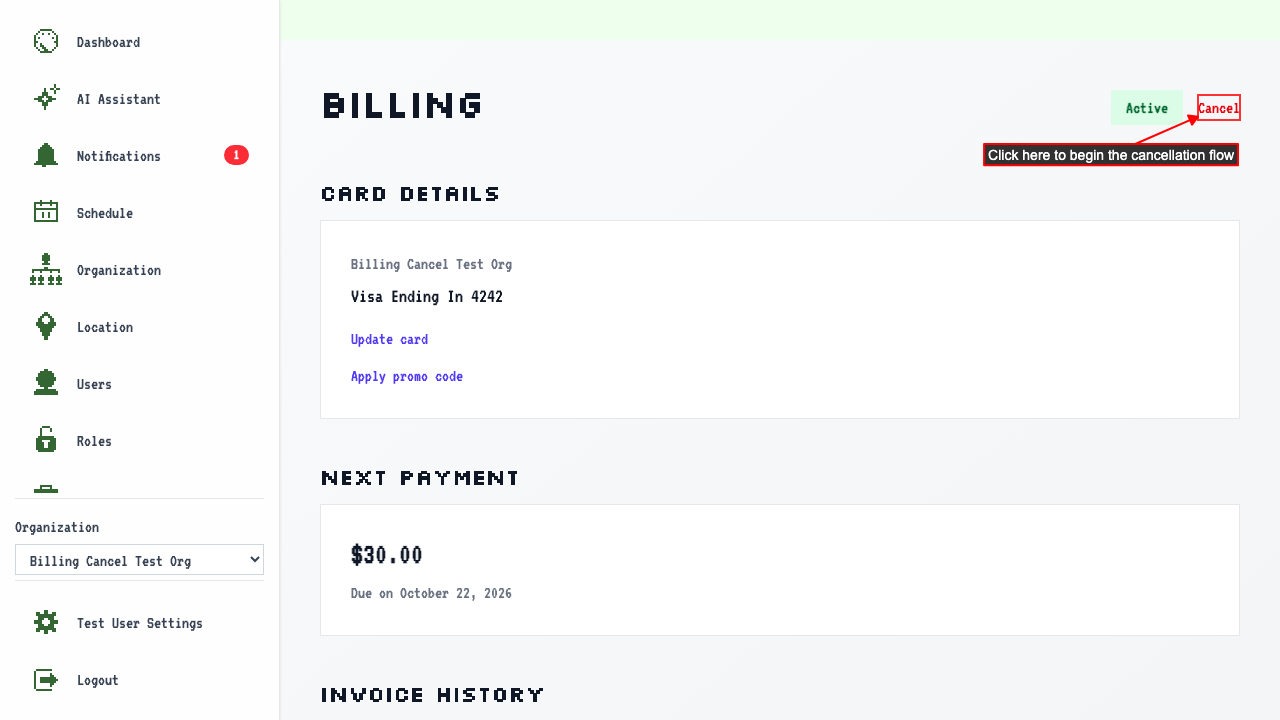
On the Billing Overview page, click the Cancel button.
 The Cancel Subscription page will ask to confirm cancellation.
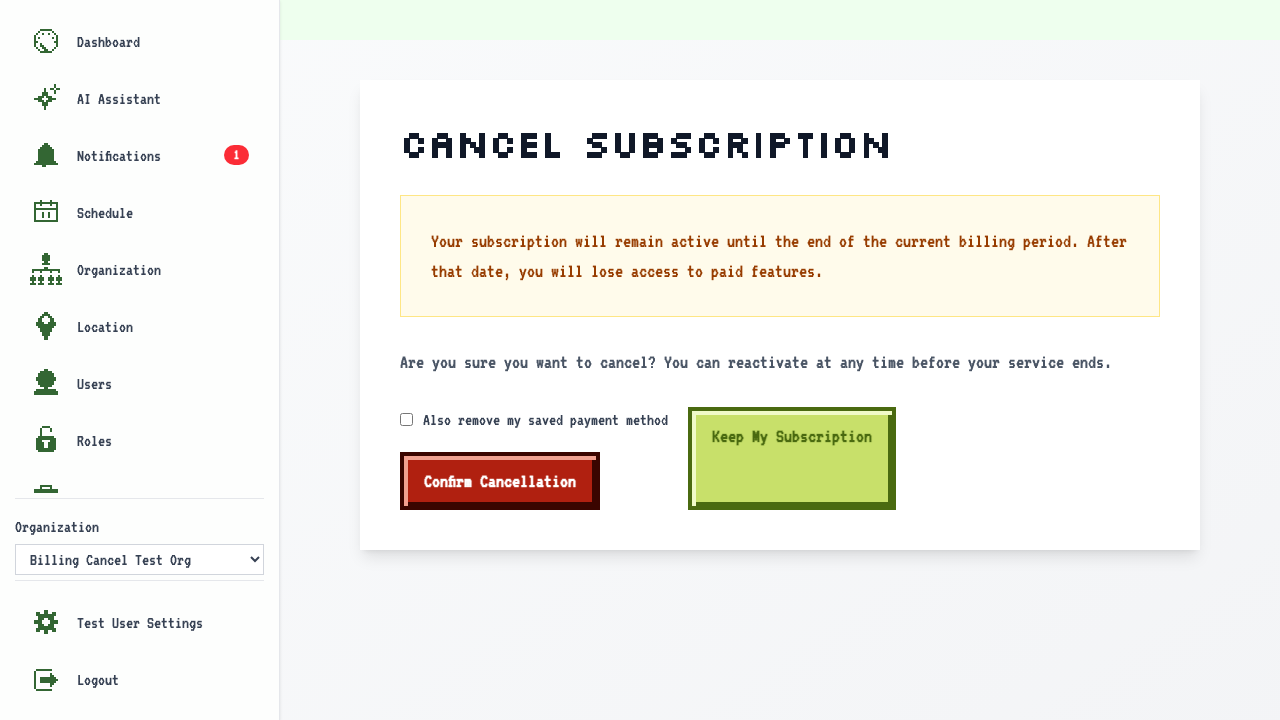
Clicking Confirm Cancellation will cancel your subscription and return to the Billing Overview.
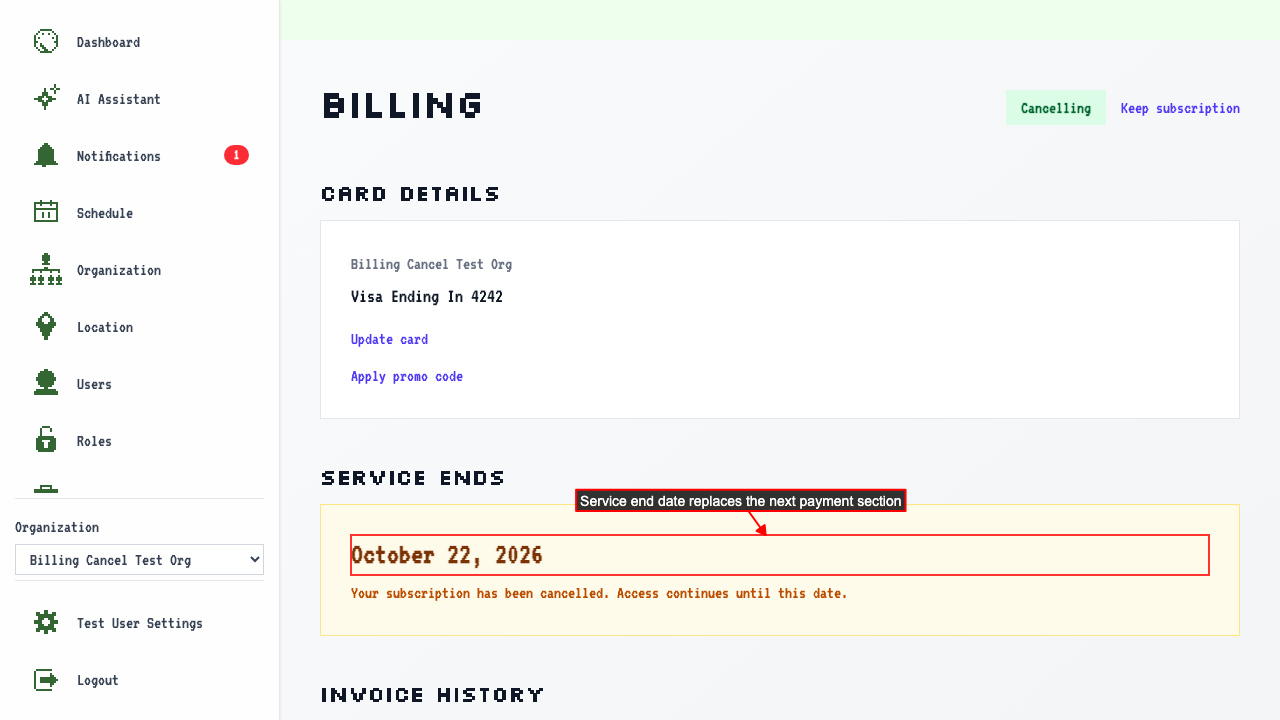
The Billing Overview now shows when service will end instead of the next payment date.
How to change your mind before it ends
While the status is still Cancelling, you can re-subscribe and pick up where you left off.
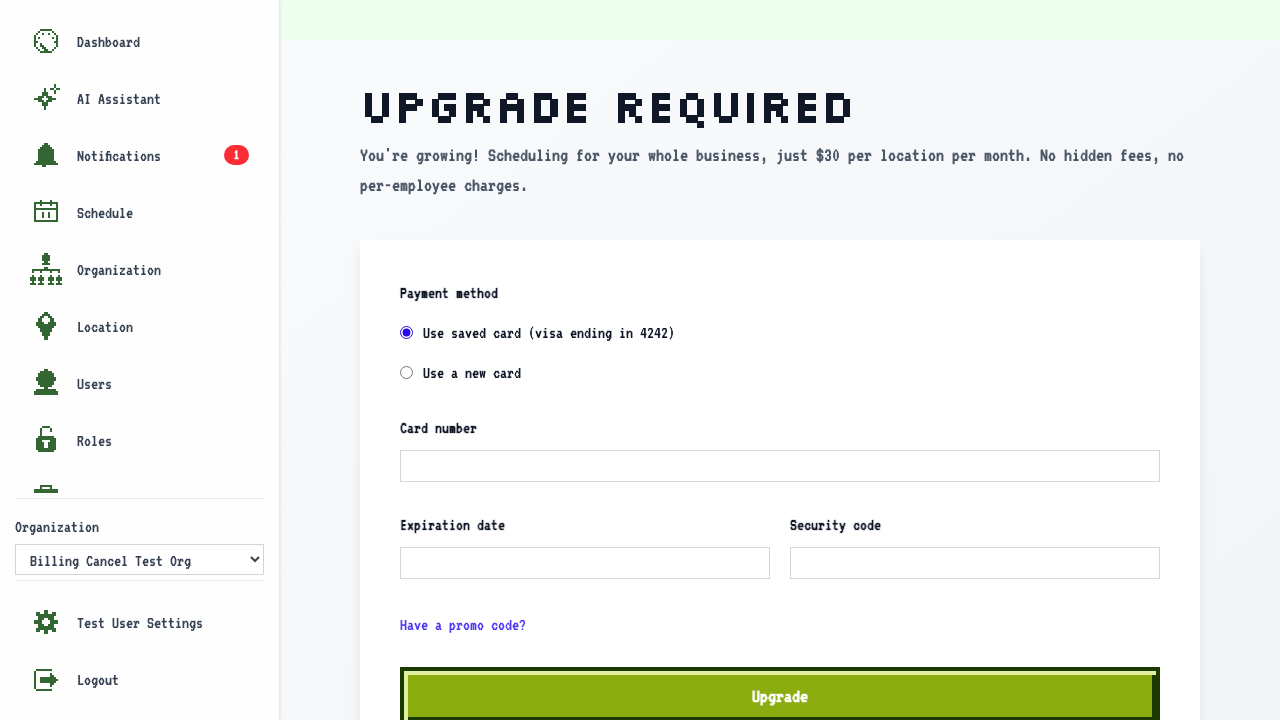
Clicking 'Keep subscription' navigates to the upgrade page.
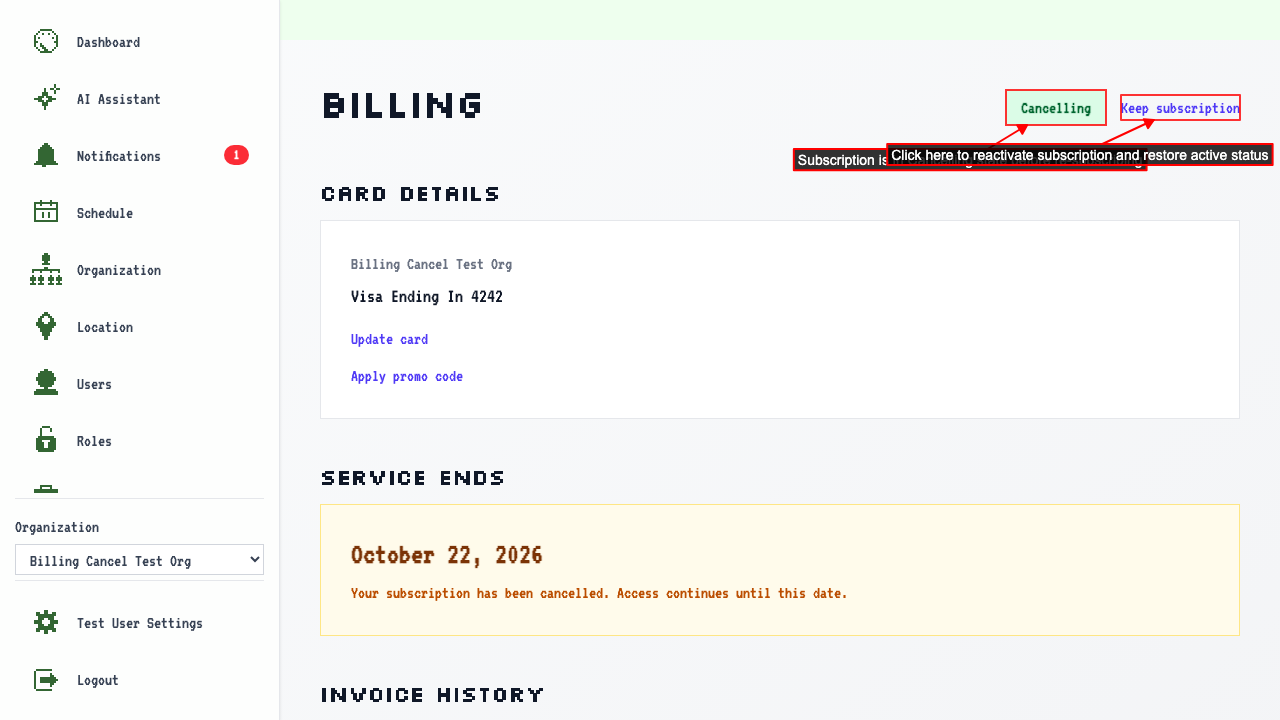 On the upgrade page, select your saved card and submit to restore the subscription.
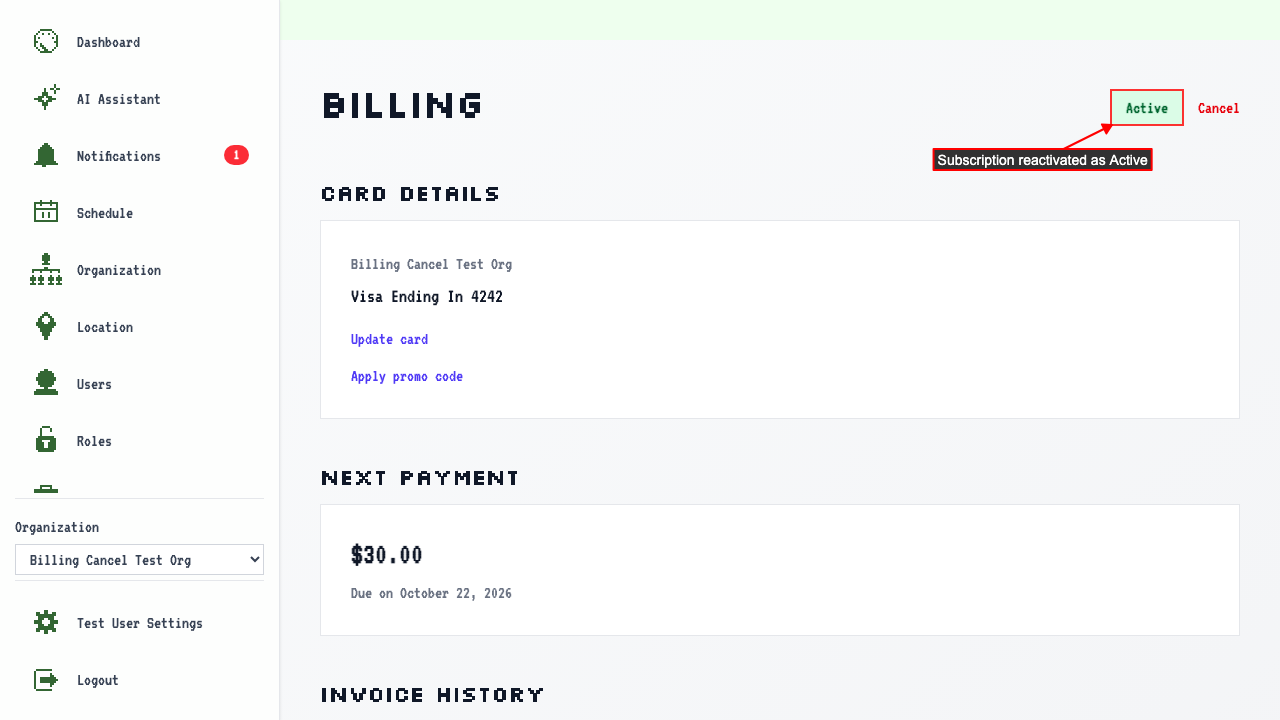
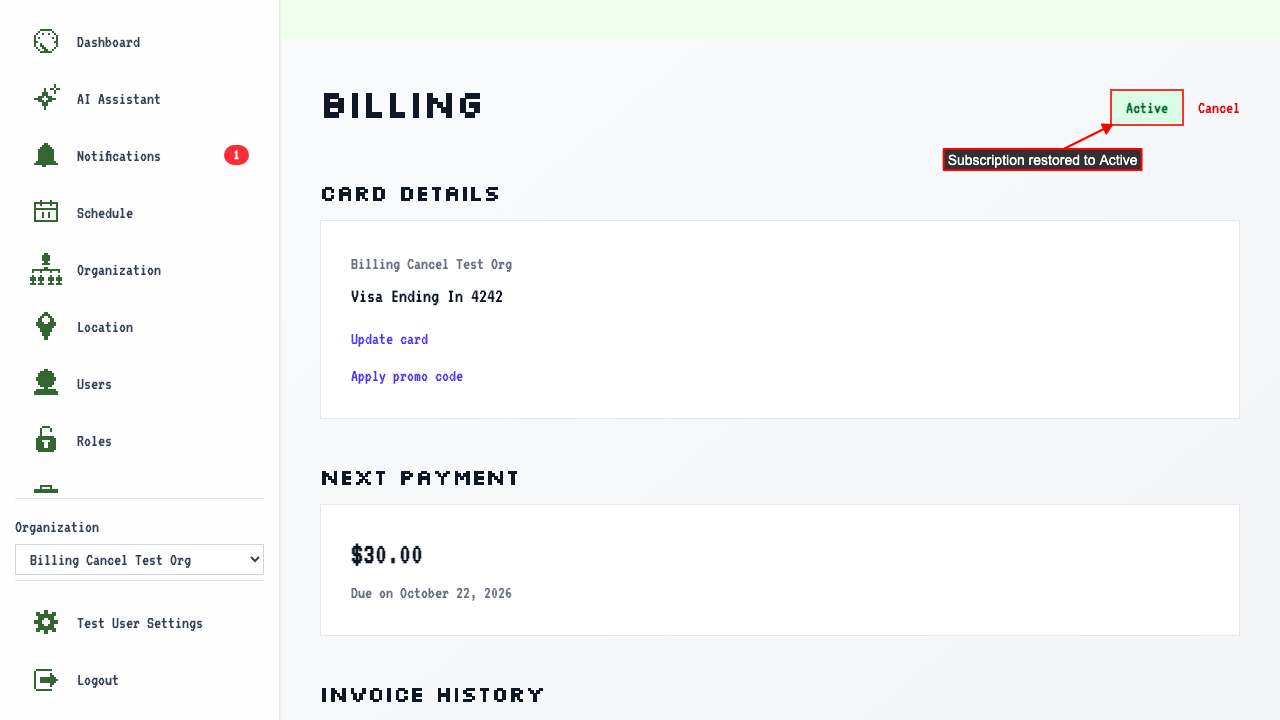
After submitting, the subscription is restored to Active again.
What happens when the period runs out
Before the webhook fires, the subscription status is Cancelling.
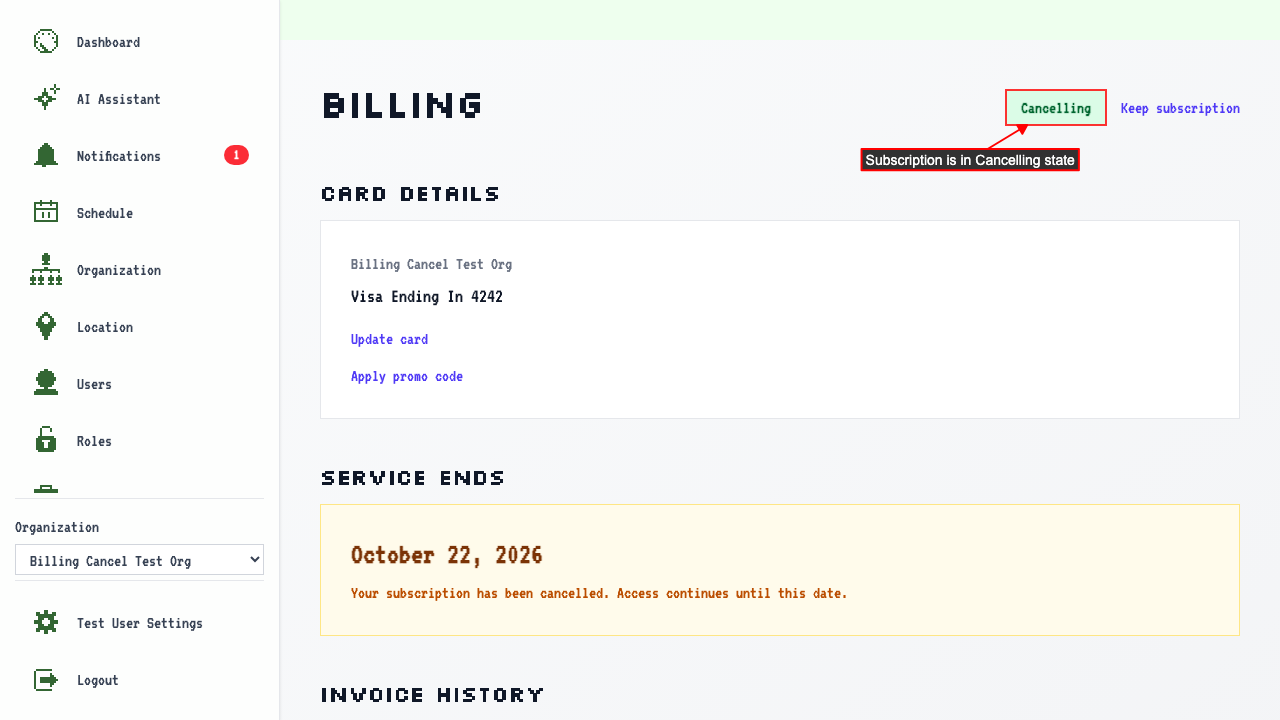 Once the paid period runs out, the subscription expires on its own.
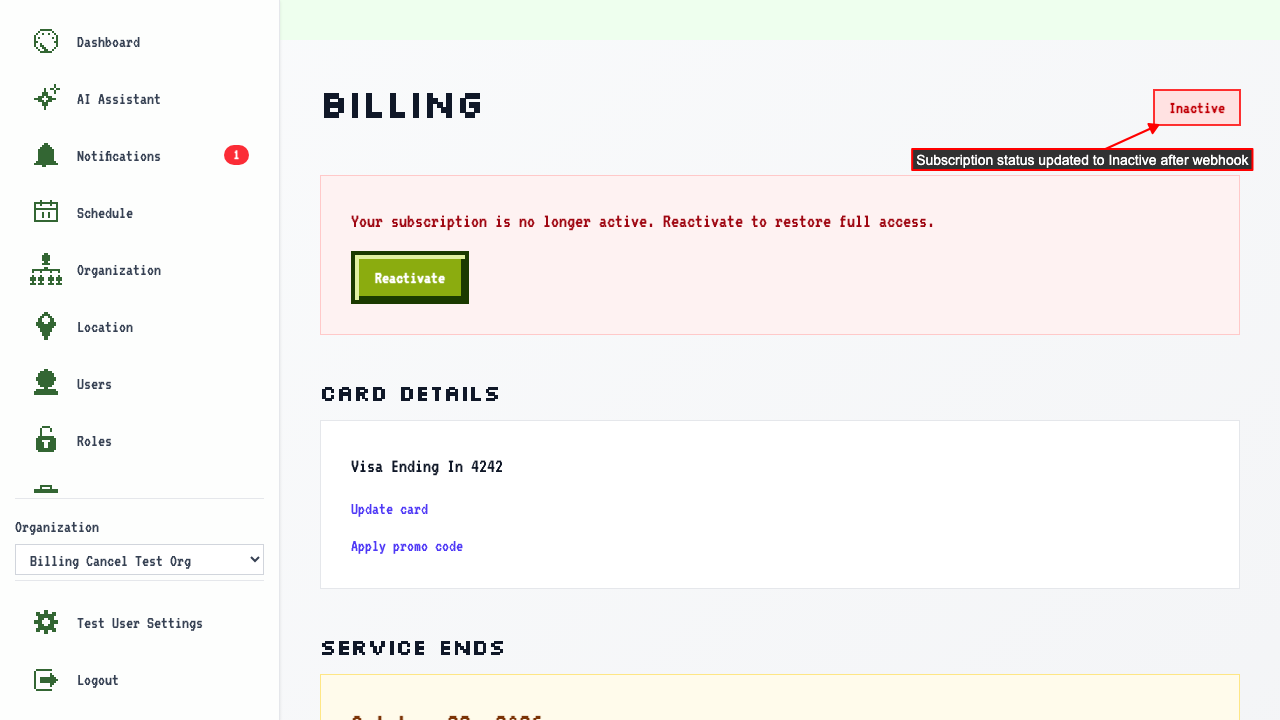
Your billing page then shows it as Inactive.
Once the paid period runs out, the subscription expires on its own.
Your billing page then shows it as Inactive.
How to subscribe again afterwards
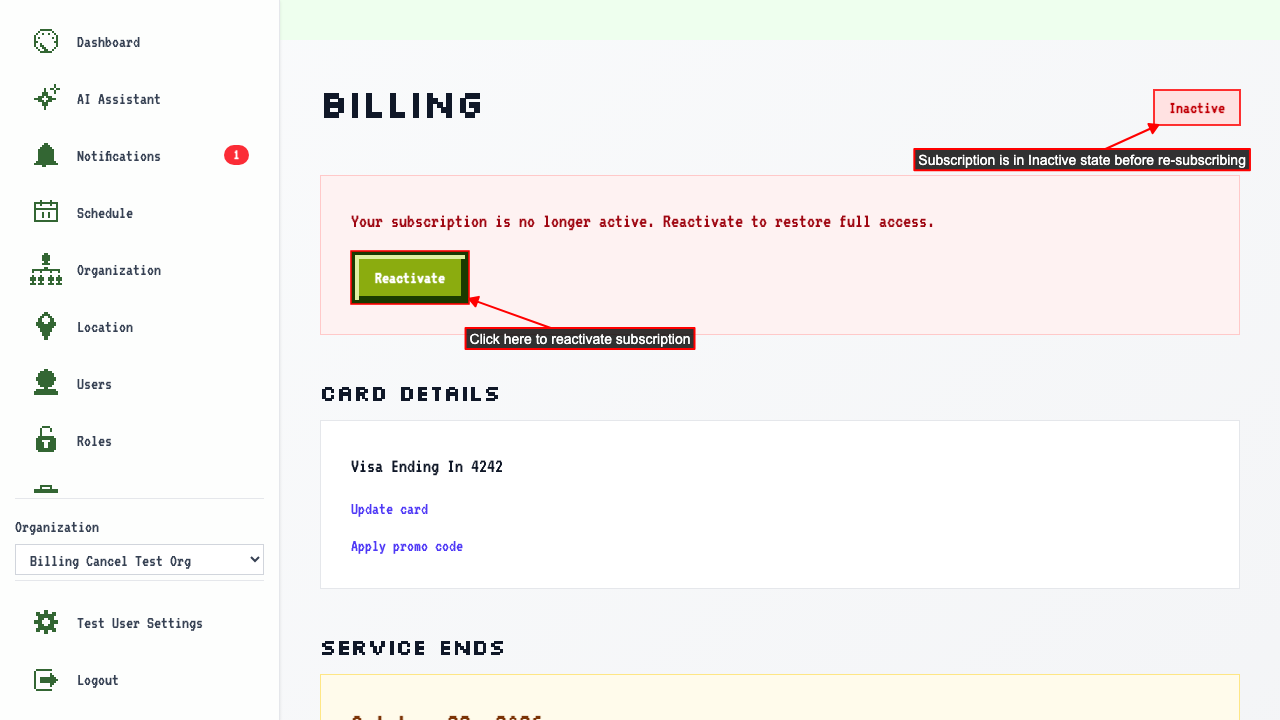
When your subscription status is Inactive.
Clicking 'Reactivate' navigates to the upgrade page.
 You can select a saved payment method to reuse, or enter a new credit card.
After submitting this will create a new subscription.
You can select a saved payment method to reuse, or enter a new credit card.
After submitting this will create a new subscription.