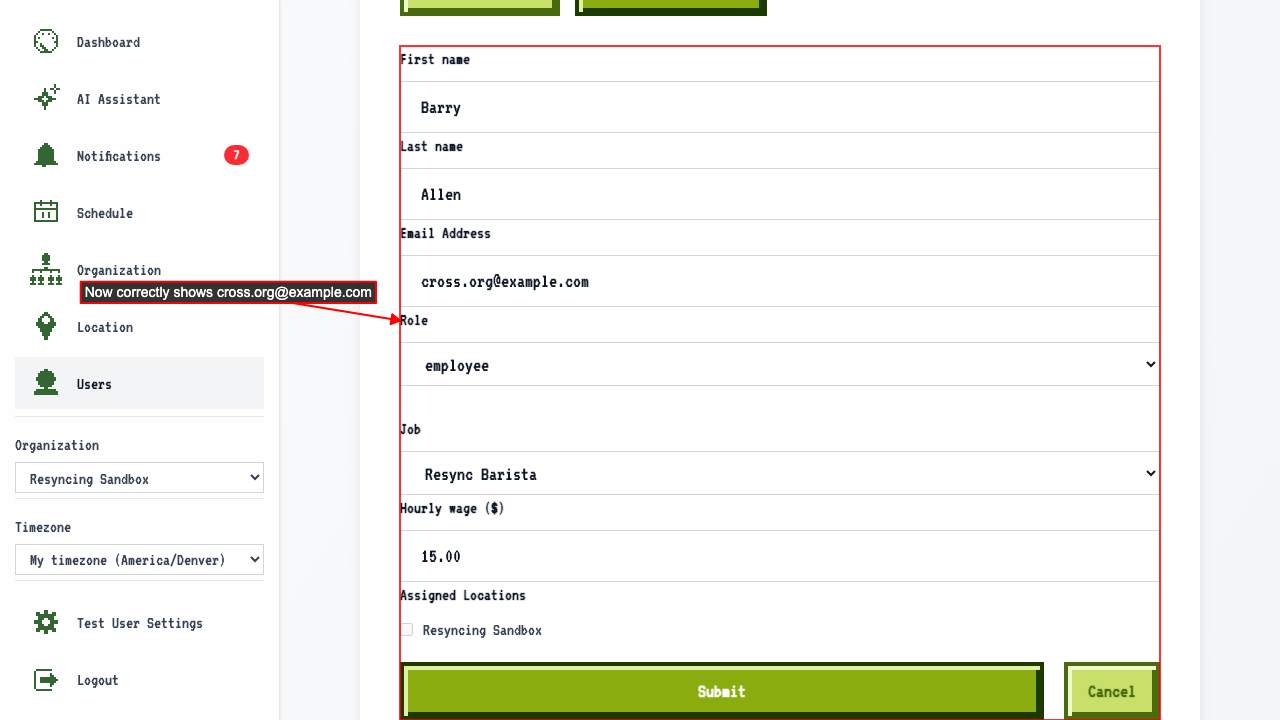
Resync Square Link
User edit page is read-only for Square-connected orgs
When navigating to a user's edit page in a Square-connected organization,
the name/email/job/location fields are disabled because team members are managed in Square.
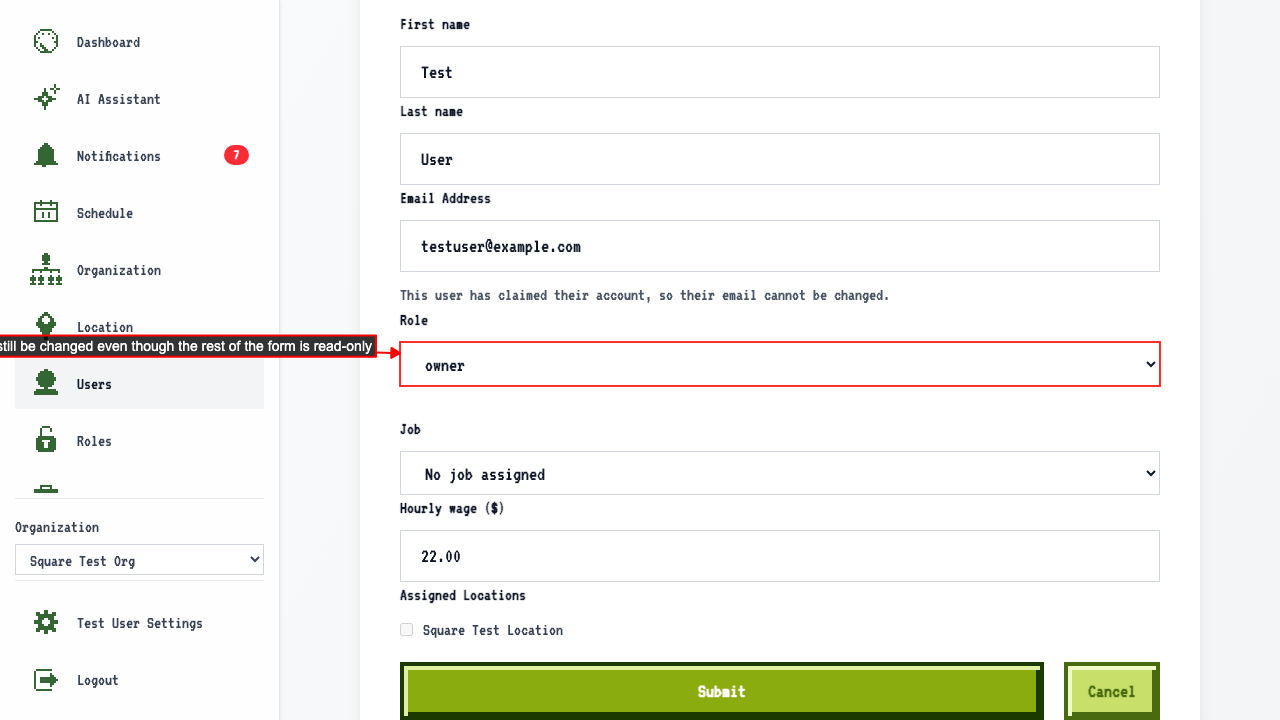
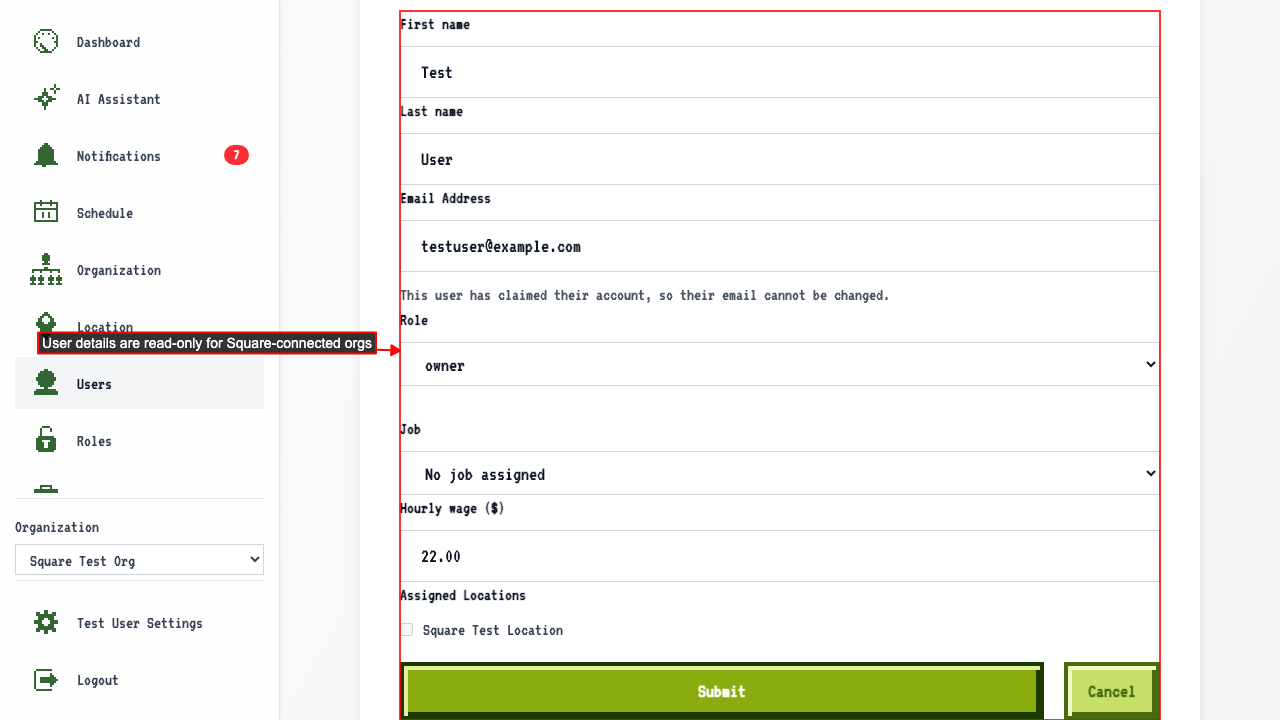 but the Role field stays editable, since roles are managed by ScheduleLord, not Square.
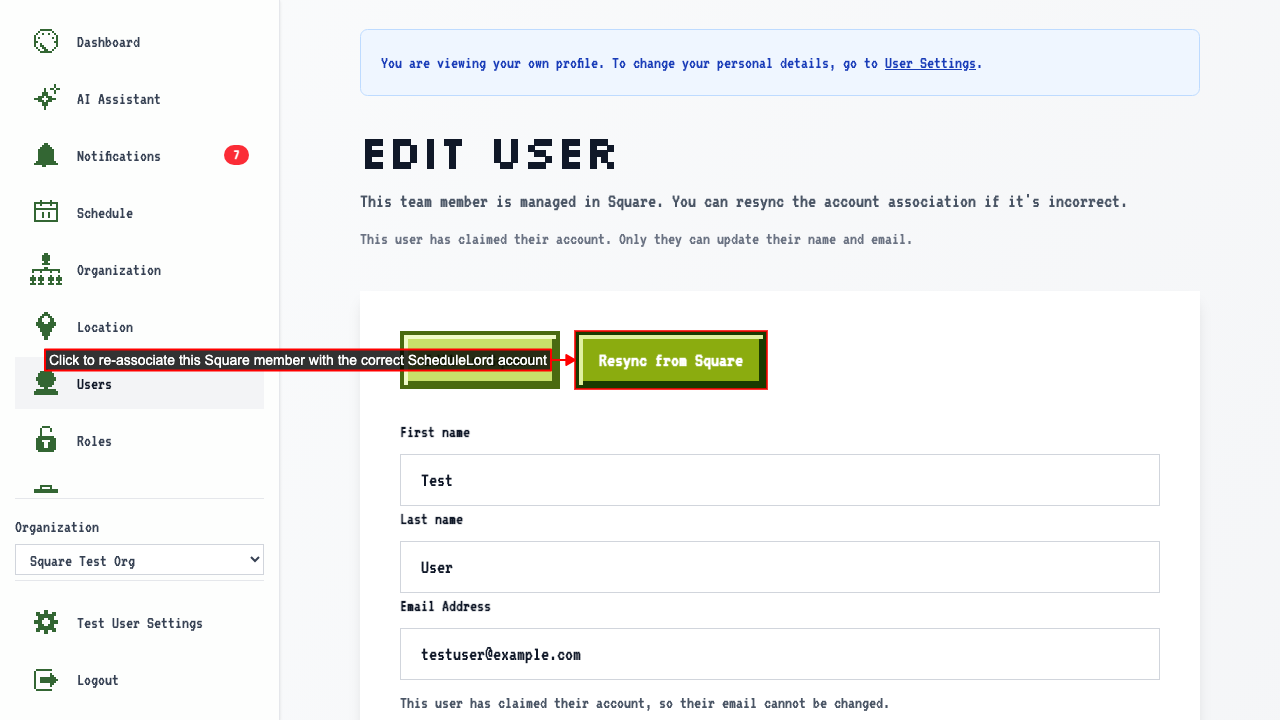
 A 'Resync from Square' button is available to fix an incorrect account association.
How to fix a mislinked Square account
If a user's account is mislinked, like being associated with the wrong ScheduleLord account, go to that user's edit page.
On the edit page it will show the currently-linked account's details, which may be linked incorrectly and no longer matches what is inside Square.
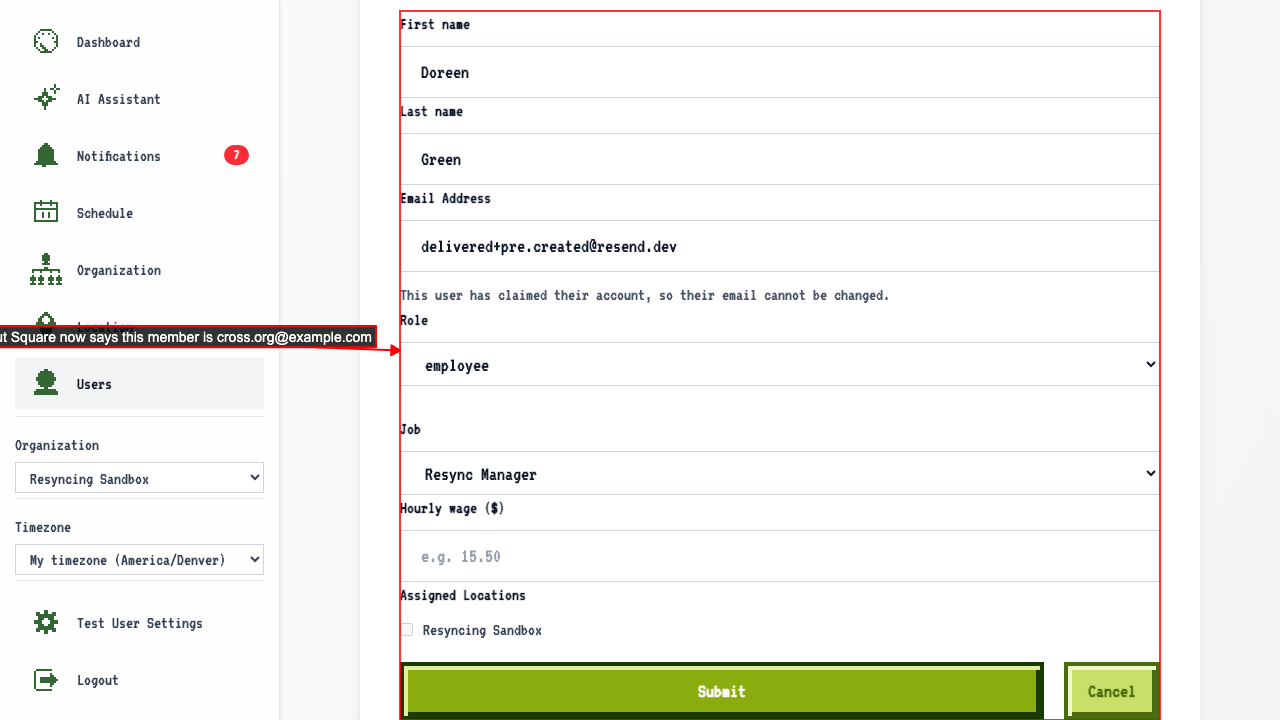 When an organization member's account is managed by Square and becomes out of sync, clicking 'Resync from Square' can fix the problem. First, click the button to open a confirmation dialog.
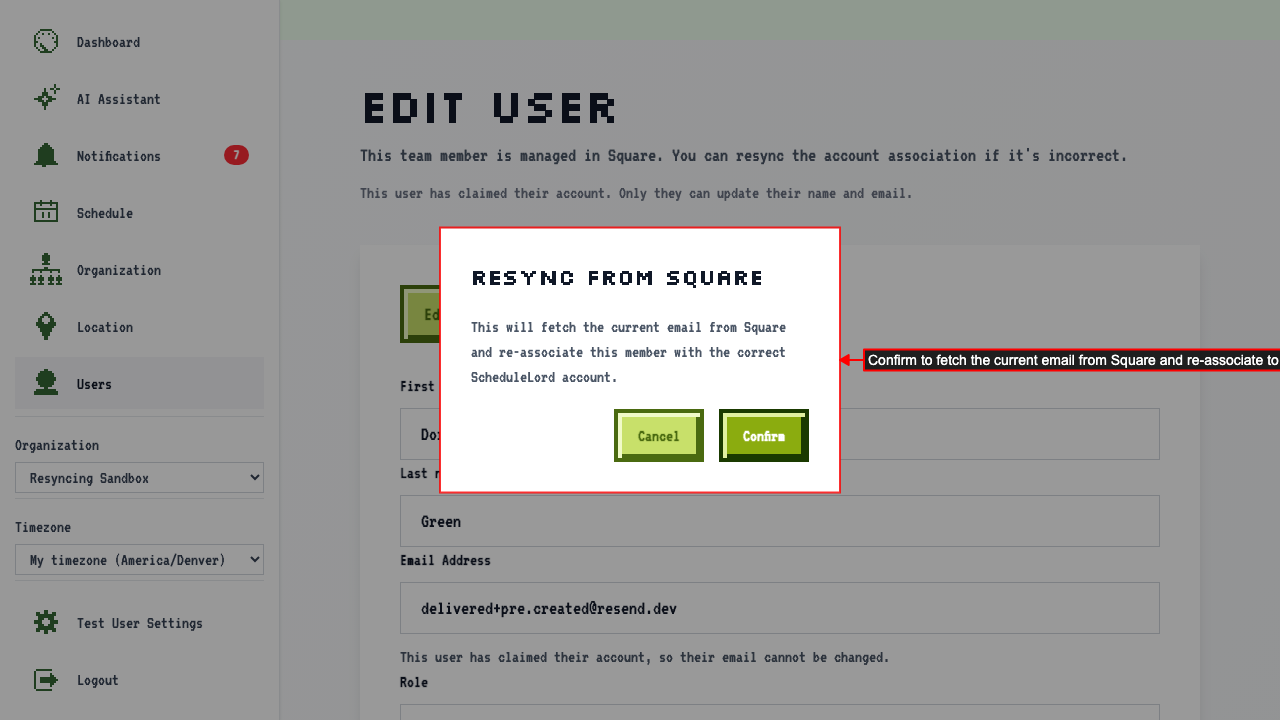 After confirming, the member is re-linked to the correct ScheduleLord account.