Square Re-authentication
How to reauthenticate with Square
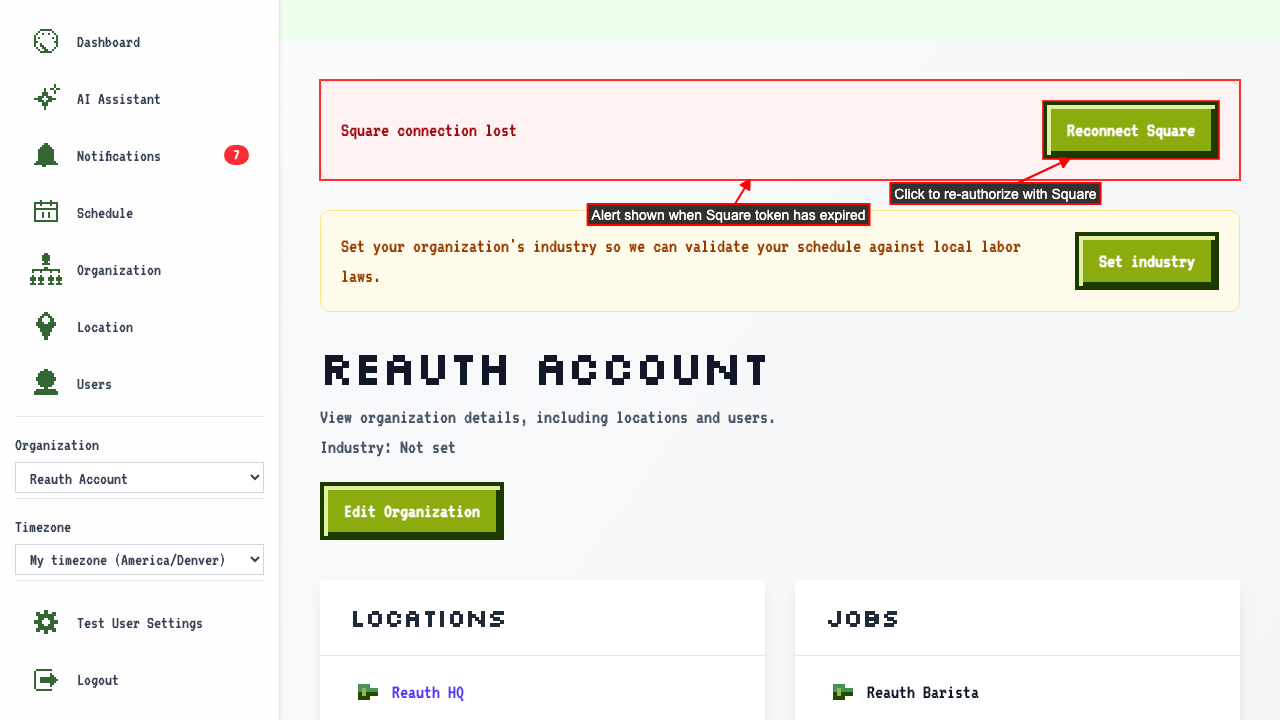
When your Square connection has expired, the org detail page shows an alert and a reconnect link.
 After authorizing with Square, a loading page is shown while the connection is restored.

Once reconnected, you are returned to the org detail page with no error shown. Any data that went stale while the token was expired is now restored.
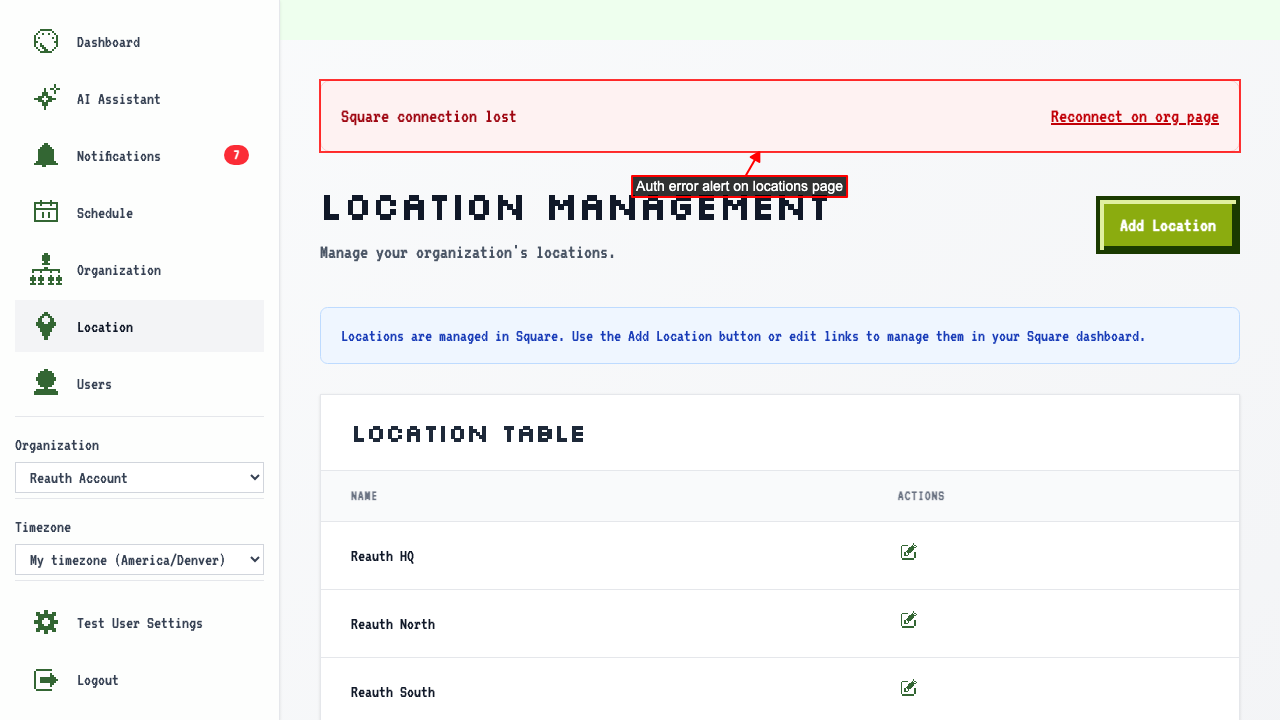
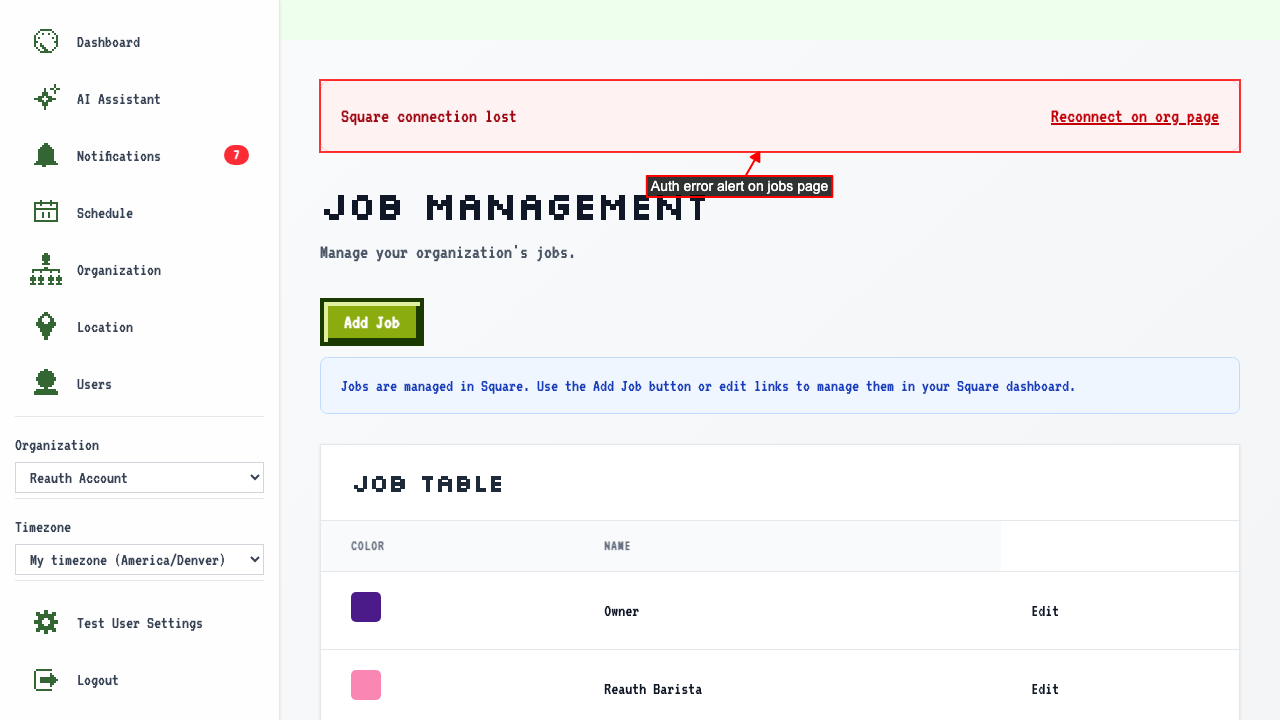
Square-managed pages show an auth error alert linking back to org detail
When there is a syncing issue with Square, Square managed pages show an auth error alert linking back to org detail to fix it.
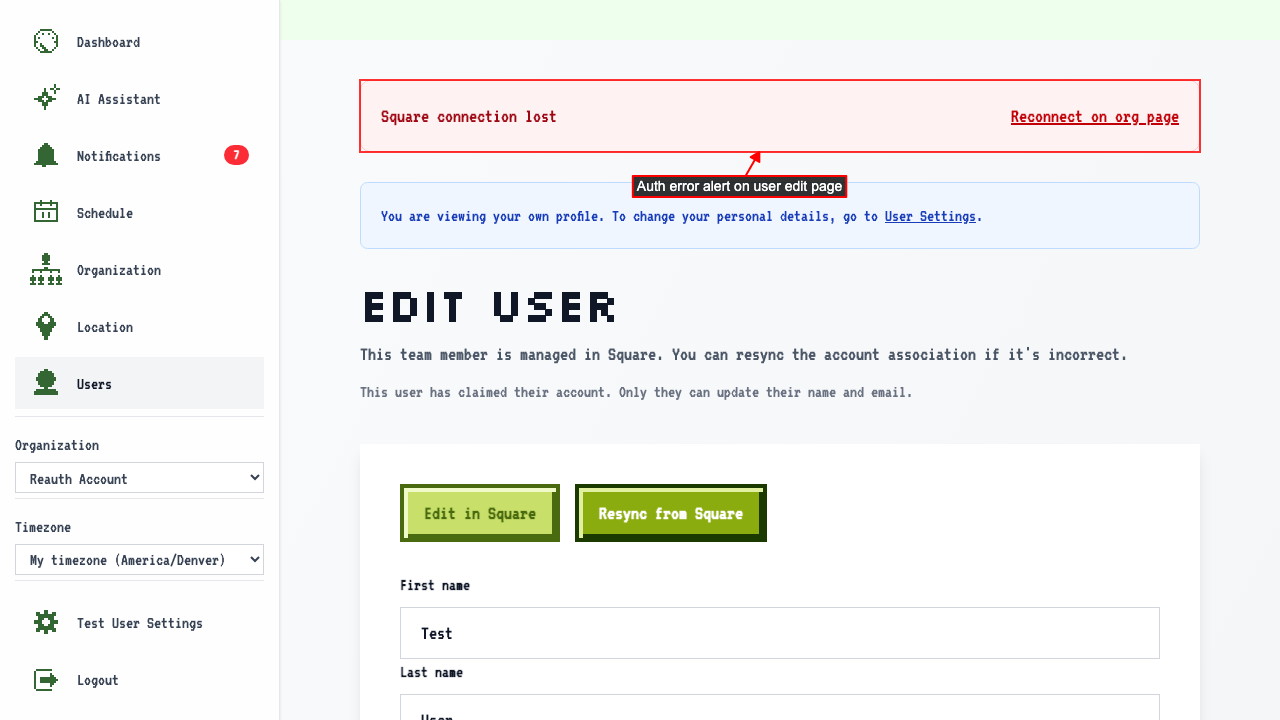
User edit page shows an auth error alert.
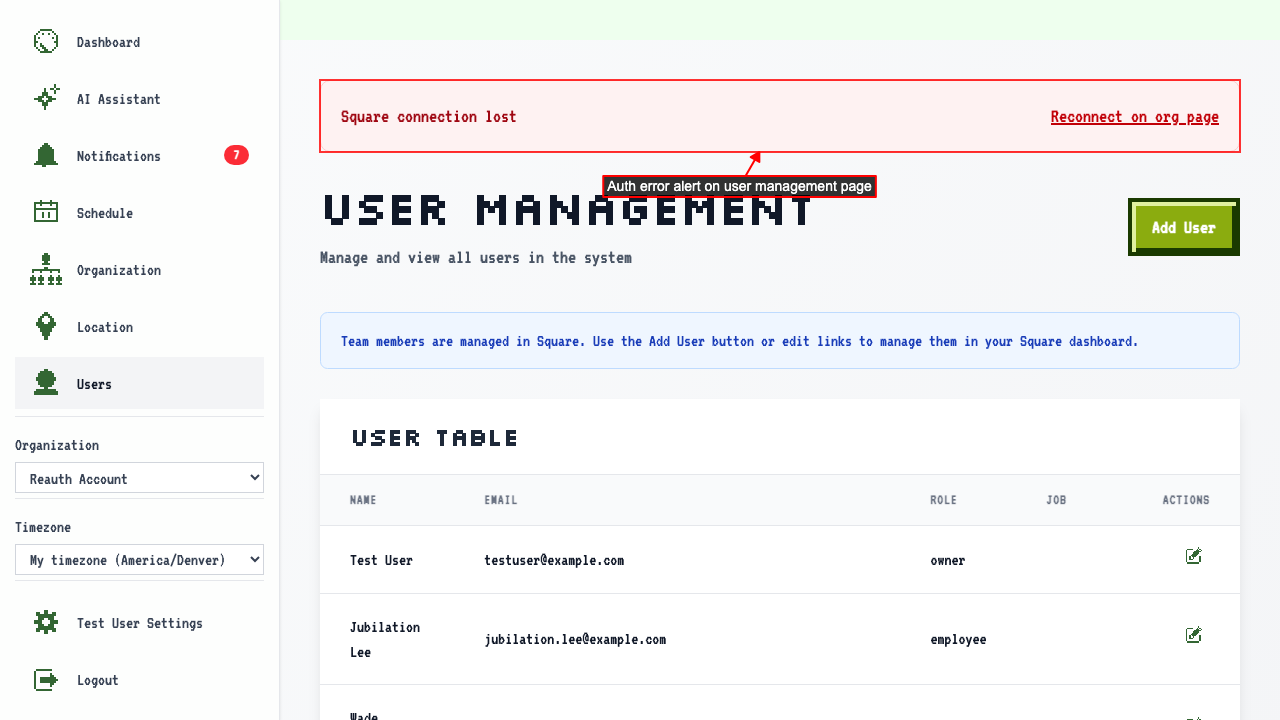
User management page shows an auth error alert.
Locations page shows an auth error alert.
Jobs page shows an auth error alert.
When token refresh fails, authError is set and org owners are notified
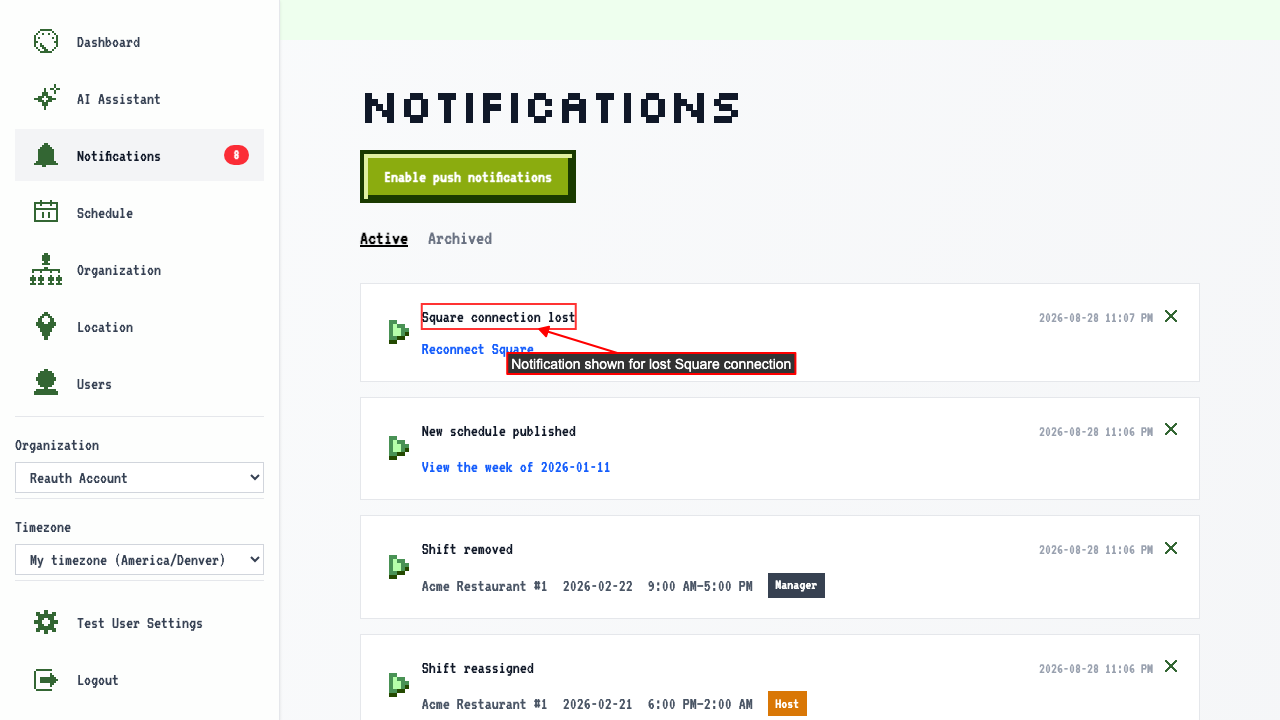
If Square authentication fails, a push notification is sent to the org owner.
The notification can be found on the notifications page.